# peepshow-sink-event-track
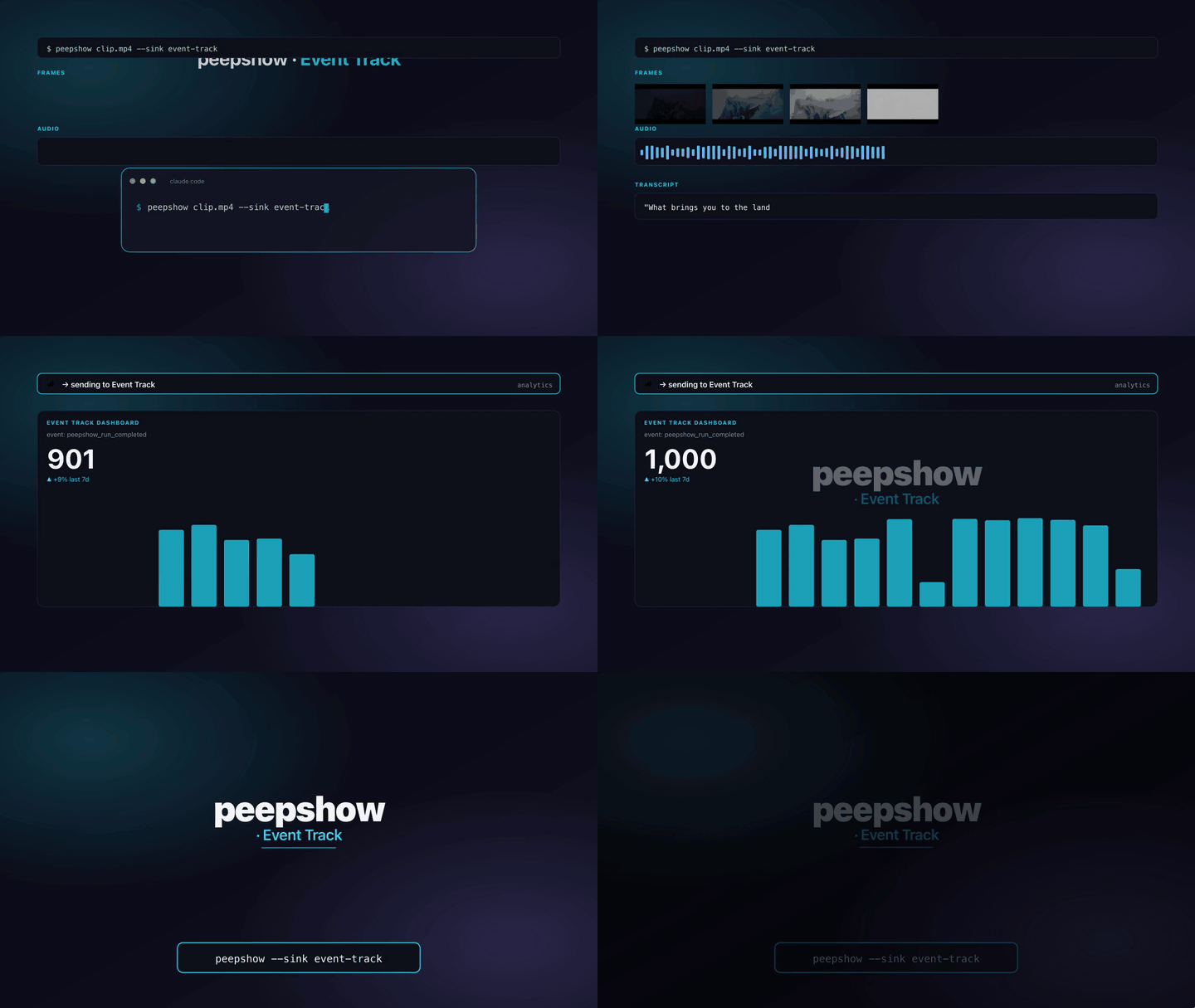
Emit each peepshow run as a product-analytics **track event** on Mixpanel,
Amplitude, or Segment. One sink binary, one wire format per provider —
selected by `EVENT_TRACK_PROVIDER`. Use it to chart CLI usage, popular
codecs, average run duration, or wire peepshow into your existing
product-analytics pipeline without standing up PostHog.
## Invocation
```bash
# Mixpanel
EVENT_TRACK_PROVIDER=mixpanel \
EVENT_TRACK_TOKEN= \
EVENT_TRACK_USER_ID=peepshow-cli \
peepshow ./clip.mp4 --sink event-track
# Amplitude
EVENT_TRACK_PROVIDER=amplitude \
EVENT_TRACK_TOKEN= \
EVENT_TRACK_USER_ID=peepshow-cli \
peepshow ./clip.mp4 --sink event-track
# Segment
EVENT_TRACK_PROVIDER=segment \
EVENT_TRACK_TOKEN= \
EVENT_TRACK_USER_ID=peepshow-cli \
peepshow ./clip.mp4 --sink event-track
```
## Configuration
| Env | Required | Default | Purpose |
|-----|----------|---------|---------|
| `EVENT_TRACK_PROVIDER` | ✓ | — | `mixpanel` \| `amplitude` \| `segment`. |
| `EVENT_TRACK_TOKEN` | ✓ | — | Mixpanel project token / Amplitude API key / Segment write key. |
| `EVENT_TRACK_USER_ID` | ✓ | — | `distinct_id` / `user_id` / `userId` attached to the event. |
| `EVENT_TRACK_EVENT_NAME` | | `peepshow_run` | Event name sent to the provider. |
| `EVENT_TRACK_ENDPOINT` | | provider default | Override the API URL (EU DC, staging, mock server). |
Default endpoints:
- Mixpanel: `https://api.mixpanel.com/track`
- Amplitude: `https://api2.amplitude.com/2/httpapi`
- Segment: `https://api.segment.io/v1/track`
## Event shape
All three providers receive the same properties; only the wire format
differs.
| Property | Notes |
|---------------|-------|
| `strategy` | `scene` or `fps`. |
| `frames` | Number of frames extracted. |
| `codec` | Video codec (empty string when unknown). |
| `output_dir` | Directory the frames were written to. |
| `duration_s` | Source duration in seconds (omitted if unknown). |
| `width` | Source width (omitted if unknown). |
| `height` | Source height (omitted if unknown). |
| `director` | From `video.tags.director` (omitted if absent). |
| `studio` | From `video.tags.studio` (omitted if absent). |
| `tags` | JSON-stringified copy of the full container tag bag. |
### Mixpanel wire format
`POST` with `content-type: application/x-www-form-urlencoded` and body
`data=` where the JSON envelope is:
```json
{
"event": "peepshow_run",
"properties": {
"token": "",
"time": 1700000000000,
"distinct_id": "",
"strategy": "scene",
"...": "..."
}
}
```
Mixpanel returns `200 OK` with a plain-text body of `1` on success and
`0` on failure — the sink treats any `0` response as an error.
### Amplitude wire format
`POST` with `content-type: application/json`:
```json
{
"api_key": "",
"events": [
{
"user_id": "",
"event_type": "peepshow_run",
"event_properties": { "strategy": "scene", "...": "..." },
"time": 1700000000000
}
]
}
```
### Segment wire format
`POST` with `content-type: application/json` and HTTP Basic auth
(`Authorization: Basic base64(":")`):
```json
{
"userId": "",
"event": "peepshow_run",
"properties": { "strategy": "scene", "...": "..." },
"timestamp": "2025-01-02T03:04:05.000Z"
}
```
## Exit codes
| Code | Meaning |
|------|---------|
| 0 | Event accepted. |
| 2 | Missing / invalid env var (`EVENT_TRACK_PROVIDER`, `EVENT_TRACK_TOKEN`, `EVENT_TRACK_USER_ID`, or unknown provider value). |
| 4 | stdin malformed. |
| 5 | Provider returned non-2xx — or Mixpanel returned `0`. |
## Use with an LLM agent
Every peepshow sink is a zero-config extension point for any LLM CLI —
Claude Code, Cursor, Windsurf, Codex, Gemini, or any agent that can shell
out. The LLM doesn't need a plugin; it just needs `peepshow` on `PATH` and
the sink's env vars in the shell it runs under.
### 1. Set the environment
Add the sink's required env vars to your shell rc (`~/.zshrc`,
`~/.bashrc`, PowerShell profile) or a project-local `.env` that your
agent tooling loads. Example:
```sh
export EVENT_TRACK_PROVIDER="mixpanel"
export EVENT_TRACK_TOKEN="…"
export EVENT_TRACK_USER_ID="your-value"
```
### 2. Register as an auto-sink
Auto-sinks fire on every `peepshow` run without per-invocation flags,
so the LLM doesn't have to remember a pipeline — the routing is
declarative:
```sh
peepshow sinks add event-track
# Optional: only fire for matching inputs
peepshow sinks add event-track --when extension=mp4,mov
peepshow sinks add event-track --when source=production
```
See [`peepshow sinks`](../../docs/PLUGINS.md) for the full matching
vocabulary.
### 3. An LLM session, end-to-end
> **You**: drop a `clip.mov` into Claude Code (or ask
> "what's in ~/bugs/crash.mov?")
>
> **Claude Code**: the `UserPromptSubmit` hook detects the video and
> auto-invokes `/peepshow:slides ~/bugs/crash.mov`. peepshow extracts
> frames + audio, transcribes locally if `whisper.cpp` is on `PATH`,
> then forwards the run to the `Event Track` sink.
>
> **`Event Track`**: fires a single `track` event to Mixpanel, Amplitude, or Segment — one sink, three wire formats.
>
> **Claude Code**: reads the frames back as images, combines them with
> the audio transcript, and writes a summary that references the
> downstream record.
### 4. What the sink sees
The sink receives the complete `--emit json` payload on stdin — not just
the frame paths. That includes:
- `video` — codec, duration, resolution, container tags (director / studio
/ title etc).
- `frames[]` — every extracted frame path + byte size.
- `audio` — `path`, `durationSeconds`, codec, loudness peak, silence
ratio.
- `audio.transcript` — `segments[]` with timestamps, full `text`,
language — populated when transcription is enabled (v0.4.0+).
- `extraction` — strategy, thresholds, ffmpeg path used.
> **Transcript handling**: transcript metadata (language, duration, silence ratio) is sent as event properties.