# peepshow-sink-continue
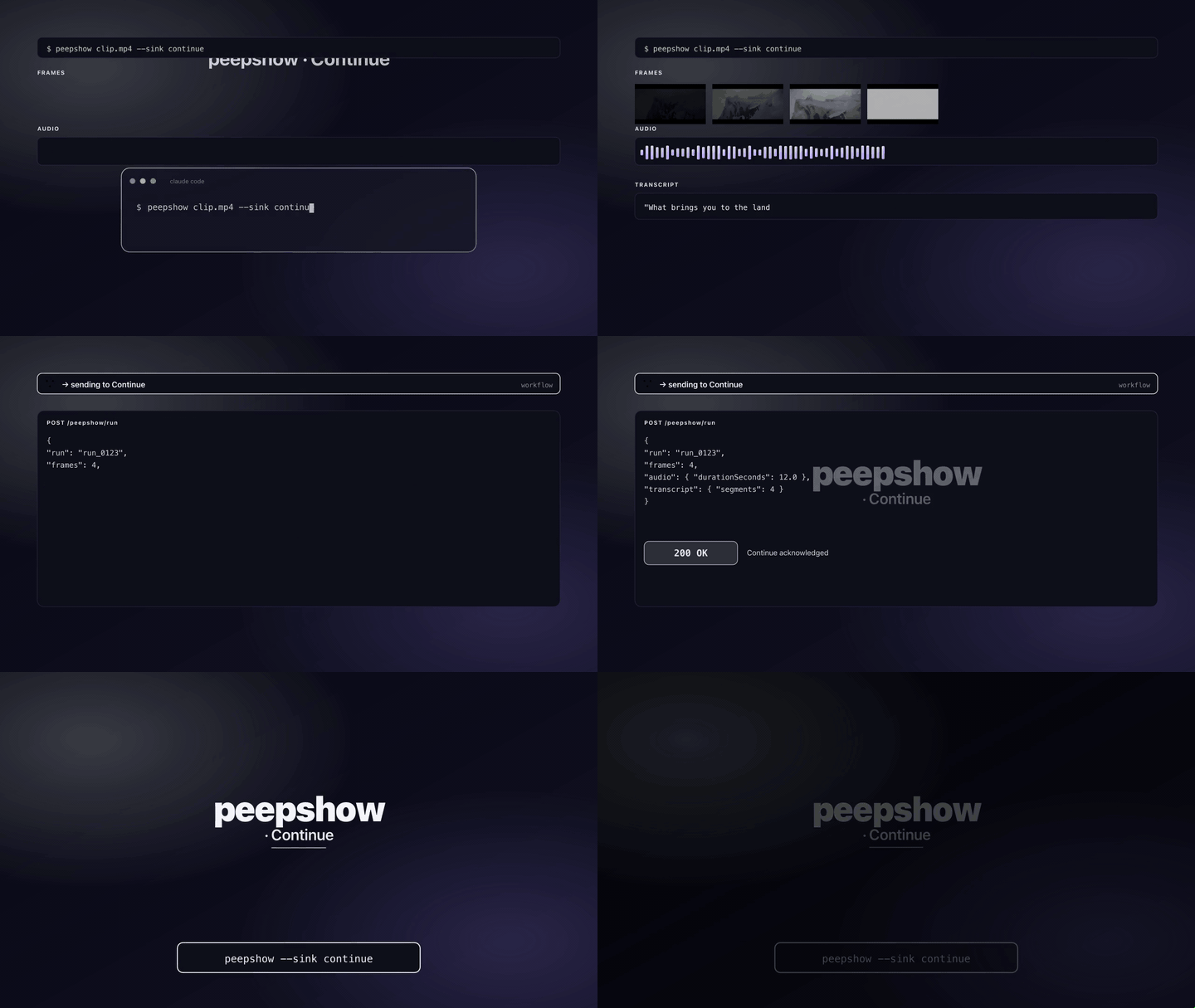
Drops peepshow frames + a manifest + (optionally) a markdown transcript into the [Continue](https://continue.dev) workspace context folder (`.continue/context/`) so they're picked up as searchable context for your next prompt in the Continue VS Code / JetBrains extension.
## Config
| Env var | Required | Default | Purpose |
| :------ | :------- | :------ | :------ |
| `CONTINUE_CONTEXT_DIR` | no | `./.continue/context/peepshow/` | Target directory. Relative paths resolve against `cwd`. |
| `PEEPSHOW_CONTINUE_DIR` | no | — | Alias for `CONTINUE_CONTEXT_DIR`; wins when both are set. |
| `CONTINUE_COPY_MODE` | no | `copy` | `copy`, `symlink`, or `link` (hardlink). `link` silently falls back to `copy` across filesystems (EXDEV). |
## What gets written
```
.continue/context/peepshow/
├── frame_0001.jpg
├── frame_0002.jpg
├── ...
├── manifest.json # run + video + audio + frames[]
└── transcript.md # only when --transcribe produced segments
```
### `manifest.json` shape
```json
{
"run": {
"outputDir": "/tmp/peepshow-xxxx",
"strategy": "scene",
"generatedAt": "2026-04-24T10:11:12.000Z"
},
"video": { "durationSeconds": 12.5, "width": 1920, "height": 1080, "codec": "h264", "tags": { "director": "Kubrick" }, ... },
"audio": { "path": "...", "codec": "aac", "peakDbfs": -3.2, "silenceRatio": 0.12, ... } | null,
"frames": [
{ "path": "/tmp/.../frame_0001.jpg", "index": 0, "bytes": 1234 },
...
]
}
```
Continue walks the context folder on each prompt — plain JSON + markdown ride through unchanged.
### `transcript.md` shape
Written only when the peepshow run included transcription (e.g. `--transcribe whisper-cpp`) and produced content.
```markdown
# Transcript
- **provider:** whisper-cpp
- **model:** base.en
- **language:** en
- **duration:** 12.34s
## Segments
- [00:00 → 00:03] Hello world.
- [00:03 → 00:07] **S1:** Second line.
```
Segments fall back to a plain text body when the provider returned only `text` with no timestamps.
## Use
```bash
peepshow sinks add continue # register as auto-sink
peepshow ./demo.mp4 # frames land in .continue/context/peepshow/
```
Or one-off:
```bash
peepshow ./demo.mp4 --sink continue
```
Prefer hardlinks (same filesystem, no disk copy):
```bash
CONTINUE_COPY_MODE=link peepshow ./demo.mp4 --sink continue
```
Write into a shared context dir outside the workspace:
```bash
PEEPSHOW_CONTINUE_DIR=~/.continue/sessions/current/peepshow \
peepshow ./demo.mp4 --sink continue
```
## Copy modes
| Mode | Behaviour | When to use |
| :--- | :-------- | :---------- |
| `copy` *(default)* | Full byte copy. Slow for large videos but self-contained. | Default — safest. Files survive source deletion. |
| `symlink` | Symbolic link to the source path. | Free, but breaks when the source dir is cleaned up (peepshow's tmp outputs). |
| `link` | Hardlink (same inode). Zero copy, full copy semantics. | Best of both when `.continue/` and peepshow's output dir live on the same filesystem. Falls back to `copy` across devices. |
## Caveats
- Continue's context-folder crawler is file-based — it reads what it can open. Don't use `symlink` if you plan to delete peepshow's run output after the fact.
- Some Continue builds look in `~/.continue/sessions//` instead of the workspace — override via `PEEPSHOW_CONTINUE_DIR` if that's your setup.
- The sink does **not** clean up old frames. Registering it as an auto-sink keeps appending into the same folder — run `rm -rf .continue/context/peepshow/` periodically, or point each run at a timestamped subdir via `PEEPSHOW_CONTINUE_DIR`.
## Use with an LLM agent
Every peepshow sink is a zero-config extension point for any LLM CLI — Claude Code, Cursor, Windsurf, Codex, Gemini, or Continue itself. The LLM doesn't need a plugin; it just needs `peepshow` on `PATH` and the sink's env vars in the shell it runs under.
### 1. Set the environment
```sh
# Continue reads from your workspace by default — no env required:
peepshow --sink continue
# Or force a specific location:
export CONTINUE_CONTEXT_DIR="$PWD/.continue/context/peepshow"
```
### 2. Register as an auto-sink
```sh
peepshow sinks add continue
# Optional: only fire for video formats Continue likely cares about
peepshow sinks add continue --when extension=mp4,mov,webm
```
See [`peepshow sinks`](../../docs/PLUGINS.md) for the full matching vocabulary.
### 3. An LLM session, end-to-end
> **You**: drop `clip.mov` into Continue's chat, or ask "what's in
> `~/bugs/crash.mov`?".
>
> **Your agent**: shells out to `peepshow ~/bugs/crash.mov`. peepshow
> extracts frames + audio, transcribes locally if `whisper.cpp` is on
> `PATH`, then forwards the run to the `Continue` sink.
>
> **Continue**: the next prompt includes frame JPGs + `manifest.json` +
> `transcript.md` from `.continue/context/peepshow/` as searchable
> context. The model can reference frames by filename and the transcript
> by timestamp without re-reading the video.
### 4. What the sink sees
The sink receives the complete `--emit json` payload on stdin — not just the frame paths. That includes:
- `video` — codec, duration, resolution, container tags (director / studio / title etc).
- `frames[]` — every extracted frame path + byte size.
- `audio` — `path`, `durationSeconds`, codec, loudness peak, silence ratio.
- `audio.transcript` — `segments[]` with timestamps, full `text`, language — populated when transcription is enabled.
- `extraction` — strategy, thresholds, ffmpeg path used.