# peepshow-sink-chroma
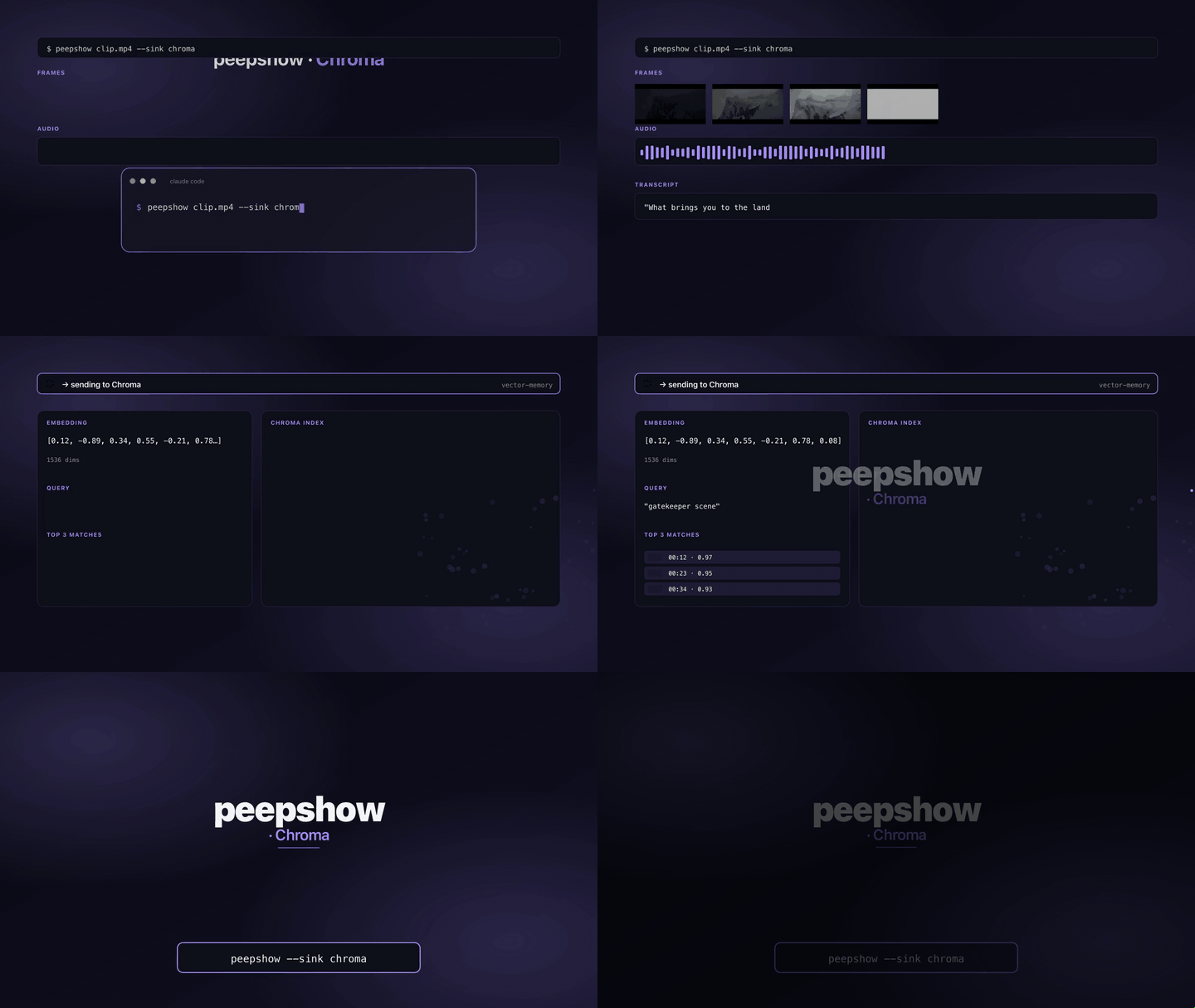
Index peepshow frames into a [Chroma](https://trychroma.com) vector DB collection. Embeddings are not computed client-side — the sink only sends `documents` + `metadatas` + `ids`, so the collection must be configured with a server-side embedding function (or an embedder pipeline must fill them in downstream). Uses Chroma's v2 REST API, tenant/database aware.
## Install
Ships built-in with peepshow:
```bash
npm i -g peepshow
```
No client SDK required — the sink talks to Chroma over `fetch`.
## Configuration
| Env | Required | Default | Purpose |
|-----|----------|---------|---------|
| `CHROMA_URL` | ✓ | — | Base URL, e.g. `http://localhost:8000`. Trailing slashes stripped. |
| `CHROMA_COLLECTION` | ✓ | — | Collection name (must already exist, or be auto-created server-side). |
| `CHROMA_TENANT` | | `default_tenant` | Tenant for multi-tenant deployments. |
| `CHROMA_DATABASE` | | `default_database` | Database within the tenant. |
| `CHROMA_TOKEN` | | (none) | Bearer token for auth-enabled installs. |
## Usage
```bash
export CHROMA_URL="http://localhost:8000"
export CHROMA_COLLECTION="peepshow"
peepshow ./lecture.mp4 --sink chroma
```
Optional flags:
- `--when` filters so the sink only fires for matching inputs (see [PLUGINS.md](../PLUGINS.md)).
- Pair with `peepshow sinks add chroma` for auto-invocation.
## Record shape (per frame)
- `ids[]` — `peepshow::`.
- `documents[]` — human-readable caption (`Frame N from "" at ~Xs (<path>)`) so server-side vectorizers have text to embed.
- `metadatas[]` — `{ ordinal, path, bytes, strategy, codec, duration_seconds, width, height, tag_<key>: value, … }`. All `video.tags` are flattened with a `tag_` prefix and slugified keys.
## Exit codes
| Code | Meaning |
|------|---------|
| 0 | Records added. |
| 2 | Missing `CHROMA_URL` or `CHROMA_COLLECTION`. |
| 4 | stdin malformed. |
| 5 | Chroma returned non-2xx (bad collection, auth failure, network). |
## Caveats
- The sink does not create the collection — create it server-side with the embedding function you want, then point `CHROMA_COLLECTION` at it.
- Tag keys are lowercased + non-alphanumerics replaced with `_`; clashing tags overwrite each other in the metadata object.
- Chroma rejects metadata values that aren't primitives — nested objects are not flattened beyond tags, so raw `video.tags` keys are the only structured data preserved.
## Use with an LLM agent
Every peepshow sink is a zero-config extension point for any LLM CLI —
Claude Code, Cursor, Windsurf, Codex, Gemini, or any agent that can shell
out. The LLM doesn't need a plugin; it just needs `peepshow` on `PATH` and
the sink's env vars in the shell it runs under.
### 1. Set the environment
Add the sink's required env vars to your shell rc (`~/.zshrc`,
`~/.bashrc`, PowerShell profile) or a project-local `.env` that your
agent tooling loads. Example:
```sh
export CHROMA_URL="http://localhost:8000"
export CHROMA_COLLECTION="peepshow"
```
### 2. Register as an auto-sink
Auto-sinks fire on every `peepshow` run without per-invocation flags,
so the LLM doesn't have to remember a pipeline — the routing is
declarative:
```sh
peepshow sinks add chroma
# Optional: only fire for matching inputs
peepshow sinks add chroma --when extension=mp4,mov
peepshow sinks add chroma --when genre=tutorial
```
See [`peepshow sinks`](../../docs/PLUGINS.md) for the full matching
vocabulary.
### 3. An LLM session, end-to-end
> **You**: drop a `clip.mov` into Claude Code (or ask
> "what's in ~/bugs/crash.mov?")
>
> **Claude Code**: the `UserPromptSubmit` hook detects the video and
> auto-invokes `/peepshow:slides ~/bugs/crash.mov`. peepshow extracts
> frames + audio, transcribes locally if `whisper.cpp` is on `PATH`,
> then forwards the run to the `Chroma` sink.
>
> **`Chroma`**: adds one record per frame to the configured collection — captions as documents, metadata as filterable fields, embeddings computed server-side.
>
> **Claude Code**: reads the frames back as images, combines them with
> the audio transcript, and writes a summary that references the
> downstream record.
### 4. What the sink sees
The sink receives the complete `--emit json` payload on stdin — not just
the frame paths. That includes:
- `video` — codec, duration, resolution, container tags (director / studio
/ title etc).
- `frames[]` — every extracted frame path + byte size.
- `audio` — `path`, `durationSeconds`, codec, loudness peak, silence
ratio.
- `audio.transcript` — `segments[]` with timestamps, full `text`,
language — populated when transcription is enabled (v0.4.0+).
- `extraction` — strategy, thresholds, ffmpeg path used.
> **Transcript handling**: the transcript text is a natural embedding target — indexed alongside the frames so later retrieval covers spoken content too.
*Full list + links: [docs/sinks/README.md](./README.md).*