# peepshow-sink-aider
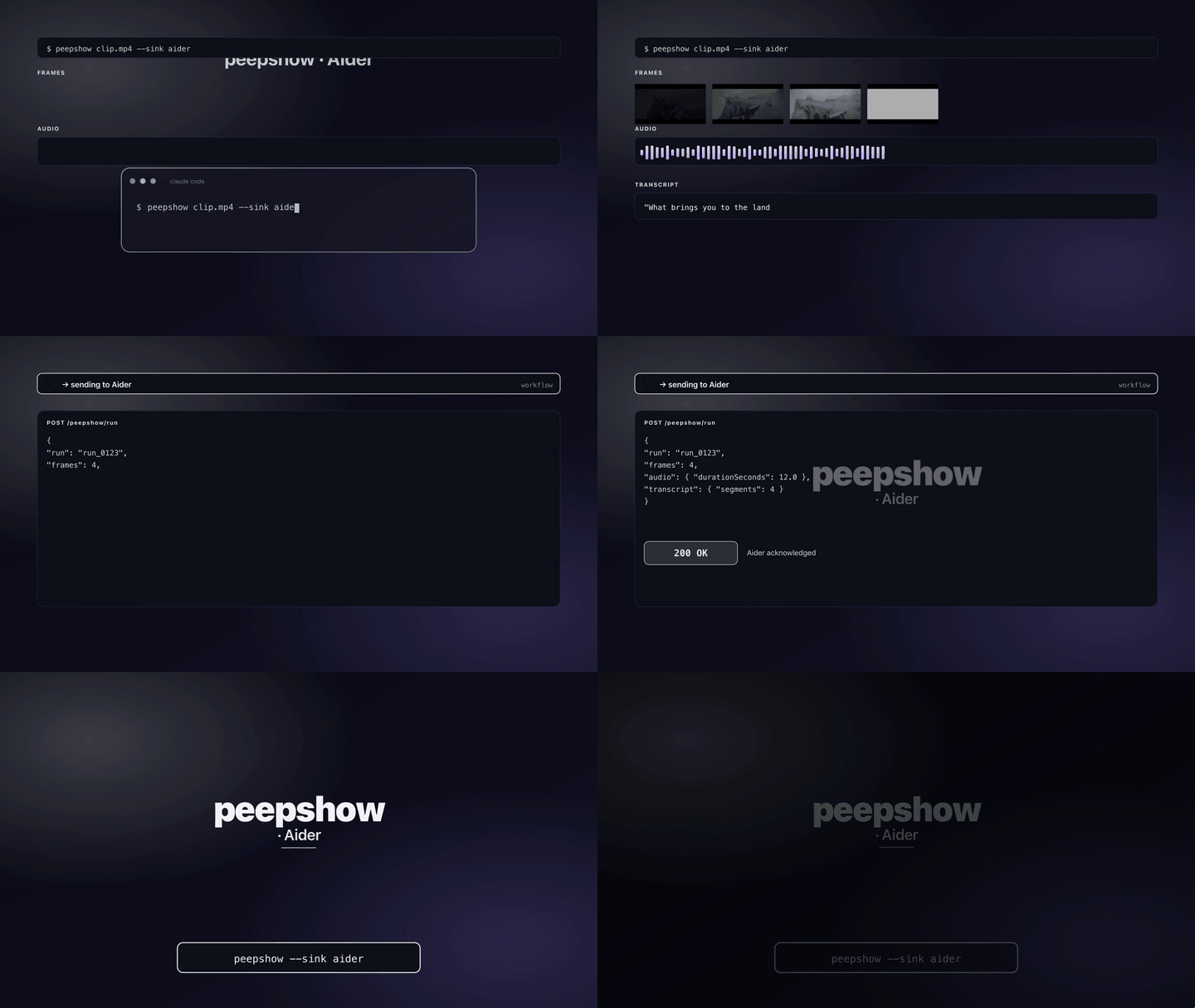
Append a markdown block for every peepshow run straight into Aider's running chat history (`.aider.chat.history.md`). The block includes the run summary, every container tag, absolute paths to the extracted frames, and — when available — an `mm:ss` transcript. The next time aider loads the transcript, it sees the frames alongside the rest of the conversation.
## Config
| Env var | Required | Default | Purpose |
| :------ | :------- | :------ | :------ |
| `AIDER_CHAT_HISTORY_FILE` | no | `./.aider.chat.history.md` | Path (absolute or relative) to the chat-history markdown file. Relative paths resolve against the current working directory. |
| `PEEPSHOW_AIDER_FILE` | no | — | Alias for `AIDER_CHAT_HISTORY_FILE` (same dual-name pattern as the obsidian sink). |
| `AIDER_ROOT` | no | — | When set **and** no explicit chat-history file is configured, write a standalone `peepshow-.md` under this directory instead of appending. Useful if you'd rather keep peepshow runs out of the running chat log. |
If none of the env vars are set, the sink appends to `./.aider.chat.history.md` — the default location aider itself uses.
## Use
```bash
# Append to the running chat history in the current project:
peepshow sinks add aider
peepshow ./bug.mov
# Or file every run into a dedicated per-run markdown:
export AIDER_ROOT=~/notes/aider-sessions
peepshow sinks add aider
peepshow ./demo.mp4
```
## Block format
```markdown
## peepshow run — 2026-04-22T12:00:00Z
- **strategy:** scene
- **frames:** 2 emitted, 0 pruned
- **duration:** 42.00s
- **resolution:** 1920×1080
- **codec:** h264
- **container:** mov
### Tags
- **title:** The Heist
- **director:** Kubrick
### Frames


### Transcript
```text
00:00 Hello, world.
00:08 This is the second segment.
```
```
All frame paths are absolute so aider (and any downstream LLM) can resolve them regardless of the cwd. Over 20 frames are truncated in the block with an elision note so the history doesn't balloon — the full set still lives on disk at `frames[].path`.
## Caveats
- **Append-only.** The sink never overwrites the history file. Edits you make to the file between runs are preserved.
- **Standalone mode writes fresh files.** If you set `AIDER_ROOT` without a chat-history file, each run gets its own `peepshow-.md` — aider won't auto-import those; use the default append mode to have the run show up in the transcript aider reads on startup.
- **Paths are resolved at sink time, not at aider load time.** Move frames after the fact and the markdown refs will break — treat the run artifacts under `~/.peepshow/runs/` as the ground truth.
## Use with an LLM agent
Every peepshow sink is a zero-config extension point for any LLM CLI —
Claude Code, Cursor, Windsurf, Codex, Gemini, Aider, or any agent that
can shell out. The LLM doesn't need a plugin; it just needs `peepshow`
on `PATH` and the sink's env vars in the shell it runs under.
### 1. Set the environment
Add the sink's env vars to your shell rc (`~/.zshrc`, `~/.bashrc`,
PowerShell profile) or a project-local `.env` that your agent tooling
loads. Example:
```sh
# Default: append to ./.aider.chat.history.md in the current project
peepshow sinks add aider
# Or point at an explicit file:
export AIDER_CHAT_HISTORY_FILE="$HOME/projects/app/.aider.chat.history.md"
```
### 2. Register as an auto-sink
Auto-sinks fire on every `peepshow` run without per-invocation flags,
so the LLM doesn't have to remember a pipeline:
```sh
peepshow sinks add aider
# Optional: only fire for screen-recording type videos
peepshow sinks add aider --when extension=mov,mp4
```
See [`peepshow sinks`](../../docs/PLUGINS.md) for the full matching
vocabulary.
### 3. An aider session, end-to-end
> **You**: drop a `crash.mov` next to an aider session and ask "what
> happened in this recording?"
>
> **peepshow**: extracts frames, pulls audio, transcribes locally if
> `whisper.cpp` is on `PATH`, then fires the aider sink.
>
> **`aider` sink**: appends a new `## peepshow run — …` block to the
> project's `.aider.chat.history.md`, with absolute frame paths and the
> `mm:ss` transcript inline.
>
> **aider**: on the next `/load` (or next startup) sees the frames in
> its own transcript, can open them via the aider `add` command, and
> can reason about the video alongside the rest of the chat.
### 4. What the sink sees
The sink receives the complete `--emit json` payload on stdin — not just
the frame paths. That includes:
- `video` — codec, duration, resolution, container tags.
- `frames[]` — every extracted frame path + byte size.
- `audio` — `path`, `durationSeconds`, codec, loudness peak, silence ratio.
- `audio.transcript` — `segments[]` with timestamps, full `text`, language.
- `extraction` — strategy, thresholds, ffmpeg path used.
> **Transcript handling**: the transcript becomes a fenced `text` code
> block under `### Transcript`, one line per segment as `mm:ss text`,
> so aider and the human reviewer can scan the audio timeline without
> leaving the chat log.