
# particles-bg-vue
[](https://www.npmjs.com/package/particles-bg-vue) [](https://standardjs.com)
> A vue.js particles animation background component. Use it to make your website look cool.
### Check it out if you want to use it in `React` [https://github.com/lindelof/particles-bg](https://github.com/lindelof/particles-bg)
## Specify
This project refers to the source code of the [Proton](https://drawcall.github.io/Proton/) official website, and proton's online [demo](https://codesandbox.io/s/proton-tadpole-yt6qu?fontsize=14&module=%2Fsrc%2Fcomponents%2FParticles.vue). I packaged it into a vue.js component. You can use it casually in your own projects
### Online demo
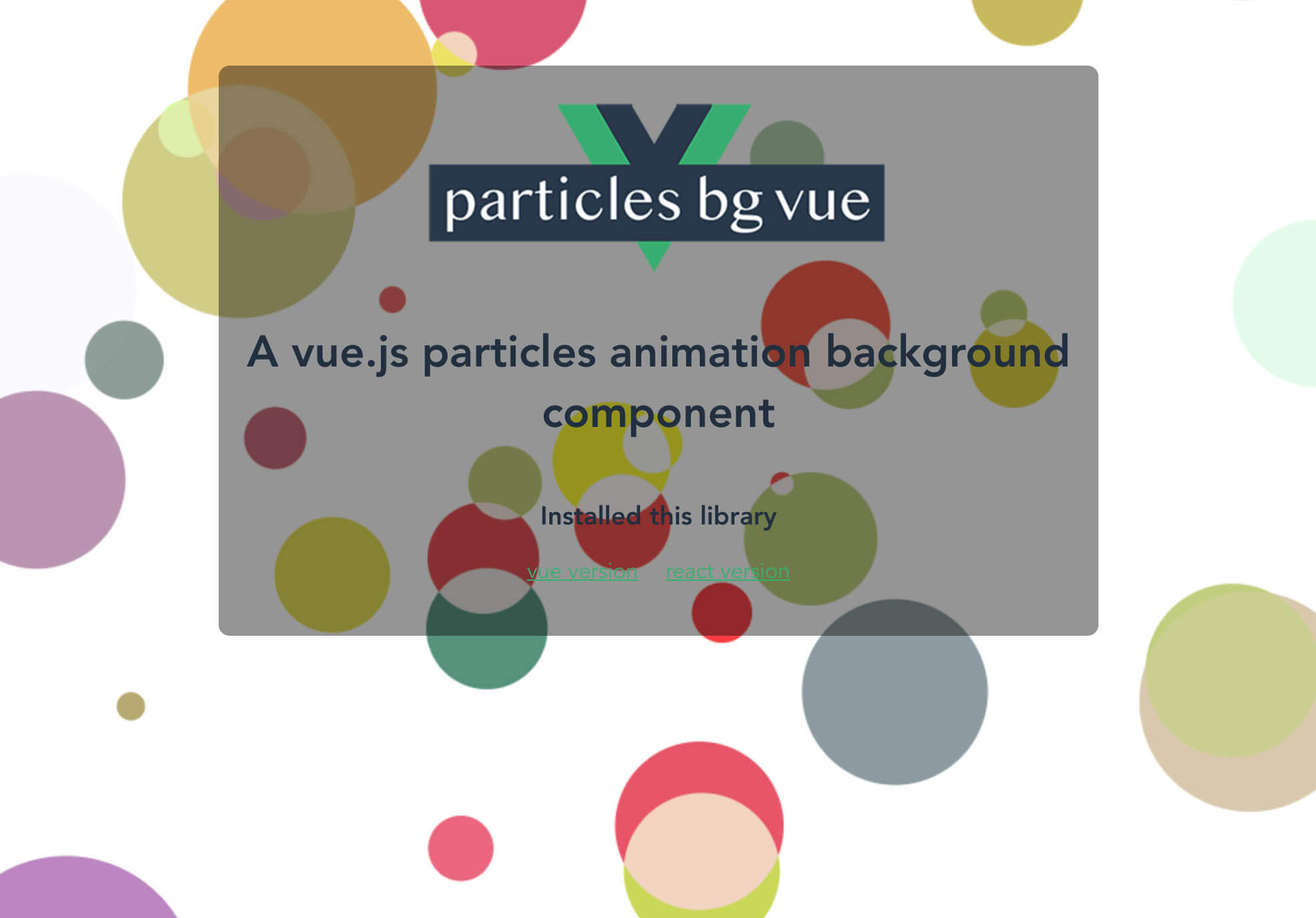
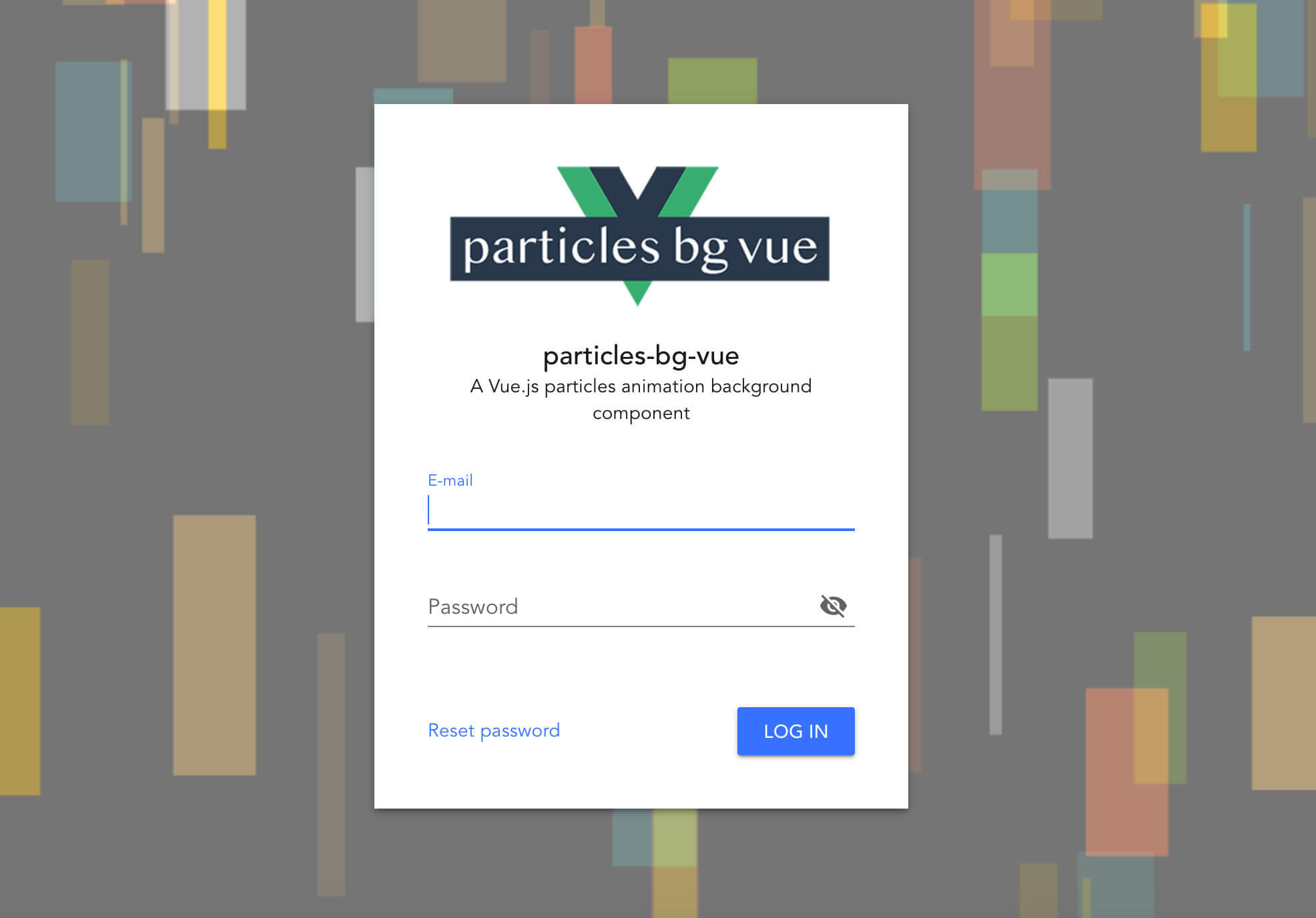
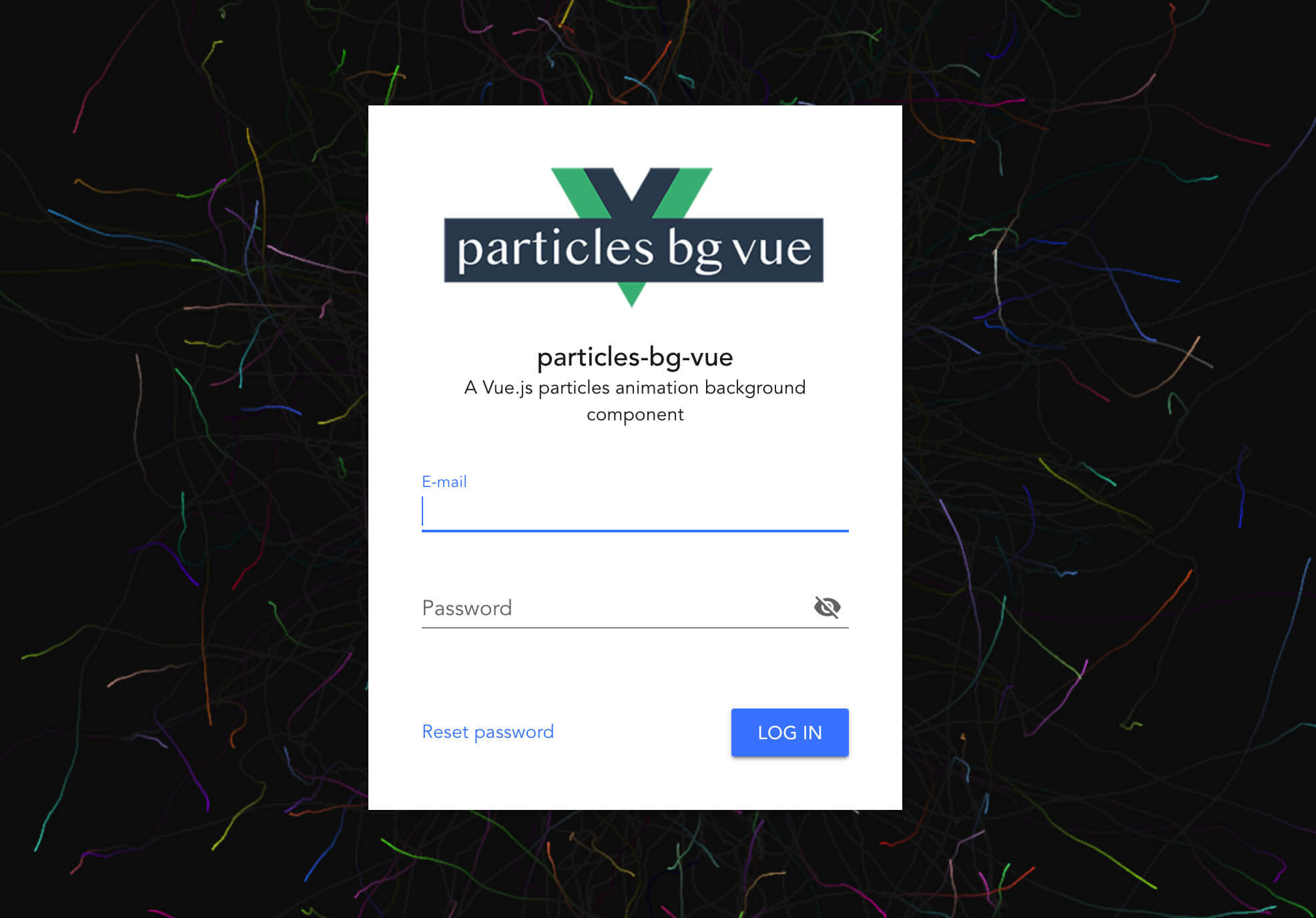
* demo1 [https://codesandbox.io/s/particles-bg-vue-bg145](https://codesandbox.io/s/particles-bg-vue-bg145)
* demo2 [https://codesandbox.io/s/particles-bg-vue-qc1b5](https://codesandbox.io/s/particles-bg-vue-qc1b5)
* custom [https://codesandbox.io/s/particles-bg-vue-2fkvr](https://codesandbox.io/s/particles-bg-vue-2fkvr)



## Install
```bash
npm install --save particles-bg-vue
```
## Usage
### Method 1: Import and use in the component
```vue
...
import { ParticlesBg } from "particles-bg-vue";
export default {
name: "App",
components: {
ParticlesBg
}
};
```
### Method 2: Use it globally
```vue
import VueParticlesBg from "particles-bg-vue";
Vue.use(VueParticlesBg);
....
```
## Parameter Description
```vue
```
#### * type - Is the type of particle animation
Is the type of particle animation, `random` is a random selection. You are also free to customize use `custom`.
```js
"color"
"ball"
"lines"
"thick"
"circle"
"cobweb"
"polygon"
"square"
"tadpole"
"fountain"
"random"
"custom"
```
#### * num - The number of particles emitted each time, generally not set
#### * color - The background color or particle color of the particle scene
Notice: which should be an array under type=`color`
#### * canvas - canvas dom style
```vue
:canvas="canvasObject"
...
```
#### * bg - Set to html background
Is set the following properties
```css
position: "absolute",
zIndex: -1,
top: 0,
left: 0
```
## About Custom
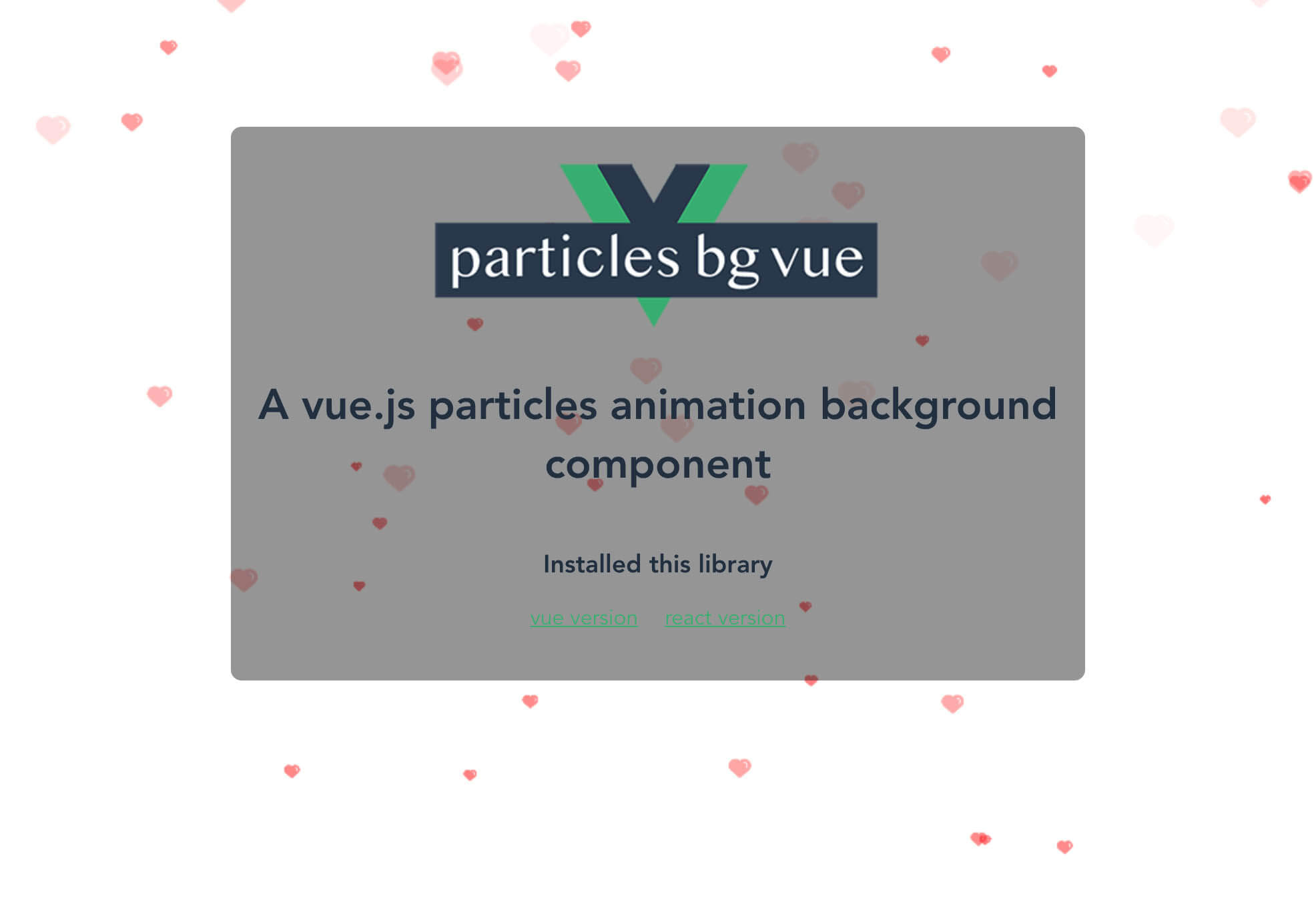
You can use type="custom" to achieve a higher degree of freedom for the particle background.
```vue
...
data: function() {
return {
config: {
num: [4, 7],
rps: 0.1,
radius: [5, 40],
life: [1.5, 3],
v: [2, 3],
tha: [-30, 30],
body: icon,
alpha: [0.6, 0],
scale: [0.1, 0.4],
position: "all",
cross: "dead",
random: 15
}
};
}
```
## Similar projects
Maybe you will like these two projects, they will also make your page flourish
* [https://github.com/lindelof/react-mouse-particles](https://github.com/lindelof/react-mouse-particles)
* [https://github.com/lindelof/power-mode-input](https://github.com/lindelof/power-mode-input)
## License
https://opensource.org/licenses/MIT