# Chameleon
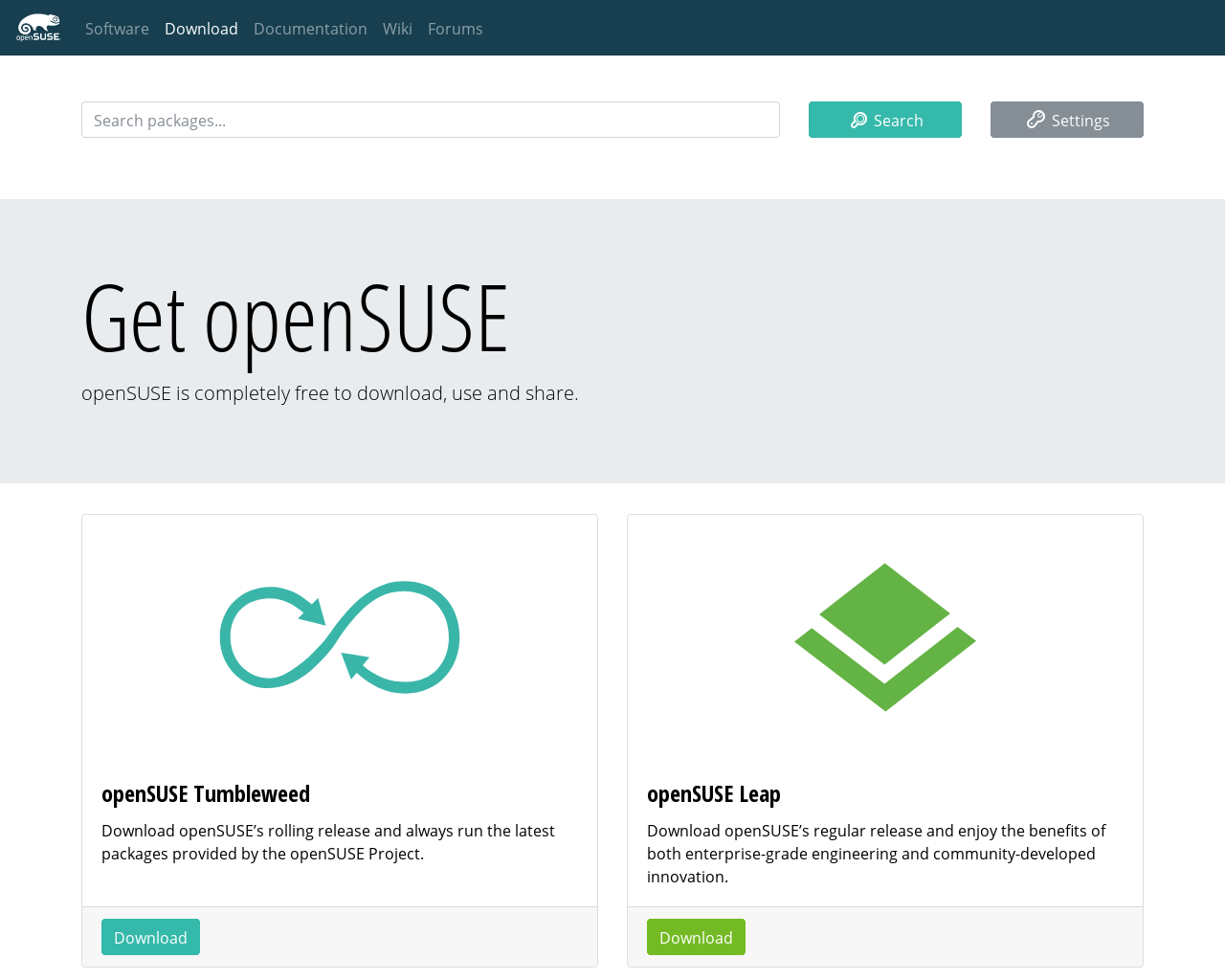
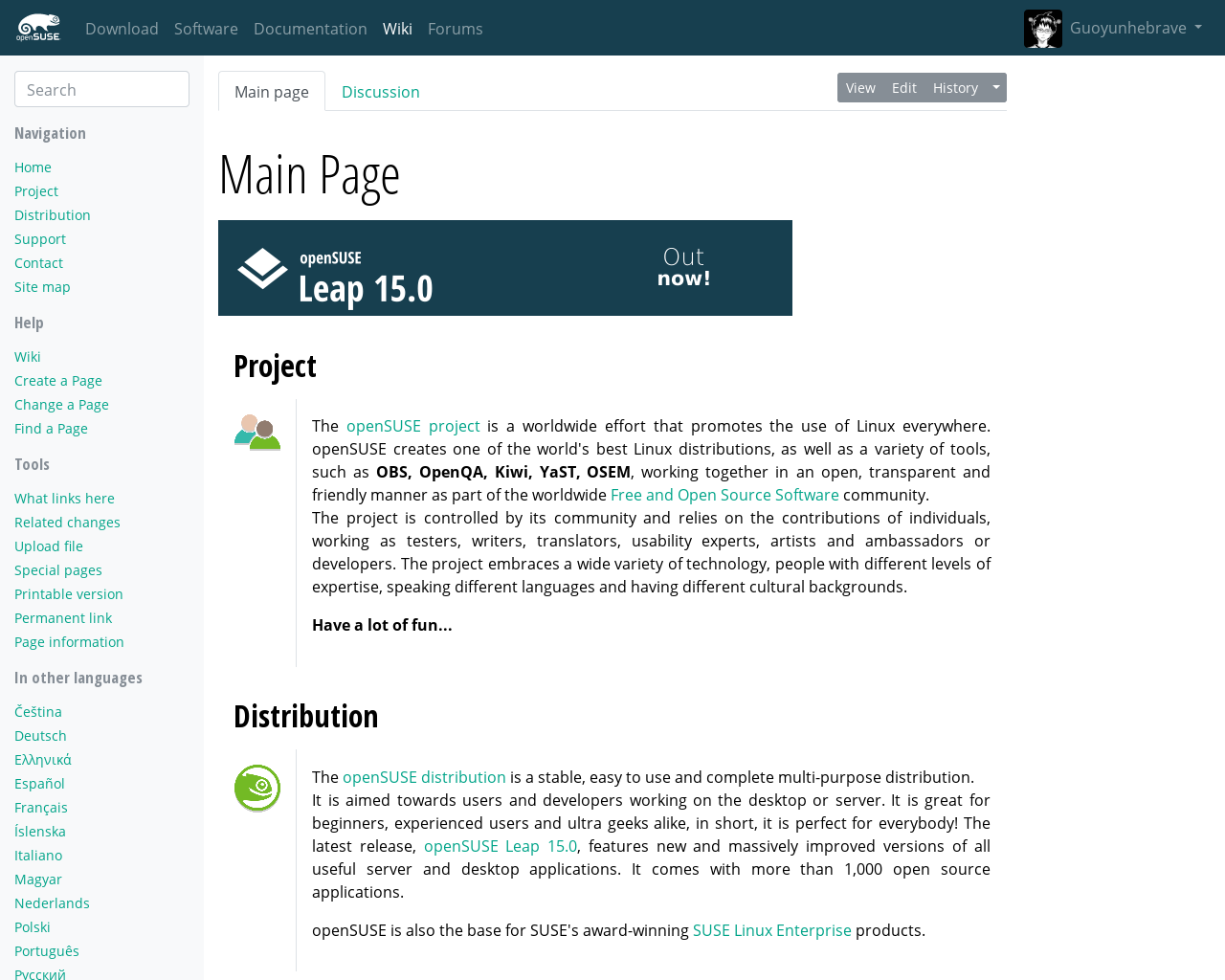
Vivid UI theme for openSUSE websites. Based on Bootstrap 4.1. Apply
[openSUSE Brand Guidelines](https://opensuse.github.io/branding-guidelines/) and
[openSUSE Artwork](https://github.com/openSUSE/artwork).
## Download
### Directly download
[Download latest releases](https://github.com/openSUSE/opensuse-theme-chameleon/releases)
### NPM install
```bash
npm install opensuse-theme-chameleon --save
```
### Ruby Gem install
TODO
### PHP Composer install
TODO
## Import
### HTML link
Compiled CSS, JavaScript, fonts and some SVG images are inside `dist` folder.
You can directly include/link these files in your HTML template.
Link CSS:
```html
```
Link JavaScript:
1. **with jQuery**
```html
```
2. **without jQuery** (for MediaWiki, WordPress, etc. which already provide jQuery):
```html
```
### Gulp/Webpack import
If you have a lot of stuff to customize, use a build system like Gulp, Webpack,
like what we do for openSUSE wiki. You can use a lot of SaSS features to make
beautiful components.
[Gulp configuration example](https://github.com/openSUSE/wiki/blob/master/skins/Chameleon/gulpfile.js)
Import SCSS:
```scss
@import "~opensuse-theme-chameleon/src/scss/chameleon";
```
Import JavaScript:
1. Old way, without ES6 support
```js
require("opensuse-theme-chameleon");
// or
require("opensuse-theme-chameleon/dist/js/chameleon-no-jquery.js");
```
2. New way, with ES6 support
```js
import "opensuse-theme-chameleon";
// or
import "opensuse-theme-chameleon/dist/js/chameleon-no-jquery.js";
```
### Ruby on Rails import
TODO
## Bootstrap 4 Styles and Components
[Read the Bootstrap 4 document](https://getbootstrap.com/docs/4.1/getting-started/introduction/)
## Chameleon Styles
Chameloen has some customization to Bootstrap 4. You can reuse these colors and
fonts in your styles.
### Colors
| openSUSE colors | Value | Bootstrap colors |
| ---------------- | ------- | ---------------- |
| $opensuse-green | #73ba25 | $brand-success |
| $opensuse-dark | #173f4f | $brand-inverse |
| $opensuse-cyan | #35b9ab | $brand-primary |
| $opensuse-cyan2 | #00a489 | $link-color |
| $opensuse-green2 | #6da741 | |
| $opensuse-blue | #21a4df | $brand-info |
### Fonts
Default
- Font family: Open Sans, Source Sans Pro, sans-serif
- Font weight: 400
- Font style: normal
Title and heading
- Font family: Open Sans Condensed, Source Sans Pro, sans-serif
- Font weight: 700
Source code and commands
- Font family: Source Code Pro, monospace
- Font weight: 400
## Icons
Use Typicons as basic icon set for UI. See .
```html
```
For icons not covered by Typicons, we create our own in SVG format.
## Translations
The theme is shipped with some translations for navbar and footer links, so that
our translators won't need to translate the same content for each site.
```html
Software
```
Class `l10n` makes the element localizable. `data-msg-id` attribute defines the
message key so that it can be find in translation files.