[](https://github.com/neomorphism/neomo/stargazers)
[](https://github.com/neomorphism/neomo/issues)
[](https://github.com/neomorphism/neomo/network)
[](https://github.com/neomorphism/neomo/blob/main/LICENSE)
[](https://www.npmjs.com/package/neomo)

 [](https://www.jsdelivr.com/package/npm/neomo)
> Neomorphism Design Framework Open Source
# Features
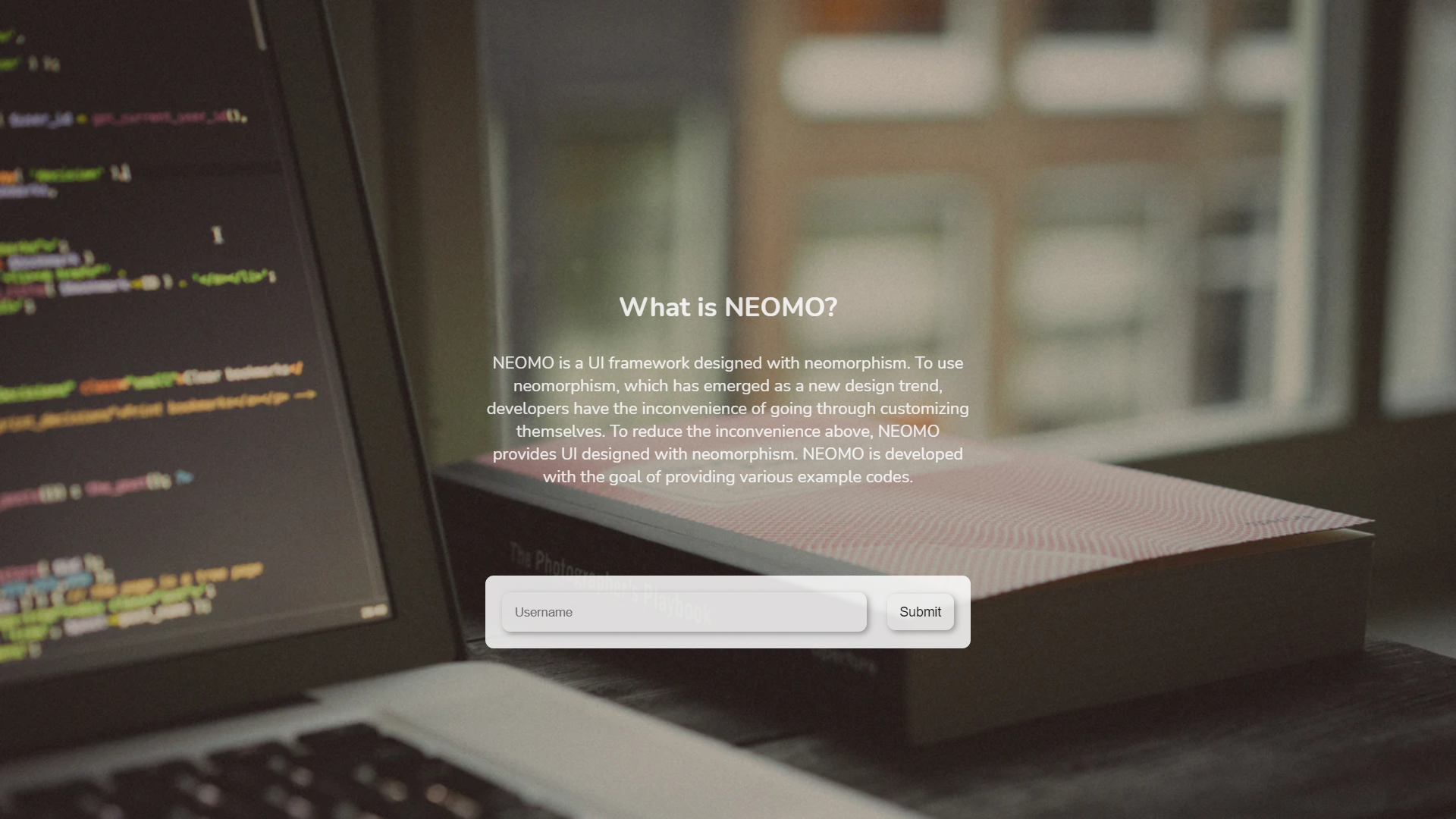
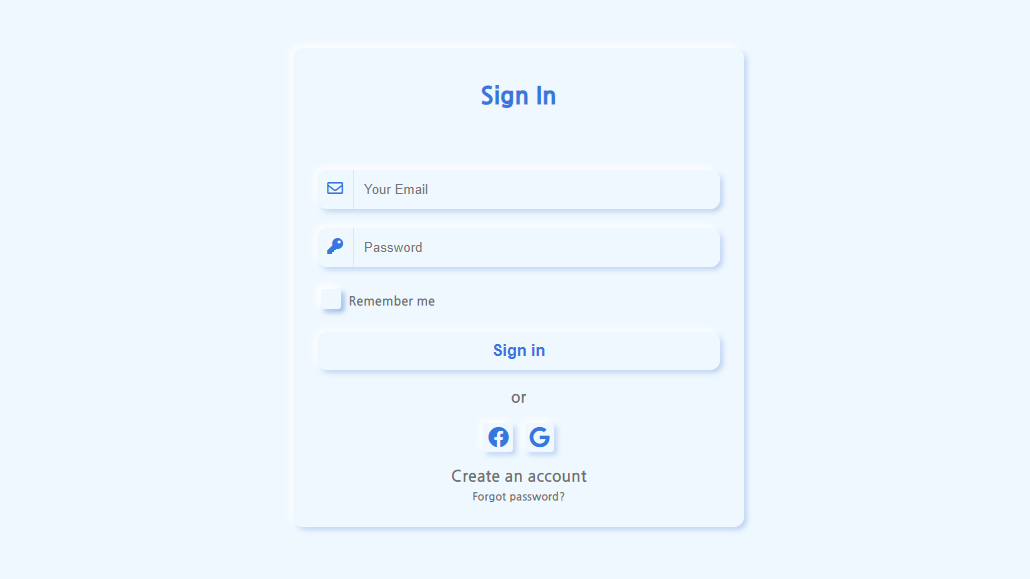
- Neomorphism design is a design language that makes the distinction between objects and backgrounds only shadowed, giving them a voluminous and vivid feeling of life.
- The distinction between objects and backgrounds is distinguished only by shadows and light, not by color tea, giving a round and smooth impression. Overall, the UI is lively, and this is tactile beyond simple graphics.
# Table of content
- [Getting Started](#getting-started)
- [What's included](#whats-included)
- [Homepage (Docs)](#homepage-docs)
- [NEOMO UI Sample](#neomo-ui-sample)
- [Template](#template)
# Getting Started
## CDN via JsDelivr
- CSS
```html
```
- JS
```html
```
## NPM/YARN Package
```
npm install neomo
or
yarn add neomo
```
# What's included
```text
neomo/
├── css/
│ ├── components/
│ │ ├── alert.css
│ │ ├── badge.css
│ │ ├── breadcrumb.css
│ │ ├── button.css
│ │ ├── card.css
│ │ ├── dropdown.css
│ │ ├── icon.css
│ │ ├── modal.css
│ │ ├── navbar.css
│ │ ├── navigation.css
│ │ ├── pagination.css
│ │ ├── progressbar.css
│ │ ├── select.css
│ │ ├── spinners.css
│ │ ├── tab.css
│ │ ├── toast.css
│ │ └── tooltips.css
│ │
│ ├── content/
│ │ └── table.css
│ │
│ ├── forms/
│ │ ├── checkbox.css
│ │ ├── file.css
│ │ ├── floatinglabel.css
│ │ ├── input.css
│ │ ├── radio.css
│ │ ├── range.css
│ │ └── switches.css
│ │
│ ├── helpers/
│ │ ├── coloredLinks.css
│ │ └── typography.css
│ │
│ ├── layout/
│ │ ├── columns.css
│ │ └── container.css
│ │
│ ├── color.css
│ └── neomo.css
│
├── dist/
│ ├── neomo.min.css
│ └── neomo.min.js
│
└── js/
└── neomo.js
```
# Homepage (Docs)
- URL : https://neomo-ui.com
# NEOMO UI Sample
- URL : https://neomorphism.github.io/
## Example
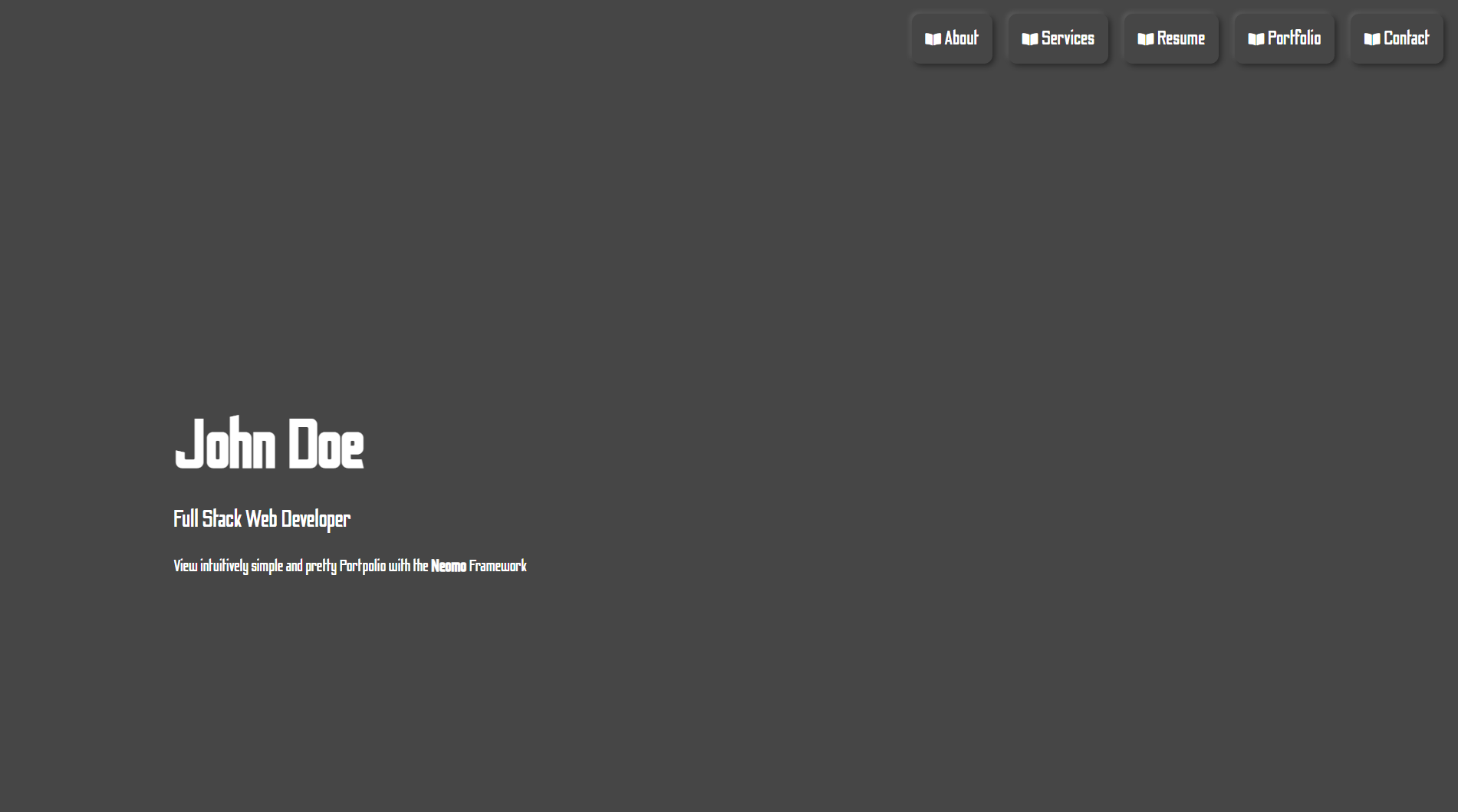
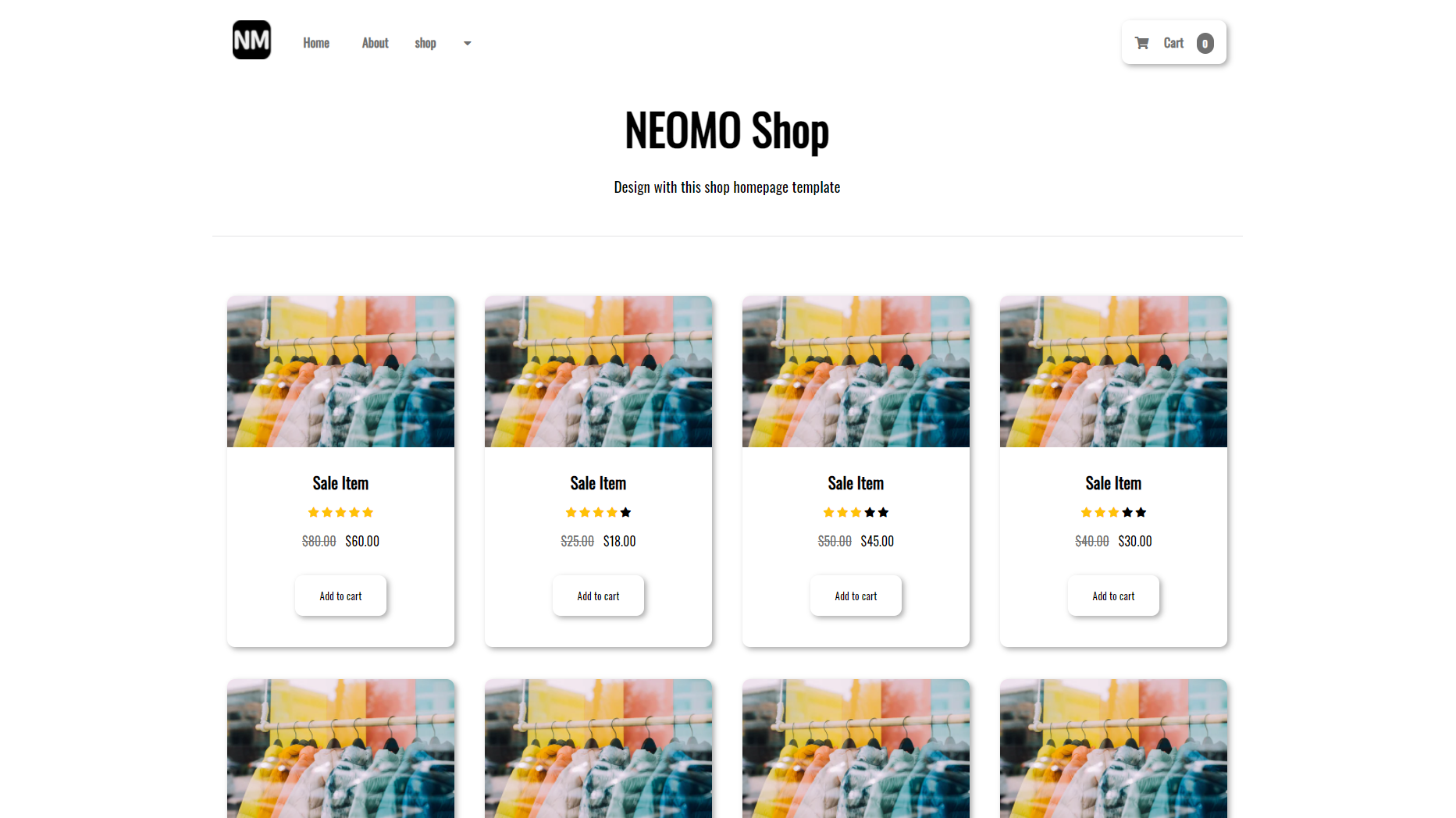
# Template
- URL :https://neomorphism.github.io/template/
## Example
[](https://www.jsdelivr.com/package/npm/neomo)
> Neomorphism Design Framework Open Source
# Features
- Neomorphism design is a design language that makes the distinction between objects and backgrounds only shadowed, giving them a voluminous and vivid feeling of life.
- The distinction between objects and backgrounds is distinguished only by shadows and light, not by color tea, giving a round and smooth impression. Overall, the UI is lively, and this is tactile beyond simple graphics.
# Table of content
- [Getting Started](#getting-started)
- [What's included](#whats-included)
- [Homepage (Docs)](#homepage-docs)
- [NEOMO UI Sample](#neomo-ui-sample)
- [Template](#template)
# Getting Started
## CDN via JsDelivr
- CSS
```html
```
- JS
```html
```
## NPM/YARN Package
```
npm install neomo
or
yarn add neomo
```
# What's included
```text
neomo/
├── css/
│ ├── components/
│ │ ├── alert.css
│ │ ├── badge.css
│ │ ├── breadcrumb.css
│ │ ├── button.css
│ │ ├── card.css
│ │ ├── dropdown.css
│ │ ├── icon.css
│ │ ├── modal.css
│ │ ├── navbar.css
│ │ ├── navigation.css
│ │ ├── pagination.css
│ │ ├── progressbar.css
│ │ ├── select.css
│ │ ├── spinners.css
│ │ ├── tab.css
│ │ ├── toast.css
│ │ └── tooltips.css
│ │
│ ├── content/
│ │ └── table.css
│ │
│ ├── forms/
│ │ ├── checkbox.css
│ │ ├── file.css
│ │ ├── floatinglabel.css
│ │ ├── input.css
│ │ ├── radio.css
│ │ ├── range.css
│ │ └── switches.css
│ │
│ ├── helpers/
│ │ ├── coloredLinks.css
│ │ └── typography.css
│ │
│ ├── layout/
│ │ ├── columns.css
│ │ └── container.css
│ │
│ ├── color.css
│ └── neomo.css
│
├── dist/
│ ├── neomo.min.css
│ └── neomo.min.js
│
└── js/
└── neomo.js
```
# Homepage (Docs)
- URL : https://neomo-ui.com
# NEOMO UI Sample
- URL : https://neomorphism.github.io/
## Example
# Template
- URL :https://neomorphism.github.io/template/
## Example