# Native Emoji Picker
#### Modified version of [Meteor-Emoji-Picker](https://github.com/CreateMarketing/Meteor-Emoji-Picker)
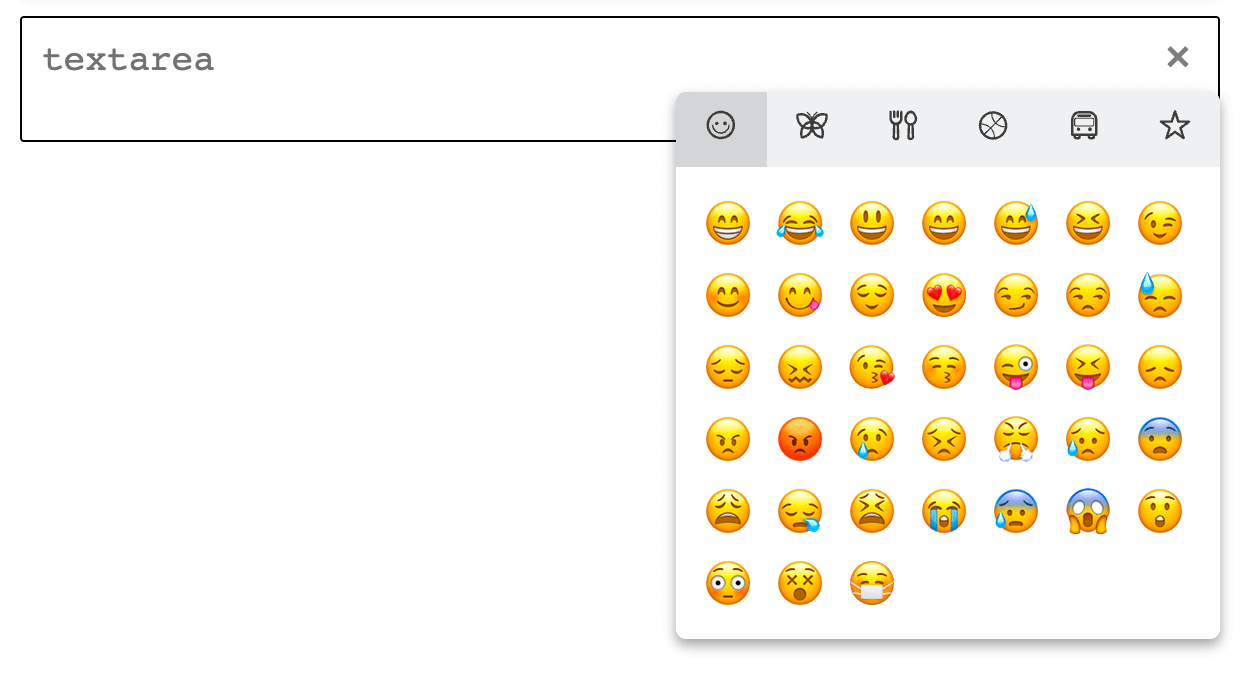
This emoji picker is pure, vanilla JavaScript, so should be compatible with most JS projects. Uses the native system/browser's emojis without adding extra images
Demo: https://native-emoji-picker.netlify.com
## How do I use it?
This plugin can be installed from CDN:
```html
```
or via NPM:
```
npm i native-emoji
```
Include the `nativeEmoji.min.js` and `nativeEmoji.min.css` files from the 'dist' folder in your project, and then use:
```js
new nativeEmoji();
```
Now you can add emoji pickers to your input fields! For a full width emoji picker, simply add the attribute `data-native-emoji-large="true"` to your field. This will create an always open, full width emoji picker below the desired input box.
If you want the classic "press a button to open" style picker, just use `data-native-emoji="true"` on an input field.
```html
```