# React Native Easy Grid 🐵

This is NOT-JUST-ANOTHER-GRID-LAYOUT library! We are trying to simplify flexbox with easier approach.

## Installation

```
npm install react-native-easy-grid --save
```

## Usage

### Include the components

```
import { Col, Row, Grid } from "react-native-easy-grid";
```

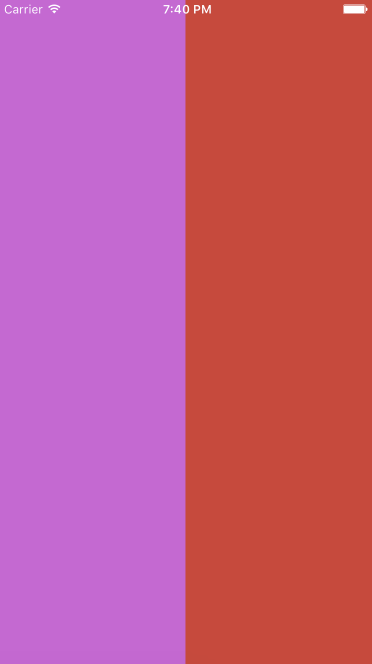
### 1. Two columns (50% and 50%)

```
<Grid>
    <Col></Col>
    <Col></Col>
</Grid>
```

![col-50-50](Examples/col-50-50.png "Column 50% and 50% example")


> Note: If you don't assign the size property, it defaults to equal width (or height) with its siblings

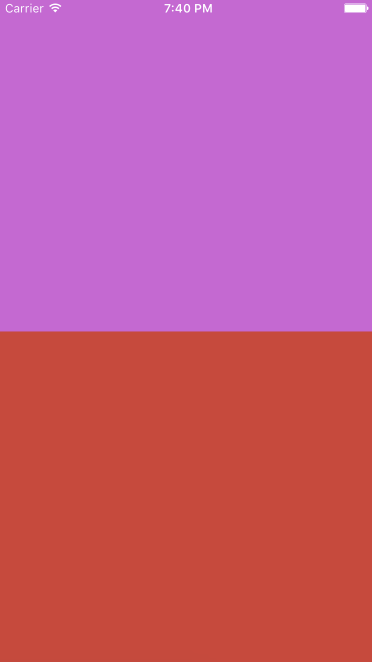
### 2. Two rows

```
<Grid>
    <Row></Row>
    <Row></Row>
</Grid>
```

![row-50-50](Examples/row-50-50.png "Row 50% and 50% example")


### 3. Two rows (75% and 25%)

```
<Grid>
    <Row size={75}></Row>
    <Row size={25}></Row>
</Grid>
```

This is exactly same as

```
<Grid>
    <Row size={3}></Row>
    <Row size={1}></Row>
</Grid>
```

![row-75-25](Examples/row-75-25.png "Row 75% and 25% example")

> Same concept applies to `<Col />`


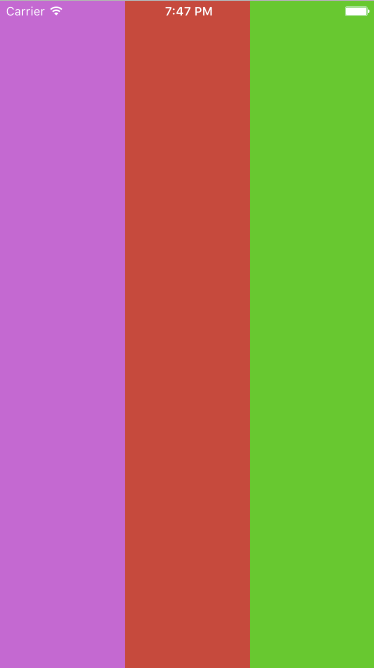
### 4. Three columns (33.33% each)

```
<Grid>
    <Col></Col>
    <Col></Col>
    <Col></Col>
</Grid>
```
![col-33-33-33](Examples/col-33-33-33.png "Column 33.33% each")

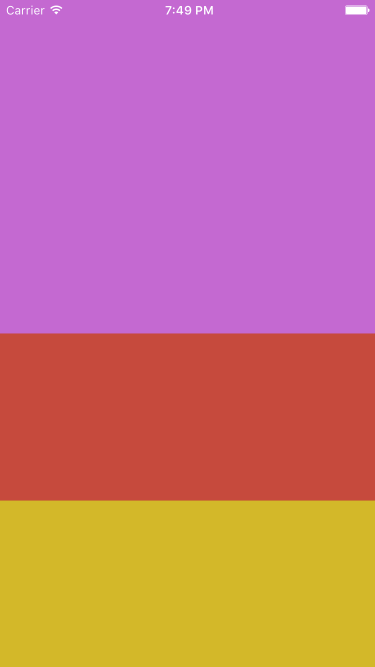
### 5. Three rows (50%, 25% and 25%)

```
<Grid>
    <Row size={2}></Row>
    <Row size={1}></Row>
    <Row size={1}></Row>
</Grid>
```

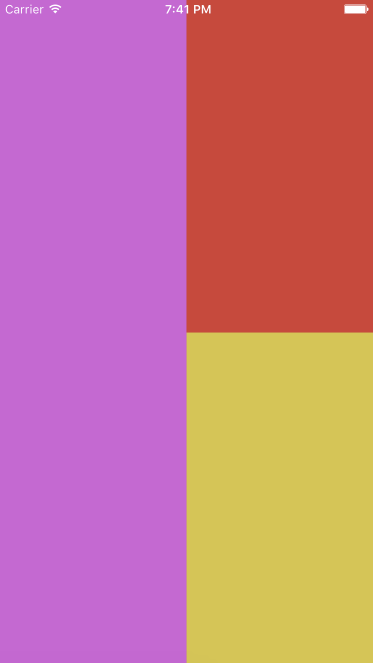
![row-50-25-25](Examples/row-50-25-25.png "Row 50%, 25% and 50% example")

### 6. Nested Layout or Grid

<table width="100" height="100">
	<tr>
		<td rowspan="2" bgcolor="red" width="50">1</td>
		<td bgcolor="yellow" width="50" height="50">2</td>
	</tr>
	<tr>
		<td bgcolor="blue">3</td>
	</tr>
</table>

```
<Grid>
	<Col>1<Col>
	<Col>
		<Row>2</Row>
		<Row>3</Row>
	</Col>
</Grid>
```

![complex](Examples/complex.png "Complex and Nested Layouts")


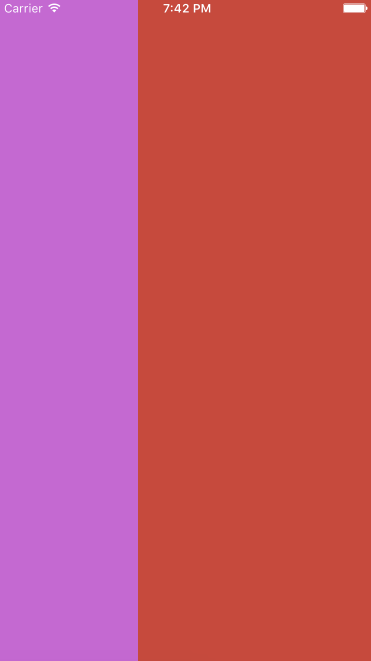
### 7. Fixed width and fluid width combination

```
<Grid>
	<Col style={ { width: 40 } }> Fixed width <Col>
	<Col> Fluid width </Col>
</Grid>
```

![col-fluid-fixed.png](Examples/col-fluid-fixed.png "Column fluid and fixed example")


### 8. Fixed height and fluid height combination

```
<Grid>
	<Row style={ { height: 40 } }> Fixed width <Row>
	<Row> Fluid width </Row>
</Grid>
```

Do you think anything could be simpler than that? This repo is part of our bigger project called [NativeBase.io](http://nativebase.io). Do check that!

# Important note about usage with `<ScrollView />`

> Note: If you're using `<Row />` inside a `<ScrollView />`, the height of the <Row /> component would be flexible according to the content, though you can always apply the `height` styling.