[](https://www.mingcute.com/)
[](https://www.npmjs.com/package/mingcute_icon)
[](https://github.com/Richard9394/MingCute/stargazers)
[](https://www.npmjs.com/package/mingcute_icon)
[](https://x.com/MingCute_icon)
# MingCute Icon
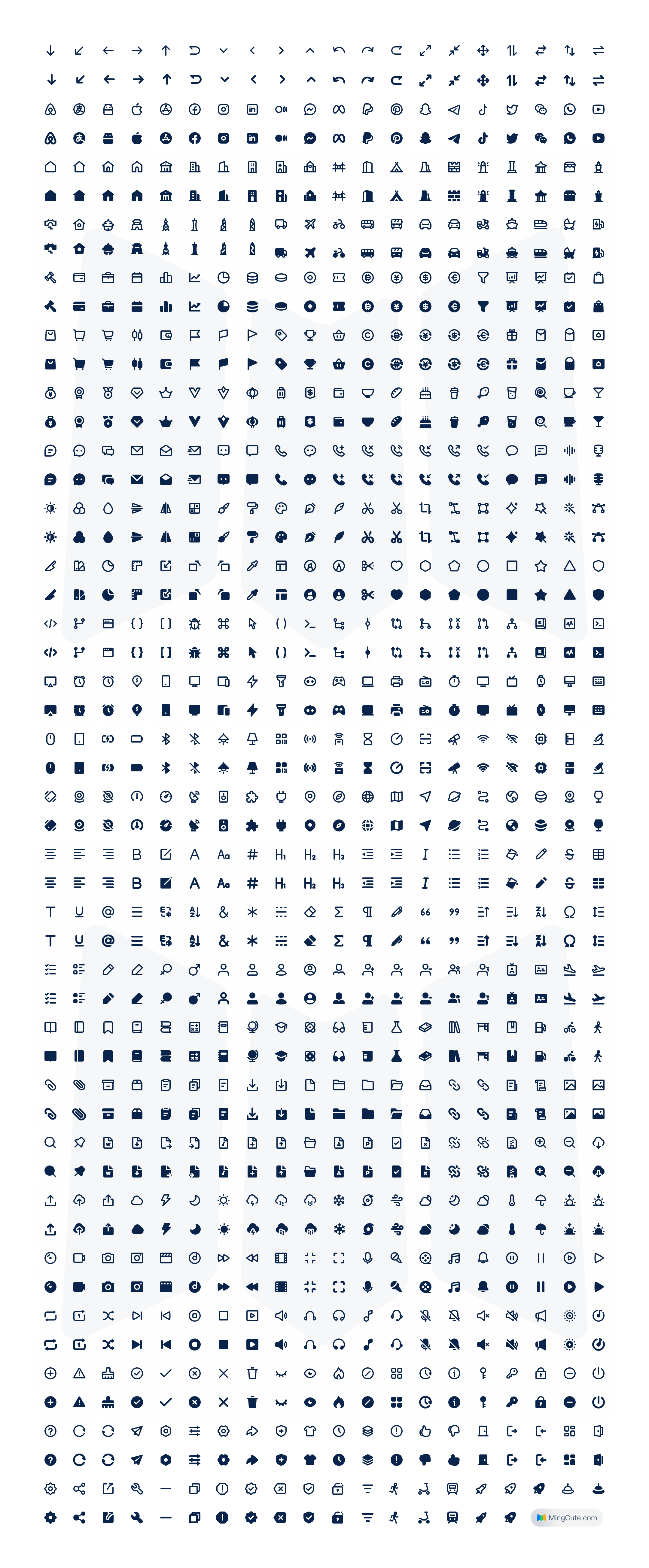
MingCute is a set of simple and exquisite open-source icon library. Whether you're a designer or a developer, it's perfect for use in web and mobile.Every icon is designed within a 24 x 24 grid, giving outline and filled styles, 2px stroke. Support for SVG,PNG and webfont.
## Usage
### Website
Head on to the website of [MingCute](https://www.mingcute.com/). Click the icons, you can adjust the color size, and then download the icons in SVG or PNG format.
### Installation
Install npm package:
```shell
npm install mingcute_icon --save
```
Import CSS styles into the project entry file:
```js
// main.js
import 'mingcute_icon/font/Mingcute.css'
```
Overwrite the initial color of the icon in the global style file:
```css
// index.css
[class^='mgc_']::before,
[class*=' mgc_']::before {
color: inherit !important;
}
```
## Webfont
Copy the font files from `/fonts` and import the `mingcute.css` file. Add icon with class name, class name rule: mgc_{name}_{style}
```html
```
## React
Import icons as standard React components through [`@mingcute/react`](https://www.npmjs.com/package/@mingcute/react) package. All icons accept `size` and `color` props.
```TypeScript
import { MingcuteFill, Home1Line, SearchLine } from '@mingcute/react';
function App() {
return (
{/* Default: 24px size and currentColor */}
{/* Custom size and color */}
{/* Inherits standard SVG props */}
);
}
```
For more details, see the [documentation](https://github.com/mingcute-design/mingcute-docs/blob/main/readme/react/README.md).
## Vue
Import icons as standard Vue components through [`@mingcute/vue`](https://www.npmjs.com/package/@mingcute/vue) package. All icons accept `size` and `color` props.
```TypeScript
{/* Default: 24px size and currentColor */}
{/* Custom size and color */}
{/* Inherits standard SVG props */}
```
For more details, see the [documentation](https://github.com/mingcute-design/mingcute-docs/blob/main/readme/vue/README.md).
## Figma Plug
[](https://www.figma.com/community/plugin/1306884809438005528/mingcute-icon)
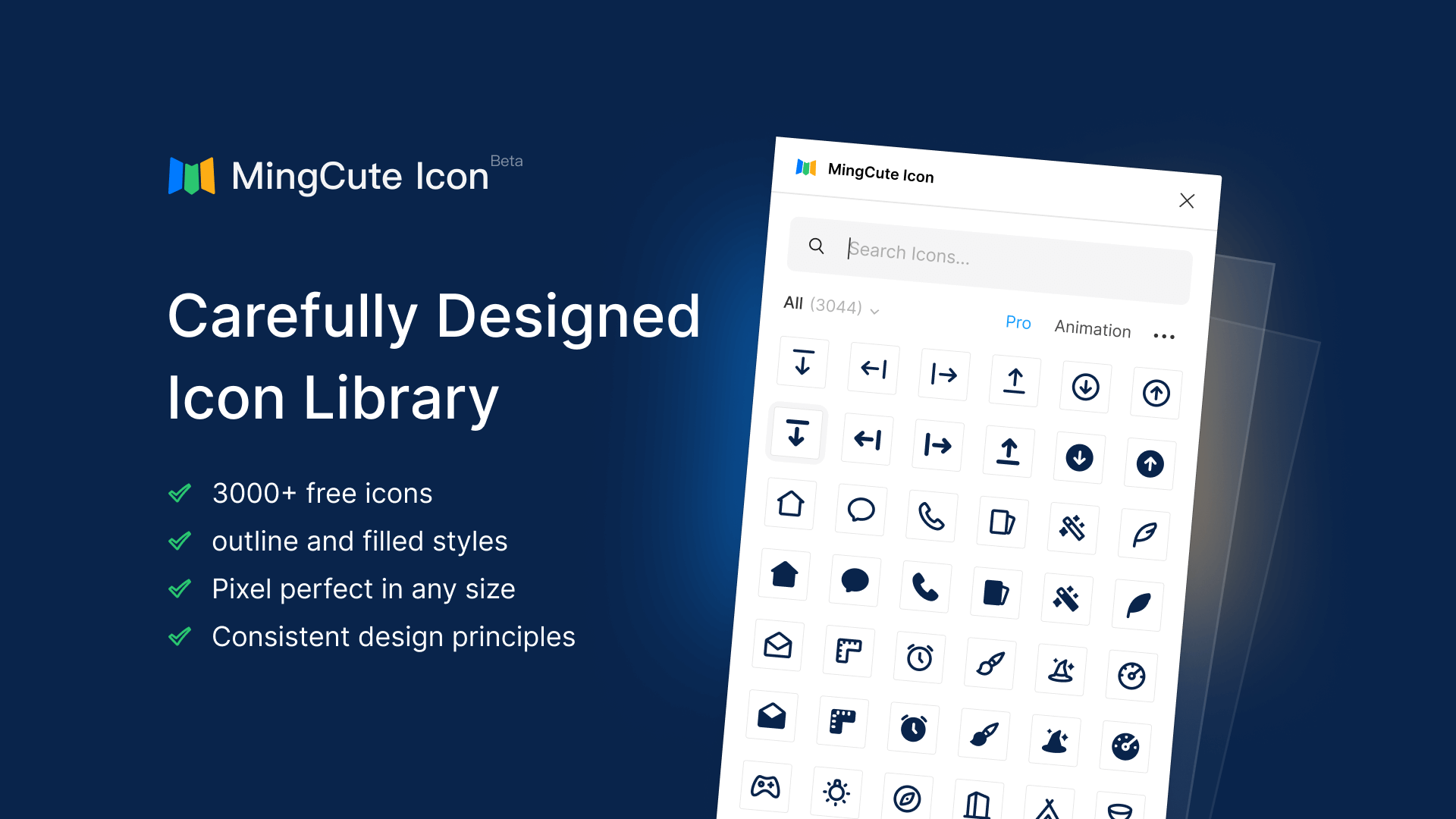
[MingCute Icons Figma plugin](https://www.figma.com/community/plugin/1306884809438005528/mingcute-icon)
## MGC Design Resources
- [MGC UI](https://mgcui.framer.website/) - Design system and UI Kit for Figma
- [MGC Icon System ](https://mgc.mingcute.com/)- 15,000 vector icons across nine styles
- [MGC Weather icons ](https://mgcweather.framer.website/)- 120 graceful weather icons
- [MGC Animation icons ](https://www.mingcute.com/animation)- 120+ lively and smooth animated icons
## Preview
## License
MingCute icon is available under [Apache-2.0 License](https://github.com/mingcute-design/mingcute-icons/blob/main/LICENSE). Feel free to use the set in both personal and commercial projects. Attribution is much appreciated but not required. The only thing we ask is that these icons are not for sale.