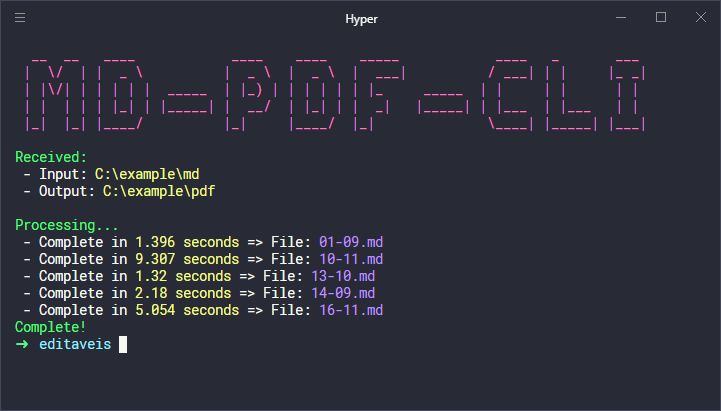
## ✅ Requirements
- [NodeJS](https://nodejs.org/)
## 🛠️ Install
You can add this project as a dependency with:
```bash
npm install md-pdf-cli
```
Or as a Global CLI:
```bash
npm install -g md-pdf-cli
```
Now, you can use our cli by invoking the command below:
```
md-pdf-cli
```
## 🏃 Getting Started
First, clone this respository and access the created folder:
```bash
# Cloning repository
git clone https://github.com/iamtheluiz/md-pdf-cli.git
cd md-pdf-cli/
```
Getting into the folder, install project dependencies:
```bash
npm install
# or
yarn install
```
## 💼 Authors
* **Luiz Gustavo** - *Development* - [iamtheluiz](https://github.com/iamtheluiz)
## 📃 License
This project is under the MIT License - see the [LICENSE](LICENSE) file for details.