# [Action Button](https://material.google.com/components/buttons-floating-action-button.html)
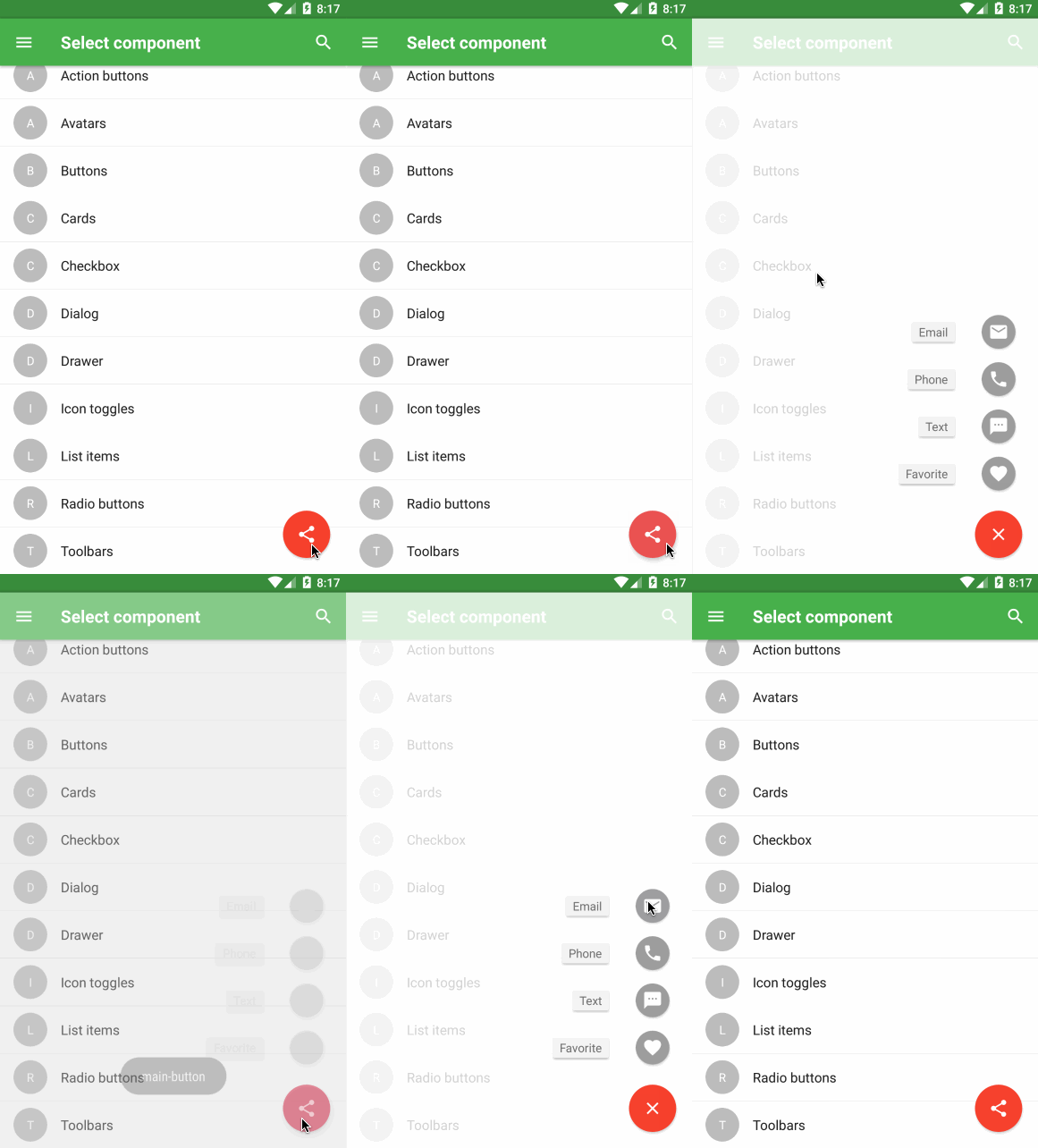
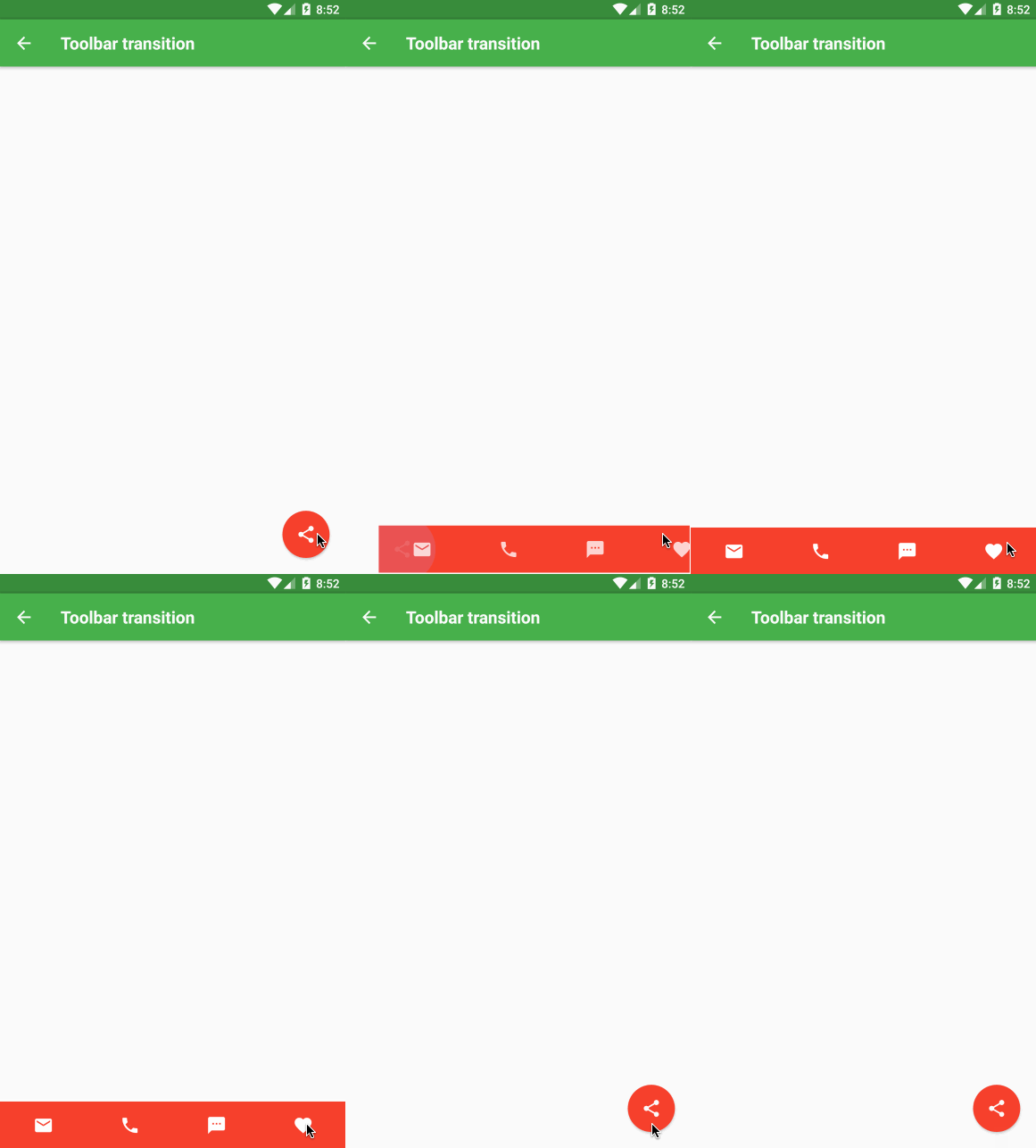
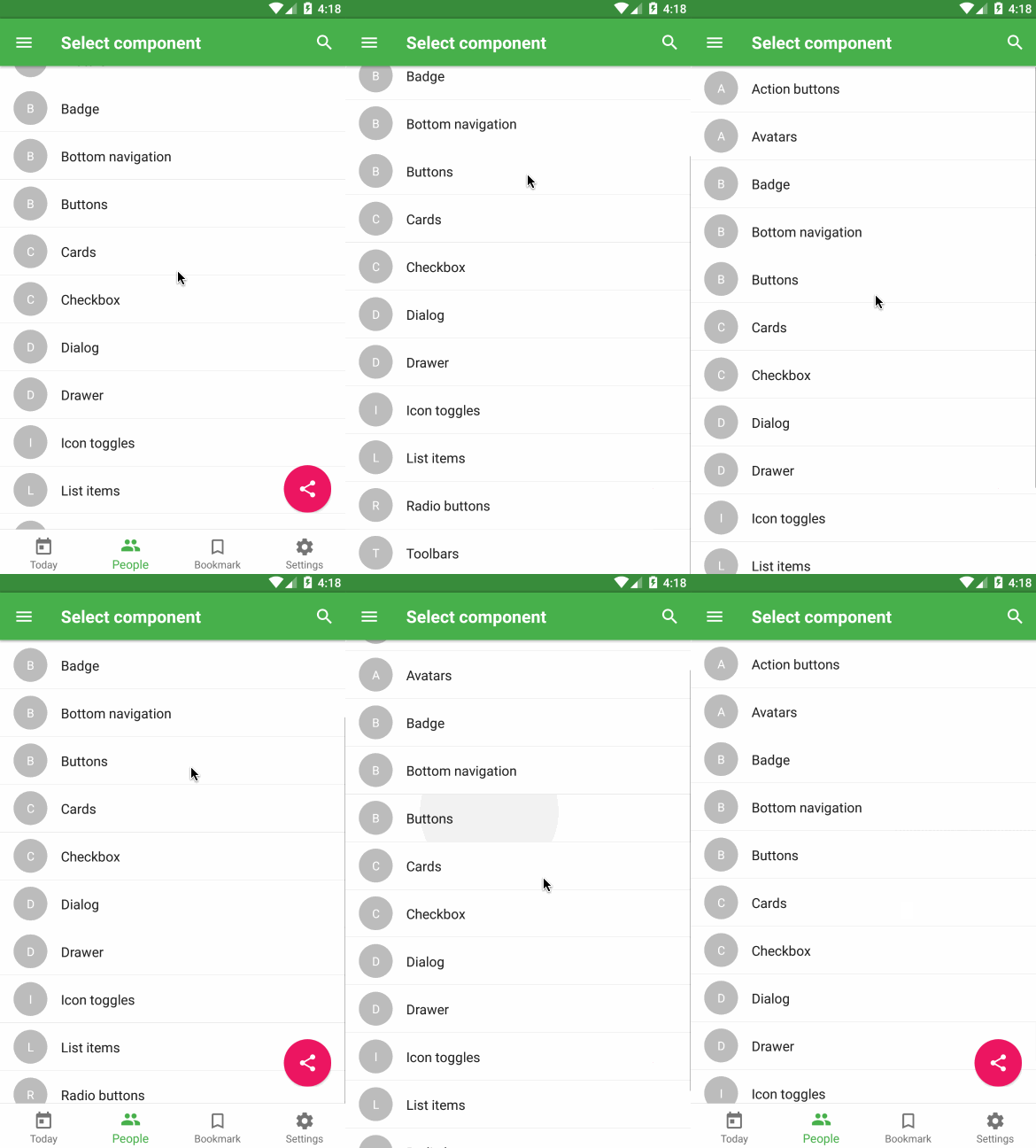 ### Usage
```js
...
import { ActionButton } from 'material-elements';
...
render() {
// default with icon (default icon is +)
// with done icon
}
```
### API
```js
const propTypes = {
/**
* Array of names of icons (or elements) that will be shown after the main button is pressed
* Remember, you should specify key for each element, if you use array of elements
*/
actions: PropTypes.oneOfType([
PropTypes.arrayOf(PropTypes.string),
PropTypes.arrayOf(PropTypes.element),
PropTypes.arrayOf(PropTypes.shape({
icon: PropTypes.oneOfType([
PropTypes.string,
PropTypes.element,
]),
label: PropTypes.string,
name: PropTypes.string,
})),
]),
/**
* 按钮onPress时触发,text作为参数传递
*/
onPress: PropTypes.func,
/**
* 按钮onLongPress时触发,text作为参数传递
*/
onLongPress: PropTypes.func,
/**
* 是否隐藏button
*/
hidden: PropTypes.bool,
/**
* 可为字符串或者Component
*/
icon: PropTypes.oneOfType([
PropTypes.string,
PropTypes.element,
]),
/**
*
* 当transition为null时,不会产生动画
*/
transition: PropTypes.oneOf(['toolbar', 'speedDial']),
/**
* 设置水波纹颜色
*/
rippleColor: PropTypes.string,
/**
* 设置button的style
*/
style: PropTypes.shape({
container: ViewPropTypes.style,
icon: Text.propTypes.style,
}),
};
```
### Usage
```js
...
import { ActionButton } from 'material-elements';
...
render() {
// default with icon (default icon is +)
// with done icon
}
```
### API
```js
const propTypes = {
/**
* Array of names of icons (or elements) that will be shown after the main button is pressed
* Remember, you should specify key for each element, if you use array of elements
*/
actions: PropTypes.oneOfType([
PropTypes.arrayOf(PropTypes.string),
PropTypes.arrayOf(PropTypes.element),
PropTypes.arrayOf(PropTypes.shape({
icon: PropTypes.oneOfType([
PropTypes.string,
PropTypes.element,
]),
label: PropTypes.string,
name: PropTypes.string,
})),
]),
/**
* 按钮onPress时触发,text作为参数传递
*/
onPress: PropTypes.func,
/**
* 按钮onLongPress时触发,text作为参数传递
*/
onLongPress: PropTypes.func,
/**
* 是否隐藏button
*/
hidden: PropTypes.bool,
/**
* 可为字符串或者Component
*/
icon: PropTypes.oneOfType([
PropTypes.string,
PropTypes.element,
]),
/**
*
* 当transition为null时,不会产生动画
*/
transition: PropTypes.oneOf(['toolbar', 'speedDial']),
/**
* 设置水波纹颜色
*/
rippleColor: PropTypes.string,
/**
* 设置button的style
*/
style: PropTypes.shape({
container: ViewPropTypes.style,
icon: Text.propTypes.style,
}),
};
```