## Overview
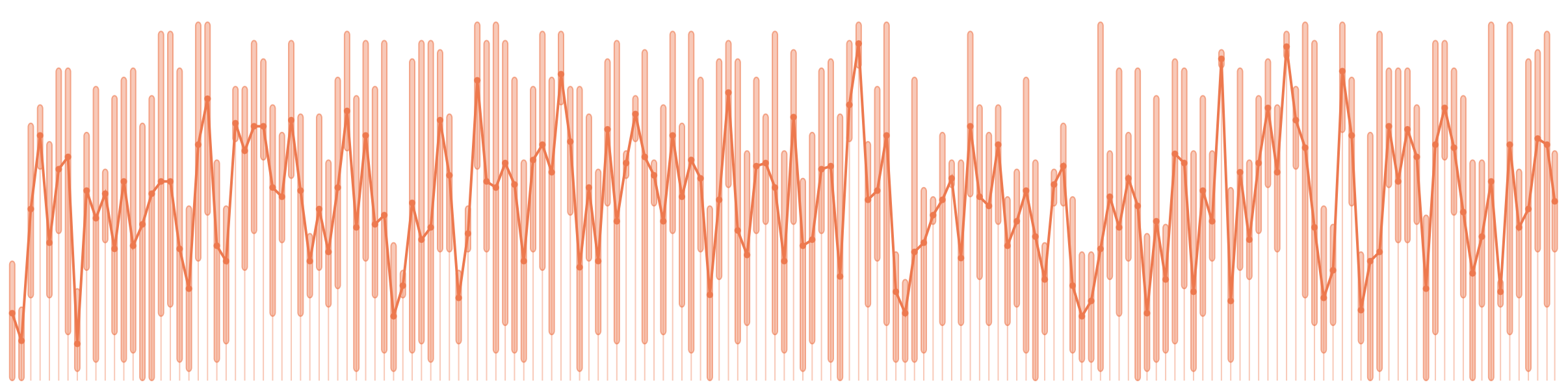
lit-line is a minimal `line chart` web component for `modern website`.
why?
- `small`: less than 6kb (gzip)
- `fast`: designed for rendering thousand of points with ease (thanks to the awesome lit-html)
- `multi-lines support`: lines with the same unit are scaled together
- `fully responsive`: high data density are merged for better readability
- `interactive`: user can interact with lines (Desktop and mobile)
- `agnostic`: can be used with your favorite plateform or library
[try it!](https://apinet.github.io)
## Installation
You can load our `lit-line` components via CDN:
```html
```
or by installing it locally using package manager such as NPM:
```sh
npm i lit-line@latest
```
Once installed, you only have to import the component and you are good to go.
```js
import "lit-line";
```
:::tip[About version management]
It is not recommended to use the `@latest` suffix, as a major release could break your application. Instead, use a fixed version such as `0.3.1`.
:::
## quick start
```javascript
```
## quick start using lit-html (declarative)
```javascript
import 'lit-line';
```
## Dataset format
Lit-Line `.data` property accepts `Serie` arrays such as:
```ts
interface Serie {
color?: string; // the line color (default: #224)
unit?: string; // series with the same unit are scaled together
points: { time: number; value: number }[]; // a list of data points
}
```
## Customization
To change the time selection appearance when the user interact with chart:
```css
lit-line {
--lit-line-selected-time--opacity: 0.4;
--lit-line-selected-time--color: red;
--lit-line-selected-time--width: 2;
}
```
## Todo next
- Add more test cases:
- testing browser resize
- testing user interactions
- ~~testing multi lines~~
- Improve jsDoc
- Enhance customization (need feedback here!)
## License
lit-line is available under the [MIT license](https://opensource.org/licenses/MIT).