# Data and Metadata in Leo/LeoVue
## Data
When you create an outline to be displayed in LeoVue, node content can
be JSON data.
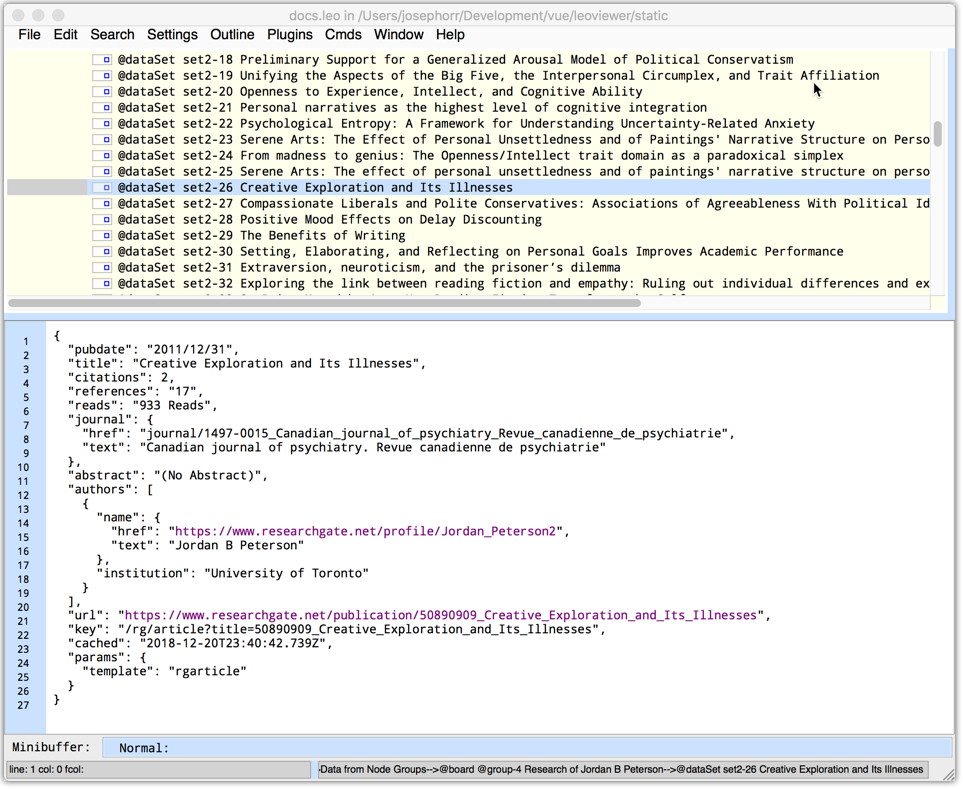
For example, here is some JSON data in a Leo Node. Note that there
is a 'template' property.
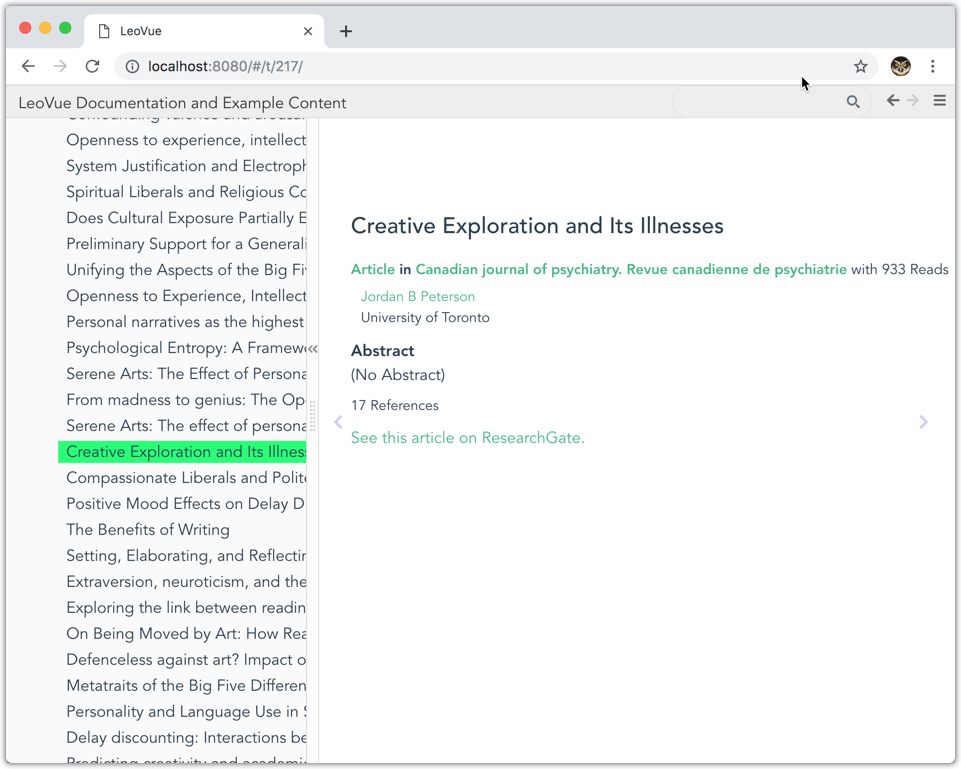
 When viewed in LeoVue, the data from the node is displayed with
the corresponding template. (Templates are lodash templates, and can
be put in your index.html file. See the LeoVue repo for examples.)
When viewed in LeoVue, the data from the node is displayed with
the corresponding template. (Templates are lodash templates, and can
be put in your index.html file. See the LeoVue repo for examples.)
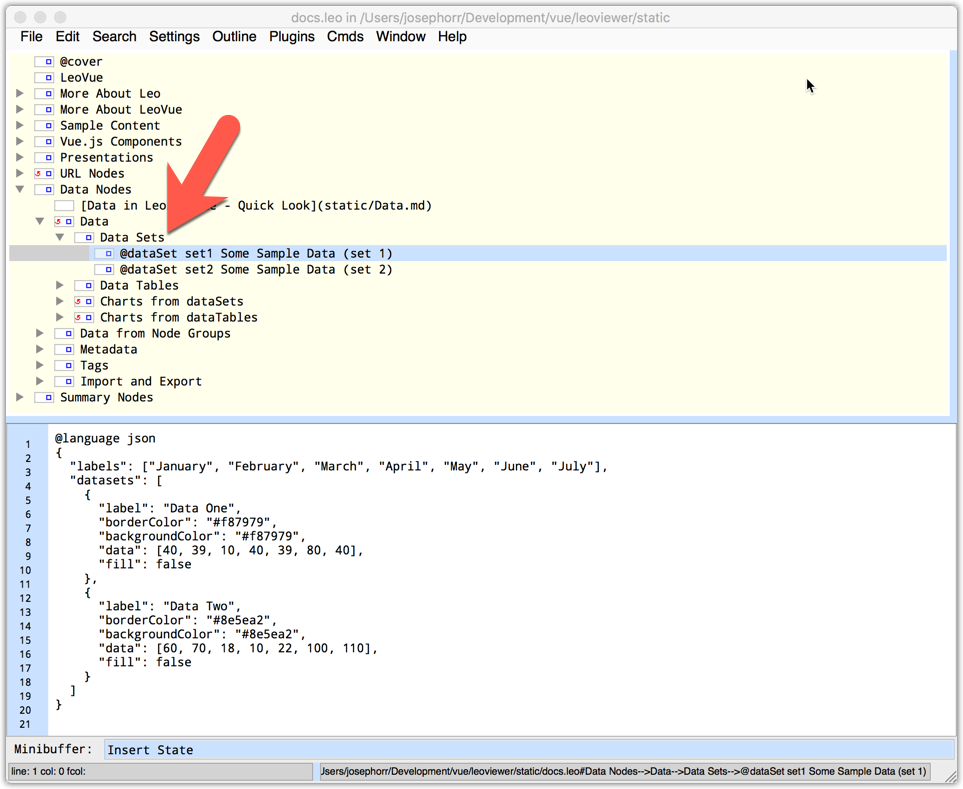
 You can give data nodes names with the @dataset directive:
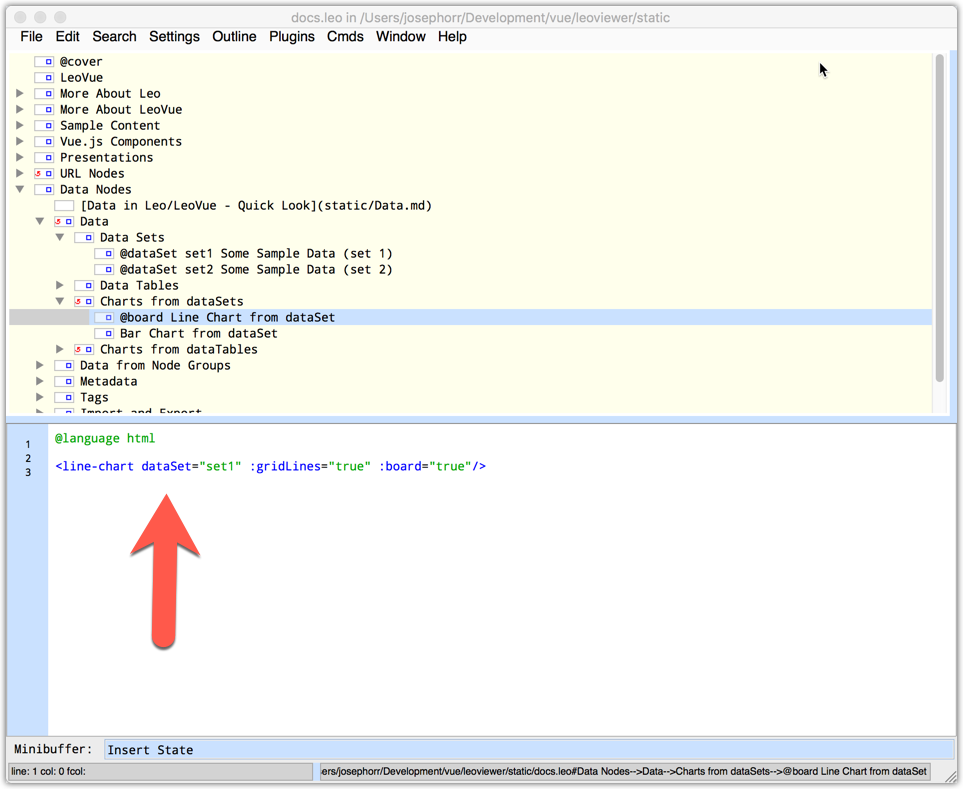
 In another node, you can then add a Vue.js component that
uses the dataset:
In another node, you can then add a Vue.js component that
uses the dataset:
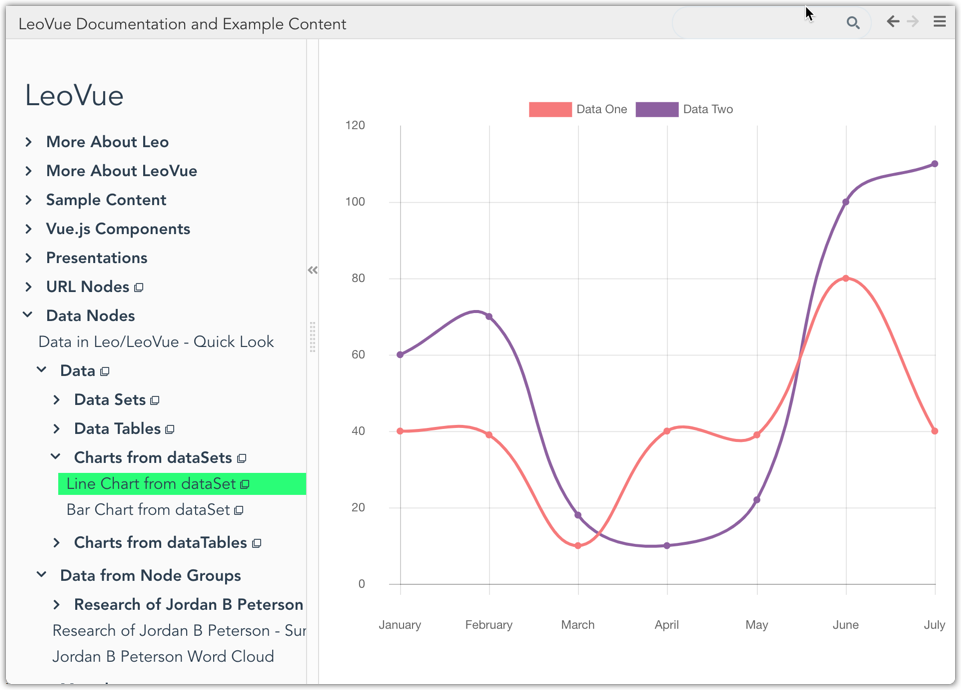
 LeoVue renders the Vue.js component:
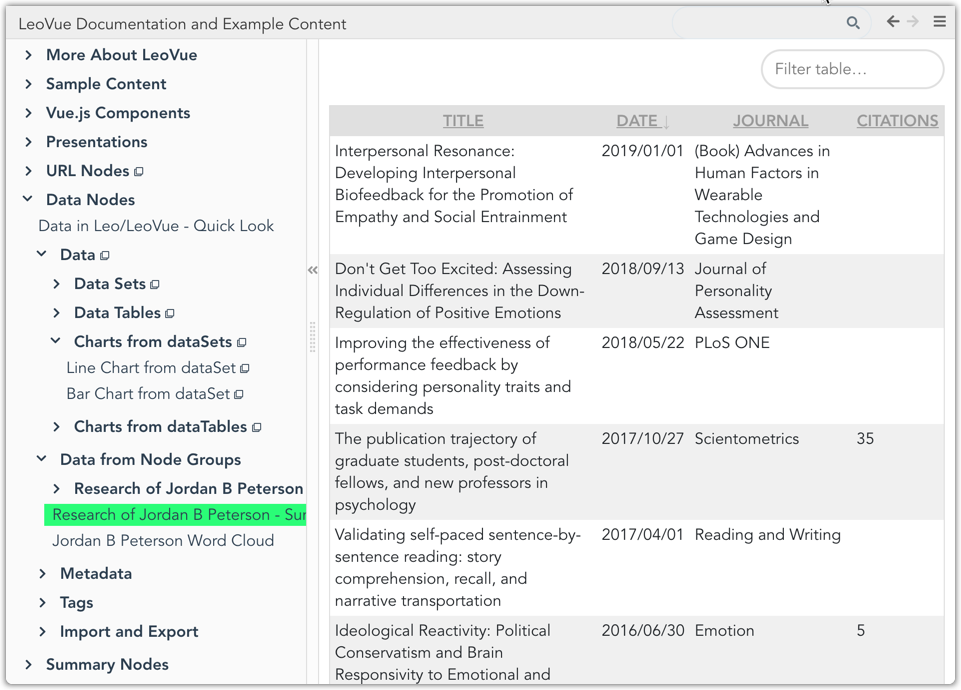
 If you have a set of data nodes, as in the screenshot below, you can add then @group directive:
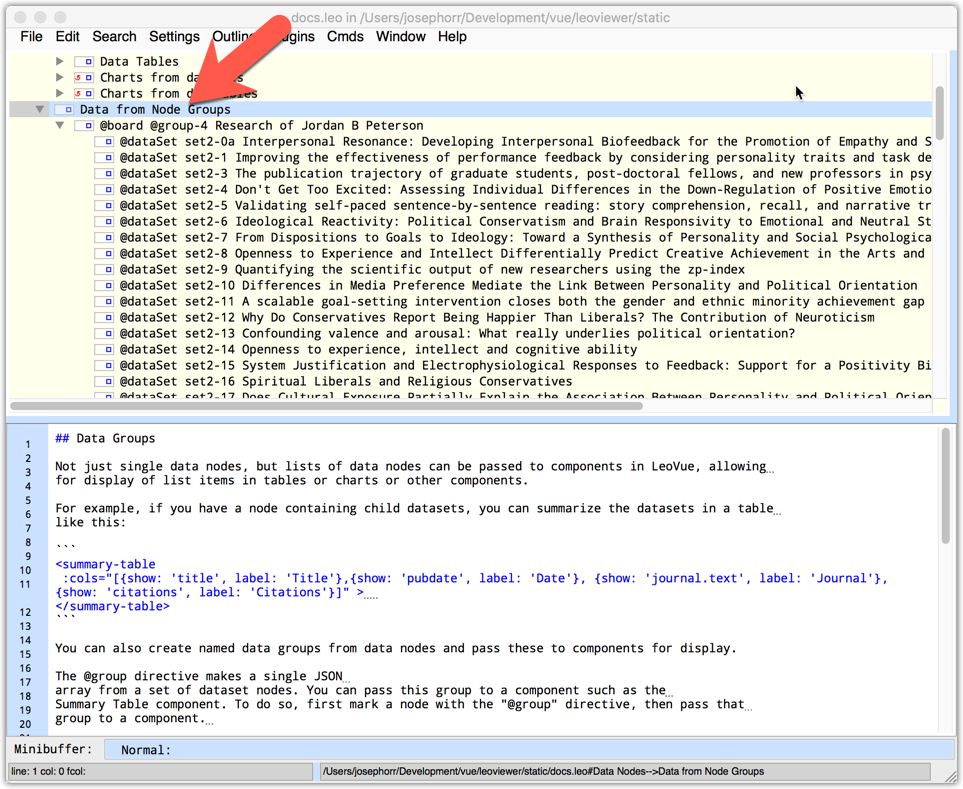 The @group directive creates an array of JSON data. You can use the summary-table component:
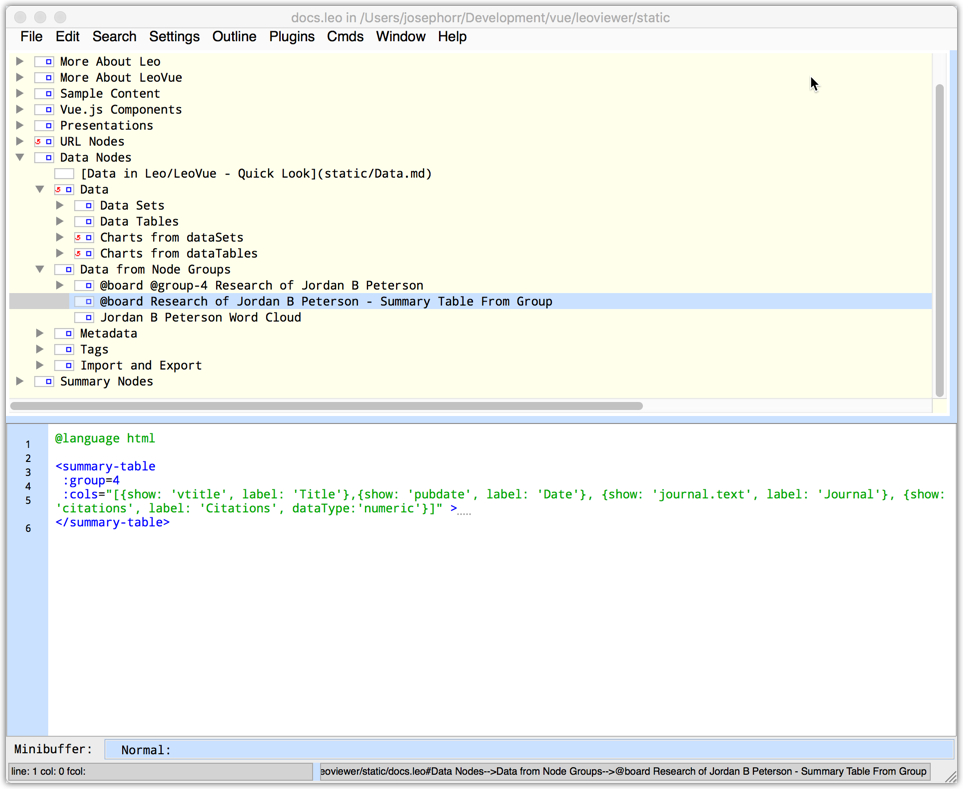 to display a tabular summary:
 ## Metadata
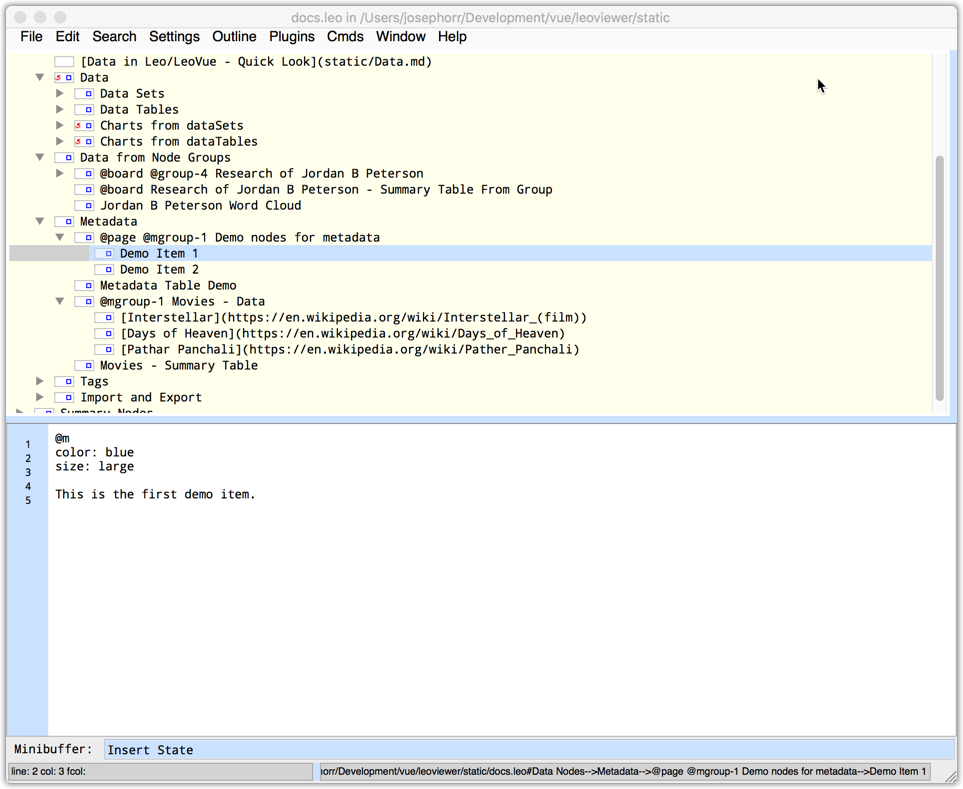
Regular content nodes can also have metadata (in YAML) using the
@m directive:
## Metadata
Regular content nodes can also have metadata (in YAML) using the
@m directive:
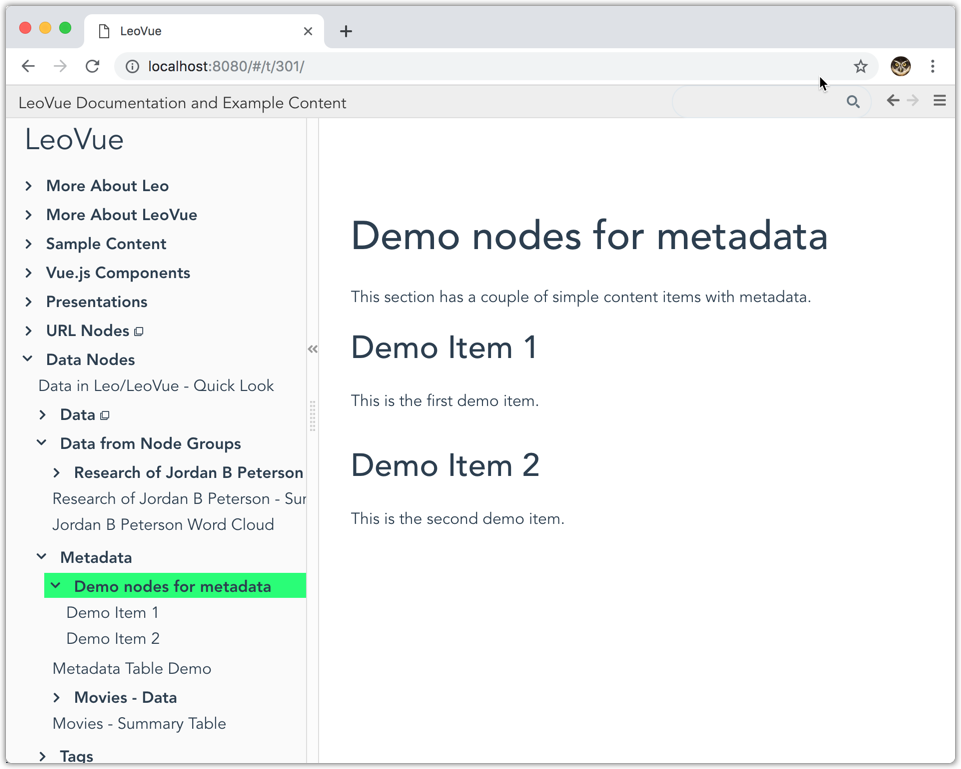
 LeoVue does not display the @metadata:
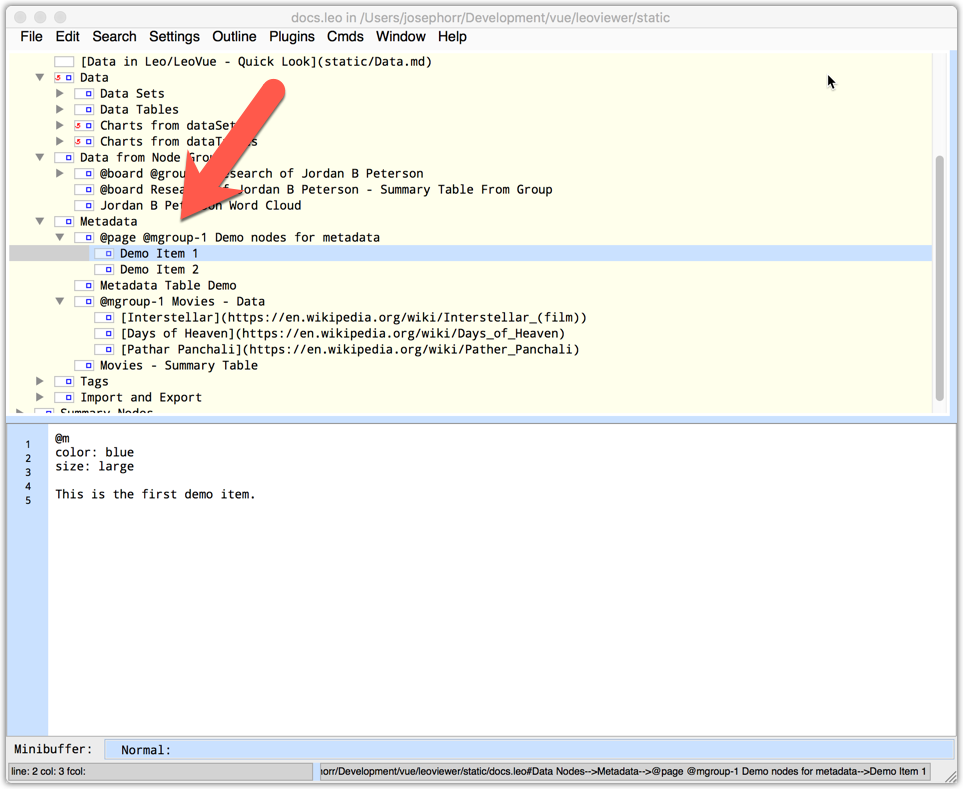
 However, behind the scenes Leo attaches the metadata to the node
object. You access the metadata by creating a metadata group
with the @mgroup directive:
However, behind the scenes Leo attaches the metadata to the node
object. You access the metadata by creating a metadata group
with the @mgroup directive:
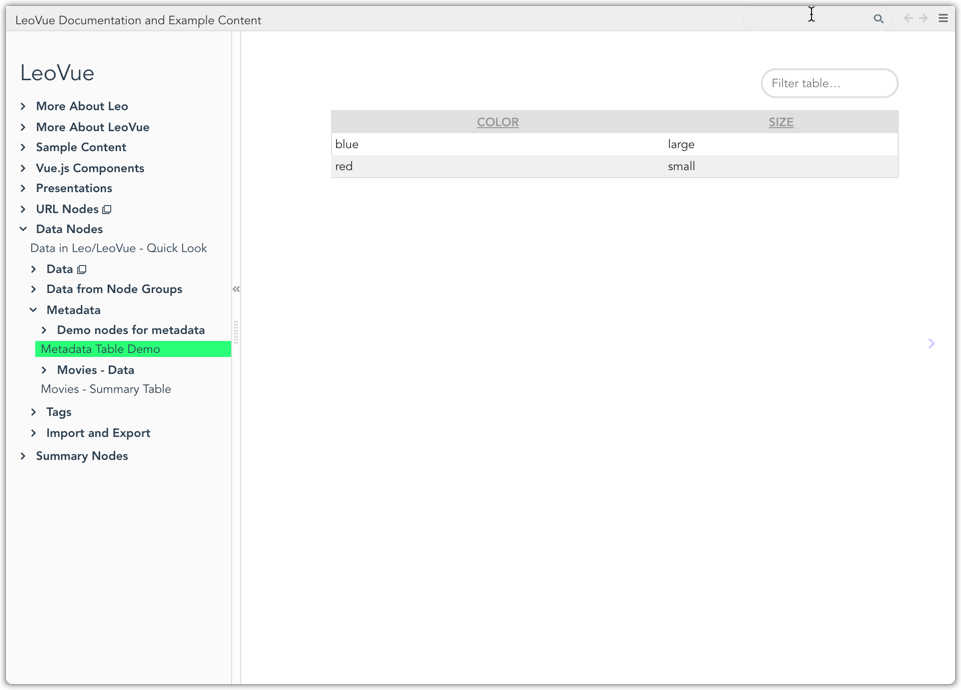
 The @mgroup directive creates an array of metadata items that
can be used just like any other JSON data:
The @mgroup directive creates an array of metadata items that
can be used just like any other JSON data:
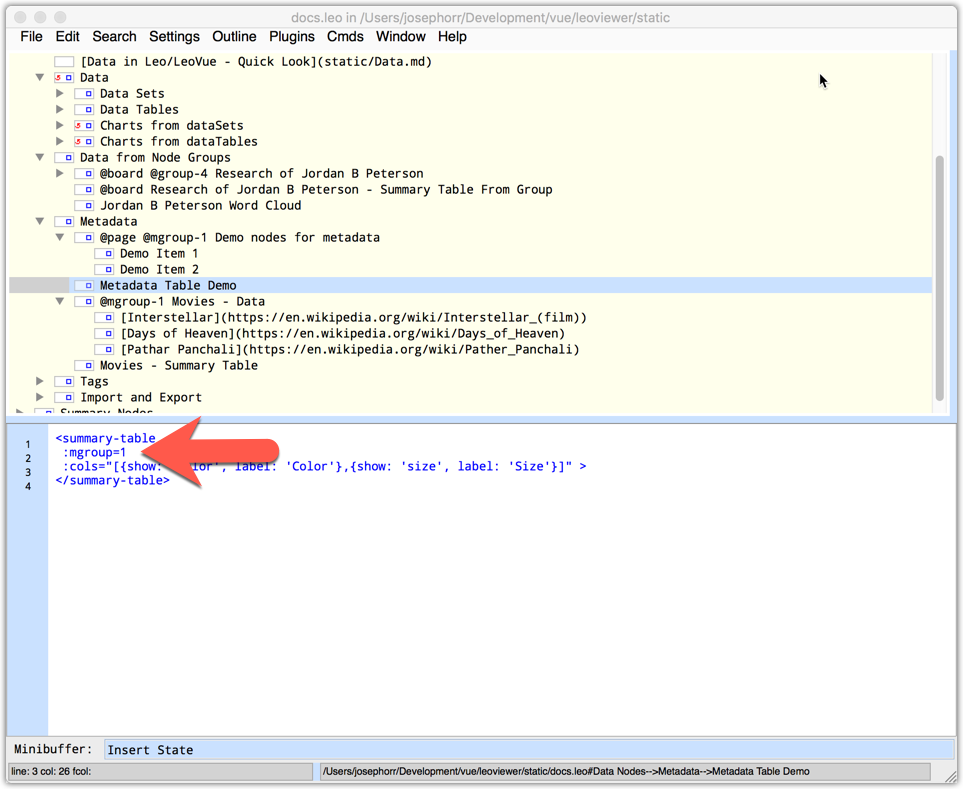 displays in LeoVue as:
 ## Tags
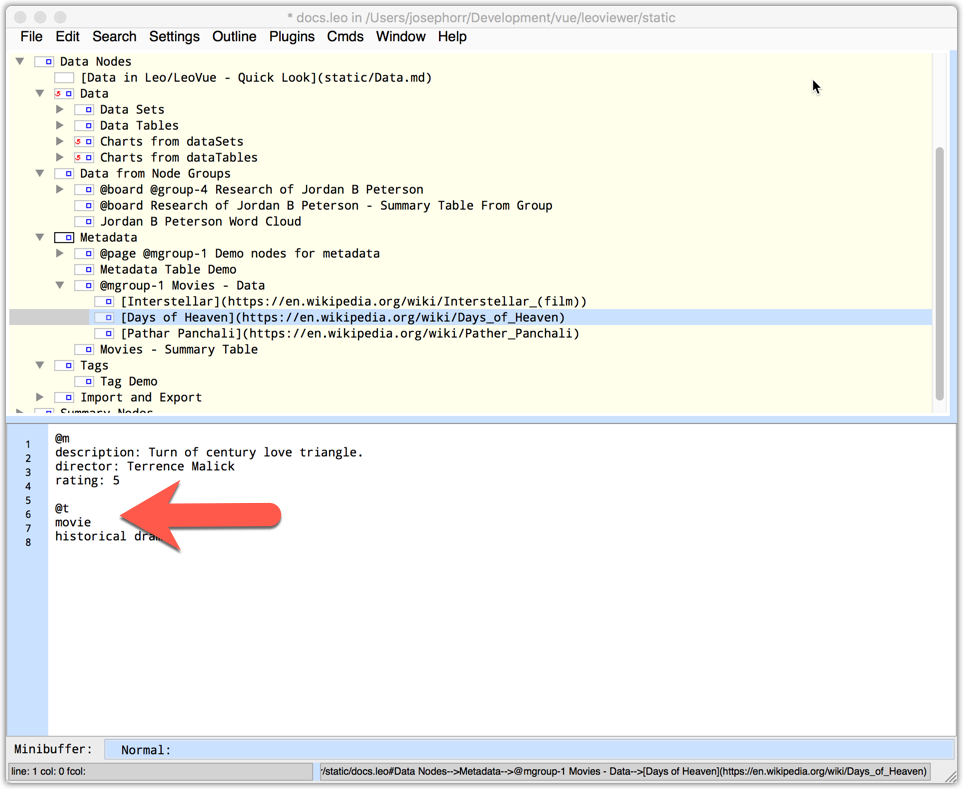
The @t directive is similar to the @m directive, except that
instead of JSON or YAML, what follows the @t directive is a simple
list of tags:
## Tags
The @t directive is similar to the @m directive, except that
instead of JSON or YAML, what follows the @t directive is a simple
list of tags:
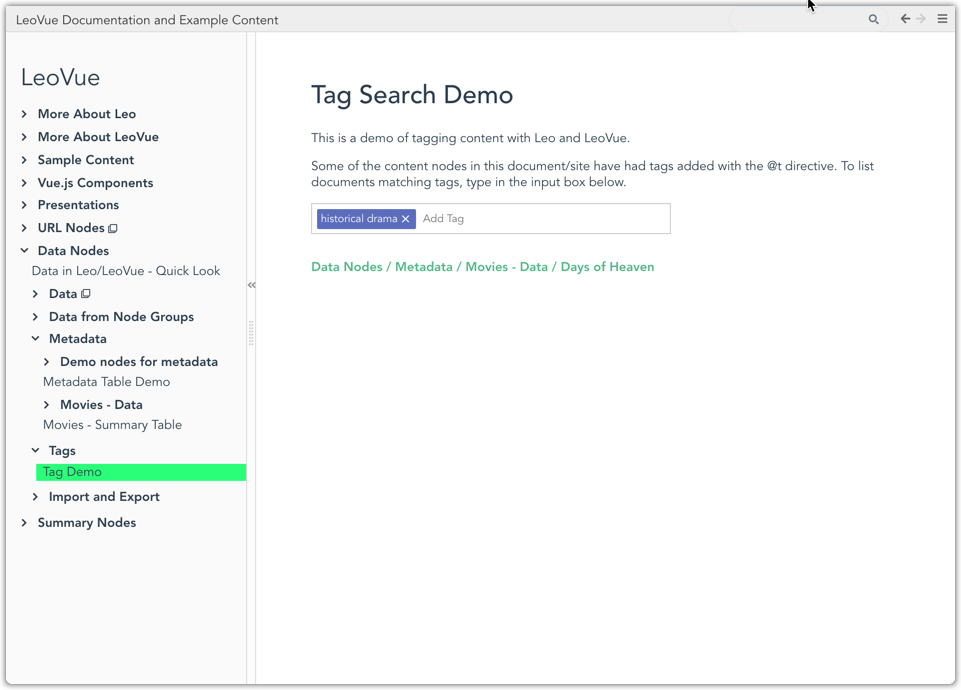
 Tags can be used with the <tagsearch/> directive:
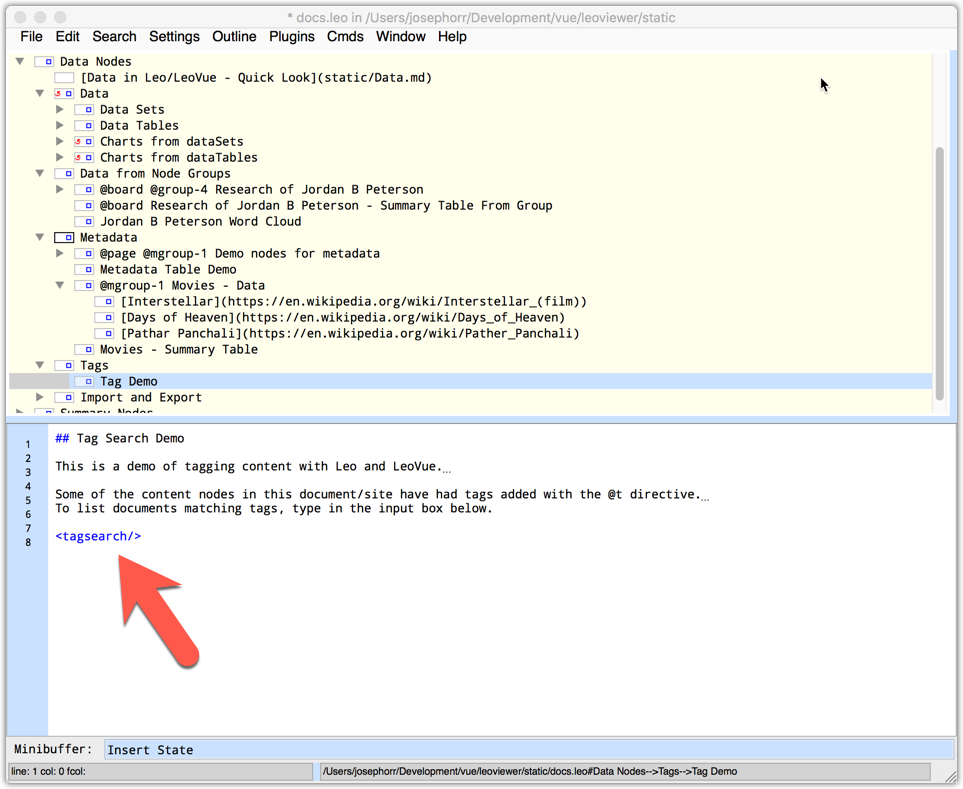 The tagsearch component displayed in LeoVue: