# Leaflet.IconMaterial
Just another shameless copy of Awesome-Markers, but this time with [Material Icons](https://material.io/tools/icons/) icons and customizable `fill` and `outline` colors of the marker.
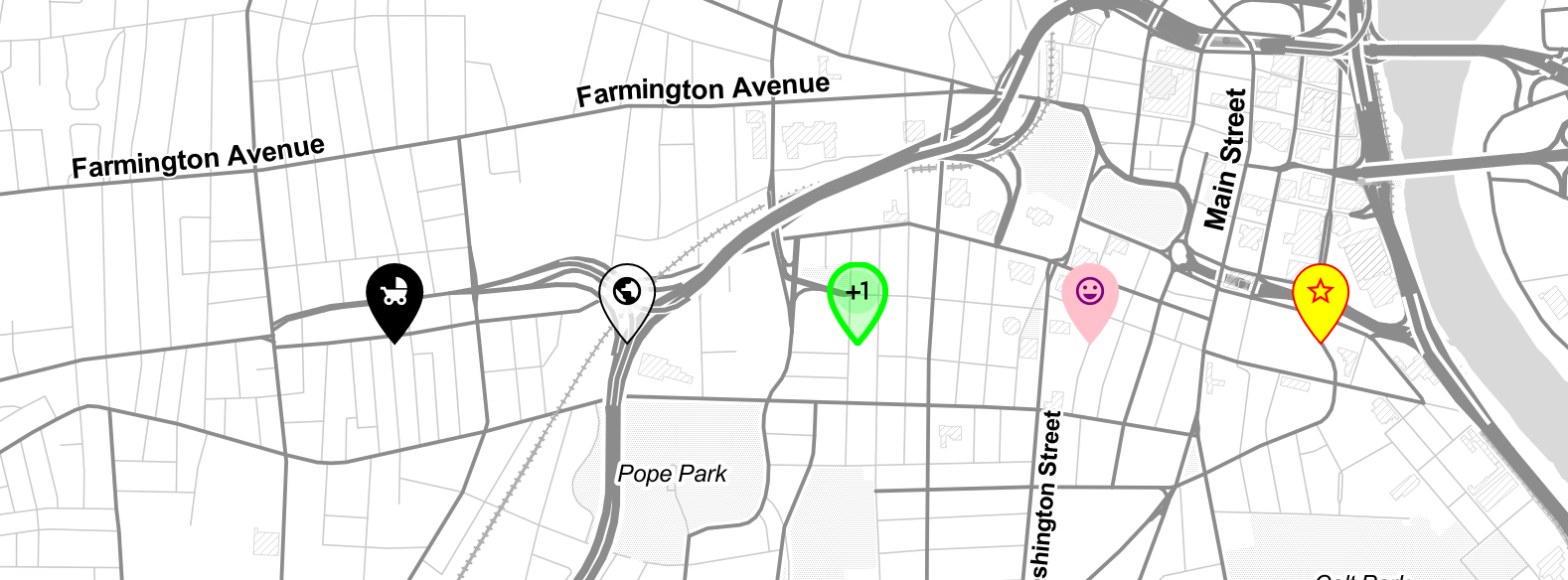
## Using the plugin
1. Include Material Icons web font in your application. See [Google's Guide](https://google.github.io/material-design-icons/) to learn many ways of doing it. But most likely you will end up with something like that in the `` of your HTML:
```html
```
2. Next, include `Leaflet.IconMaterial`'s JavaScript and CSS:
```html
```
or
```
npm i leaflet-iconmaterial
```
3. Create a Material icon and add it to your Leaflet map
```js
// Create a semi-transparent bus icon
var busIcon = L.IconMaterial.icon({
icon: 'directions_bus', // Name of Material icon
iconColor: '#aa2187', // Material icon color (could be rgba, hex, html name...)
markerColor: 'rgba(255,0,0,0.5)', // Marker fill color
outlineColor: 'yellow', // Marker outline color
outlineWidth: 1, // Marker outline width
iconSize: [31, 42] // Width and height of the icon
})
// Attach the icon to the marker and add to the map
L.marker([41.76,-72.67], {icon: busIcon}).addTo(map)
```
## Credits
1. Shamelessly adapted from [Leaflet.AwesomeMarkers](https://github.com/lvoogdt/Leaflet.awesome-markers) by @lvoogdt - MIT License
1. SVG and other magic by @wesleyvandevoorde from a [never merged pull request](https://github.com/lvoogdt/Leaflet.awesome-markers/pull/74)
1. [Material Icons](https://github.com/google/material-design-icons) by Google - Apache-2.0 license.