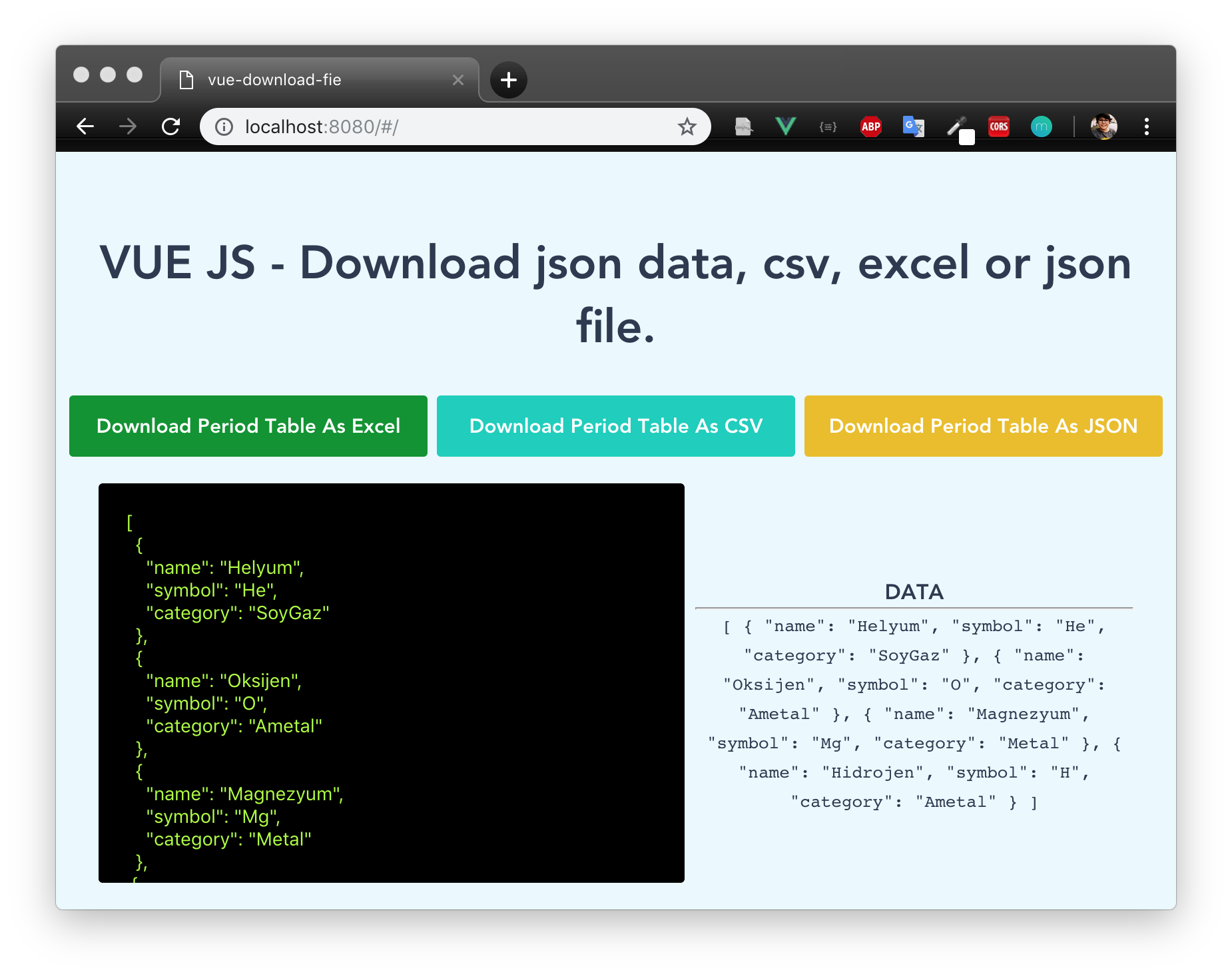
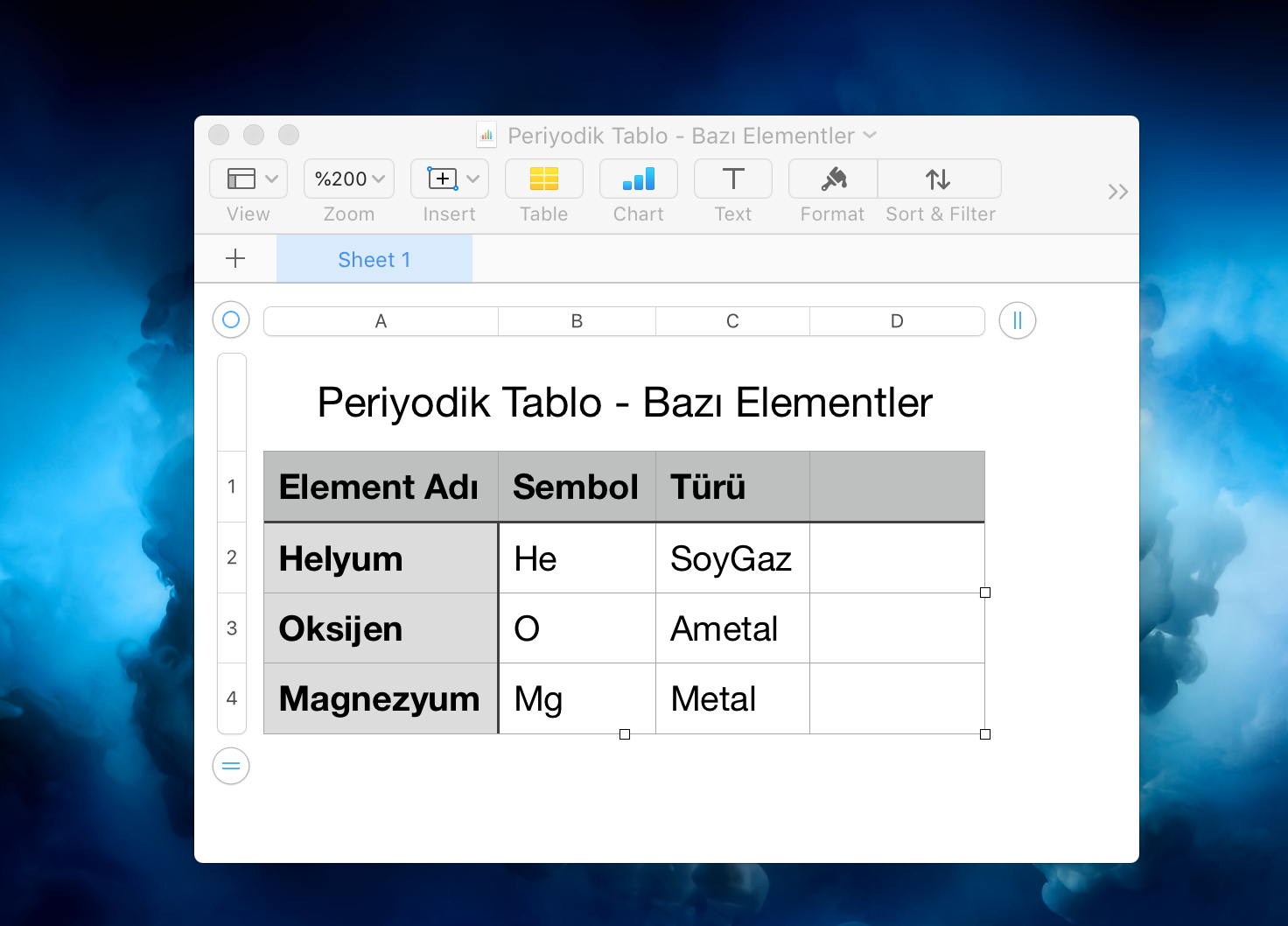
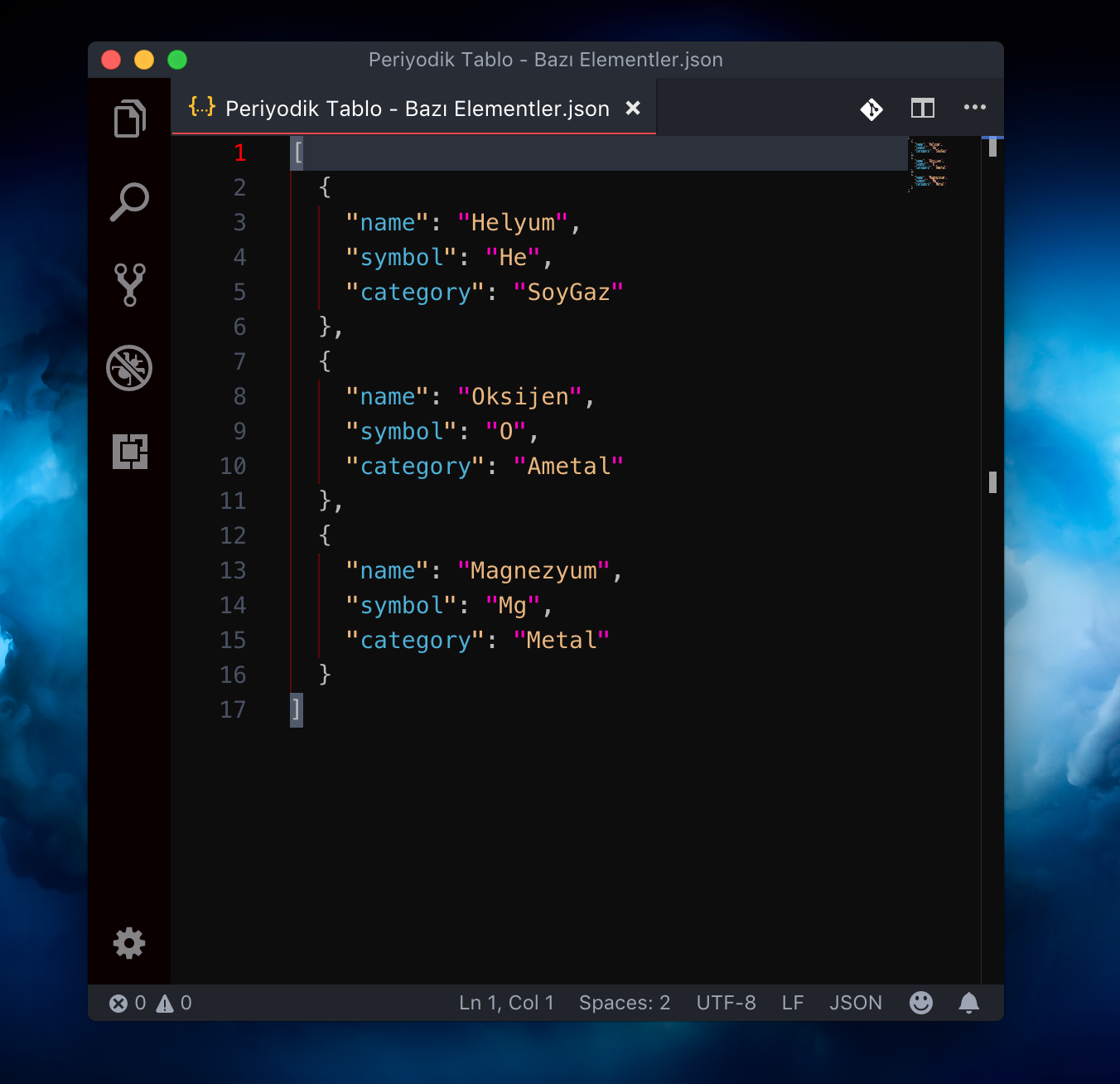
# Download Json Data with VUE Components
 # Install
```
yarn add json-data-convert-file
```
# Using
> import download components
# Install
```
yarn add json-data-convert-file
```
# Using
> import download components
import Download from '@/components/Download'
```html
```
## Build Setup
``` bash
# install dependencies
npm install
# serve with hot reload at localhost:8080
npm run dev
# build for production with minification
npm run build
# build for production and view the bundle analyzer report
npm run build --report
```
For a detailed explanation on how things work, check out the [guide](http://vuejs-templates.github.io/webpack/) and [docs for vue-loader](http://vuejs.github.io/vue-loader).