# iTyped
[](https://www.npmjs.com/package/ityped)
> Dead simple Animated typing, with no dependencies.
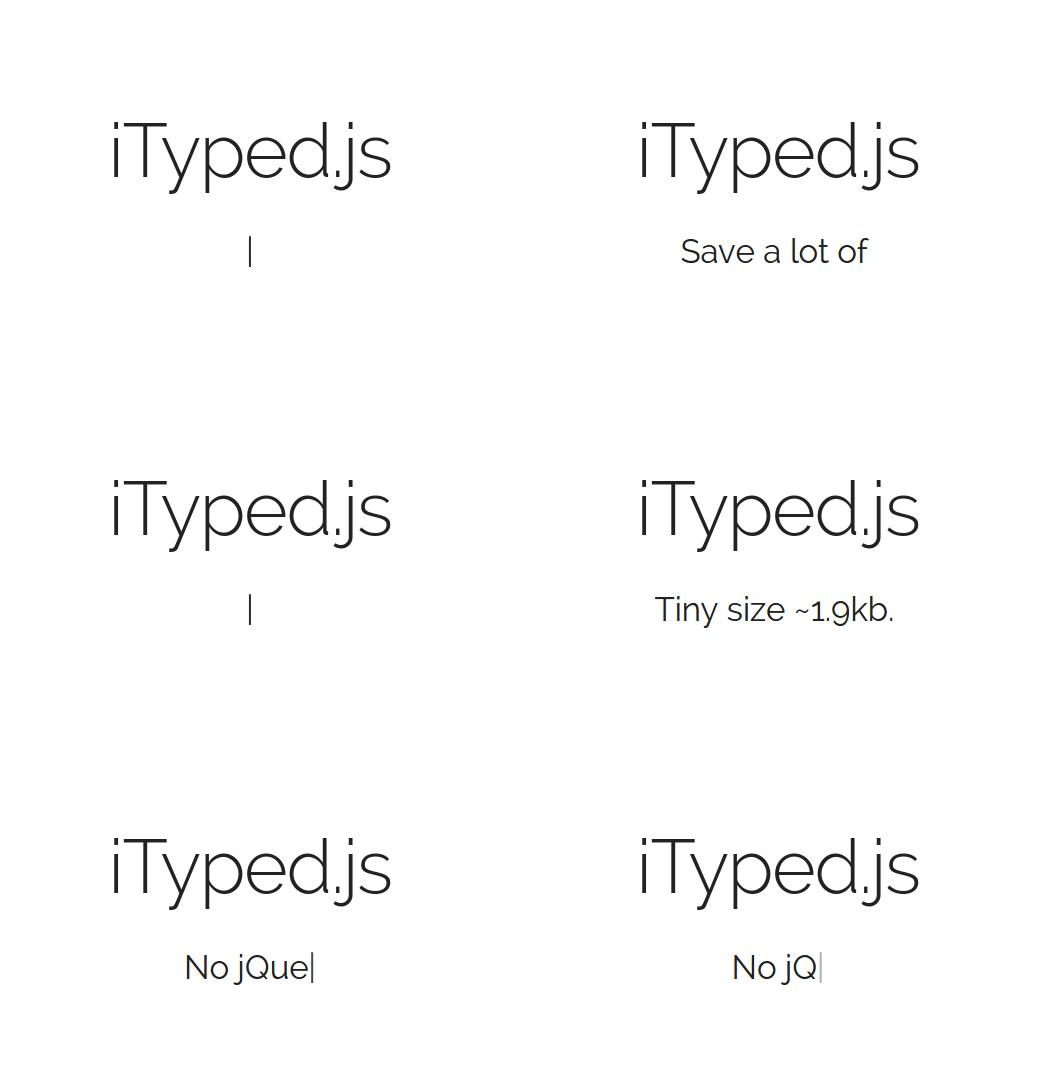
[ Demo ➞](https://ityped.surge.sh/)
Enter in any string, and watch it type at the speed you've set, backspace what it's typed,
and begin a new sentence for however many strings you've set.
---
Features
------------
* iTyped has a tiny size: 2 kB.
* iTyped has no jQuery dependency.
* Just install and enjoy!
* Placeholder input support.
At now, if you just need to render Strings, **iTyped** is the best solution for you.
Installation
------------
#### NPM
~~~
npm install ityped
~~~
#### Yarn
~~~
yarn add ityped
~~~
#### Browser
~~~
https://unpkg.com/ityped@1.0.3
~~~
### CSS
CSS animations are build upon initialzation in JavaScript. But, you can customize them at your will! These classes are:
~~~ css
/* Cursor */
.ityped-cursor {}
~~~
Want the animated blinking cursor?
~~~ css
.ityped-cursor {
font-size: 2.2rem;
opacity: 1;
-webkit-animation: blink 0.3s infinite;
-moz-animation: blink 0.3s infinite;
animation: blink 0.3s infinite;
animation-direction: alternate;
}
@keyframes blink {
100% {
opacity: 0;
}
}
@-webkit-keyframes blink {
100% {
opacity: 0;
}
}
@-moz-keyframes blink {
100% {
opacity: 0;
}
}
~~~
### Use with multiples instances at the same time
~~~ html
~~~
~~~ javascript
import { init } from 'ityped'
const oneElement = document.querySelector('#one')
const otherElement = document.querySelector('#other')
init(oneElement, { showCursor: false, strings: ['Nice', 'One' ] });
init(otherElement, { disableBackTyping: true, strings: ['iTyped is', 'Awesome'] });
~~~
### Use with React.js
~~~ javascript
import React, { Component } from 'react'
import { init } from 'ityped'
export default class Hello extends Component {
componentDidMount(){
const myElement = document.querySelector('#myElement')
init(myElement, { showCursor: false, strings: ['Use with React.js!', 'Yeah!' ] })
}
render(){
return
}
}
~~~
### Customization
~~~ javascript
init("#element", {
/**
* @param {Array} strings An array with the strings that will be animated
*/
strings: ['Put your strings here...', 'and Enjoy!']
/**
* @param {Number} typeSpeed Type speed in milliseconds
*/
typeSpeed: 100,
/**
* @param {Number} backSpeed Type back speed in milliseconds
*/
backSpeed: 50,
/**
* @param {Number} startDelay Time before typing starts
*/
startDelay: 500,
/**
* @param {Number} backDelay Time before backspacing
*/
backDelay: 500,
/**
* @param {Bollean} loop The animation loop
*/
loop: false,
/**
* @param {Bollean} showCursor Show the cursor element
*/
showCursor: true,
/**
* @param {Bollean} placeholder Write the string in the placeholder content
*/
placeholder: false,
/**
* @param {Bollean} disableBackTyping Disable back typing for the last string sentence
*/
disableBackTyping: false,
/**
* @property {String} cursorChar character for cursor
*/
cursorChar: "|",
// optional: The callback called (if `loop` is false)
// once the last string was typed
/**
* @property {Function} onFinished The callback called , if `loop` is false,
* once the last string was typed
*/
onFinished: function(){},
}
~~~
Thanks for checking this out.
If you're using this, let me know! I'd love to see it.