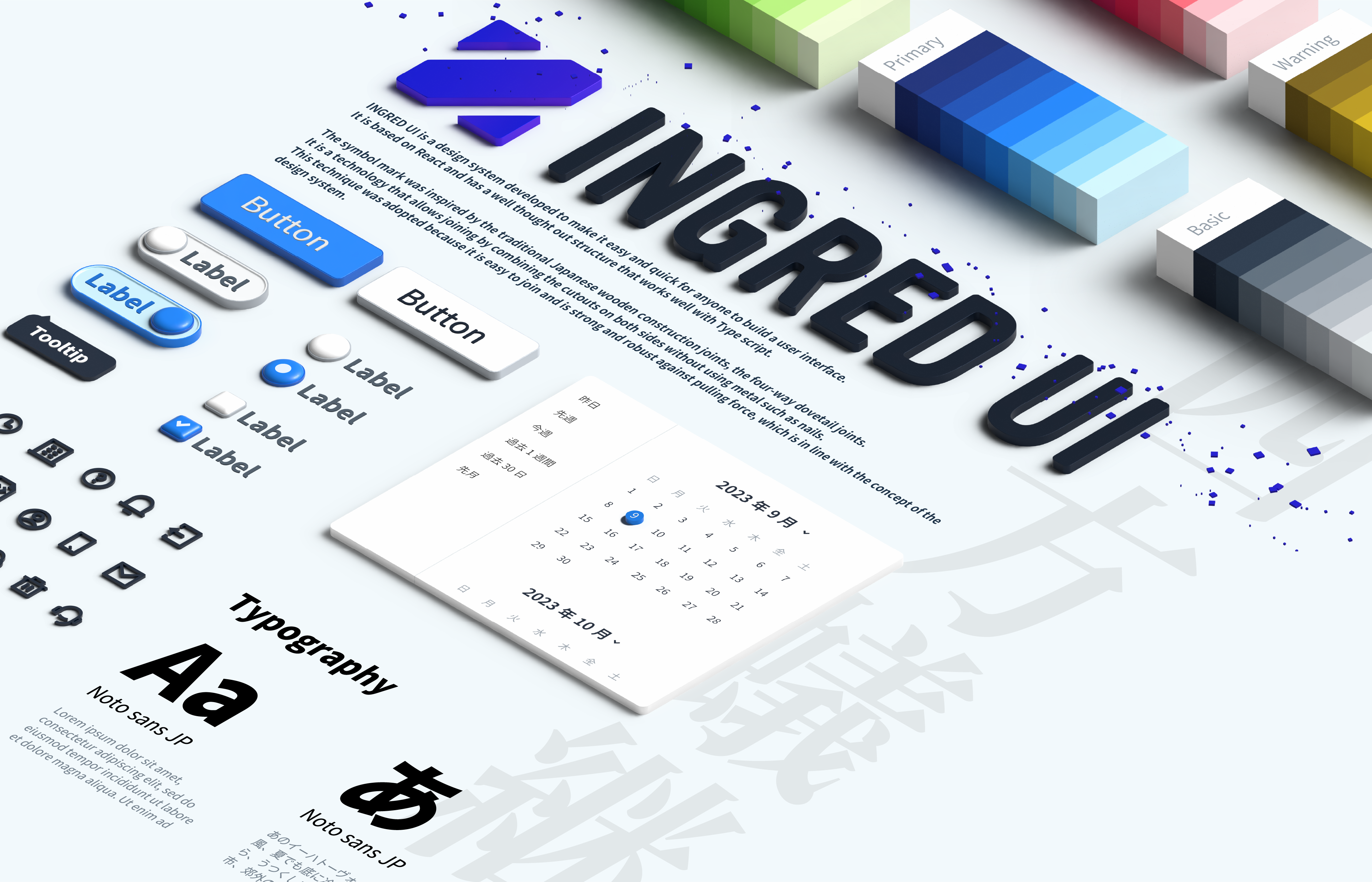
INGRED UI is a design system developed to make it easy and quick for anyone to build a user interface.
It is based on React and has a well thought out structure that works well with TypeScript.
>
[](https://www.npmjs.com/package/ingred-ui) [](https://standardjs.com)
[](https://app.netlify.com/sites/ingred-ui/deploys)
## Install
For npm users:
```bash
npm install --save ingred-ui styled-components
```
For yarn users:
```bash
yarn add ingred-ui styled-components
```
For pnpm users:
```bash
pnpm add ingred-ui styled-components
```
## Usage
```tsx
import * as React from "react";
import { ThemeProvider, createTheme, Button } from "ingred-ui";
const App = () => {
const theme = createTheme();
return (
);
};
```
If you use `` or `` , add
```tsx
import "react-dates/lib/css/_datepicker.css";
```
Storybook: https://ingred-ui.netlify.app/
## Development
Node.js 24 以上が必要です。パッケージ管理は [pnpm](https://pnpm.io/)(`package.json` の `packageManager`)。**ローカル開発では `make` が `pnpm run` のラッパー**(fluct_ms の client と同様)。CI は従来どおり `ci.mk` を使用します。
```bash
# 初回・依存更新後
make install # または make setup
# よく使うコマンド(一覧は make / make help)
make lint
make test
make storybook
make build-storybook
make build
make format
```
特定テストだけ実行する例: `make test ARGS='Banner'`
### 祝日データの更新
カレンダーコンポーネントで使用される日本の祝日データは、内閣府が公開しているCSVファイルから自動的に更新されます。
```bash
make update-holidays
```
詳細な情報については、[scripts/holiday/README.md](./scripts/holiday/README.md) を参照してください。
### カナリア版の publish
試験版を npm の `@canary` タグで配布する。正式版リリース(changesets → `@latest`)とは独立した運用。
#### publish する(maintainer)
1. publish 対象ブランチの `package.json` の `version` を `X.Y.Z-canary.N` に設定する(例: `33.0.0-canary.0`)
2. ブランチを push する
3. GitHub Actions → **release** → Run workflow
- **canary_ref**: publish 対象のブランチ名(例: `feat/my-feature`)
4. npm に `@canary` タグで publish される(OIDC 認証。npm Trusted Publisher は `release.yaml` のみ登録済み)
同じ内容を再 publish する場合は `-canary.N` の連番を上げる(npm は同一 version の再 publish 不可)。
#### 利用する(利用側プロジェクト)
publish された version を固定してインストールする。
```json
"ingred-ui": "33.0.0-canary.0"
```
peerDependencies 化を含む変更の場合は、README や PR に記載の追加パッケージも `dependencies` に入れる。
#### 正式版リリース
カナリアで問題なければ PR を master に merge し、いつも通り changesets の Version Packages PR 経由で `@latest` に publish する。
## License
MIT © [CARTA HOLDINGS, Inc.](https://github.com/voyagegroup)