# Homebridge OpenWebIf TV
[](https://github.com/homebridge/homebridge/wiki/Verified-Plugins)
[](https://www.npmjs.com/package/homebridge-openwebif-tv)
[](https://www.npmjs.com/package/homebridge-openwebif-tv)
[](https://www.npmjs.com/package/homebridge-openwebif-tv)
[](https://github.com/grzegorz914/homebridge-openwebif-tv/pulls)
[](https://github.com/grzegorz914/homebridge-openwebif-tv/issues)

 ## Package Requirements
| Package | Installation | Role | Required |
| --- | --- | --- | --- |
| [Homebridge](https://github.com/homebridge/homebridge) | [Homebridge Wiki](https://github.com/homebridge/homebridge/wiki) | HomeKit Bridge | Required |
| [Homebridge UI](https://github.com/homebridge/homebridge-config-ui-x) | [Homebridge UI Wiki](https://github.com/homebridge/homebridge-config-ui-x/wiki) | Homebridge Web User Interface | Recommended |
| [OpenWebIf TV](https://www.npmjs.com/package/homebridge-openwebif-tv) | [Plug-In Wiki](https://github.com/grzegorz914/homebridge-openwebif-tv/wiki) | Homebridge Plug-In | Required |
## Warning
* For plugin < v5.1.0 use Homebridge UI <= v5.5.0.
* For plugin >= v5.1.0 use Homebridge UI >= v5.13.0.
## About The Plugin
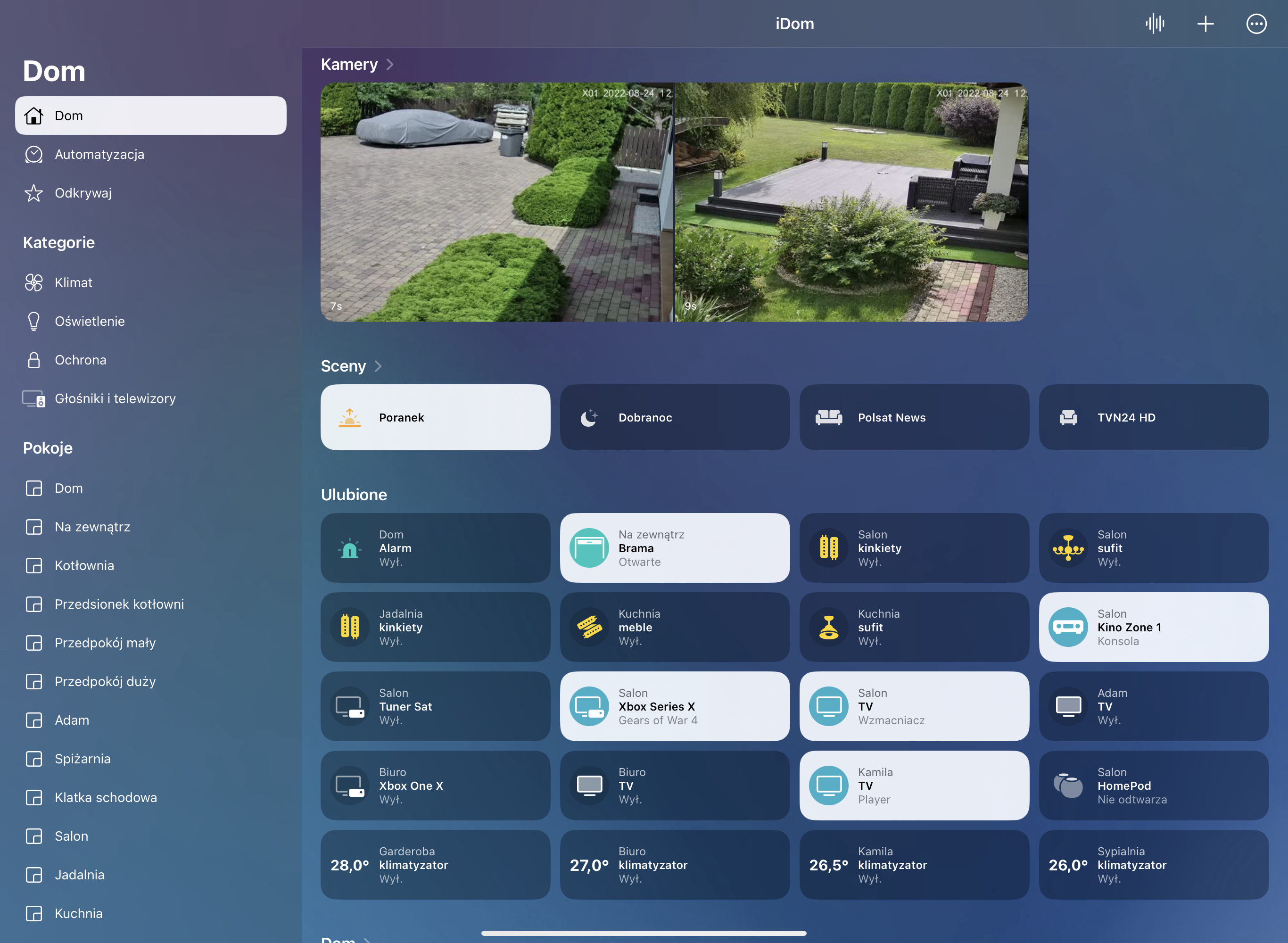
* Power ON/OFF short press tile in HomeKit app.
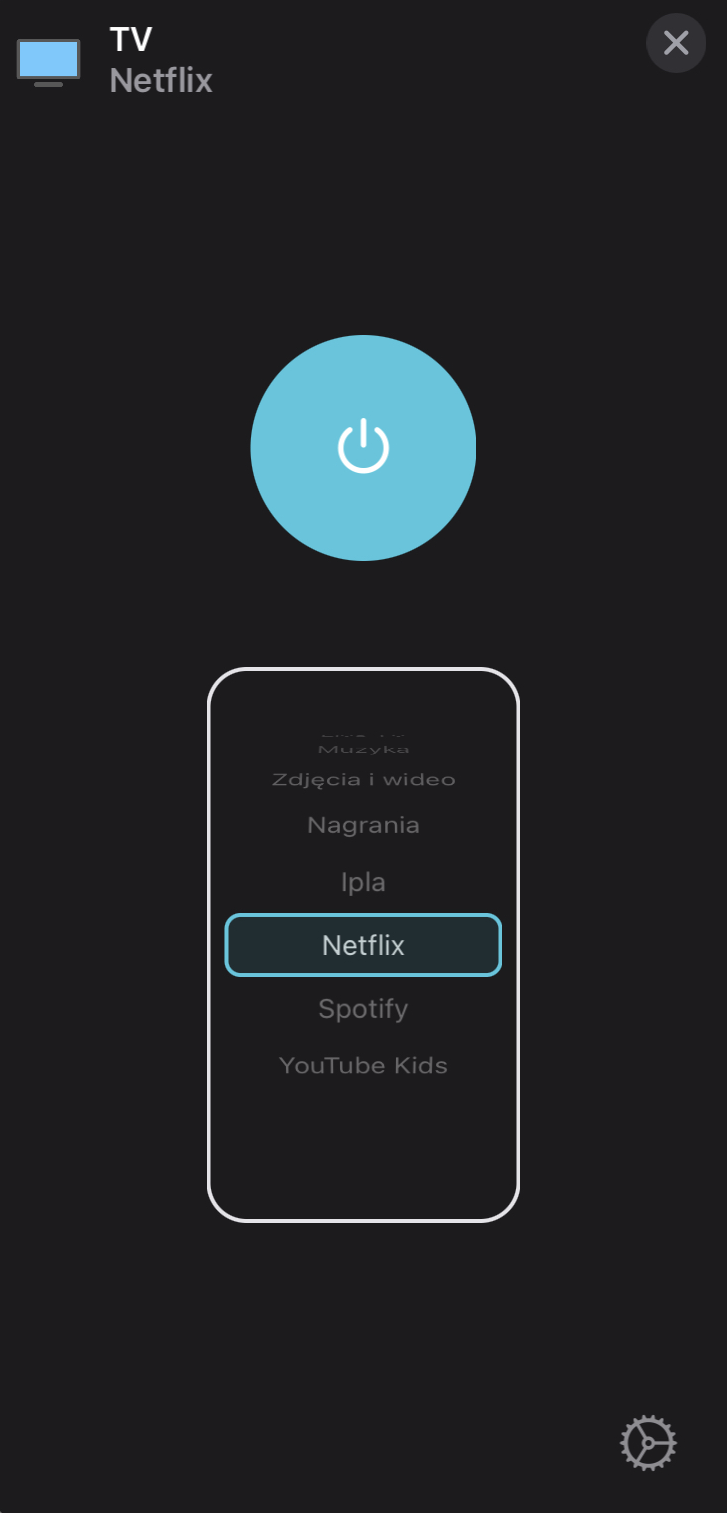
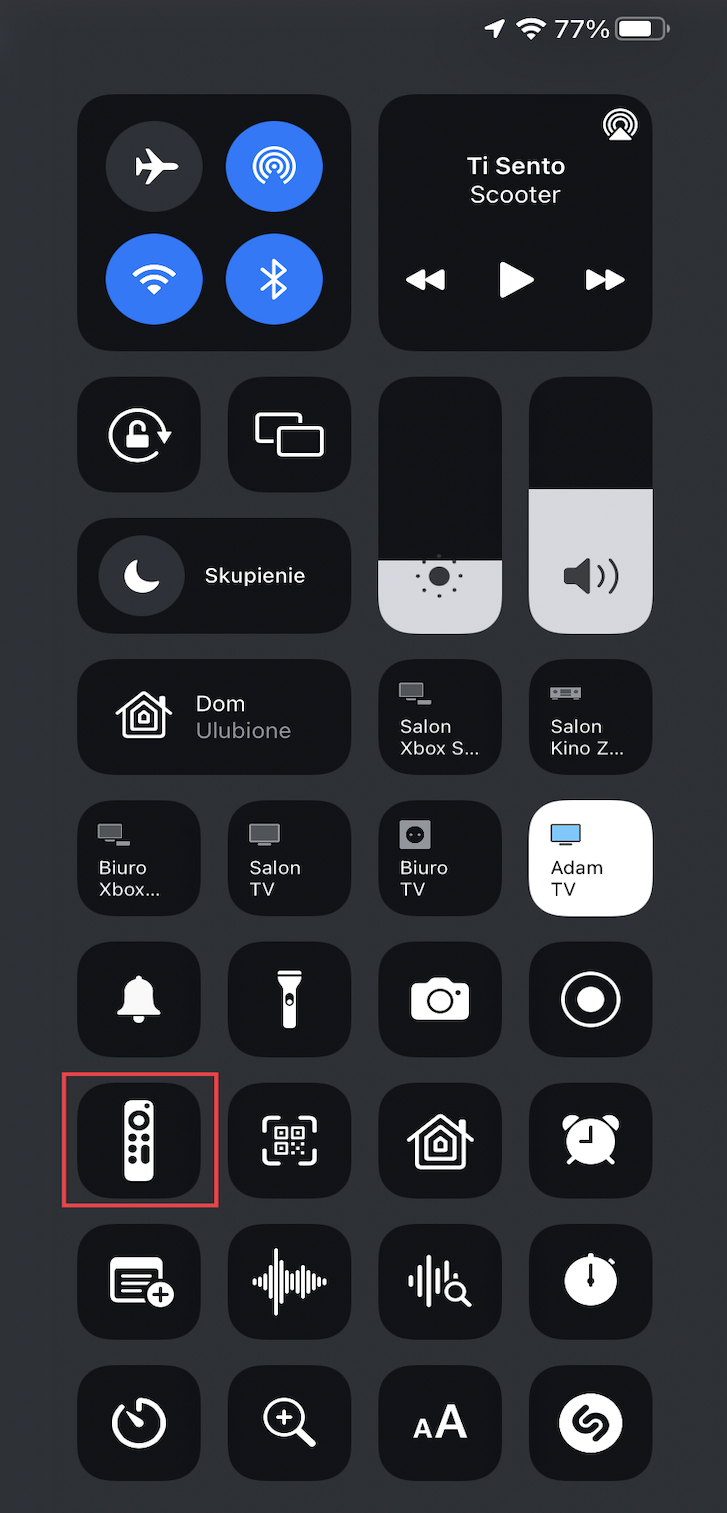
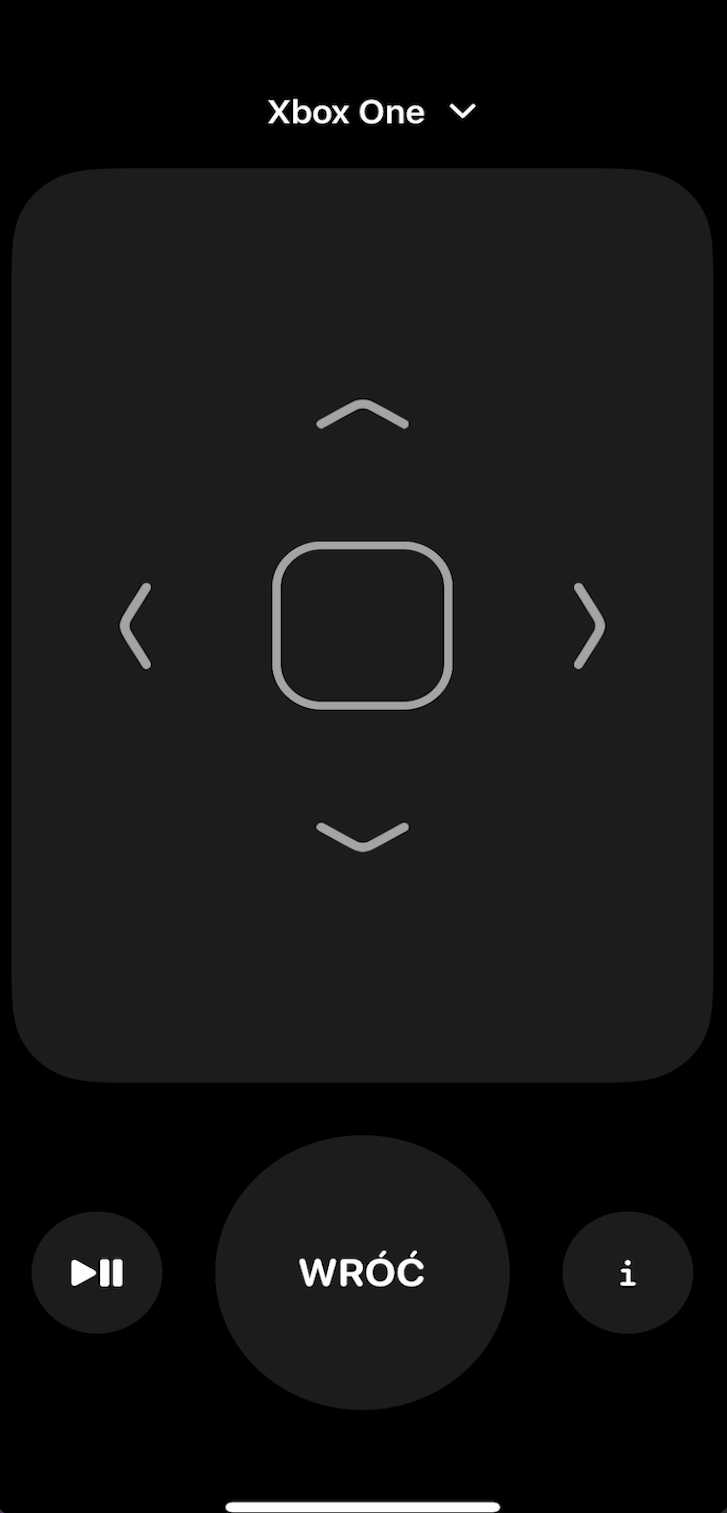
* RC/Media control is possible after you go to the RC app on iPhone/iPad.
* Speaker control is possible after you go to RC app on iPhone/iPad `Speaker Service`.
* Legacy Volume and Mute control is possible throught extra `lightbulb`/`fan` (slider).
* Channels can be changed using Channels selector in HomeKit.app, additionally can create separate tile.
* Siri can be used for all functions, some times need create legacy buttons/switches/sensors.
* Automations can be used for all functions, some times need create legacy buttons/switches/sensors.
* Support external integrations, [MQTT](https://github.com/grzegorz914/homebridge-openwebif-tv?tab=readme-ov-file#mqtt-integration), [HA Discovery](https://github.com/grzegorz914/homeassistant-mqtt-media-player).
### Configuration
* Run this plugin as a [Child Bridge](https://github.com/homebridge/homebridge/wiki/Child-Bridges) (Highly Recommended), this prevent crash Homebridge if plugin crashes.
* Install and use [Homebridge UI](https://github.com/homebridge/homebridge-config-ui-x/wiki) to configure this plugin.
* The `sample-config.json` can be edited and used as an alternative.
* Be sure to always make a backup copy of your config.json file before making any changes to it.
| Key | Description |
| --- | --- |
| `name` | Here set the accessory `Name` to be displayed in `Homebridge/HomeKit`. |
| `host` | Here set the `Hsostname or Address IP` of Sat Receiver.|
| `port` | Here set the `Port` of Sat Receiver. |
| `displayType` | Accessory type to be displayed in Home app: `0 - None/Disabled`, `1 - Television` , `2 - TV Set Top Box`, `3 - TV Streaming Stick`, `4 - Audio Receiver`. |
| `auth{}` | Authorization object. |
| `auth.enable` | If enabled, authorizatins credentials will be used for login. |
| `auth.user` | Here set the authorization `Username`. |
| `auth.passwd` | Here set the authorization `Password`. |
| `inputs{}` | Inputs object. |
| `inputs.getFromDevice` | This function get channels by `Bouquet` direct from device, manually configured channels will be skipped. |
| `inputs.displayOrder` | Here choose display order of the channels list, `0 - None`, `1 - Ascending by Name`, `2 - Descending by Name`, 3 - `Ascending by Reference`, `4 - Ascending by Reference`. |
| `inputs.bouquets[]` | Inputs bouquets array. |
| `inputs.bouquets[].name` | Here set `Bouquet Name` which should be loaded from device, only first 90 services will be used. |
| `inputs.bouquets[].displayType` | Here choose display extra tile for all channels of this bouquet to be exposed in HomeKit app, possible `0 - None/Disabled`, `1 - Outlet`, `2 - Switch`.|
| `inputs.bouquets[].namePrefix` | Here enable the accessory name as a prefix for extra tile channel name.|
| `inputs.channels[]` | Inputs channels array. |
| `inputs.channels[].name` | Here set `Channel Name` which should be exposed in the `Homebridge/HomeKit`. |
| `inputs.channels[].reference` | Here set `Channel Reference`. All can be found in `homebridge_directory/openwebifTv/inputs_xxxx`. |
| `inputs.channels[].displayType` | Here choose display extra tile for this channel to be exposed in HomeKit app, possible `0 - None/Disabled`, `1 -Outlet`, `2 - Switch`.|
| `inputs.channels[].namePrefix` | Here enable the accessory name as a prefix for extra tile channel name.|
| `buttons[]` | Buttons array. |
| `buttons[].displayType` | Here choose display type in HomeKit app, possible `0 - None/Disabled`, `1 - Outlet`, `2 - Switch`.|
| `buttons[].name` | Here set `Button Name` which You want expose to the `Homebridge/HomeKit`.|
| `buttons[].mode` | Here choose button mode, `0 - Live TV Channel`, `1 - Remote Control`. |
| `buttons[].reference` | Here set `Reference`, only for `Live TV Channel` mode, in other case leave empty. |
| `buttons[].command` | Here choose `Remote Control` command which will be assigned to the button. |
| `buttons[].powerCommand` | Here choose `Power Control` which will be assigned to the button. |
| `buttons[].namePrefix` | Here enable the accessory name as a prefix for button name.|
| `sensors[]` | Sensors array. |
| `sensors[].displayType` | Here choose the sensor type to be exposed in HomeKit app, possible `0 - None/Disabled`, `1 - Motion Sensor`, `2 - Occupancy Sensor`, `3 - Contact Sensor`. |
| `sensors[].mode` | Here choose the sensor mode, possible `0 - Channel`, `1 - Power`, `2 - Volume`, `3 - Mute`, `4 - Recording`, `5 - Streaming`, `6 - Play State`. |
| `sensors[].name` | Here set own sensor `Name` which You want expose to the `Homebridge/HomeKit`. |
| `sensors[].reference` | Here set mode `Reference` like `1:0:1:3ABD:514:13E:820000:0:0:0:`, sensor fired on switch to this reference. |
| `sensors[].pulse` | Here enable sensor pulse, sensor send pulse and fired on every value change of selected mode. |
| `sensors[].namePrefix` | Here enable the accessory name as a prefix for sensor name. |
| `sensors[].level` | Here set `Level` between `0-100`, sensor fired on this level. |
| `volume{}` | Volume object. |
| `volume.displayType` | Here choice what a additional volume control mode You want to use `0 - None/Disabled`, `1 - Lightbulb`, `2 - Fan`, `3 - TV Speaker (only hardware buttons on R.C. app)`, `4 - TV Speaker / Lightbulb`, `5 - TV Speaker / Fan`. |
| `volume.name` | Here set Your own volume control name or leave empty. |
| `volume.namePrefix` | Here enable the accessory name as a prefix for volume control name. |
| `log{}` | Log object. |
| `log.deviceInfo` | If enabled, log device info will be displayed by every connections device to the network. |
| `log.sSuccess` | If enabled, success log will be displayed in console. |
| `log.info` | If enabled, info log will be displayed in console. |
| `log.warn` | If enabled, warn log will be displayed in console. |
| `log.error` | If enabled, error log will be displayed in console. |
| `log.debug` | If enabled, debug log will be displayed in console. |
| `infoButtonCommand` | Here choose the function of `I` button in RC app. |
| `refreshInterval` | Here set the data refresh interval. |
| `mqtt{}` | MQTT object. |
| `mqtt.enable` | If enabled, MQTT Broker will start automatically and publish all awailable PV data. |
| `mqtt.host` | Here set the `IP Address` or `Hostname` for MQTT Broker. |
| `mqtt.port` | Here set the `Port` for MQTT Broker, default 1883. |
| `mqtt.clientId` | Here optional set the `Client Id` of MQTT Broker. |
| `mqtt.prefix` | Here set the `Prefix` for `Topic` or leave empty. |
| `mqtt.protocolVersion` | Here select the MQTT protocol version, `5.0` (default) or `3.1.1` for brokers that only support 3.1.1 (e.g. ioBroker MQTT adapter). |
| `mqtt.haDiscovery` | If enabled, the device is published to Home Assistant as one media player (class `receiver`) with power, volume, mute, source selection and more. Requires the [MQTT Universal Media Player](https://github.com/grzegorz914/homeassistant-mqtt-media-player) integration. |
| `mqtt.auth{}` | MQTT authorization object. |
| `mqtt.auth.enable` | Here enable authorization for MQTT Broker. |
| `mqtt.auth.user` | Here set the MQTT Broker user. |
| `mqtt.auth.passwd` | Here set the MQTT Broker password. |
### MQTT Integration
* HA Discovery - if enabled, the device is published to Home Assistant as one media player (class `receiver`) with power, volume, mute, source selection and more. Channels are available as sources. The device also gets a notify entity that shows a message on the TV screen (`notify.send_message`), it needs the integration 0.4.0 or newer. With the integration 0.5.0 or newer the media card shows a progress bar of the current EPG event, the media browser lists all bouquets with their channels, and `media_player.play_media` switches to a channel (service reference) or plays a stream url, e.g. Home Assistant TTS. Requires the [MQTT Universal Media Player](https://github.com/grzegorz914/homeassistant-mqtt-media-player) integration. Additional retained topics:
* `homeassistant/media_player//config` - discovery message.
* `HA State` - `{"power": true, "volume": 35, "muted": false, "source": "1:0:1:3DD3:640:13E:820000:0:0:0:", "media_channel": "TVP 1 HD"}`.
* `Availability` - `online`, `offline` (last will).
* `HA Image` - picon of the current channel (raw PNG, retained).
| Direction | Topic | Message | Payload Data |
| --- | --- | --- | --- |
| Publish | `Info`, `State` | `{"inStandby": true, "volume": 100}` | JSON object. |
| Subscribe | `Set` | `{"Power": true}` | JSON object. |
| Subscribe | Key | Value | Type | Description |
| --- | --- | --- | --- | --- |
| OpenWebIf | | | | |
| | `Power` | `true`, `false` | boolean | Power state. |
| | `Channel` | `1:0:1:3DD3:640:13E:820000:0:0:0:` | string | Set channel. |
| | `RcControl` | `168` | string | Send RC command. |
| | `Volume` | `55` | integer | Set volume. |
| | `Mute` | `true` | boolean | Toggle mute. |
| | `Notify` | `message` | string | Show a message on the TV screen for 10 seconds. |
| | `PlayMedia` | `{"id": "1:0:1:3DD3:640:13E:820000:0:0:0:", "type": "channel"}` | object | Switch to a channel by service reference, or play a stream when `id` is a http(s) url. |