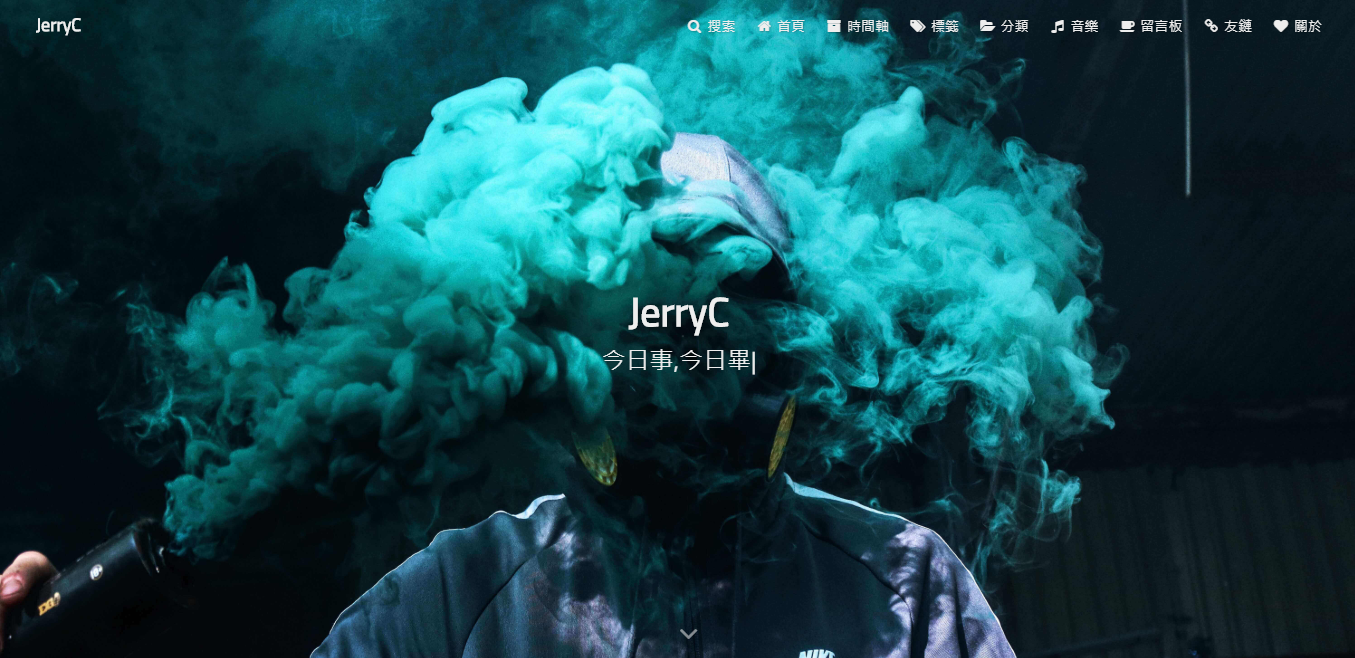
# hexo-theme-butterfly


 Demo: 👍 [Butterfly](https://demo.jerryc.me/) || 🤞 [JerryC](https://jerryc.me/)
Based on [hexo-theme-melody](https://github.com/Molunerfinn/hexo-theme-melody) theme.
## Installation
Stable branch [recommend]:
```
git clone -b master https://github.com/jerryc127/hexo-theme-butterfly.git themes/butterfly
```
Dev branch:
```
git clone -b dev https://github.com/jerryc127/hexo-theme-butterfly.git themes/butterfly
```
## Configuration
Set theme in the hexo work folder's root config file `_config.yml`:
> theme: butterfly
If you don't have pug & stylus renderer, try this:
> npm install hexo-renderer-pug hexo-renderer-stylus
## Documentation
Find in [Butterfly Docs](https://demo.jerryc.me/posts/21cfbf15/). it supports `zh-TW` and `zh-CN`
You can also join the Chat Group.
[💬 Join QQ Group [recommend]](https://jq.qq.com/?_wv=1027&k=5KI3Jqb)
[💬 Join Telegram Group](https://t.me/hexo_butterfly)
## Screenshots