A token usage and cost ledger for DeepSeek Harness. It reads usage already recorded in Harness sessions and shows totals, per provider and per model breakdowns, a monthly heatmap, and per session and per request records in a draggable browser panel. It makes no model calls and keeps its cache in the dsh user data area.
## Screenshots
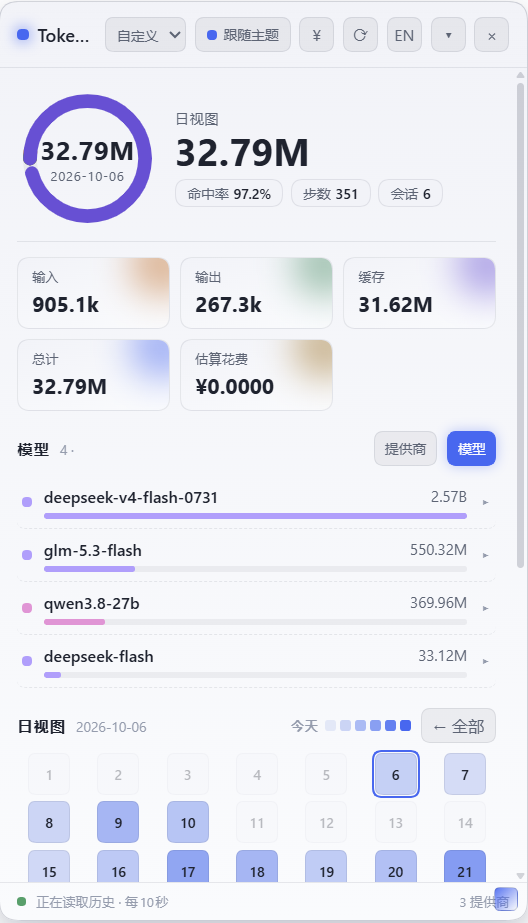
Default theme, Chinese interface
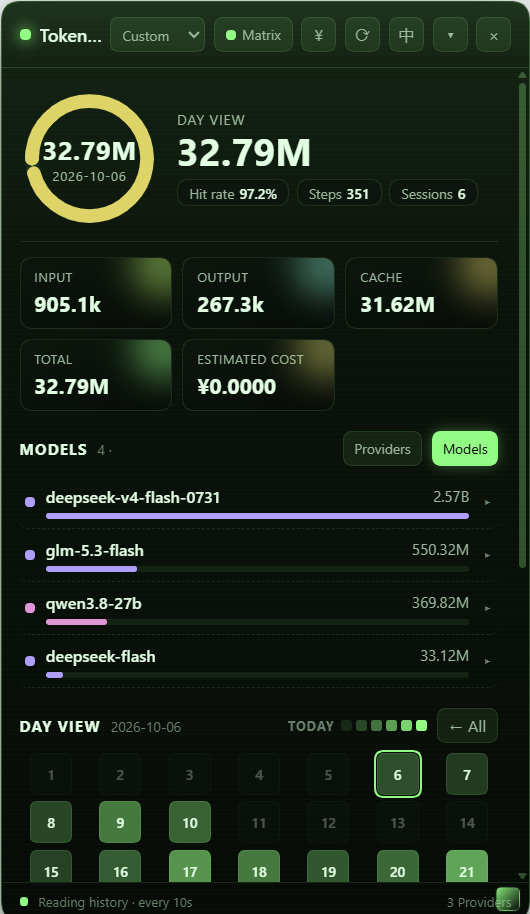
Matrix theme, English interface
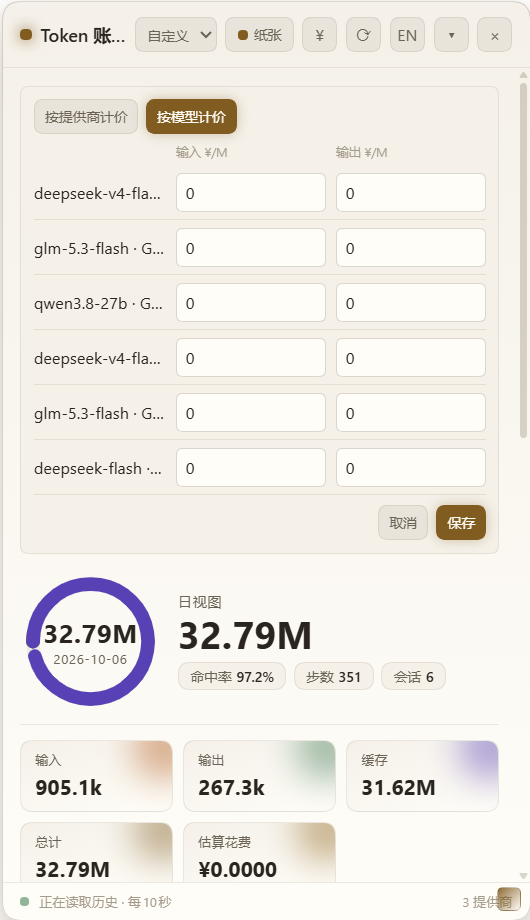
Per model pricing editor, Paper theme
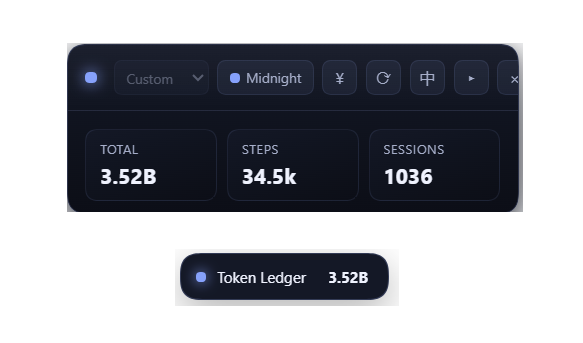
Compact view and collapsed pill, Midnight theme
## Features
- Account totals for input, output, cache read, cache write, reasoning, and total tokens.
- Usage grouped by provider or model. The model view combines the same model name across providers and shows the provider breakdown when expanded.
- A monthly activity calendar. Selecting a day shows sessions with token usage recorded on that day, including older sessions.
- Session totals and recent request records with time, provider, model, and token counts.
- Per provider or per model price estimates with zero defaults for every discovered provider and model, priced per million tokens.
- Auto, Midnight, Paper, and Matrix panel themes.
- Chinese and English panel text.
The panel refreshes every ten seconds. It displays up to thirty highest-usage sessions and up to twelve recent requests for an expanded session.
## Install
The plugin is a normal dsh plugin bundle, so it installs with the standard dsh plugin flow and shows up in the installed plugins list with its own enable toggle. It never needs an entry in `cordis.patch.yml`.
### From the plugin manager
Open the Plugins page, install from the repository address, then restart Harness.
```
https://github.com/yuyuanjingxuan/harness-ledger
```
### From the command line
```
dsh plugin --profile desktop add https://github.com/yuyuanjingxuan/harness-ledger
```
Replace `desktop` with your profile name. Restart Harness after the install finishes.
## Pricing
Every provider discovered by Harness starts at zero per million tokens, so the panel works without a pricing block. Click the `¥` button in the panel header to enter input and output prices. Choose either **By provider** or **By model**; only the selected mode is used for estimates. Model rates are keyed by both provider and model, so identical model names from different providers remain distinct. Both rate tables persist in the browser's local storage. In provider mode, local provider rates take precedence over profile-configured rates.
The provider key must match the ID reported by Harness. Profile configuration remains available when rates should be shared across browsers or managed centrally:
```yaml
- id: ledger
config:
pricing:
GWDG_CHAT_AI:
inputPerM: 2.0
outputPerM: 6.0
```
`inputPerM` and `outputPerM` are prices per million uncached input tokens and output tokens. Zero is valid and means free.
## Data and cache
The plugin reads session history through Harness services. Its cache contains folded session metadata and usage totals, not full message bodies. Cached totals are returned immediately while session history refreshes in the background.
The cache lives in the dsh user data area at `~/.dsh/storages/harness-ledger`, next to the other dsh storages, so it survives reinstalls and upgrades. Set `DSH_HOME` to use a different dsh root, or set `HARNESS_LEDGER_CACHE` before starting Harness to point at a dedicated cache directory. The legacy `DSH_LEDGER_CACHE` name remains supported.
## Development
The host and browser modules are plain ES modules with no build step.
```bash
node --check lib/index.js
node --check lib/client.js
node --check lib/store.js
```
 harness-ledger