# React Drawing board
Browser drawing board created with canvas and React.
## Preview
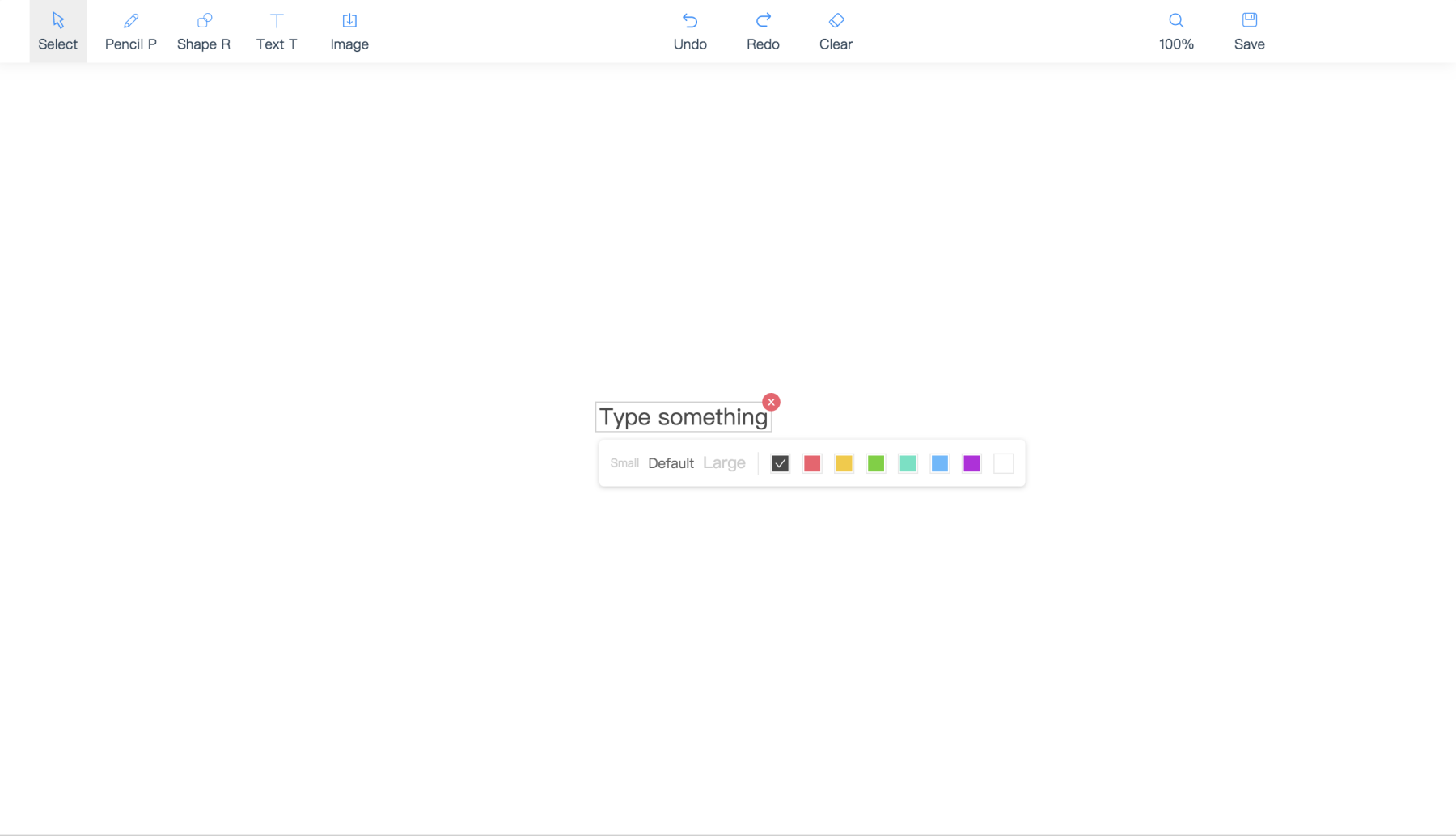
## Features
**A browser-ready efficient drawing board.**
- Support for drawing strokes, shapes, texts and images.
- Built-in support for both redo and clear.
- Easily zoom or pan the board content.
- Ability to save screenshot.
- Ability to be used as a Pictionary board for long distance communication.
- Working for mobile users.
## Installation
### In NPM
React Drawing board uses a CMD so you can use it in NPM as well. `npm install` this package and
```js
const DrawingBoard = require('react-drawing-board');
```
## Basic Use
### Basic
```tsx
```
### As A Pictionary
```tsx
const Demo: React.FC = () => {
const [operations, setOperations] = useState([]);
return (
{
console.log(`TODO: send ${newOperation}`);
setOperations(afterOperation);
}}
/>
)
}
```
## Props
| Props | Description | Type | Default |
|-----------|------------------------------------------|------------|---------|
| userId(optional) | identify for operation source | string | uuid.v4() |
| locale(optional) | 'en-US', 'zh-CN', 'tr-TR' | string | navigator.language |
| operations(optional) | operations on drawing board | Operation[] | undefined |
| onChange(optional) | called when user draw some operations | (newOperaton: Operation, operationsAfter: Operation[]) => void | undefined |
| onSave(image) | called when user click save button for saving current view | (image: { canvas: HTMLCanvasElement, dataUrl: string }) => void | undefined |
| style(optional) | element style | CSSProperties | undefined |
| className(optional) | element classname | string | undefined |
| toolbarPlacement(optional) | the position of toolbar | 'top' or 'left' or 'right' | 'top' |
| viewMatrix(optional) | control the current perspective | undefined |
| onViewMatrixChange(optional) | (viewMatrix: ViewMatrix) => void | undefined |