gantt-schedule-timeline-calendar
Gantt, schedule, timeline and calendar components all in one!
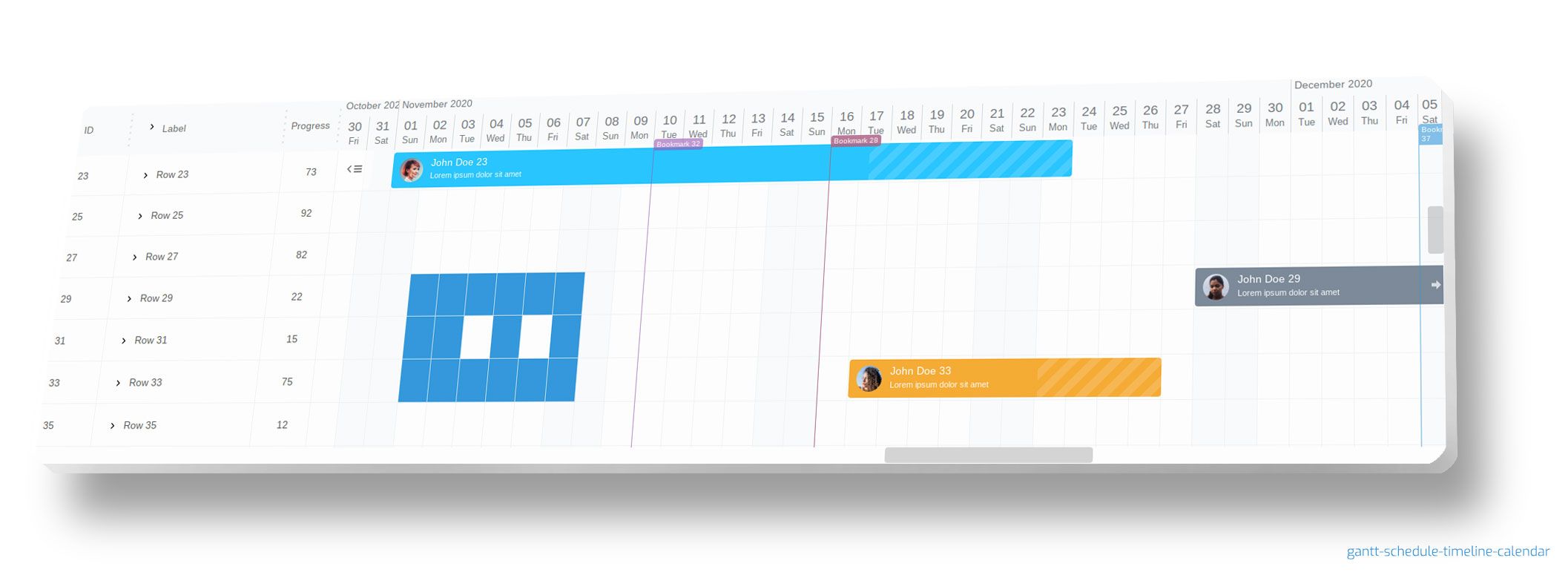
gantt-schedule-timeline-calendar is all-in-one component that you can use in different scenarios.
Keywords: [ gantt, javascript gantt, typescript gantt, project manager, js gantt, js scheduler, js timeline, javascript timeline, javascript schedule, js scheduler, javascript calendar ]








And always remember, to leave a star :star:
FEATURES
- elastic - you can change almost everything from DOM tree to logic (without any compilation, without modifying original code - with config, state or plugin)
- super fast! even with large dataset
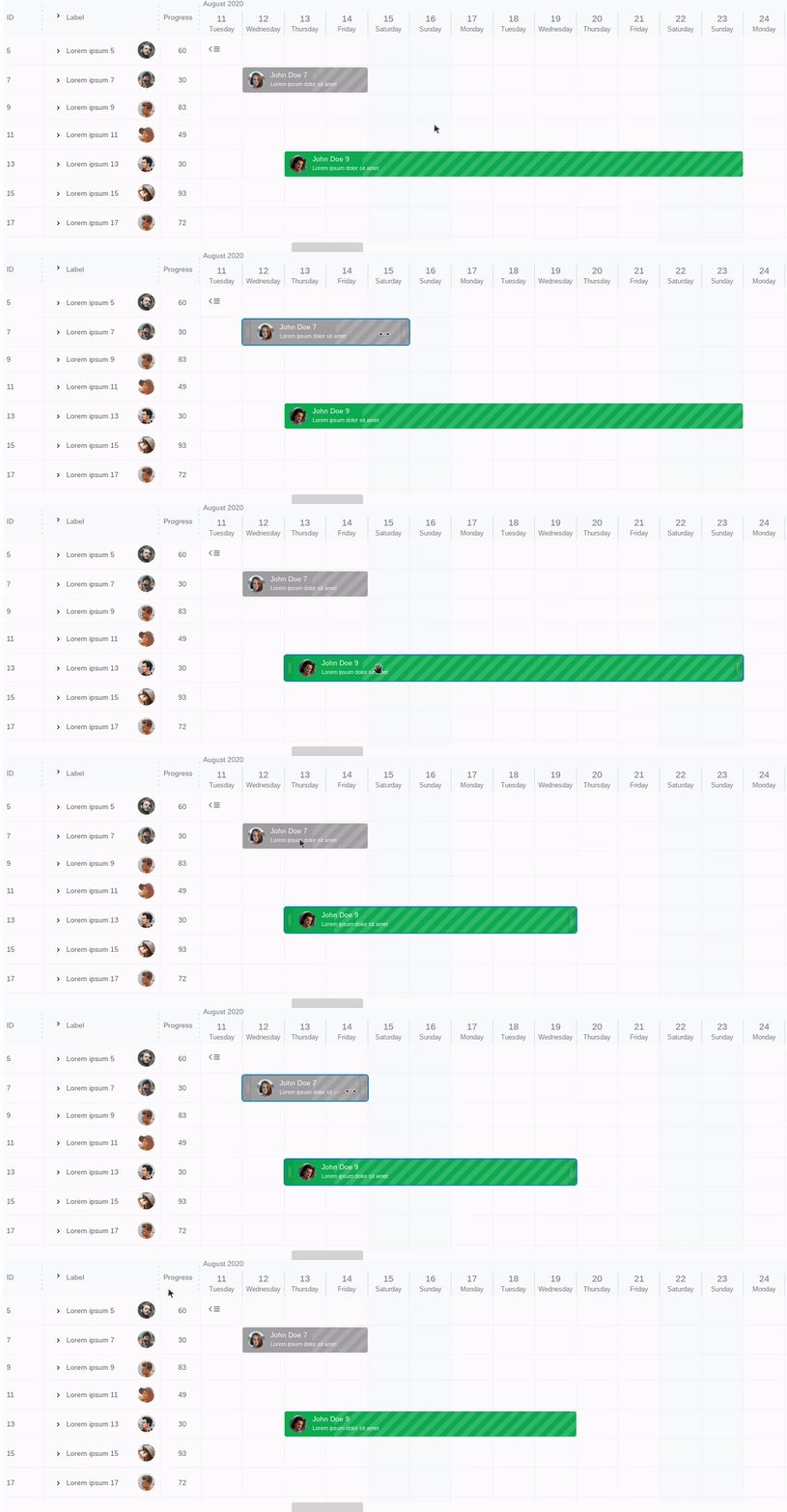
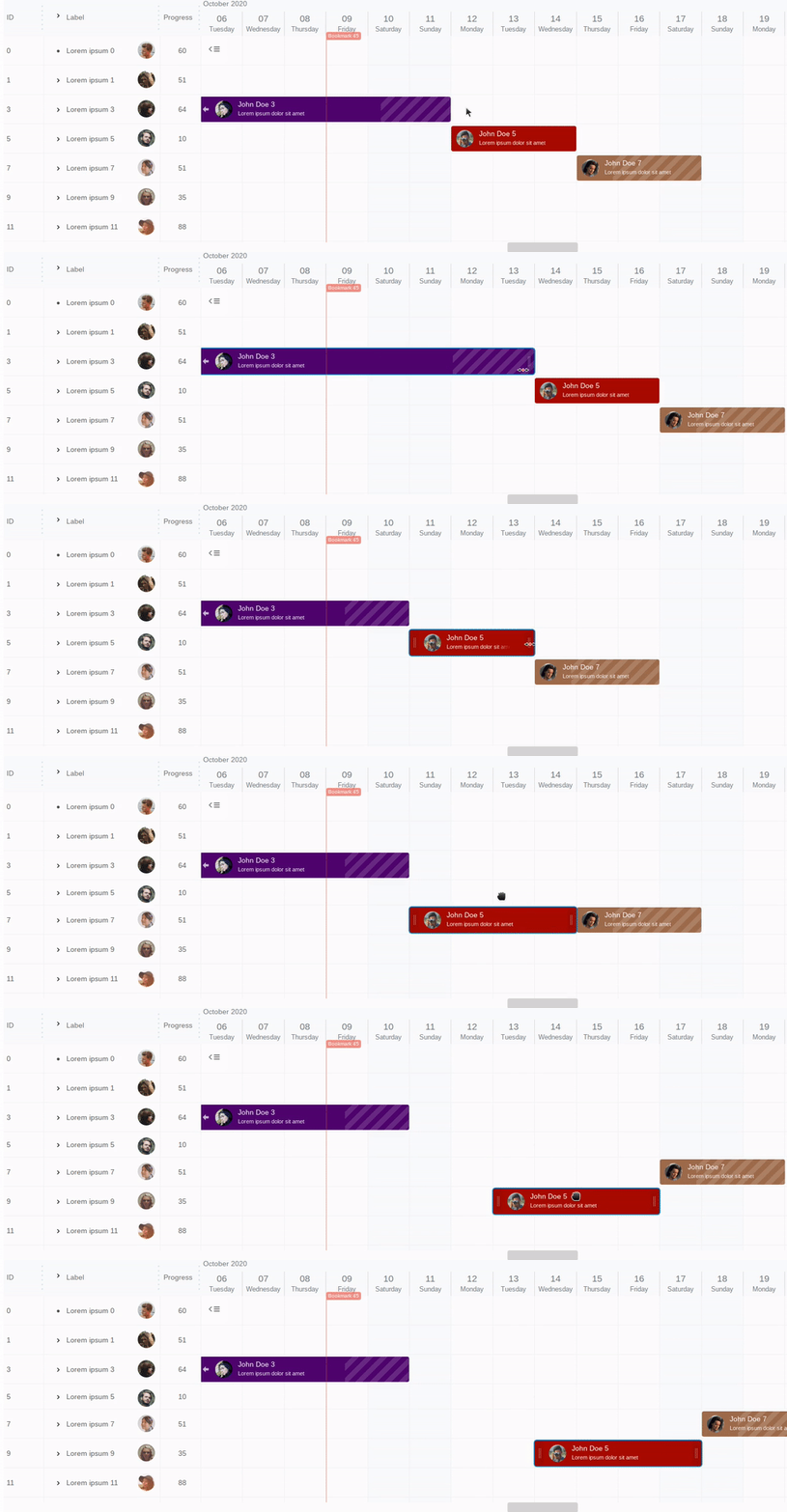
- multiple items/tasks in one row - suitable for various applications like booking, reservation, resource manager, multimedia editor etc.
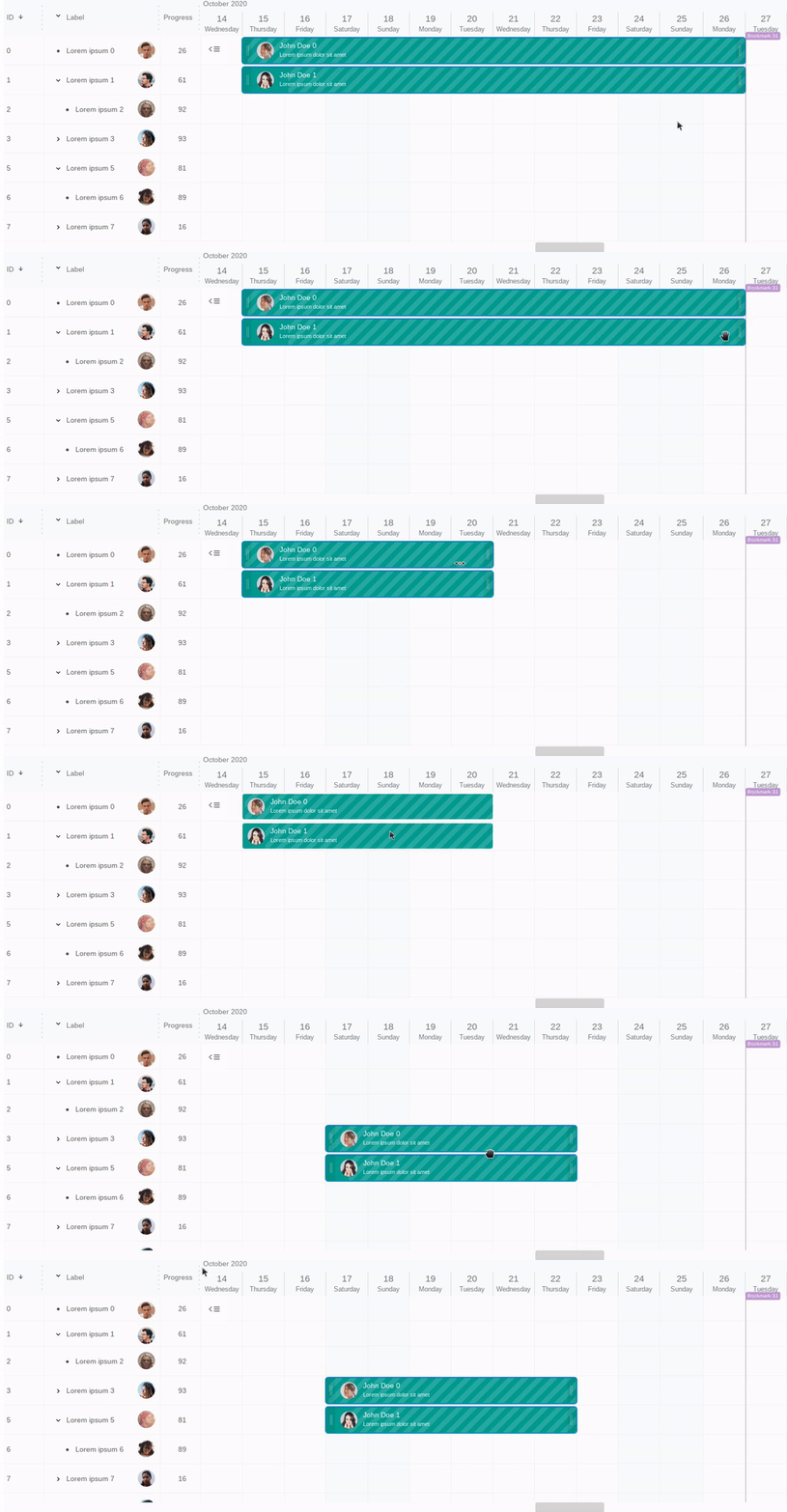
- tree like structures - collapsible / expandable groups
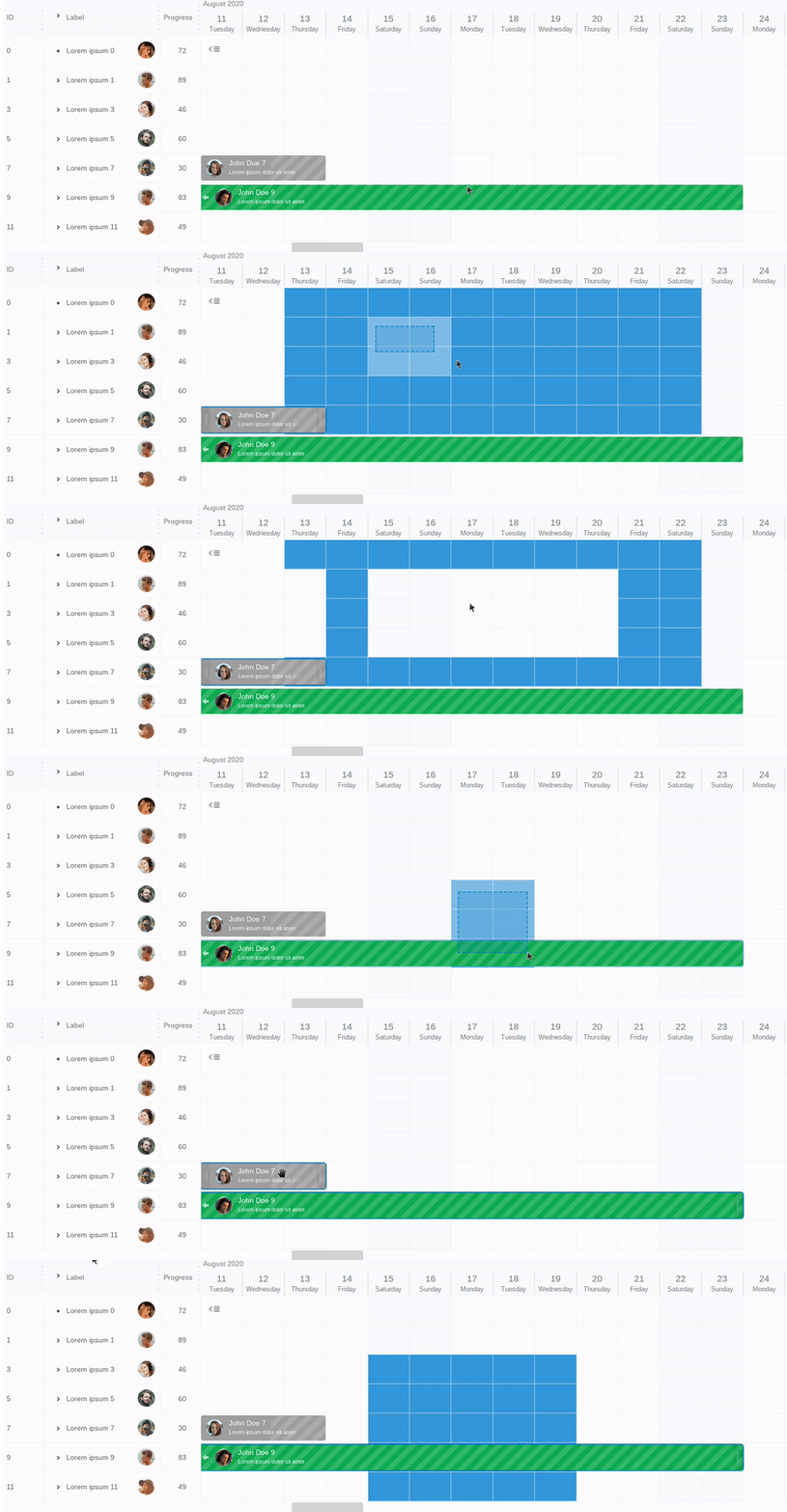
- moveable / resizable items with ability to configure which items can move at the moment and how
- secure html templates
- snap to specified time when resizing / moving
- templates & slots support to easily change html content of each component
- background grid on which you can place your html content
- selectable cells and items with a choice of what can be selected at the moment
- gradual time zoom up to seconds
- resizable list columns (in realtime)
- sortable and searchable list columns
- BEM based CSS rules (easy to change appearance)
- you can easily add third party libraries
- highly configurable
- mobile ready
- Daylight saving time (DST) support
- plugins support
- attractive visually
- written in typescript
- offline license key (after purchase)
You can use it in react, vue, angular, svelte or any other projects.
You can use it as schedule for reservation system. You can use it for organizing events. You can use it as gantt chart. You can use it as calendar for different purposes.
You can even use it as a multimedia timeline editor!
gantt-schedule-timeline-calendar is very extensible and elastic. You can make your own plugins or modify configuration in couple of ways to achieve your goals.
You can control almost everything. You can change html structure, stylize every html element and even override original components without any compilation stage!
## When to choose gantt-schedule-timeline-calendar?
Choose this component if:
- you need a battle-tested component trusted by global enterprises
- you need **high-performance Gantt charts with hundreds of thousands of items** (faster than competitors)
- you want a fully customizable JavaScript/Typescript component with extensive control over appearance and behavior
- you want **advanced scheduling or resource booking UI**
- you want to define your own rules for moving tasks
- your project is written in **TypeScript**
- you want a **timeline** with ability to show **multiple tasks in one row**
- you need a component that works **on mobile devices**
- you need integration with React, Vue 3 (Composition API), Angular or Svelte
- your use case includes **zoomable timelines** down to seconds
- you need a background grid to place custom HTML content
- you want to hide non working hours/days
- you need Daylight Saving Time (DST) support
GSTC is a powerful, highly customizable JavaScript component that offers full control over both its visual presentation and behavior, allowing developers to tailor it precisely to their needs.
Gantt Schedule Timeline Calendar is a **high-performance** TypeScript library designed to work on mobile devices also. Use it when traditional Gantt charts are too rigid. Perfect for project management applications,reservation systems, Enterprise Resource Planning (ERP, MES, APS) software, any resource management or booking apps.
GSTC can handle large datasets (**hundreds of thousands of tasks**) with ease (using **virtual scroll**), making it suitable for complex scheduling and timeline visualization tasks.
It is the **most extensible** tool on the market – you can override any DOM element on the fly - without recompiling the source.
Most importantly, if you require custom constraints and flexible, dynamic rules for task updates, this tool is the perfect fit for your needs.
Powering **global enterprises** with a proven track record of excellence and user satisfaction.
From startups to global conglomerates, our component is the go-to solution for high-performance scheduling, backed by exceptional feedback from our users.
EXAMPLES
Online examples
You can checkout [examples folder](https://github.com/neuronetio/gantt-schedule-timeline-calendar/tree/master/examples) too.
To run examples locally, clone this repository and run `npm run examples` in the root folder.
```bash
git clone https://github.com/neuronetio/gantt-schedule-timeline-calendar.git
cd gantt-schedule-timeline-calendar
npm i
npm run examples
```
REACT, NEXTJS, ANGULAR, SVELTE AND VUE EXAMPLES
- [react gantt-schedule-timeline-calendar usage example](https://github.com/neuronetio/react-gantt-schedule-timeline-calendar-example)
- [nextjs/react gantt-schedule-timeline-calendar usage example](https://github.com/neuronetio/nextjs-gantt-schedule-timeline-calendar-example)
- [angular gantt-schedule-timeline-calendar usage example](https://github.com/neuronetio/angular-gantt-schedule-timeline-calendar-example)
- [vue gantt-schedule-timeline-calendar usage example](https://github.com/neuronetio/vue-gantt-schedule-timeline-calendar-example)
- [vue3 composition api with vite gantt-schedule-timeline-calendar example](https://github.com/neuronetio/vue3-vite-gantt-schedule-timeline-calendar-example)
- [svelte gantt-schedule-timeline-calendar usage example](https://github.com/neuronetio/svelte-gantt-schedule-timeline-calendar-example)
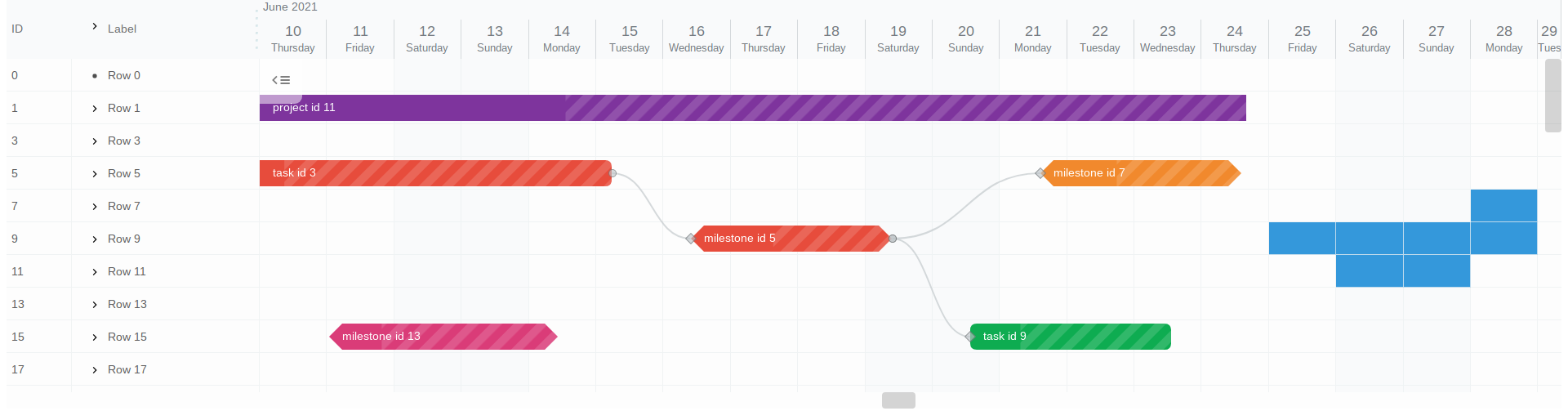
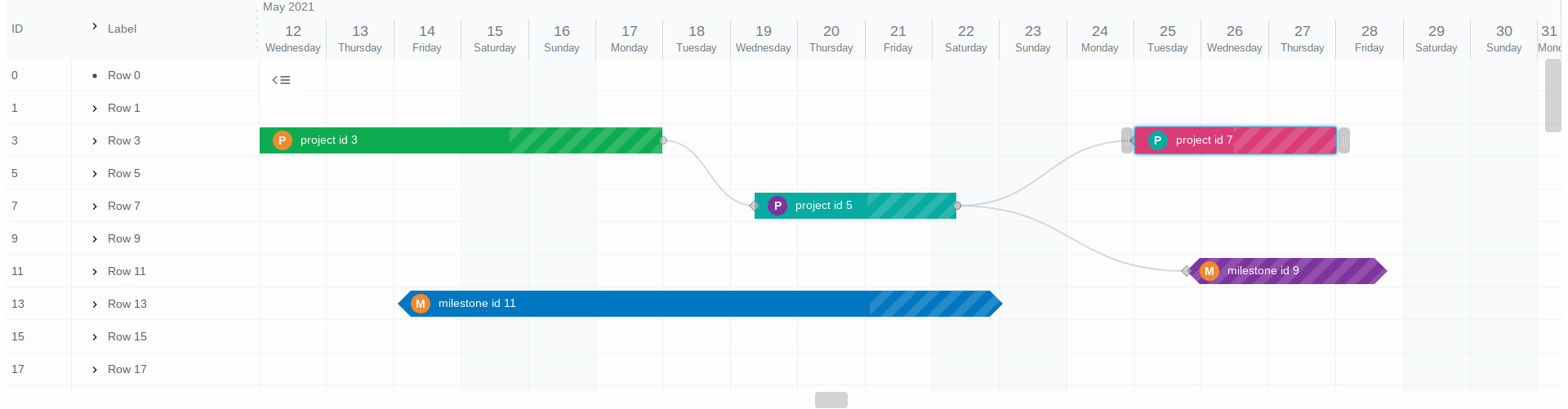
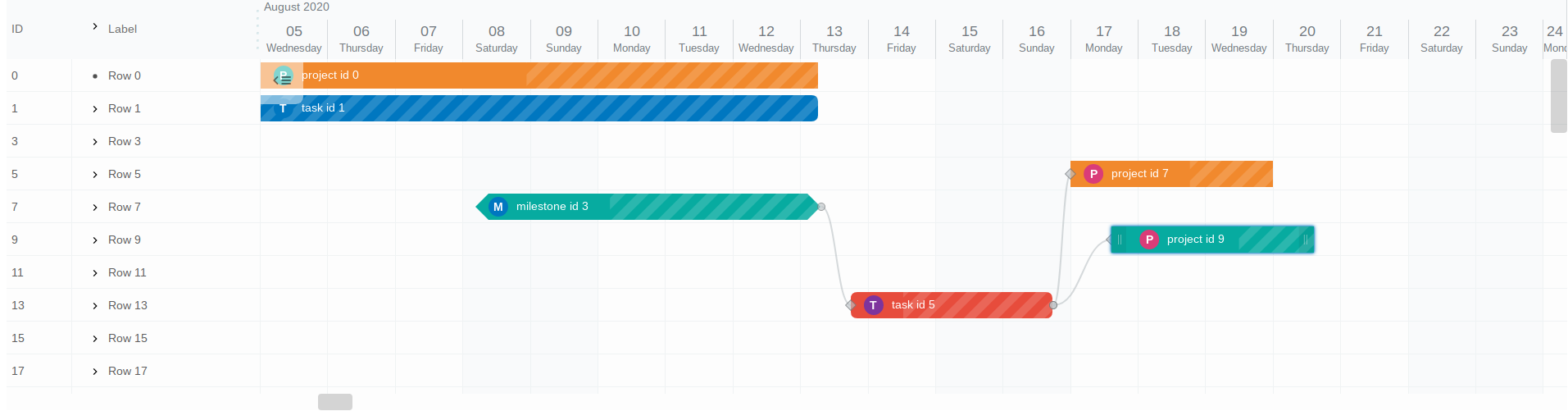
SCREENSHOTS
INSTALL
`npm i gantt-schedule-timeline-calendar`
or
``
DOCUMENTATION
[Documentation can be found here](https://gantt-schedule-timeline-calendar.neuronet.io)
NEED HELP?
Let us know neuronet.io@gmail.com
LICENSE
[NEURONET Free / Trial License Terms](https://github.com/neuronetio/gantt-schedule-timeline-calendar/blob/master/LICENSE)
You can generate [free or trial license key here](https://gstc.neuronet.io/free-key).
If you need a full commercial license, please visit [pricing page](https://gantt-schedule-timeline-calendar.neuronet.io/pricing).