gallery-server 🖼️





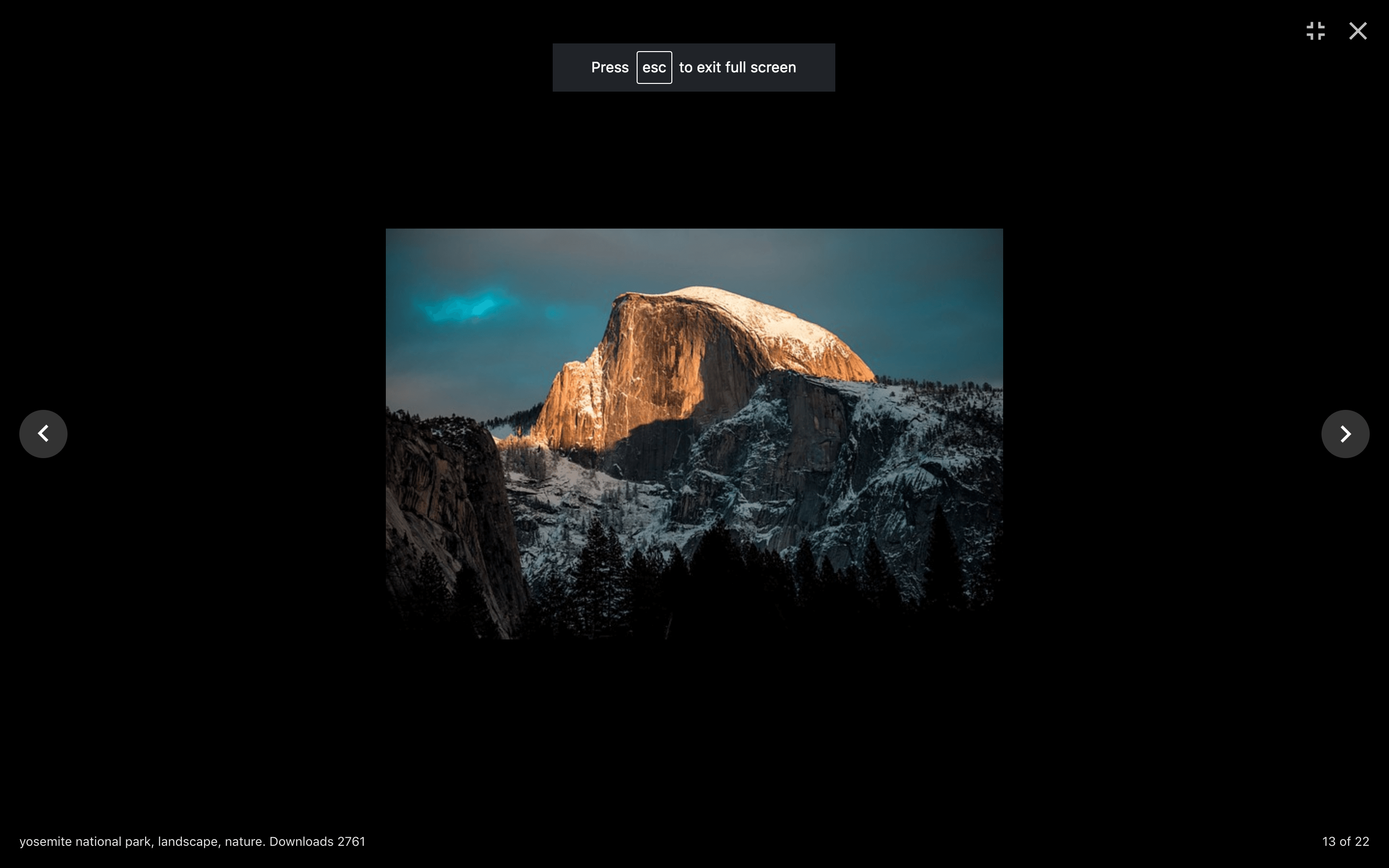
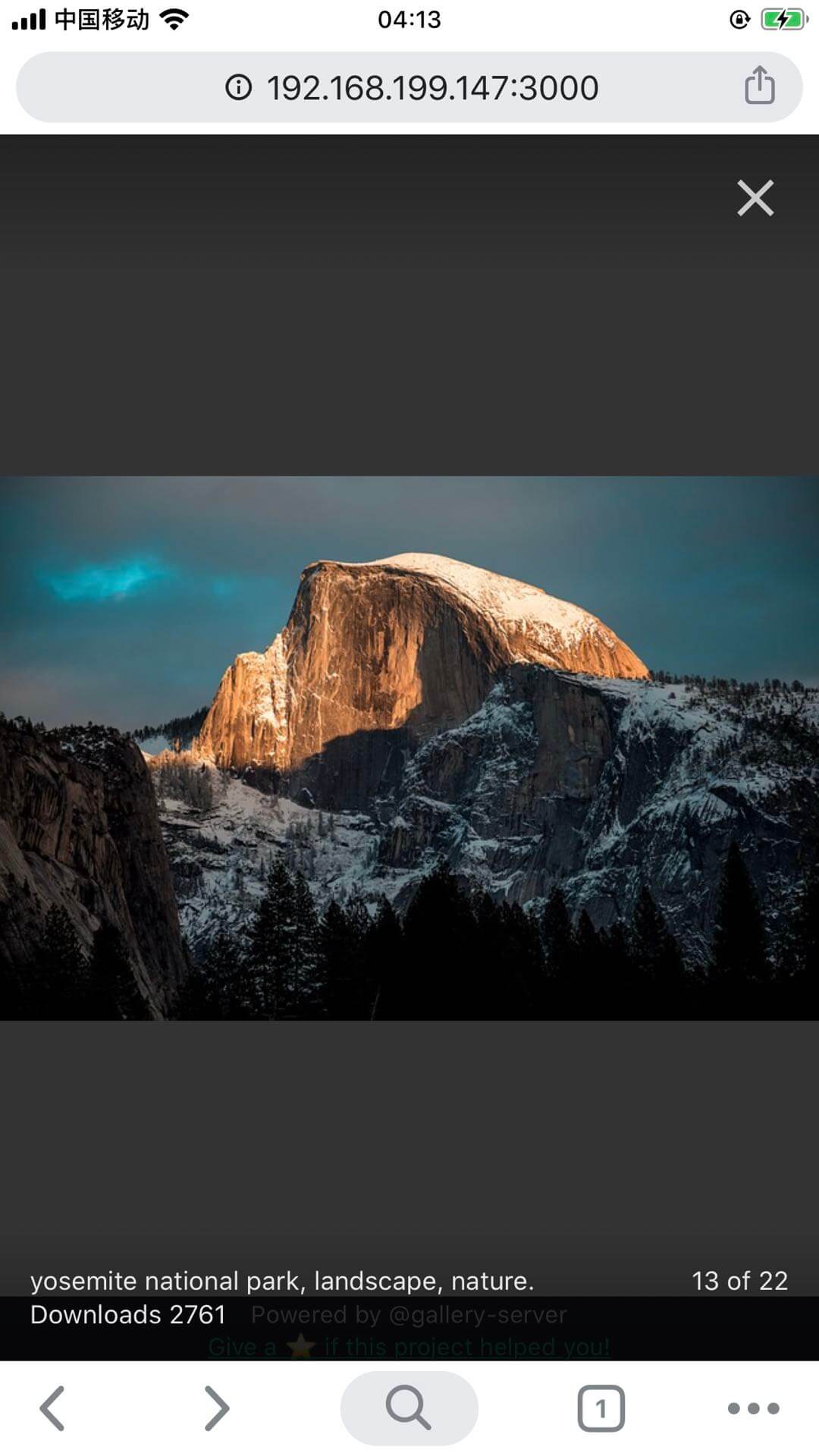
#### **Beautiful Local Image Viewer
**
> Beautiful and powerful yet simple local image/videos viewer on your PC or mobile.
>
> "Especially handy when you're offline or prefer not to use the internet — maybe for security or privacy reasons — and use your phone to view or download pictures or videos from your computer."
>
> It's a CLI, a server and a web application — all in one.
[中文版文档](https://juejin.cn/post/6973163233008058405/)
## Install 🆓
No installment required!
## Use 🌱
1. Serve the local photos.
```sh
bunx gallery-server --folder /path/to/photos
```
or:
```sh
pnpx gallery-server --folder /path/to/photos
npx gallery-server --folder /path/to/photos
```
For more usage:
```sh
bunx gallery-server -h
```
2. Open in your favorite browser or share with your friends .
### Enjoy on PC 💻
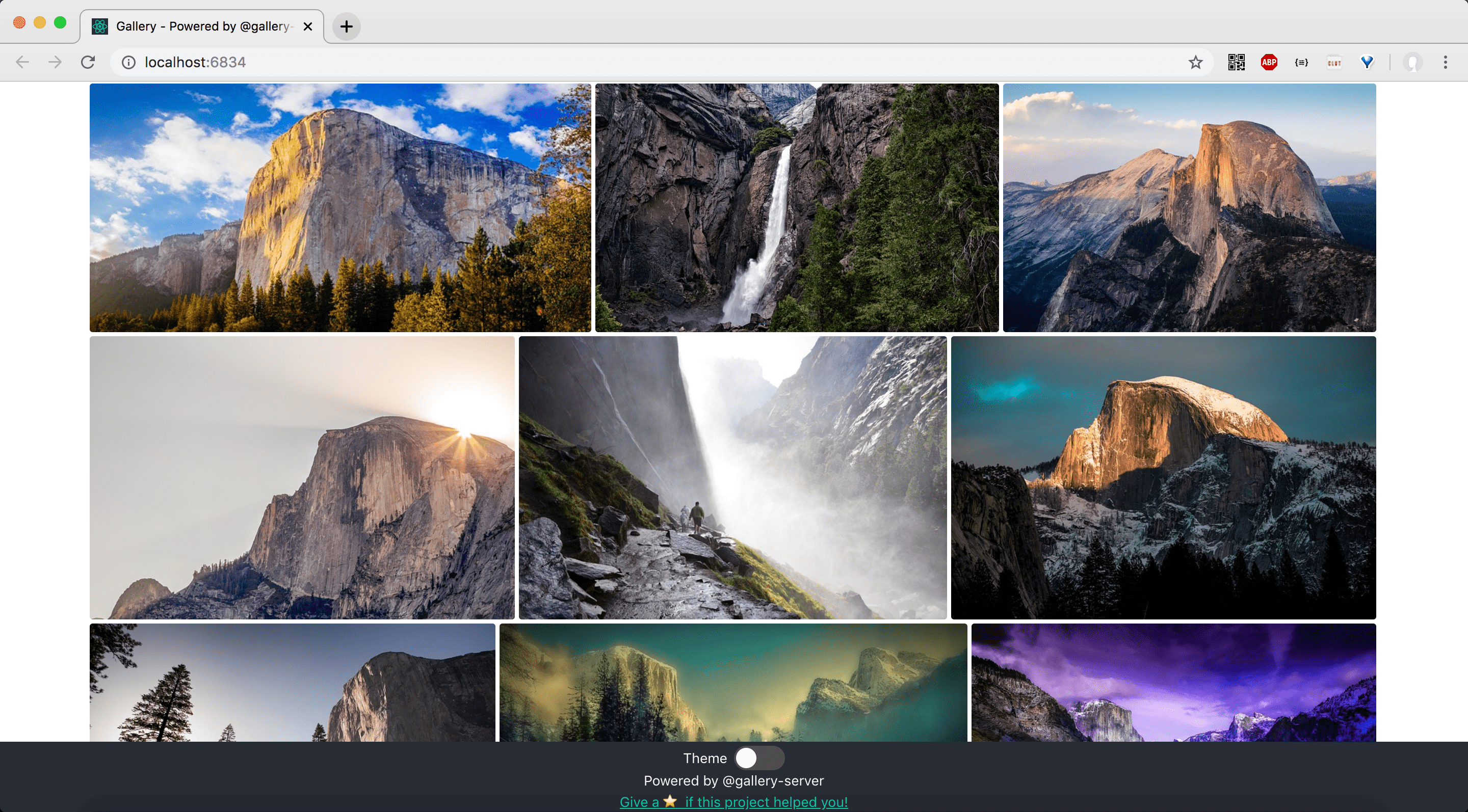
### Enjoy on Mobile Phone 📱
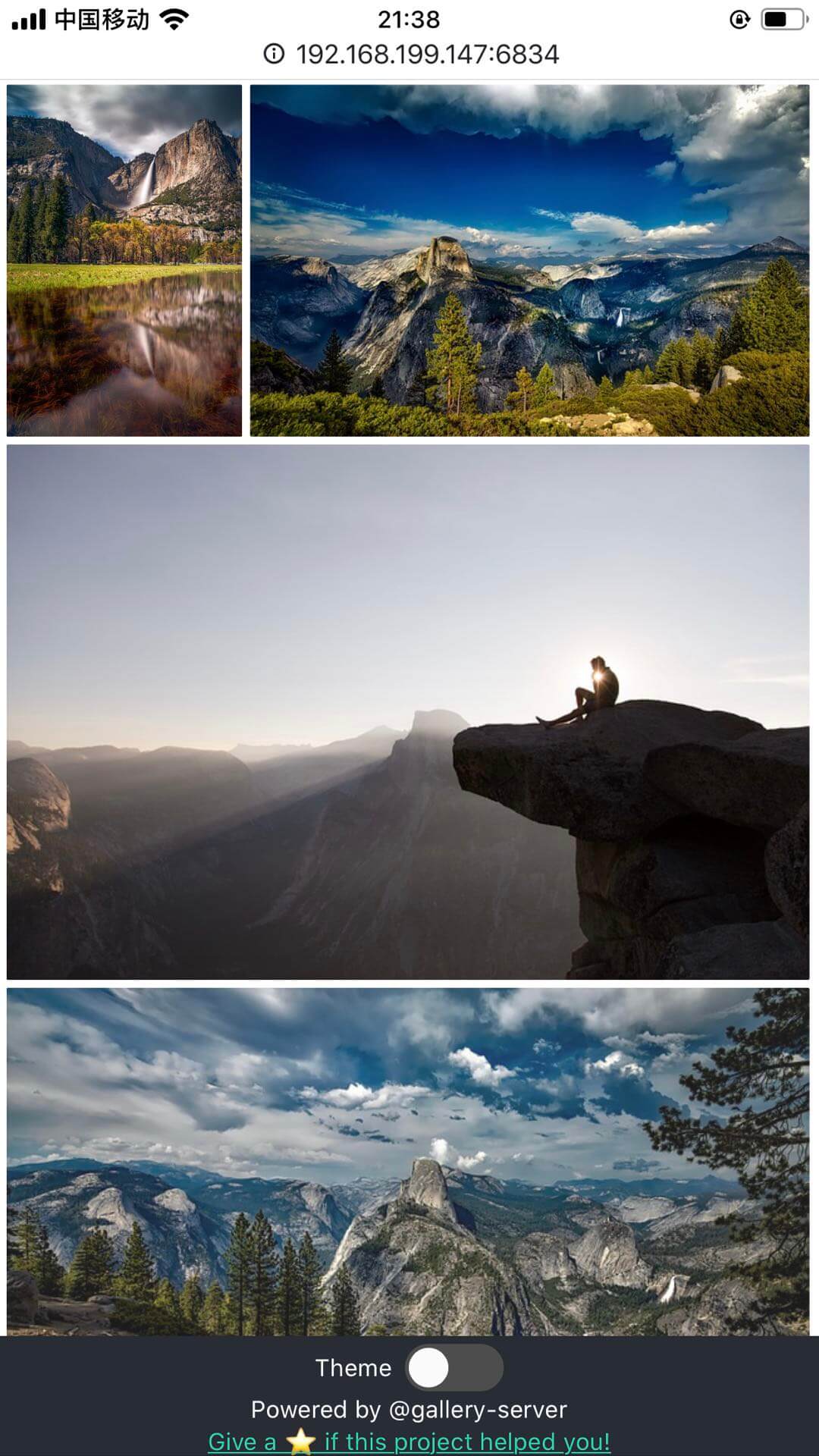
*Photos from pixabay API of Yosemite.*
## Features 🌟
1. 📱 Photos in your PC can be viewed in your mobile phone's browser! So your can download photos on your PC to mobile phone.
2. 🔐 Security on privacy to prevent eavesdropping. API or images without token are forbidden, but you can still share with your friends by sending him the token.
3. 🎭 Light and dark theme.
4. 🎞️ Videos also supported!
5. 🖼️ More than one galleries can be served at the same time.
6. 📚 A lot of gallery features. Check it at [react-images](https://jossmac.github.io/react-images/#/accessibility).
### Technical features
> Local image viewer. Serves photos/videos from a folder via Koa, with a React frontend.
- It is both a server and a client application, as well as a command-line application!
- Tech stack:
- pnpm v9, Node.js v22 (builtin `--watch` 🎉),
- ESLint v9, Biome v2 (for formatting instead of Prettier), Bun v1.2 (for test),
- Vite v7,
- TypeScript v5, Koa v2.
## FAQ 🙋♂️
1. Q: Why `403 forbidden`?
```json
{
"code": 403,
"message": "Forbidden. `token` required. Please redirect to https://github.com/legend80s/gallery-server#faq for more information."
}
```
- A: You see this message because you are not the gallery owner. Ask the owner for the token and append it to the resource URL.
2. Photos in node_modules will be ignored for performance.
## Develop 👨💻
1. Install
```sh
pnpm i
```
2. Start API server
```sh
pnpm dev:server --folder='/path/to/photos'
# pnpm ds --folder='/path/to/photos'
```
3. Start client webpack devServer (only when to change the frontend)
```sh
pnpm dev:client
# pnpm dc
```
Notice: Install all the dependencies into `./package.json`'s devDependencies not `./client/package.json`. The package.json in `client` exits only for `scripts`。
For example if you want change to another gallery (react-bnb-gallery):
```sh
# enter project root not ./client/
cd project_root
pnpm install --save-dev react-bnb-gallery
# start webpack devServer
pnpm dev:client
# start api server
pnpm dev:server -- --folder=/path/to/photos
```
## Publish 📦
```sh
pnpm version patch / minor / major
```
## Run tests 🧪
```sh
pnpm test
```
## Author 👤
👤 **legend80s**
- Github: [@legend80s](https://github.com/legend80s)
## 🤝 Contributing
Contributions, issues and feature requests are welcome!
Feel free to check [issues page](https://github.com/legend80s/gallery-server/issues).
## Todos ☑️
- [x] Any port. use unoccupied port.
- [ ] Build with remote client to support a wide range of client gallery.
- [x] Use network IP. mimic create-react-app.
- [x] Show help Information on cli `-v` `-h`.
- [x] Viewable on mobile.
- [x] Adapt to mobile.
- [ ] Image lazy load.
- [x] Security on privacy. only url with token is shareable.
- [x] Port customizable.
- [x] Token customizable.
- [x] Serve multiple folders in one cmd.
- [x] Token can be optional when viewed on owner's browser.
- [ ] Electron App.
- [x] npm to pnpm.
- [x] Node.js v16 to v22 (LTS 2025-7-10).
- [ ] ~~Koa v2 to v3.~~ No migration because nothing big changed.
- [x] ~~React v16 → React v19~~. No migration to React.js v19 because react-images and react-photo-gallery are not v19 supported and not maintained.
- [x] Webpack v4 → Vite v7: Performance gain build `26s` → `5s`.
- [ ] Show thumbnail for first render performance.
- [ ] Next.js.
- [ ] TRPC - share backend request typings with client.
- [ ] FastAPI python.
- [ ] Save UI state (theme) to server using sqlite.
## Show your support ⭐️
Give a ⭐️ if this project helped you!
***
*This README was generated with ❤️ by [readme-md-generator](https://github.com/kefranabg/readme-md-generator)*