# g-mapify [![NPM version](https://img.shields.io/npm/v/g-mapify.svg)](https://www.npmjs.com/package/g-mapify) [![Downloads](http://img.shields.io/npm/dm/g-mapify.svg)](https://npmjs.org/package/g-mapify) [![All Contributors](https://img.shields.io/badge/all_contributors-2-orange.svg?style=flat-square)](#contributors-)

Flexible react google map with more options of search, pick & select.
![g-mapify](https://raw.githubusercontent.com/bharatpe/g-mapify/master/g-mapify.png)


![g-mapify](https://raw.githubusercontent.com/bharatpe/g-mapify/master/example/images/g-mapify.png)


# Getting Started

```javascript
yarn add g-mapify
```

or

```javascript
npm i g-mapify
```


## Usage
Basic use:
```javascript
    import  React from  'react';
    import { GMapify } from  'g-mapify';
    import  'g-mapify/dist/index.css';
    
    const  App = () => {
	    return (
		    <GMapify appKey="[google-map-key]" />
	    )
    }
```

### Example: Basic map
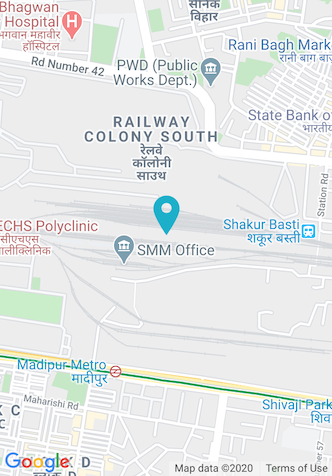
![basic map image](https://raw.githubusercontent.com/bharatpe/g-mapify/master/example/images/basicmap.png?raw=true)


## Example with options (Search Map)
```javascript
import  React from  'react';
import { GMapify } from  'g-mapify';
import  'g-mapify/dist/index.css';

const  App = () => {
    const  onMapSelect = (status, data) => console.warn(status, data);
    
    return (
        <GMapify appKey="[google-map-key]" hasSearch onSelect={onMapSelect}/>
    )
}
```
 #### Note
 If *status* is getting *false* that means something happened bad on location search.
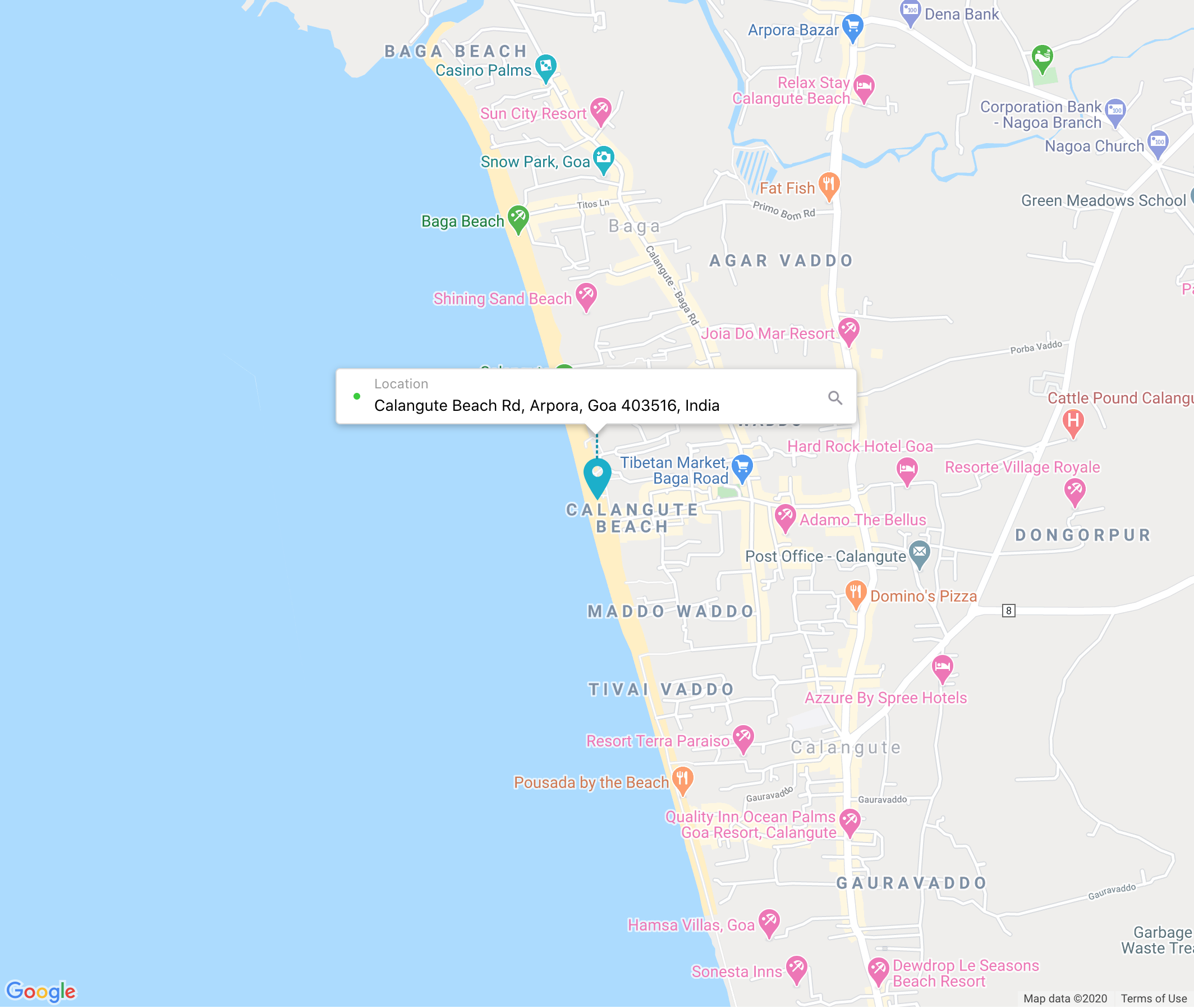
![Map Search image](https://raw.githubusercontent.com/bharatpe/g-mapify/master/example/images/search-map-desktop.png?raw=true)

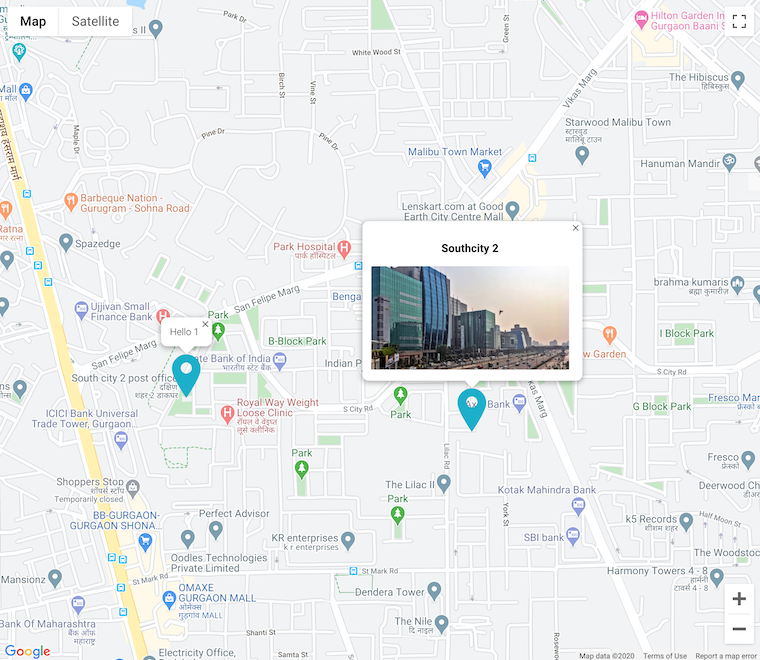
## Example with multiple markers
```javascript
import  React from  'react';
import { GMapify } from  'g-mapify';
import  'g-mapify/dist/index.css';

const  App = () => {

    const markers = [
        [28.4165425, 77.0437857, "Hello 1"],
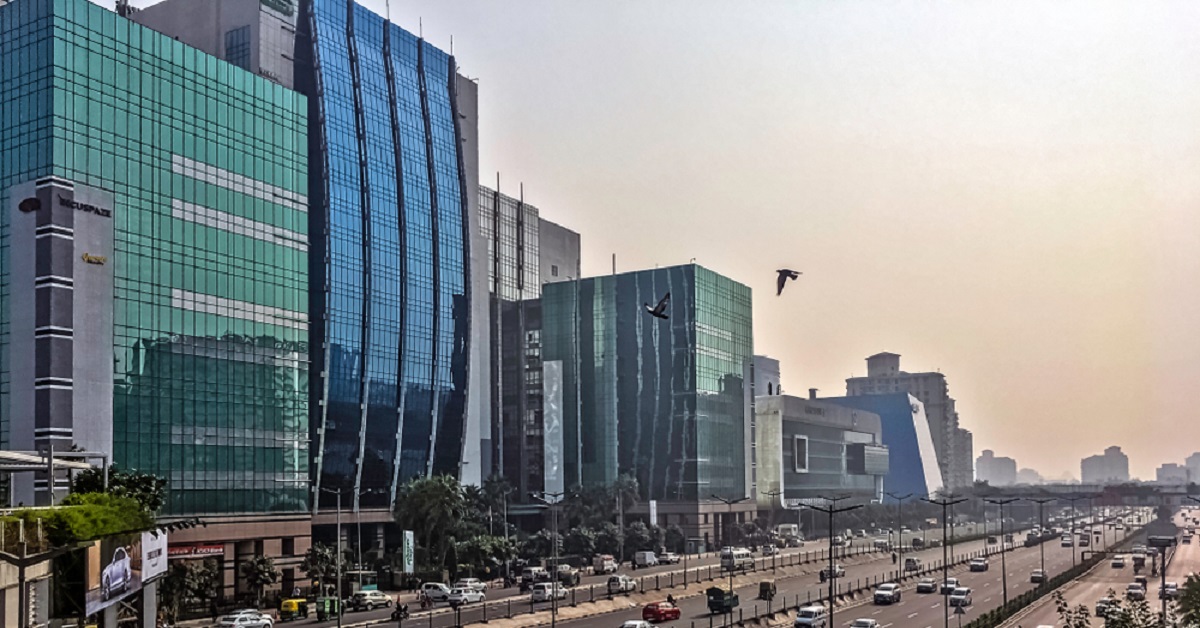
        [28.415671, 77.0520993, `<div><h3>Southcity 2</h3> <img src="https://www.rentomojo.com/blog/wp-content/uploads/2019/07/shutterstock_1298400742.jpg" height="140"/> </div>`],
        [28.4175717, 77.05284840000002]
    ]

    const  onMapSelect = (status, data) => console.warn(status, data);
    
    return (
        <GMapify 
        appKey="[google-map-key]" 
        customMarkers={markers}
        autoCenter={false}
        onSelect={onMapSelect}/>
    )
}
```

![Map Mutiple markers image](https://raw.githubusercontent.com/bharatpe/g-mapify/master/example/images/markers-map.png?raw=true)


## Options
|  Props                        | Description                                           | Default value
|-------------------------------|-------------------------------------------------------|-------------------------------|
|appKey (Mandatory)             | google map app key                                    | It's a mandatory value
|lat                            | default latitude of map                               | 28.7041
|lng                            | default logitude of map                               | 77.1025
|mapOptions                     | google map options that you can change or add more    | zoom:  15, zoomControl:  false, mapTypeControl:  false, fullscreenControl:  false, streetViewControl:  false, clickableIcons:  false, mapTypeId:  "roadmap"
|libraries                      | add more funcationality on google map                 | places
|mapClassName                   | custom class name for map element                     | None
|hasMarker                      | show marker in map                                    | true
|markerIcon                     | map marker icon                                       | Blue marker icon
|autoCenter                     | Auto center map on move or zoom                       | true
|customMarkers                  | Multiple custom markers to mark on map                | [] (Example :  [[lat, lng, content], [lat, lng, content], ...] )
|allowSinglePopup               | Allow to open single popup on click custom marker     | true
|hasSearch                      | apply search in map                                   | false
|mapSearchPlace                 | map search input box place (required a valid selector name like (#id, .class)) | bottom of the map
|debounceTime                   | search debounce time (unit *ms*)                      | 2000
|inputClassName                 | custom class name for Search input                    | None
|searchPlaceHolder              | placeholder of search box                             | Search here
|searchClassName                | custom class name of search container                 | None
|onSelect                       | trigger whenever map position changed (return *status: [true/false], data: [map data object], mapStatus: [map native status]*)| 

#### Note 
When use customMarkers (More than 1) - Make sure autoCenter, hasSearch are set to false. Which dosen't make sense any way with multiple markers.


## Using Ref (v2.3.0)
Support ref to access some functions directly.

```javascript
    import  React from  'react';
    import { GMapify } from  'g-mapify';
    import  'g-mapify/dist/index.css';
    
    const  App = () => {
        const mapRef = useRef();

        const getLatLongByName = async () => {
            if (mapRef.current) {
                try {
                    const result = await mapRef.current.latLongFromQuery('BharatPe Office Delhi');
                    const lat = result[0]?.geometry.location.lat();
                    const lng = result[0]?.geometry.location.lng();
                } catch (e) {
                    // handle error
                }
            }
        };

	    return (
            <>
                <button onClick={getLatLongByName}>BharatPe Office Location</button>
                <GMapify ref={mapRef} appKey="[google-map-key]" />
            </>
	    )
    }
```
Functions are accessible directly:

|  Function                     | Description                                              | Parameters                    | Return Value
|-------------------------------|----------------------------------------------------------|-------------------------------|-------------------------
|latLongFromQuery               | Get Map data from address string without showing search  | string                        |  `Promise<map data>`


## Address Formatter
You can get City, Pincode, State etc. from *address_components* using **addressFormatter** method. This method transfrom *address_components* array data into *object*.
```javascript
import { GMapify, AddressFormatter } from  'g-mapify'

const  onMapSelect = (status, data) => {
    if (status) {
        console.warn('Map Data', data);
        
        // get formatted address from google map address_components
        const  formattedAddress = AddressFormatter(data.address_components);
        console.warn('formated address', formattedAddress);
    }
};
```

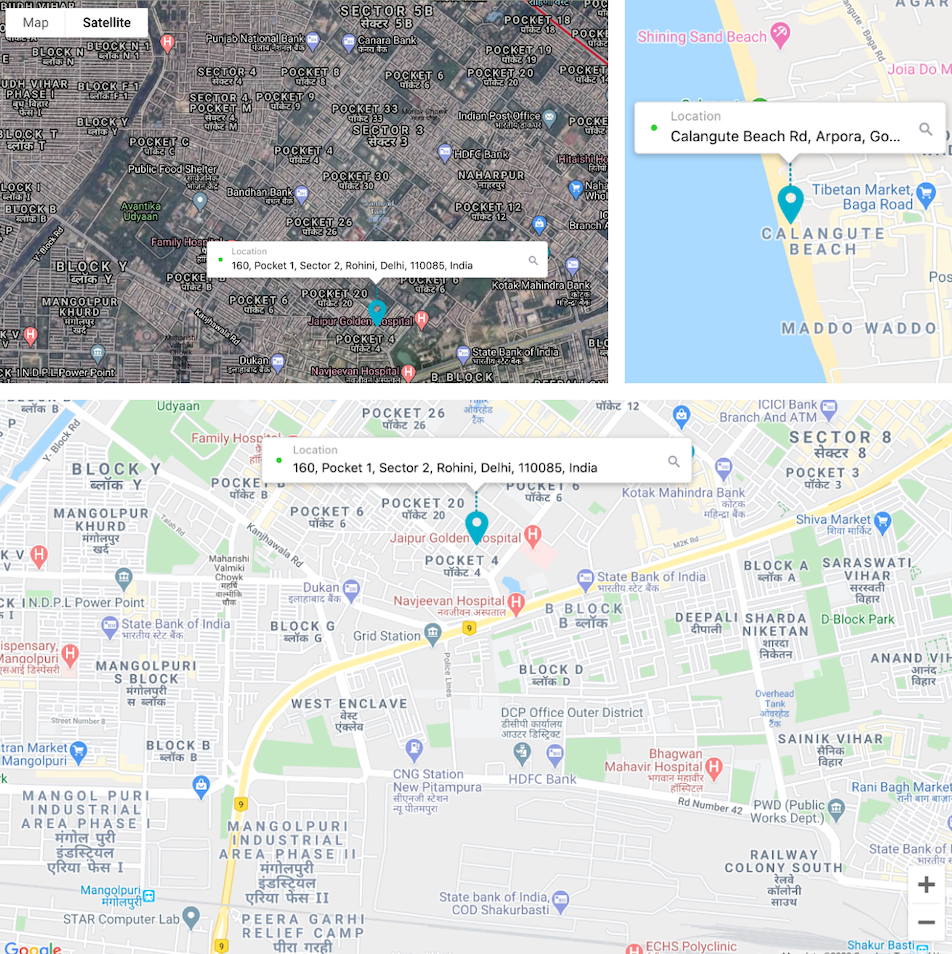
## Refer example for all 3 map variations

![Map variations image](https://raw.githubusercontent.com/bharatpe/g-mapify/master/example/images/example.png?raw=true)


# Releases
Here [Releases](https://github.com/bharatpe/g-mapify/blob/master/releases.md)

    
## Note: For Contributors
This repo build with [create-react-library](https://github.com/transitive-bullshit/create-react-library)


## Contributors
Here [Contributors](https://github.com/bharatpe/g-mapify/graphs/contributors)


## License
ISC [BharatPe TM](https://github.com/BharatPe)