---
title: Explore the network
description: There are several ways to explore and get insights from the Filecoin network.
breadcrumb: 'Explore the Network'
---
# {{ $frontmatter.title }}
{{ $frontmatter.description }}
[[TOC]]
## Block explorers
| Name | Screenshot |
| ---------------------------------------------------- | ------------------------------------------------------------------------- |
| [Filscan](https://filscan.io/) | 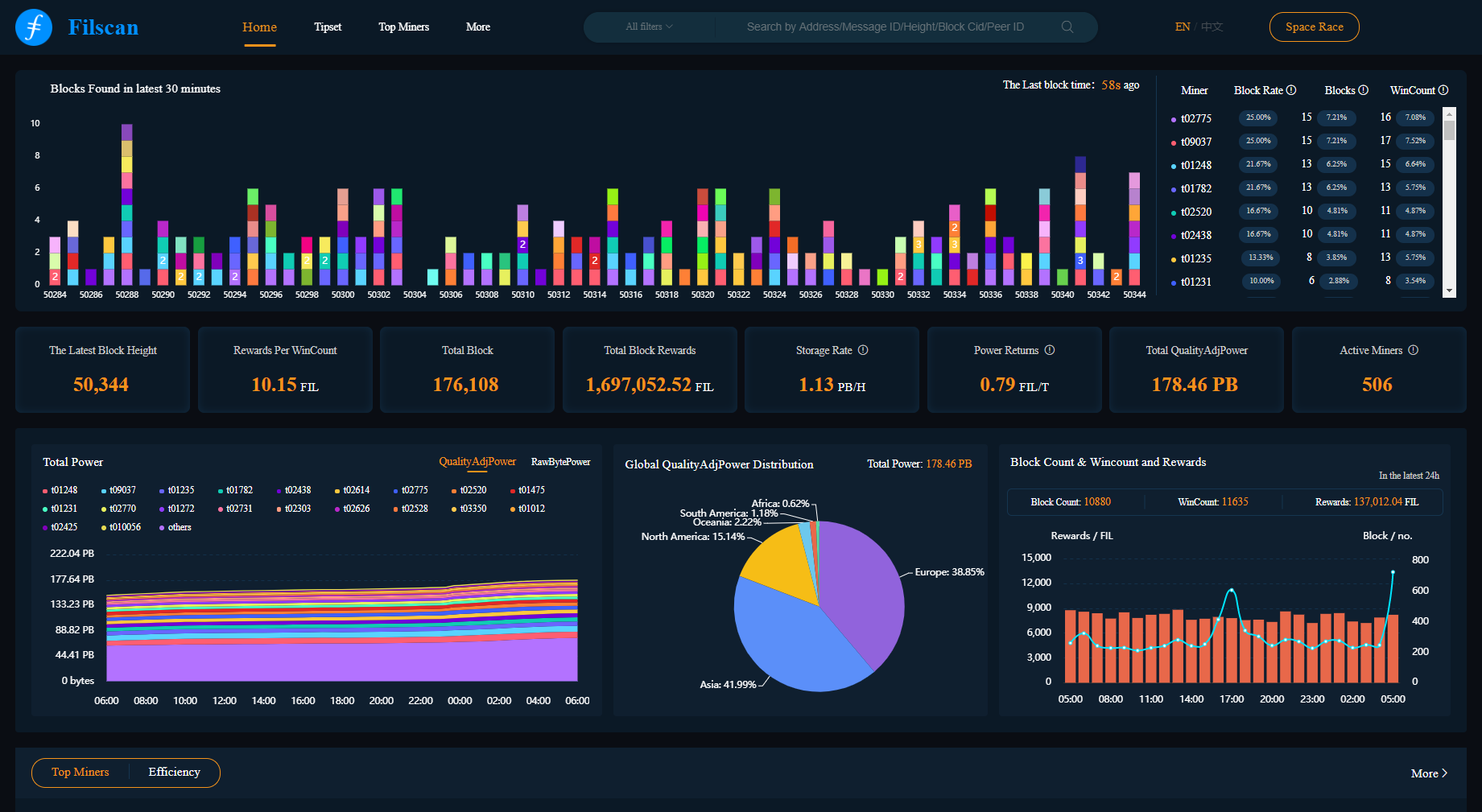 |
| [Filscout](https://filscout.io/) |
 |
| [Filfox](https://filfox.io/) |
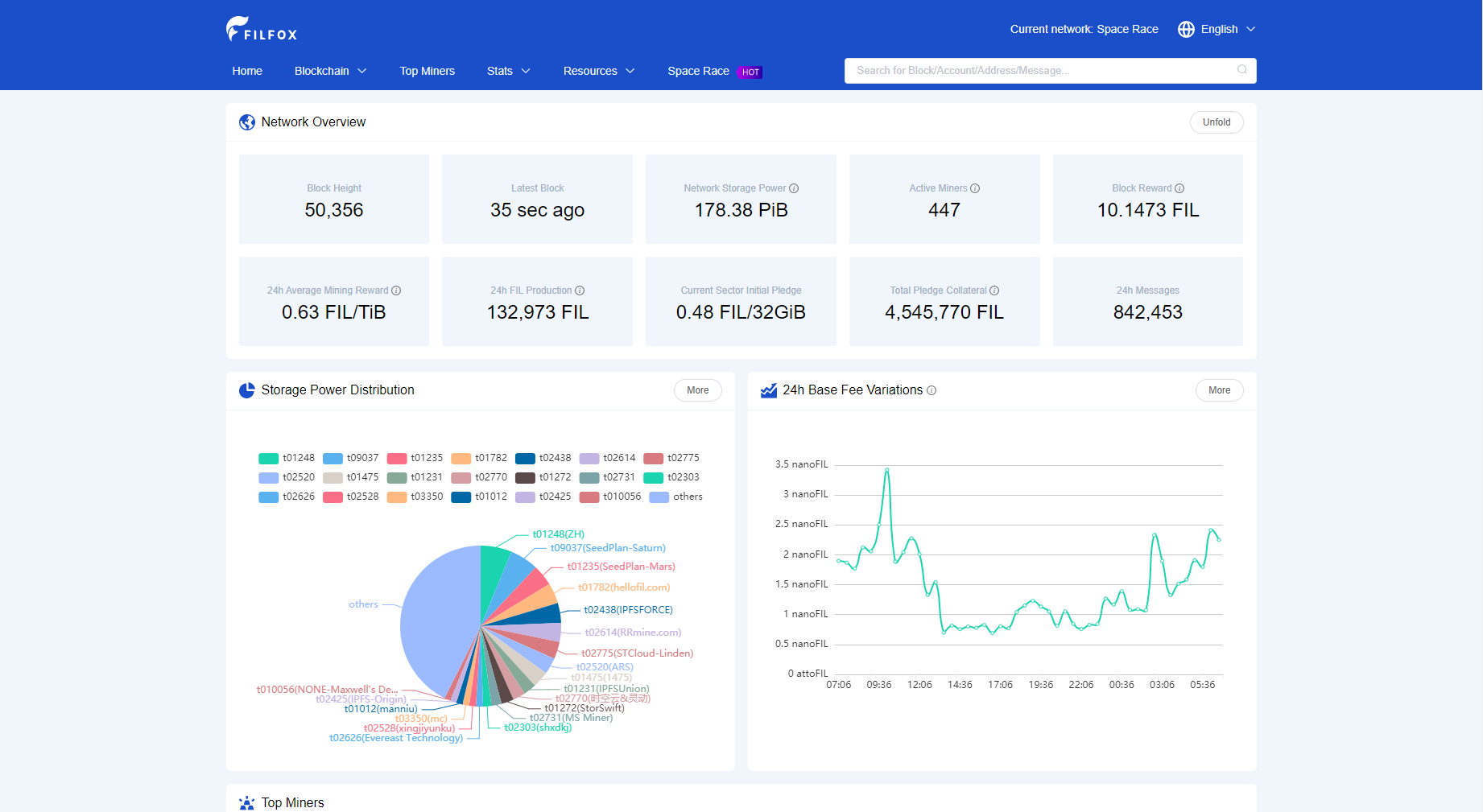 |
| [Filplorer](https://filplorer.com/) |
 |
| [1475 Explorer](https://1475ipfs.com/#/blockBrowser) |
 |
## Lotus
Once you are [setup with Lotus](lotus/README.md) you can use the command line to query information about the nework.
Get the head tipset:
```sh
lotus chain head
```
Print a block:
```sh
lotus chain getblock
```
Print message information:
```sh
lotus chain getmessage
```
For additional chain-related commands check:
```sh
lotus chain --help
```