


One function call. Full stack. Auth, ORM, routing, views — everything snaps together so you can ship fast and stay sharp.
## What is Express Sweet?
Express Sweet is a full-stack toolkit built on top of Express.js. Instead of wiring up a dozen middleware packages by hand, you call one function and get a production-ready stack: Sequelize ORM, Passport.js authentication, Handlebars views with 37 built-in helpers, file-based routing, file uploads, and more.
```js
import express from 'express';
import * as expx from 'express-sweet';
const app = express();
await expx.mount(app);
app.listen(3000);
```
That's it. Four lines of real code and you have a fully configured web application.
## Features
- **One-line setup** — `expx.mount(app)` initializes everything in the right order
- **File-based routing** — Drop a file in `routes/`, get a URL endpoint automatically
- **Sequelize ORM** — Custom `Model` base class with `findById()`, `begin()`, raw queries, and association support
- **Passport.js auth** — Username/password login, session management (memory or Redis), route protection
- **Handlebars views** — Pre-configured template engine with 37 built-in helpers
- **File uploads** — Multer integration with per-route upload resolution
- **CORS** — Toggle with a single config flag
- **Environment variables** — Automatic `.env` loading
- **Dual format** — Ships as both ESM and CommonJS
## Screenshots
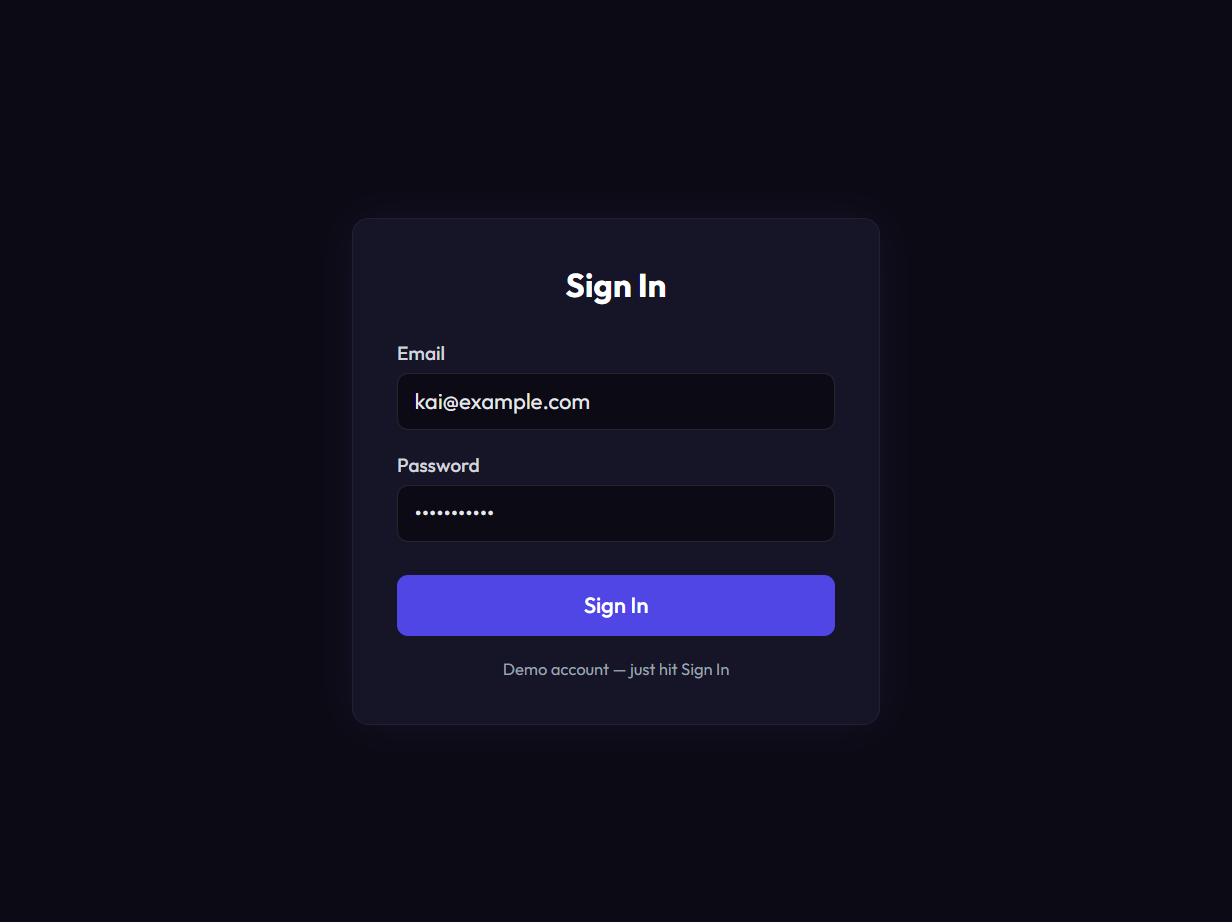
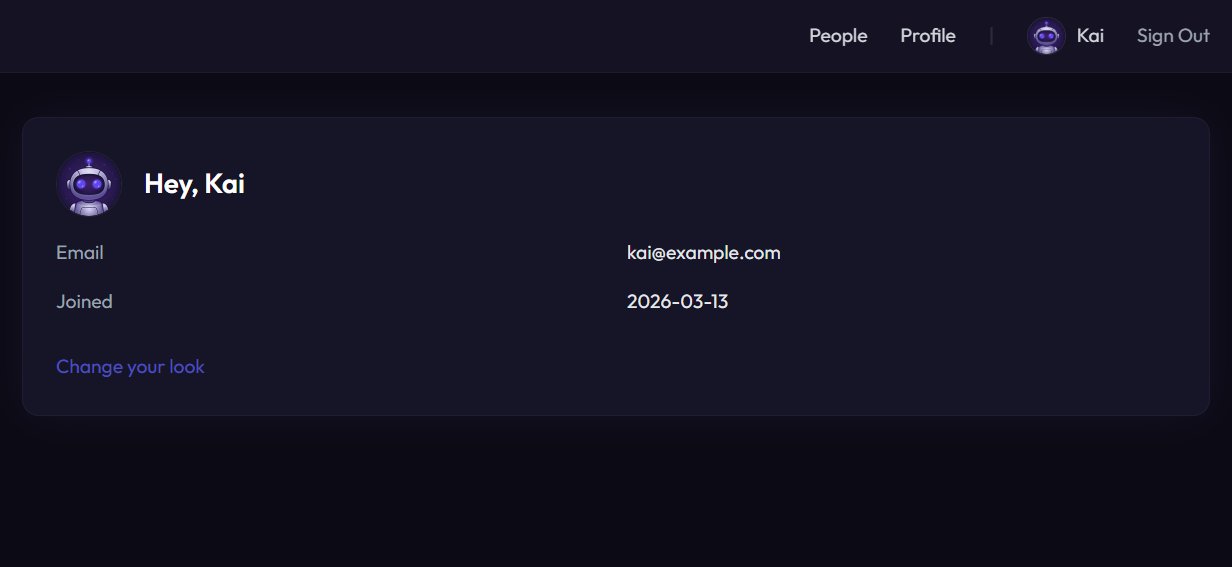
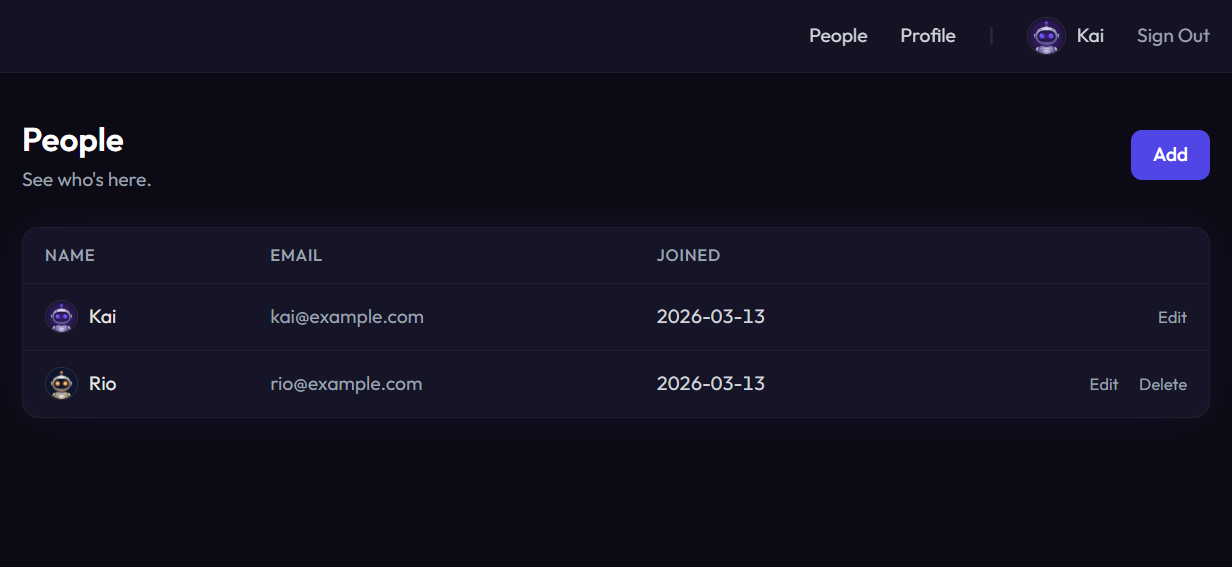
| Sign In | Home | People |
|---------|------|--------|
|  |  |  |
| New Person | Edit Profile | Change Avatar |
|------------|-------------|---------------|
| 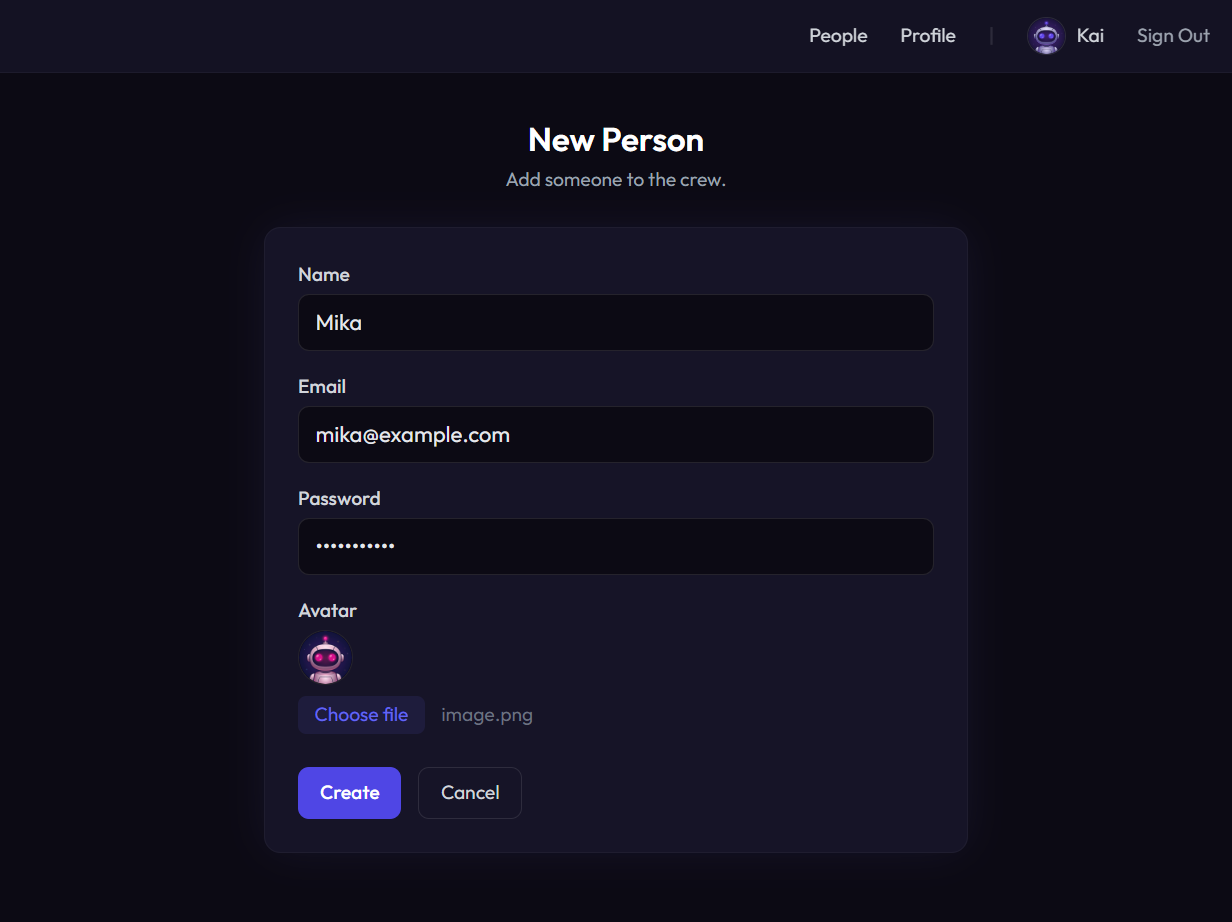 | 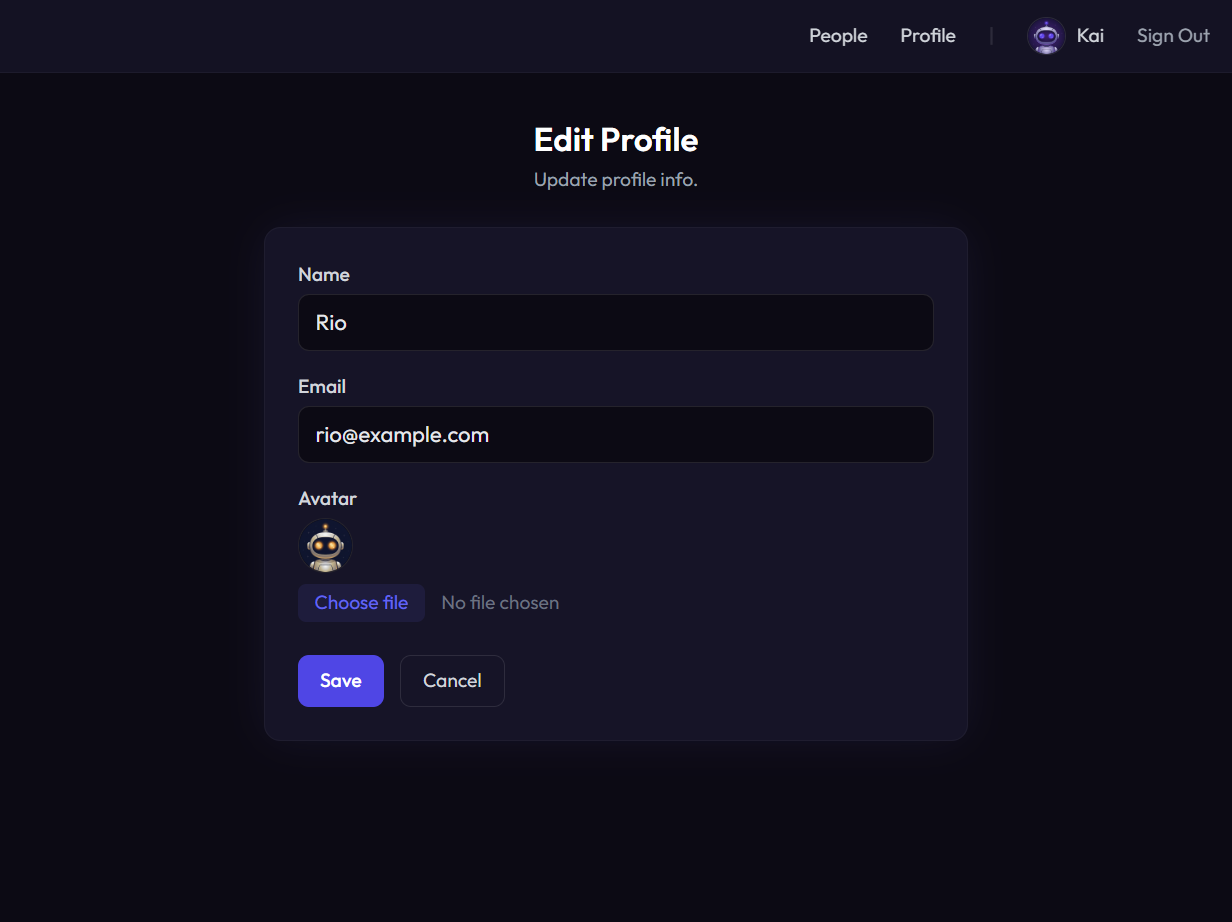 | 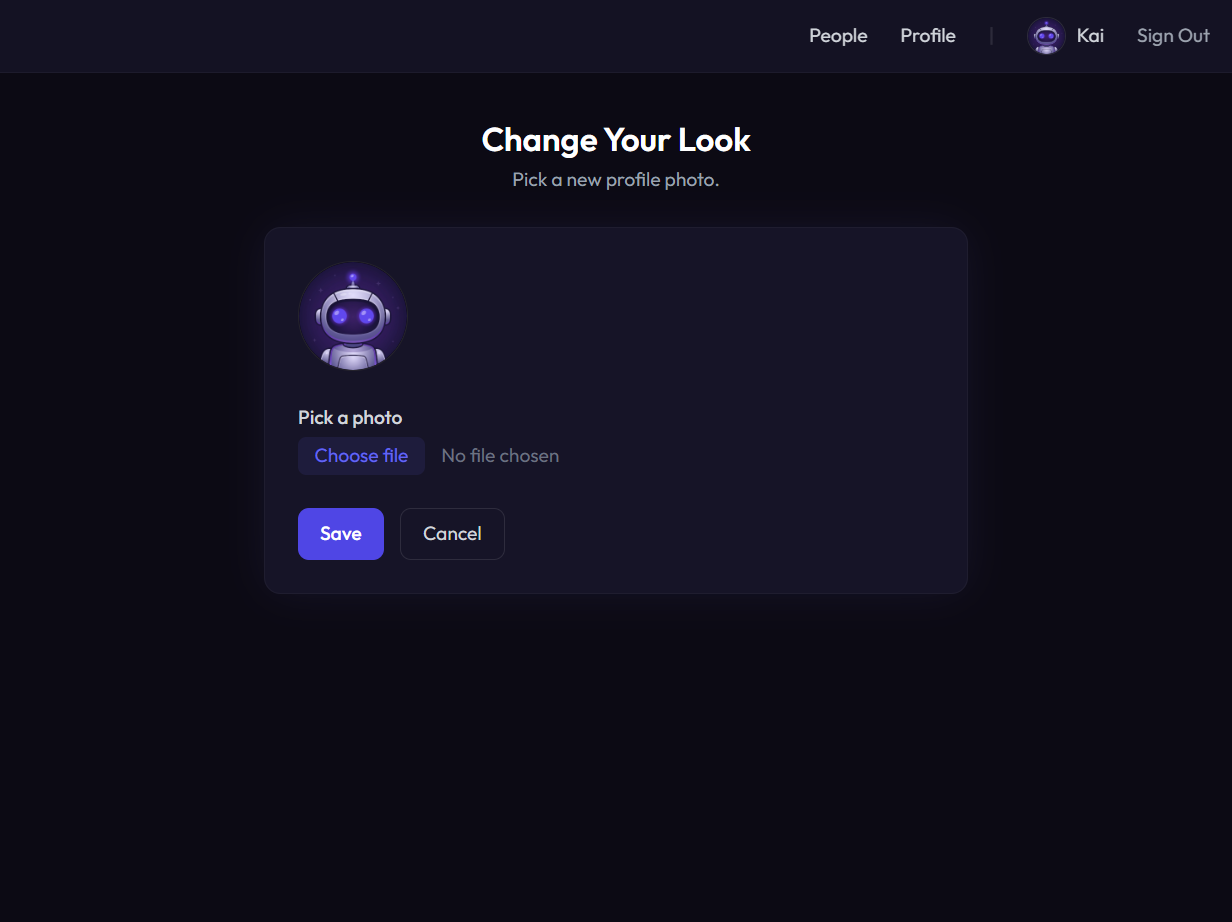 |
## Quick Start
### The fast way — use the generator
```bash
npx express-sweet myapp
cd myapp
npm install
npm run setup
npm start
```
One command scaffolds a complete app with auth, database, CRUD, and file uploads — ready to run. See [express-sweet-generator](https://github.com/shumatsumonobu/express-sweet-generator) for options.
### From scratch
#### Install
```bash
npm install express-sweet
```
#### Create config files
Express Sweet uses convention-based configuration. Create a `config/` directory with the files you need:
```
your-app/
config/
config.js # App basics (CORS, body size, routing)
database.js # Sequelize connection settings
authentication.js # Passport.js auth settings (optional)
view.js # Handlebars view engine (optional)
logging.js # Morgan HTTP logging (optional)
upload.js # Multer file upload (optional)
routes/
home.js # → /home
api/
users.js # → /api/users
models/
UserModel.js
views/
home.hbs
app.js
```
You don't need to write config files from scratch. Copy from [examples/](examples/) (ESM and CJS templates included) and just fill in your values.
#### Boot the app
```js
// app.js (ESM)
import express from 'express';
import * as expx from 'express-sweet';
const app = express();
await expx.mount(app);
app.listen(3000, () => console.log('Running on http://localhost:3000'));
```
```js
// app.js (CommonJS)
const express = require('express');
const expx = require('express-sweet');
async function main() {
const app = express();
await expx.mount(app);
app.listen(3000, () => console.log('Running on http://localhost:3000'));
}
main();
```
`mount()` initializes all middleware in a carefully ordered sequence:

## Configuration
Six config files control the framework. All are optional — Express Sweet uses sensible defaults when a file is missing.
| File | Purpose | Key Options |
|------|---------|-------------|
| `config.js` | App basics | `cors_enabled`, `max_body_size`, `router_dir`, `default_router`, `hook_handle_error` |
| `database.js` | DB connection | `database`, `username`, `password`, `host`, `dialect`, `pool` |
| `authentication.js` | Auth settings | `enabled`, `session_store`, `authenticate_user`, `allow_unauthenticated` |
| `view.js` | View engine | `views_dir`, `partials_dir`, `default_layout`, `beforeRender` |
| `logging.js` | HTTP logging | `format`, `skip` |
| `upload.js` | File uploads | `enabled`, `resolve_middleware` |
Full option reference → [docs/configuration.md](docs/configuration.md)
## Database & Models
Express Sweet wraps Sequelize with a `Model` base class and a `DatabaseManager` singleton.
### Define a model
```js
// models/UserModel.js
import * as expx from 'express-sweet';
export default class extends expx.database.Model {
static get table() {
return 'user';
}
static get attributes() {
return {
id: { type: this.DataTypes.INTEGER, primaryKey: true, autoIncrement: true },
name: this.DataTypes.STRING,
email: this.DataTypes.STRING,
};
}
}
```
### CRUD
```js
import UserModel from '../models/UserModel.js';
await UserModel.create({ name: 'Alice', email: 'alice@example.com' });
const users = await UserModel.findAll();
const user = await UserModel.findById(1);
await UserModel.update({ name: 'Bob' }, { where: { id: 1 } });
await UserModel.destroy({ where: { id: 1 } });
```
### Transactions
```js
let transaction;
try {
transaction = await UserModel.begin();
await UserModel.create({ name: 'Alice' }, { transaction });
await transaction.commit();
} catch {
if (transaction) await transaction.rollback();
}
```
Full reference (associations, raw queries, operators) → [docs/database.md](docs/database.md)
## Authentication
Passport.js integration with session management and automatic route protection.
### Config
```js
// config/authentication.js
export default {
enabled: true,
session_store: 'memory', // or 'redis'
username: 'email',
password: 'password',
success_redirect: '/',
failure_redirect: '/login',
authenticate_user: async (username, password, req) => {
return UserModel.findOne({ where: { email: username, password }, raw: true });
},
subscribe_user: async (id) => {
return UserModel.findOne({ where: { id }, raw: true });
},
allow_unauthenticated: ['/login', '/api/login'],
expiration: 24 * 3600000,
};
```
### Login / Logout
```js
import { Router } from 'express';
import * as expx from 'express-sweet';
const router = Router();
router.post('/api/login', async (req, res, next) => {
const ok = await expx.Authentication.authenticate(req, res, next);
res.json({ success: ok });
});
router.get('/logout', (req, res) => {
expx.Authentication.logout(req);
res.redirect('/');
});
export default router;
```
Full reference (Redis sessions, redirect helpers, route protection flow) → [docs/authentication.md](docs/authentication.md)
## Routing
Express Sweet uses **file-based routing**. Files in the `routes/` directory are automatically mapped to URL endpoints:
```
routes/
home.js → /home
about.js → /about
api/
users.js → /api/users
posts.js → /api/posts
```
Each route file exports an Express `Router`:
```js
// routes/api/users.js
import { Router } from 'express';
const router = Router();
router.get('/', (req, res) => res.json([]));
router.get('/:id', (req, res) => res.json({ id: req.params.id }));
router.post('/', (req, res) => res.json({ created: true }));
export default router;
```
Set `default_router: '/home'` in `config.js` to also mount that route on `/`.
Full reference → [docs/routing.md](docs/routing.md)
## View Engine
Handlebars is pre-configured as the template engine. Express Sweet ships with 37 built-in helpers across 9 categories:
| Category | Helpers |
|----------|---------|
| **Comparison** | `eq`, `eqw`, `neq`, `neqw`, `lt`, `lte`, `gt`, `gte`, `not`, `ifx` |
| **Comparison** (cont.) | `empty`, `notEmpty`, `count`, `and`, `or`, `coalesce`, `includes`, `regexMatch` |
| **Math** | `add`, `sub`, `multiply`, `divide`, `ceil`, `floor`, `abs` |
| **String** | `replace`, `split`, `formatBytes` |
| **Date** | `formatDate` |
| **Number** | `number2locale` |
| **HTML** | `cacheBusting`, `stripTags` |
| **Array** | `findObjectInArray` |
| **Object** | `jsonStringify`, `jsonParse` |
| **Layout** | `block`, `contentFor` |
```handlebars
{{#if (eq role 'admin')}}
Admin
{{/if}}
{{formatDate 'YYYY/MM/DD' createdAt}}
{{number2locale price 'en-US'}}
{{add subtotal tax}}
```
Full helper reference → [docs/view-engine.md](docs/view-engine.md)
## File Upload
Multer-based file upload with per-route middleware resolution.
```js
// config/upload.js
export default {
enabled: true,
resolve_middleware: (req, multer) => {
if (req.path === '/api/avatar' && req.method === 'POST') {
return multer({ storage: multer.memoryStorage() }).single('avatar');
}
return null;
},
};
```
Full reference (disk storage, multiple files, file filtering) → [docs/file-upload.md](docs/file-upload.md)
## Demo
A full-featured demo app is included in [demo/](demo/) — auth, CRUD, file uploads, error pages, all wired up. Both ESM and CommonJS versions. Three commands and you're running.
## Migration from v4
Upgrading from v4? See the migration guide → [docs/migration-v5.md](docs/migration-v5.md)
## Changelog
See [CHANGELOG.md](CHANGELOG.md) for the full release history.
## Author
**shumatsumonobu**
* [github/shumatsumonobu](https://github.com/shumatsumonobu)
* [x/shumatsumonobu](https://x.com/shumatsumonobu)
* [facebook/takuya.motoshima.7](https://www.facebook.com/takuya.motoshima.7)
## License
[MIT](LICENSE)