# Electron tooltip
## Description
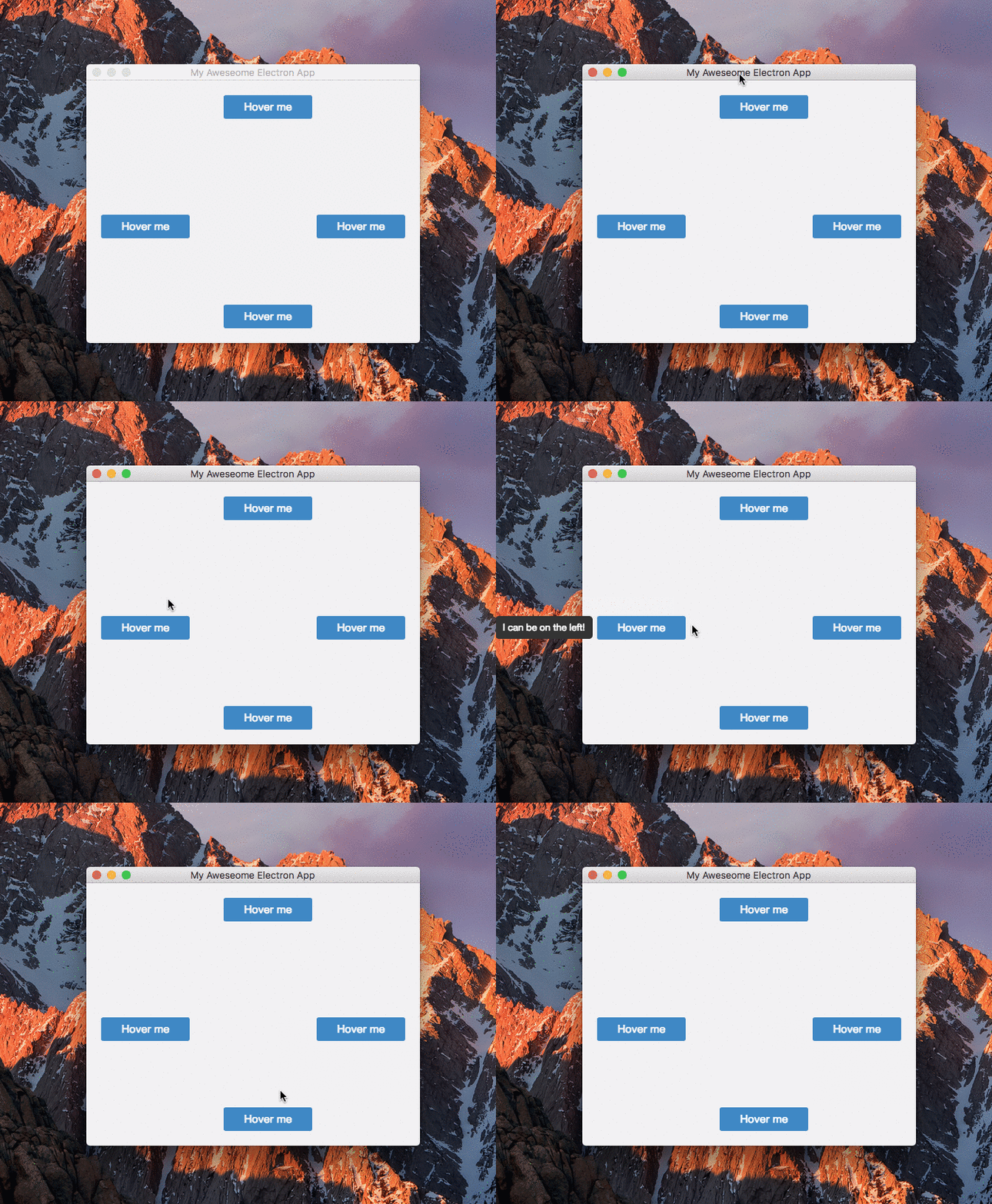
This module is intended to be used in [Electron applications](https://electron.atom.io/). It allows for tooltips to flow outside the window bounds they're called from.
 ## Installation
```javascript
npm install --save-dev electron-tooltip
```
## Usage
After importing the module, it will search for elements that have the data-tooltip attribute attached. A configuration object can be passed in when calling the tooltip function.
```javascript
// in the render process..
const tt = require('electron-tooltip')
tt({
// config properties
})
```
Position, width and offset options can be overriden on a per element basis by using the data-tooltip-{option} attribute.
```html
```
### Configuration options
|option|description|default|values|
|---|---|---|---|
|position|Tooltip direction|top|left, top, right, bottom|
|width|Width of the tooltip. If width is set to auto, the tooltip will not wrap content|auto|> 0|
|offset|Offset from the element to the tooltip|0|> 0|
|style|Object for overwriting default styles|{}||
|customContent|Function that will be called each time the tooltip is shown. Takes two arguments: the element on which it was called, and the current value of `data-tooltip`. It should return a string which will be used instead of the `data-tooltip` value|undefined||
```javascript
// example
// in the render process..
const tt = require('electron-tooltip')
tt({
position: 'bottom',
width: 200,
style: {
backgroundColor: '#f2f3f4',
borderRadius: '4px'
}
})