# electron-titlebar
Cool titlebar for electron apps for every system.
# Screenshots
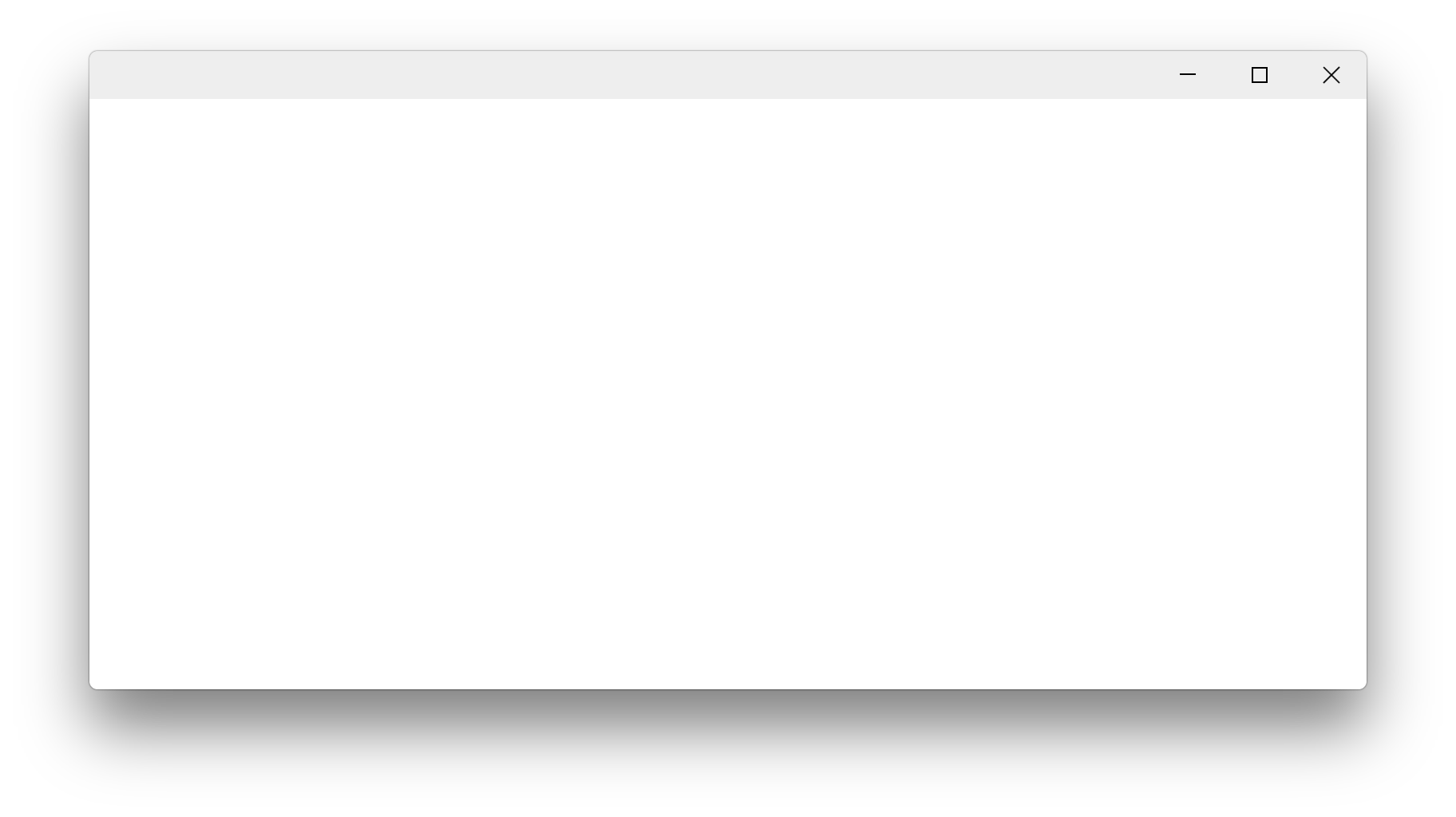
#### Windows
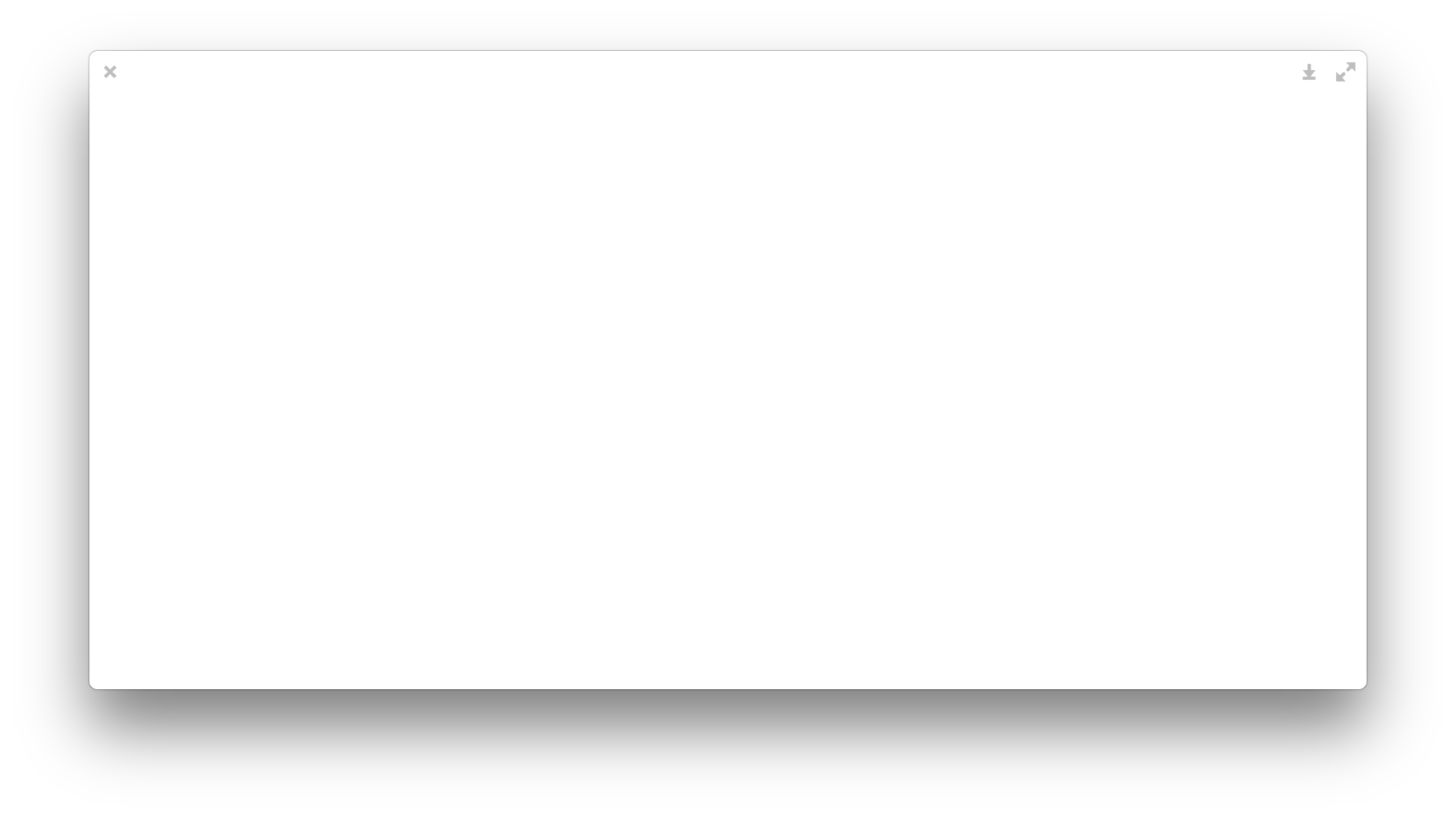
#### Linux
# Usage
Install with NPM.
```bash
npm install electron-titlebar --save
```
Load `electron-titlebar` with `require('electron-titlebar')` in anywhere.
In HTML, the div whose id is `electron-titlebar` will become a titlebar, like
```html
```
## Drag
Add class `drag` to make the whole titlebar draggable. This means the user can drag the it to move the window.
```html
```
You can also specify the draggable area manually, add some `div`s with `class="drag"` inside.
```html
```
## Hide Control Buttons
Add classes `no-maximize` or `no-minimize` to hide the maximize or minimize button.
```html
```
> Notice: If `BrowserWindow.isResizable()` or `BrowserWindow.isMaximizable()` is `false`, the maximize button will be hidden. If `BrowserWindow.isMinimizable` is `false`, the minimize button will be hidden.
## Inset
Add class `inset` to get the control buttons more inset from the window edge. Like `titleBarStyle: 'hidden-inset'` on macOS.
```html
```
## Custom
You can put custom elements on titlebar, such as displaying a title
```html
```
# Platform
On Windows, the control button is in the Windows 10 style. Each button is `45px x 29px` without inset and `40px x 40px` with inset.
On Linux, the control button is in the elementary style.
Add `platform="linux"` or `platform="win32"` to test the look for a specified platform.
```html
```
# Licenses
`electron-titlebar` is licensed under the LGPL-3.0 license.
The directory `LICENSES` contains the licenses that the .SVG files used.
`caption-buttons.svg`, which is used for Windows, is licensed under the MPL-2.0. It comes from [Firefox](https://www.mozilla.org/en-US/firefox/products/).
`close.svg`, `maximize.svg`, `minimize.svg` and `restore.svg`, which are used for Linux, is (likely) licensed under the GPL-3.0 license. It comes from `elementary-theme`.
[Report an issue](https://github.com/Menci/electron-titlebar/issues) if you find there's something wrong with their licenses.