> electron-print-preview : 模拟浏览器中的打印预览模块。(参考浏览器为electron项目提供打印预览功能)
## 注意
1. electron不同版本之间打印相关api变化比较大
2. 当前组件依赖于electron@24.1.2
## 安装
[](https://nodei.co/npm/electron-print-preview/)
## 使用
1. 创建一个electron项目
2. 安装依赖 ```yarn add electron-print-preview```
3. 调用打印预览api接口
```js
const {startPrint} = require("electron-print-preview");
const {app} = require("electron");
app.whenReady().then(()=>{
startPrint({htmlString :` hello world !
`},undefined)
})
```
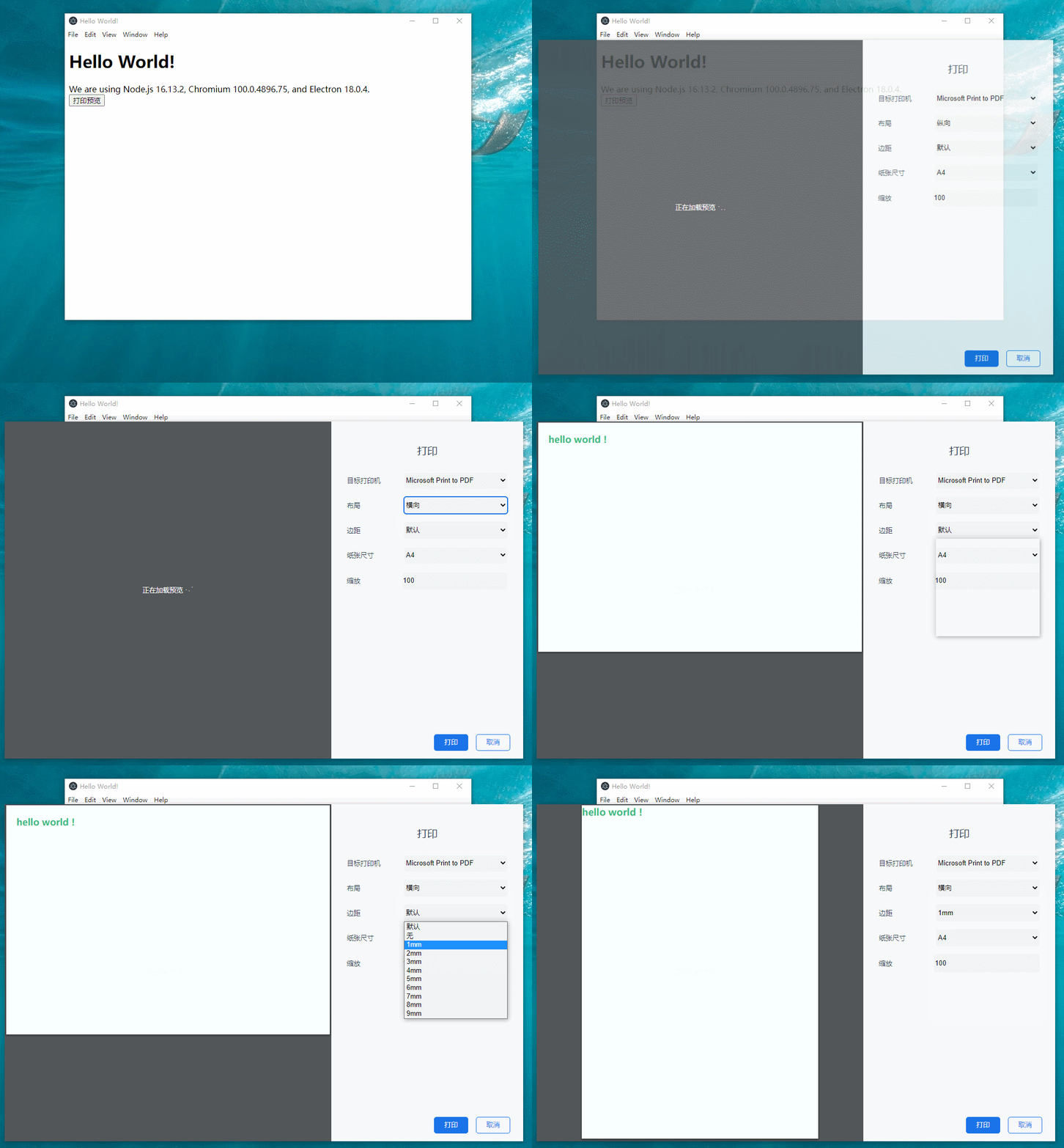
4. 自定义预览页面的样式
```js
const {startPrint,initPrintPgae} = require("electron-print-preview");
const {app} = require("electron");
app.whenReady().then(()=>{
initPrintPgae({style:"body{background-color: black;} .options{background-color: cadetblue;}"})
startPrint({htmlString :` hello world !
`},undefined)
})
```
5. 预览页面加载完成执行js
```js
const {startPrint,initPrintPgae} = require("electron-print-preview");
const {app} = require("electron");
app.whenReady().then(()=>{
initPrintPgae({style:"body{background-color: black;} .options{background-color: cadetblue;}",script:"alert('初始化完成')"})
startPrint({htmlString :` hello world !
`},undefined)
})
```
6. Ctrl+F12可以打开预览页面的控制台