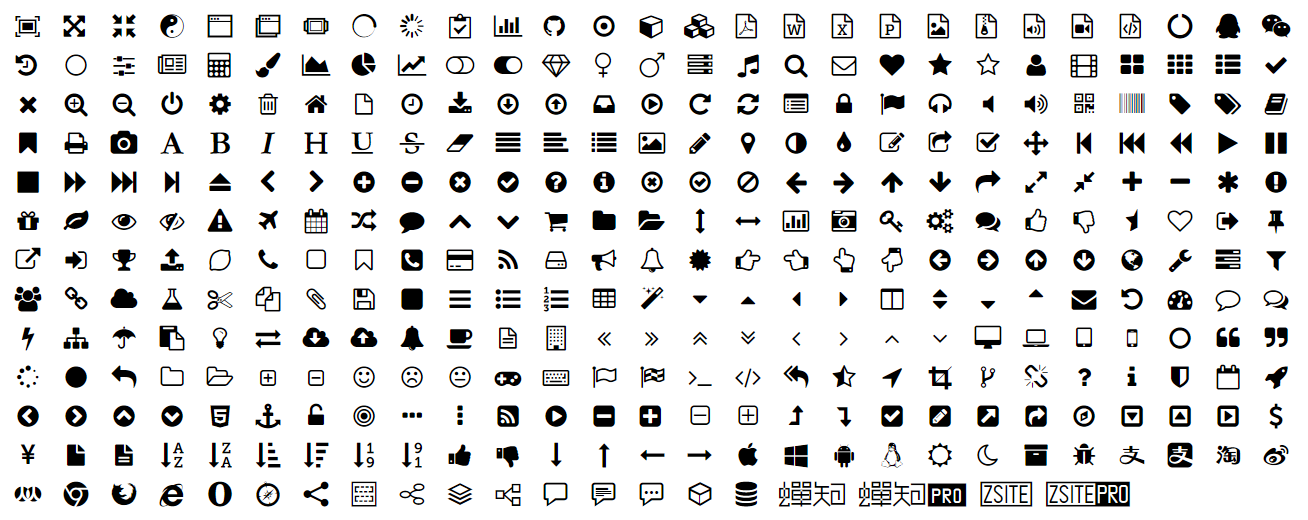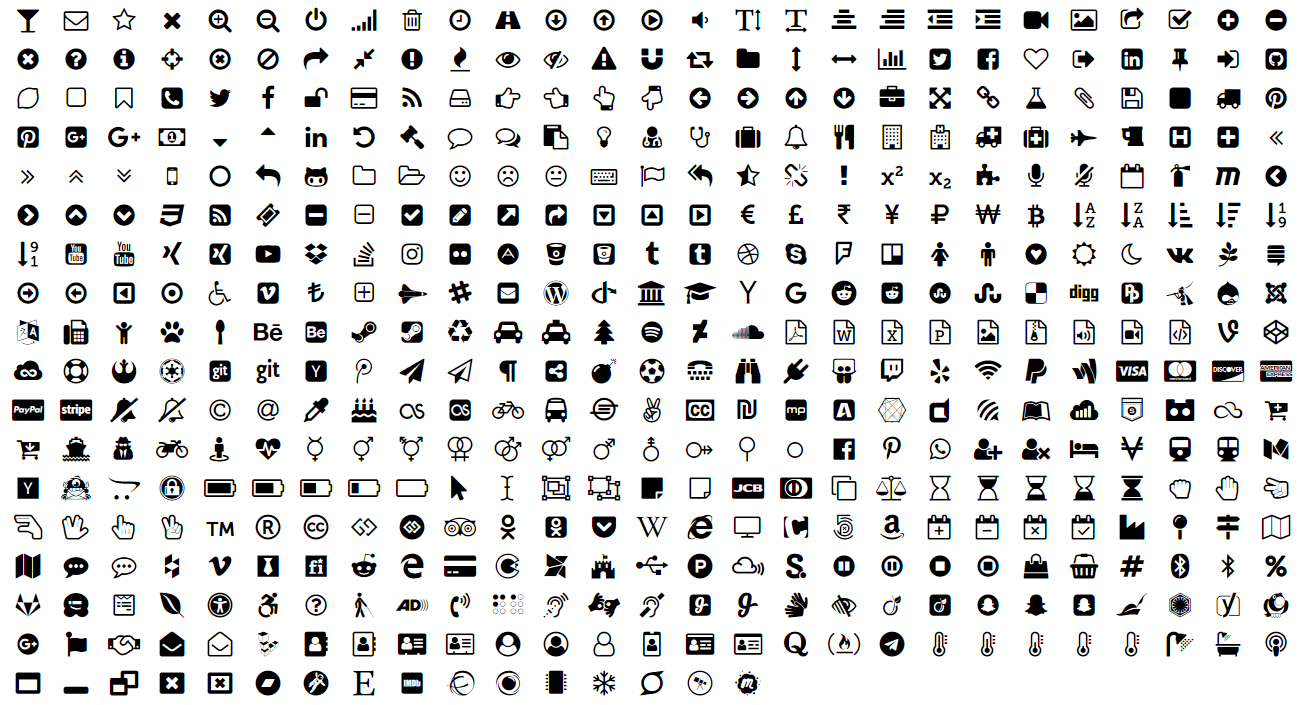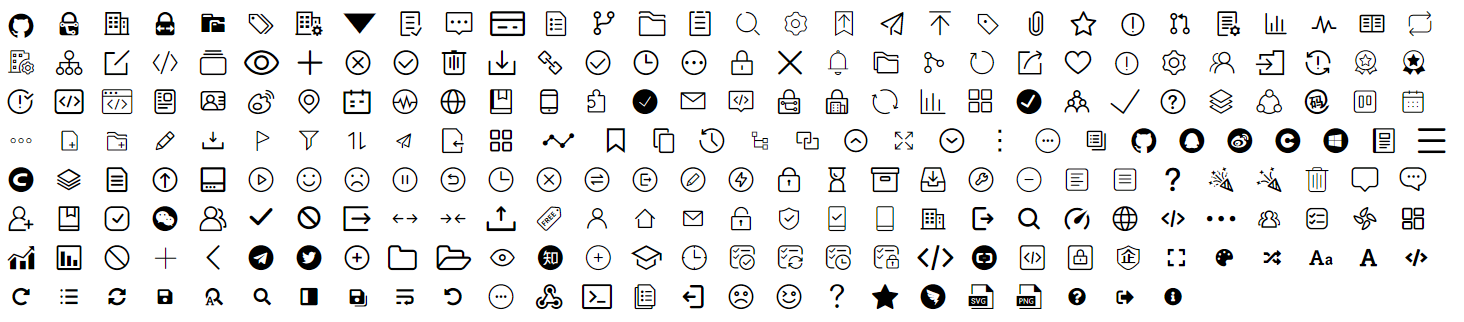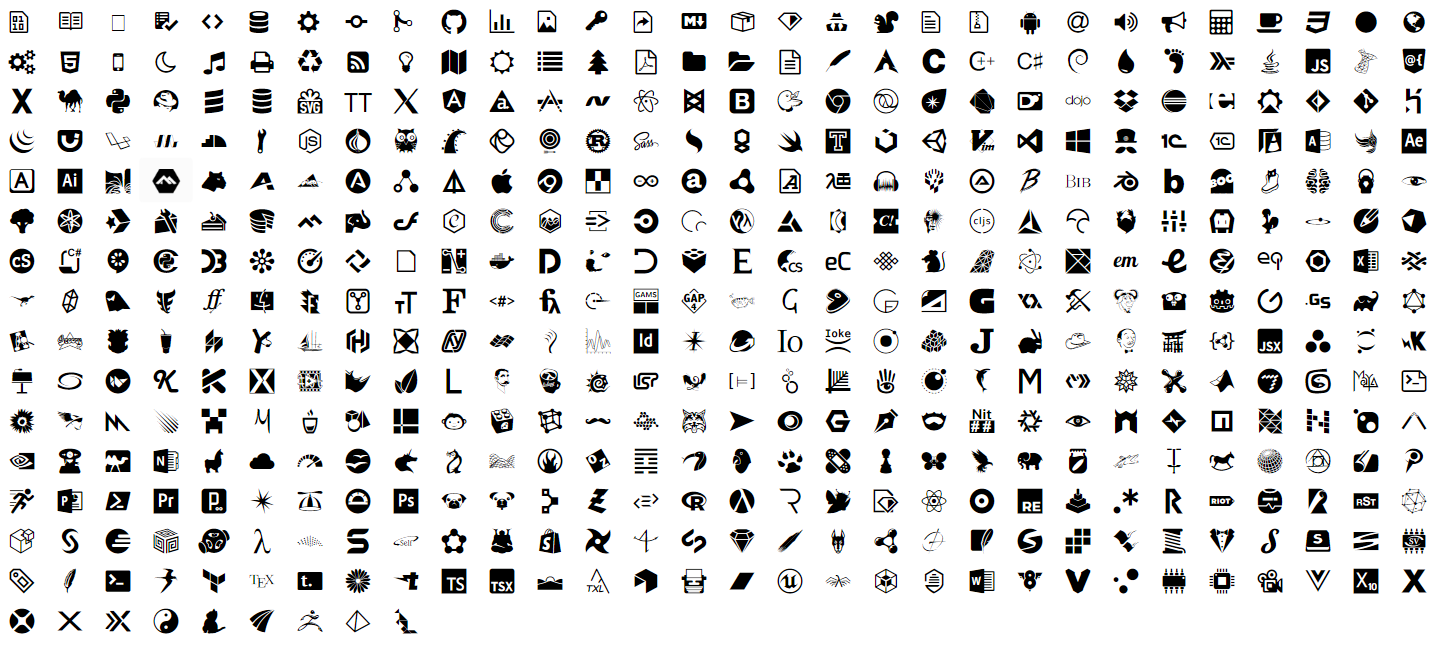
 [**😃 Experience 1583 icons online**](https://theajack.gitee.io/easy-icon)
### 1. Introduction
Easy-ICON is a easy to use web font icon lib
Easy-ICON uses multiple icon libraries, such as Font-Awesome, to thank the original author for their contributions!
Features:
1. Very simple to use
2. 1583 commonly used font icons, including multiple font libraries
3. Customize any css style, the zoom is not blurred
4. Use according to module
### 2.Install & Use
#### 2.1 Use css file reference:(Recommended to download to local and then reference local files)
Easy-icon is divided into five modules, which can be referenced independently
##### 2.1.1 Online Mode
The online mode relies on the font library on the network, while the offline mode converts the font library to base64 so that it can be used offline
```html
```
Or use a collection version
```html
```
##### 2.1.2 Offline Mode
```html
```
Or use a collection version
```html
```
#### 2.2 OR Use npm:
```
npm i easy-icon;
```
You only need to import once:
Same as css file reference, can be referenced independently by module, without using all
##### 2.2.1 Online Mode
```js
import 'easy-icon';
import 'easy-icon/easy-icon-a.js';
import 'easy-icon/easy-icon-f.js';
import 'easy-icon/easy-icon-t.js';
import 'easy-icon/easy-icon-l.js';
```
You can also directly import css files (need to be used with tools such as css-loader)
```js
import 'easy-icon/css/easy-icon.css';
import 'easy-icon/css/easy-icon-a.css';
import 'easy-icon/css/easy-icon-f.css';
import 'easy-icon/css/easy-icon-t.css';
import 'easy-icon/css/easy-icon-l.css';
```
Or use a collection version
```js
import 'easy-icon/easy-icon-all.js';
```
Css file
```js
import 'easy-icon/css/easy-icon-all.css';
```
##### 2.2.2 Offline Mode
```js
import 'easy-icon/offline';
import 'easy-icon/offline/easy-icon-a.js';
import 'easy-icon/offline/easy-icon-f.js';
import 'easy-icon/offline/easy-icon-t.js';
import 'easy-icon/offline/easy-icon-l.js';
```
You can also directly import css files (need to be used with tools such as css-loader)
```js
import 'easy-icon/offline/css/easy-icon.css';
import 'easy-icon/offline/css/easy-icon-a.css';
import 'easy-icon/offline/css/easy-icon-f.css';
import 'easy-icon/offline/css/easy-icon-t.css';
import 'easy-icon/offline/css/easy-icon-l.css';
```
Or use a collection version
```js
import 'easy-icon/offline/easy-icon-all.js';
```
Css file
```js
import 'easy-icon/offline/css/easy-icon-all.css';
```
#### 2.3 Useage
It's very easy to use, you just need to insert the tag anywhere:
```html
```
It should be noted that the prefixes corresponding to the five modules are different, respectively
- easy-icon-a: ei-
- easy-icon-a: ea-
- easy-icon-f: ef-
- easy-icon-t: et-
- easy-icon-l: el-
[See which icons you can use](https://theajack.gitee.io/easy-icon/)
[**😃 Experience 1583 icons online**](https://theajack.gitee.io/easy-icon)
### 1. Introduction
Easy-ICON is a easy to use web font icon lib
Easy-ICON uses multiple icon libraries, such as Font-Awesome, to thank the original author for their contributions!
Features:
1. Very simple to use
2. 1583 commonly used font icons, including multiple font libraries
3. Customize any css style, the zoom is not blurred
4. Use according to module
### 2.Install & Use
#### 2.1 Use css file reference:(Recommended to download to local and then reference local files)
Easy-icon is divided into five modules, which can be referenced independently
##### 2.1.1 Online Mode
The online mode relies on the font library on the network, while the offline mode converts the font library to base64 so that it can be used offline
```html
```
Or use a collection version
```html
```
##### 2.1.2 Offline Mode
```html
```
Or use a collection version
```html
```
#### 2.2 OR Use npm:
```
npm i easy-icon;
```
You only need to import once:
Same as css file reference, can be referenced independently by module, without using all
##### 2.2.1 Online Mode
```js
import 'easy-icon';
import 'easy-icon/easy-icon-a.js';
import 'easy-icon/easy-icon-f.js';
import 'easy-icon/easy-icon-t.js';
import 'easy-icon/easy-icon-l.js';
```
You can also directly import css files (need to be used with tools such as css-loader)
```js
import 'easy-icon/css/easy-icon.css';
import 'easy-icon/css/easy-icon-a.css';
import 'easy-icon/css/easy-icon-f.css';
import 'easy-icon/css/easy-icon-t.css';
import 'easy-icon/css/easy-icon-l.css';
```
Or use a collection version
```js
import 'easy-icon/easy-icon-all.js';
```
Css file
```js
import 'easy-icon/css/easy-icon-all.css';
```
##### 2.2.2 Offline Mode
```js
import 'easy-icon/offline';
import 'easy-icon/offline/easy-icon-a.js';
import 'easy-icon/offline/easy-icon-f.js';
import 'easy-icon/offline/easy-icon-t.js';
import 'easy-icon/offline/easy-icon-l.js';
```
You can also directly import css files (need to be used with tools such as css-loader)
```js
import 'easy-icon/offline/css/easy-icon.css';
import 'easy-icon/offline/css/easy-icon-a.css';
import 'easy-icon/offline/css/easy-icon-f.css';
import 'easy-icon/offline/css/easy-icon-t.css';
import 'easy-icon/offline/css/easy-icon-l.css';
```
Or use a collection version
```js
import 'easy-icon/offline/easy-icon-all.js';
```
Css file
```js
import 'easy-icon/offline/css/easy-icon-all.css';
```
#### 2.3 Useage
It's very easy to use, you just need to insert the tag anywhere:
```html
```
It should be noted that the prefixes corresponding to the five modules are different, respectively
- easy-icon-a: ei-
- easy-icon-a: ea-
- easy-icon-f: ef-
- easy-icon-t: et-
- easy-icon-l: el-
[See which icons you can use](https://theajack.gitee.io/easy-icon/)