[简体中文](README.md) · **English**
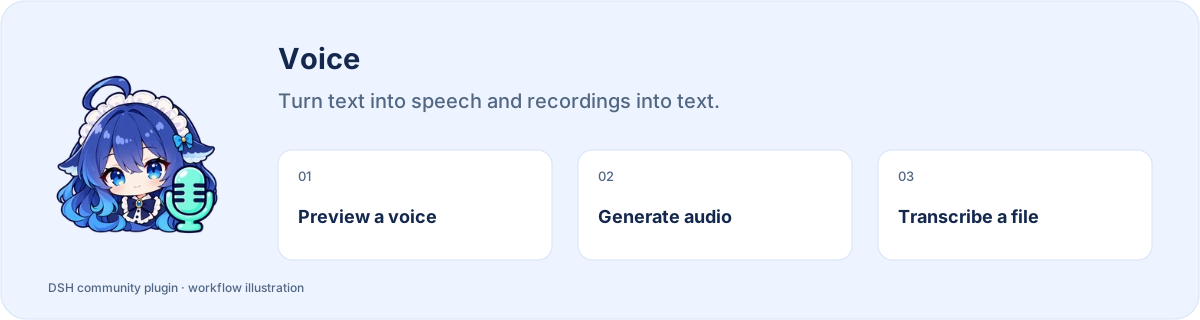
# Voice
**Turn text into speech and recordings into text.**
[](https://www.npmjs.com/package/dsh-voice) [](https://www.npmjs.com/package/dsh-voice) [](https://www.npmjs.com/package/dsh-voice)
**[Install](#install) · [Workflow](#start-using-it) · [Full guide](https://github.com/STARDUSTLC666/dsh-voice/blob/master/docs/REFERENCE.en.md)**
## Features
- Choose a voice and speed with a short sample.
- Keep audio files you can play or deliver.
- Transcribe with your configured compatible ASR service.
## Install
Open **Plugins** in the DSH desktop app and install `dsh-voice`. If the CLI is available:
```bash
dsh plugin --profile desktop add dsh-voice
```
For the web profile, replace `desktop` with `web`. Restart that DSH profile after installation. The package’s DSH requirement is `>=0.2.1-rc.3`.
## Start using it
1. Start a DSH session in the workspace where you want the audio saved; ask it to check the voice tools.
2. Provide text, language, voice and speed, for example: “Make a Chinese MP3 from this text; give me a short sample first.”
3. Listen to the sample, generate the complete audio, then play or deliver the returned file.
4. For transcription, configure your own compatible ASR service, provide a local audio file, then review the transcript.
Example request:
> Make a Chinese MP3 from this text. Start with a short voice sample.
## Before you start
Edge speech requires a network connection; ASR needs your own service configuration.
Configuration, detailed tools and troubleshooting: [full reference](https://github.com/STARDUSTLC666/dsh-voice/blob/master/docs/REFERENCE.en.md).
## Plugin updates
Check updates at the bottom of the workbench or native plugin details. Automatic checks are on by default; **automatic installation is off**. You choose whether to install and when to restart. Suite-managed components update with their bundle. [Update behavior](https://github.com/STARDUSTLC666/dsh-voice/blob/master/docs/REFERENCE.en.md).
## Documentation
- [Full usage, configuration and limits](https://github.com/STARDUSTLC666/dsh-voice/blob/master/docs/REFERENCE.en.md)
- [Release notes](https://github.com/STARDUSTLC666/dsh-voice/blob/master/CHANGELOG.md)
- [Validation scope and history](https://github.com/STARDUSTLC666/dsh-voice/blob/master/docs/VALIDATION.md)
## Feedback and contributions
If the plugin helps, a Star makes it easier for others to discover. Report problems or suggest improvements in [Issues](https://github.com/STARDUSTLC666/dsh-voice/issues); code and documentation [PRs](https://github.com/STARDUSTLC666/dsh-voice/pulls) are welcome. Include versions and reproduction steps, and remove credentials from reports.
## License
[MIT AND LGPL-3.0-only](https://github.com/STARDUSTLC666/dsh-voice/blob/master/LICENSE)