[简体中文](README.md) · **English**
# RSS
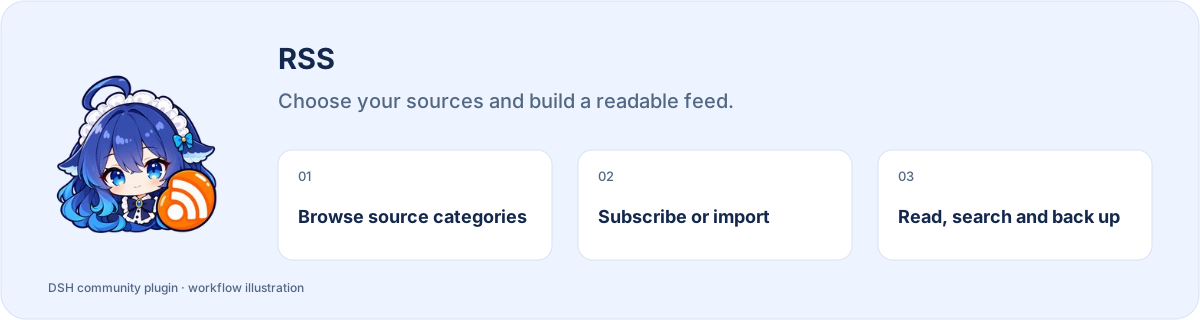
**Choose your sources and build a readable feed.**
[](https://www.npmjs.com/package/dsh-rss) [](https://www.npmjs.com/package/dsh-rss) [](https://www.npmjs.com/package/dsh-rss)
**[Install](#install) · [Workflow](#start-using-it) · [Full guide](https://github.com/STARDUSTLC666/dsh-rss/blob/master/docs/REFERENCE.en.md)**
## Features
- Start with five source categories or your own feed URLs.
- Preview before subscribing; browsing does not subscribe automatically.
- Read by category, unread state or keyword and back up OPML.
## Install
Open **Plugins** in the DSH desktop app and install `dsh-rss`. If the CLI is available:
```bash
dsh plugin --profile desktop add dsh-rss
```
For the web profile, replace `desktop` with `web`. Restart that DSH profile after installation. The package’s DSH requirement is `>=0.2.1-rc.3`.
## Start using it
1. Open RSS in the sidebar; browse catalog categories or prepare your own RSS/Atom URL or OPML file.
2. Preview the sources and explicitly subscribe or import. Browsing the catalog alone does not subscribe.
3. Refresh subscriptions, filter by category, unread state or keywords, and open the content you need.
4. Ask for summaries of content actually read when needed; export OPML backups and manage subscriptions you no longer need.
Example request:
> Summarize these articles I have read, keep source links, and distinguish reported facts from speculation.
## Before you start
External availability depends on the publisher and network. Proxy configuration is optional.
Configuration, detailed tools and troubleshooting: [full reference](https://github.com/STARDUSTLC666/dsh-rss/blob/master/docs/REFERENCE.en.md).
## Plugin updates
Check updates at the bottom of the workbench or native plugin details. Automatic checks are on by default; **automatic installation is off**. You choose whether to install and when to restart. Suite-managed components update with their bundle. [Update behavior](https://github.com/STARDUSTLC666/dsh-rss/blob/master/docs/REFERENCE.en.md).
## Documentation
- [Full usage, configuration and limits](https://github.com/STARDUSTLC666/dsh-rss/blob/master/docs/REFERENCE.en.md)
- [Release notes](https://github.com/STARDUSTLC666/dsh-rss/blob/master/CHANGELOG.md)
- [Validation scope and history](https://github.com/STARDUSTLC666/dsh-rss/blob/master/docs/VALIDATION.md)
## Feedback and contributions
If the plugin helps, a Star makes it easier for others to discover. Report problems or suggest improvements in [Issues](https://github.com/STARDUSTLC666/dsh-rss/issues); code and documentation [PRs](https://github.com/STARDUSTLC666/dsh-rss/pulls) are welcome. Include versions and reproduction steps, and remove credentials from reports.
## License
[MIT](https://github.com/STARDUSTLC666/dsh-rss/blob/master/LICENSE)