[简体中文](README.md) · **English**
# Remotion
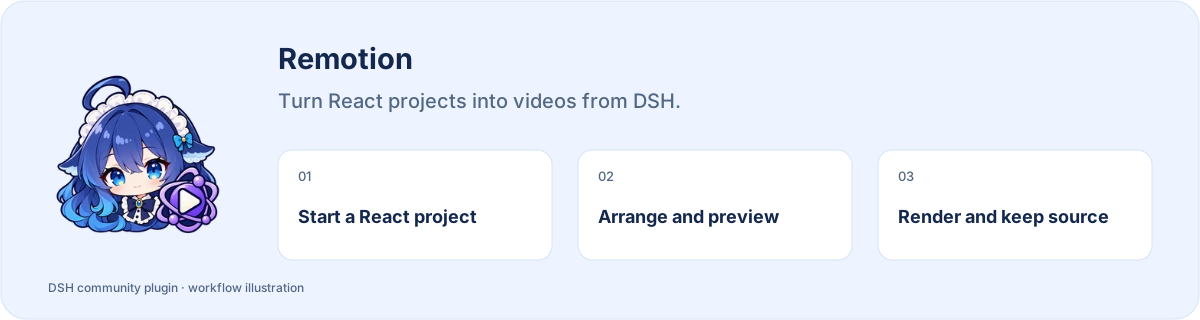
**Turn React projects into videos from DSH.**
[](https://www.npmjs.com/package/dsh-remotion) [](https://www.npmjs.com/package/dsh-remotion) [](https://www.npmjs.com/package/dsh-remotion)
**[Install](#install) · [Workflow](#start-using-it) · [Full guide](https://github.com/STARDUSTLC666/dsh-remotion/blob/master/docs/REFERENCE.en.md)**
## Features
- Use official skills and workbench templates.
- Manage projects, media order and Studio previews.
- Render local MP4 files and keep editable project backups.
## Install
Open **Plugins** in the DSH desktop app and install `dsh-remotion`. If the CLI is available:
```bash
dsh plugin --profile desktop add dsh-remotion
```
For the web profile, replace `desktop` with `web`. Restart that DSH profile after installation. The package’s DSH requirement is `>=0.2.1-rc.3`.
## Start using it
1. Open Remotion in the sidebar, choose New video, select a template and enter content.
2. Save the project, upload images, audio or video, and reorder images in Media when needed.
3. Prepare the official renderer in Environment on first use, then start Studio preview.
4. Inspect and stop the preview before editing or exporting MP4. Export again after changing the project.
5. Download MP4 or editable source from Exports, and organize projects with library search and archives.
Example request:
> Create a React video project. Confirm the structure and script, preview in Studio, then export MP4.
## Before you start
Prepare the official rendering environment on first use. Render again after editing the project.
Configuration, detailed tools and troubleshooting: [full reference](https://github.com/STARDUSTLC666/dsh-remotion/blob/master/docs/REFERENCE.en.md).
## Plugin updates
Check updates at the bottom of the workbench or native plugin details. Automatic checks are on by default; **automatic installation is off**. You choose whether to install and when to restart. Suite-managed components update with their bundle. [Update behavior](https://github.com/STARDUSTLC666/dsh-remotion/blob/master/docs/REFERENCE.en.md).
## Documentation
- [Full usage, configuration and limits](https://github.com/STARDUSTLC666/dsh-remotion/blob/master/docs/REFERENCE.en.md)
- [Release notes](https://github.com/STARDUSTLC666/dsh-remotion/blob/master/CHANGELOG.md)
- [Validation scope and history](https://github.com/STARDUSTLC666/dsh-remotion/blob/master/docs/VALIDATION.md)
## Feedback and contributions
If the plugin helps, a Star makes it easier for others to discover. Report problems or suggest improvements in [Issues](https://github.com/STARDUSTLC666/dsh-remotion/issues); code and documentation [PRs](https://github.com/STARDUSTLC666/dsh-remotion/pulls) are welcome. Include versions and reproduction steps, and remove credentials from reports.
## License
[MIT](https://github.com/STARDUSTLC666/dsh-remotion/blob/master/LICENSE)