[简体中文](README.md) · **English**
# Calendar
**See your schedule and find time in your calendar.**
[](https://www.npmjs.com/package/dsh-calendar) [](https://www.npmjs.com/package/dsh-calendar) [](https://www.npmjs.com/package/dsh-calendar)
**[Install](#install) · [Workflow](#start-using-it) · [Full guide](https://github.com/STARDUSTLC666/dsh-calendar/blob/main/docs/REFERENCE.en.md)**
## Features
- Plan with month, week and agenda views.
- Find candidates using duration, weekdays and buffers.
- Review event drafts or ICS imports before confirming writes.
See a workbench example
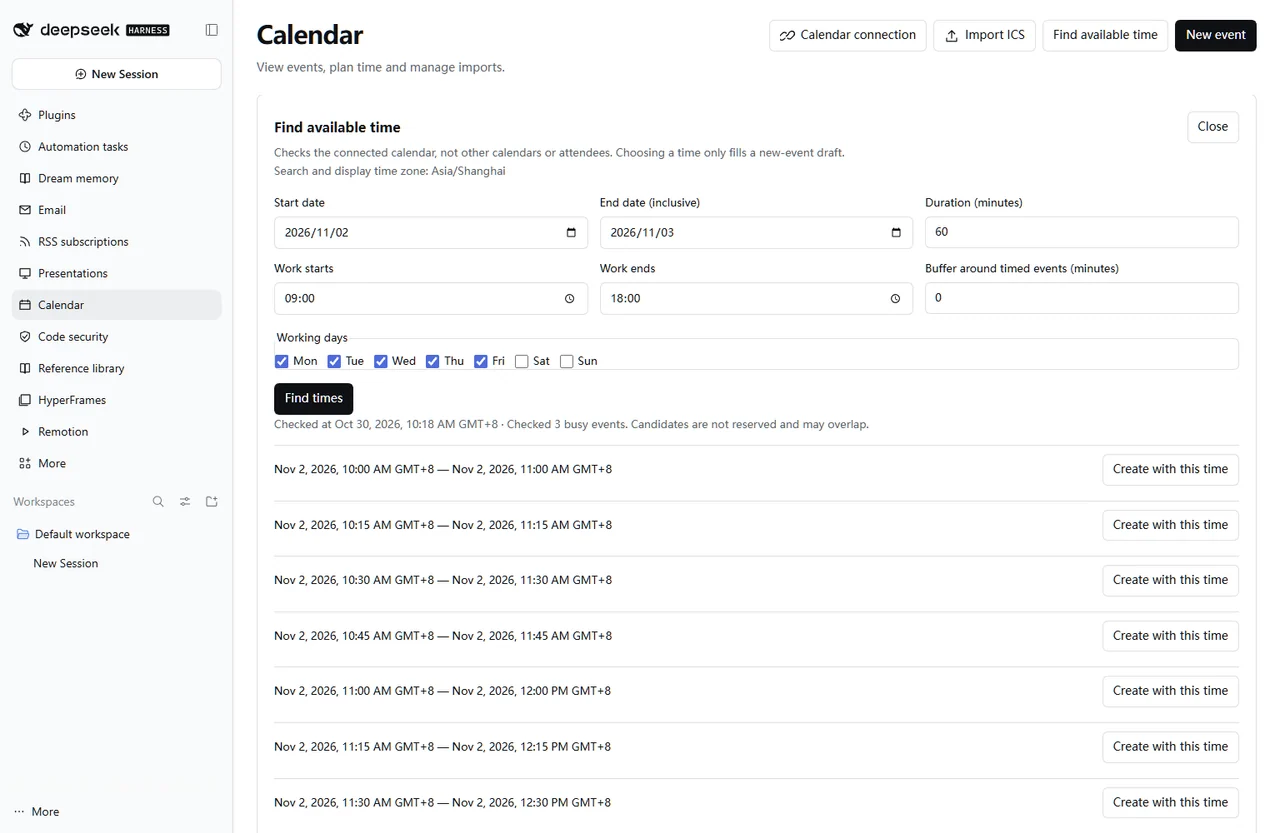
Actual interface with controlled validation data; the PPTX image is a rendered sample when shown.
## Install
Open **Plugins** in the DSH desktop app and install `dsh-calendar`. If the CLI is available:
```bash
dsh plugin --profile desktop add dsh-calendar
```
For the web profile, replace `desktop` with `web`. Restart that DSH profile after installation. The package’s DSH requirement is `>=0.2.1-rc.3`.
## Start using it
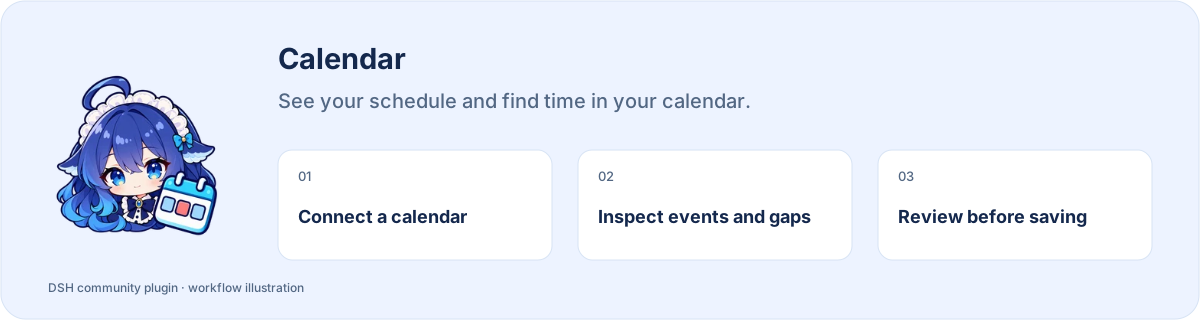
1. Open Calendar in the sidebar; choose a provider in connection settings and enter your account credentials.
2. Test the connection, select a calendar and verify its time zone before using month, week or agenda views.
3. Before creating or editing an event, check its date, time and destination calendar, then confirm.
4. Preview and select ICS entries before importing; review skipped and failed entries before retrying.
Example request:
> Read this week in the connected calendar and summarize conflicts I should check.
## Before you start
Bring your own CalDAV account. Availability covers only the currently connected calendar.
Configuration, detailed tools and troubleshooting: [full reference](https://github.com/STARDUSTLC666/dsh-calendar/blob/main/docs/REFERENCE.en.md).
## Plugin updates
Check updates at the bottom of the workbench or native plugin details. Automatic checks are on by default; **automatic installation is off**. You choose whether to install and when to restart. Suite-managed components update with their bundle. [Update behavior](https://github.com/STARDUSTLC666/dsh-calendar/blob/main/docs/REFERENCE.en.md).
## Documentation
- [Full usage, configuration and limits](https://github.com/STARDUSTLC666/dsh-calendar/blob/main/docs/REFERENCE.en.md)
- [Release notes](https://github.com/STARDUSTLC666/dsh-calendar/blob/main/CHANGELOG.md)
- [Validation scope and history](https://github.com/STARDUSTLC666/dsh-calendar/blob/main/docs/VALIDATION.md)
## Feedback and contributions
If the plugin helps, a Star makes it easier for others to discover. Report problems or suggest improvements in [Issues](https://github.com/STARDUSTLC666/dsh-calendar/issues); code and documentation [PRs](https://github.com/STARDUSTLC666/dsh-calendar/pulls) are welcome. Include versions and reproduction steps, and remove credentials from reports.
## License
[MIT](https://github.com/STARDUSTLC666/dsh-calendar/blob/main/LICENSE)