[](https://circleci.com/gh/celsomarques/ionic-datepicker) [](https://codeclimate.com/github/celsomarques/ionic-datepicker) [](https://codeclimate.com/github/celsomarques/ionic-datepicker/coverage) [](https://www.bithound.io/github/celsomarques/ionic-datepicker/master)
### Dependencies ###
This component depends on **JQuery**, Ionic and Angular
## How to use ###
1) Install using bower or npm
```
bower i datepicker-for-ionic --save
npm i datepicker-for-ionic --save
```
2) Then you can see the following directory structure see in your project folder
Give the path of `style.css, templates.min.js and ionic-datepicker.min.js` in your `index.html` file.
````html
````
3) In your application module inject the dependency `ionic-datepicker`, in order to work with the ionic time picker
````javascript
angular.module('mainModuleName', ['ionic', 'ionic-datepicker']){
//
}
````
4) Use the below format in your template's corresponding controller
````javascript
$scope.currentDate = new Date();
$scope.minDate = new Date(2105, 6, 1);
$scope.maxDate = new Date(2015, 6, 31);
$scope.datePickerCallback = function (val) {
if (!val) {
console.log('Date not selected');
} else {
console.log('Selected date is : ', val);
}
};
````
a) `currentDate` is the date object which we are passing to the `ionic-datepicker`.
b) `minDate` is minimum date that user is allowed to select.
c) `maxDate` is maximum date that user is allowed to select.
d) `datePickerCallback` is the callback function which we have to pass to the `ionic-datepicker`. This function takes an argument which will return `undefined` if the user didnot selected any date. And returns a `date` object, if the user selects any date.
5) Then use the below format in your template / html file
````html
````
a) `ionic-datepicker` is the directive, to which we can pass required vales.
b) `date` takes date object. If we don't pass any value, the default value will be `new Date()`.
c) `min` takes date object. Pass only if you want to restrict date.
d) `max` takes date object. Pass only if you want to restrict date.
e) `callback` takes the callback function name which will be called once the date picker has been closed.
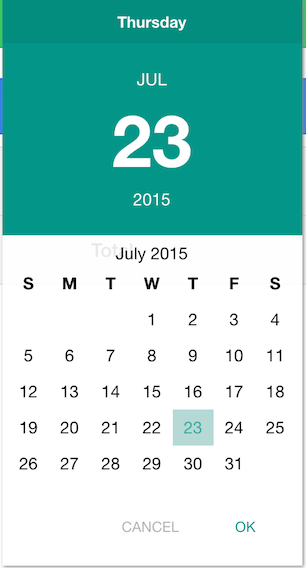
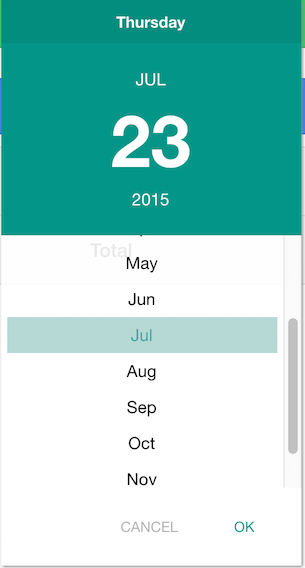
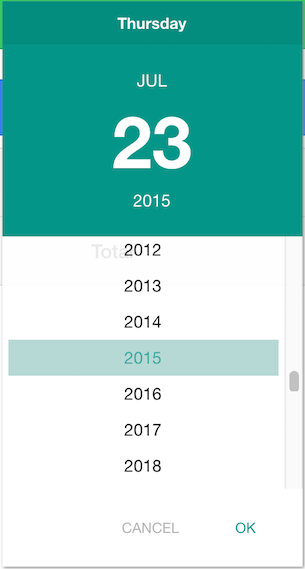
### Screenshots ###