
## Scaffolding your Uplift Project
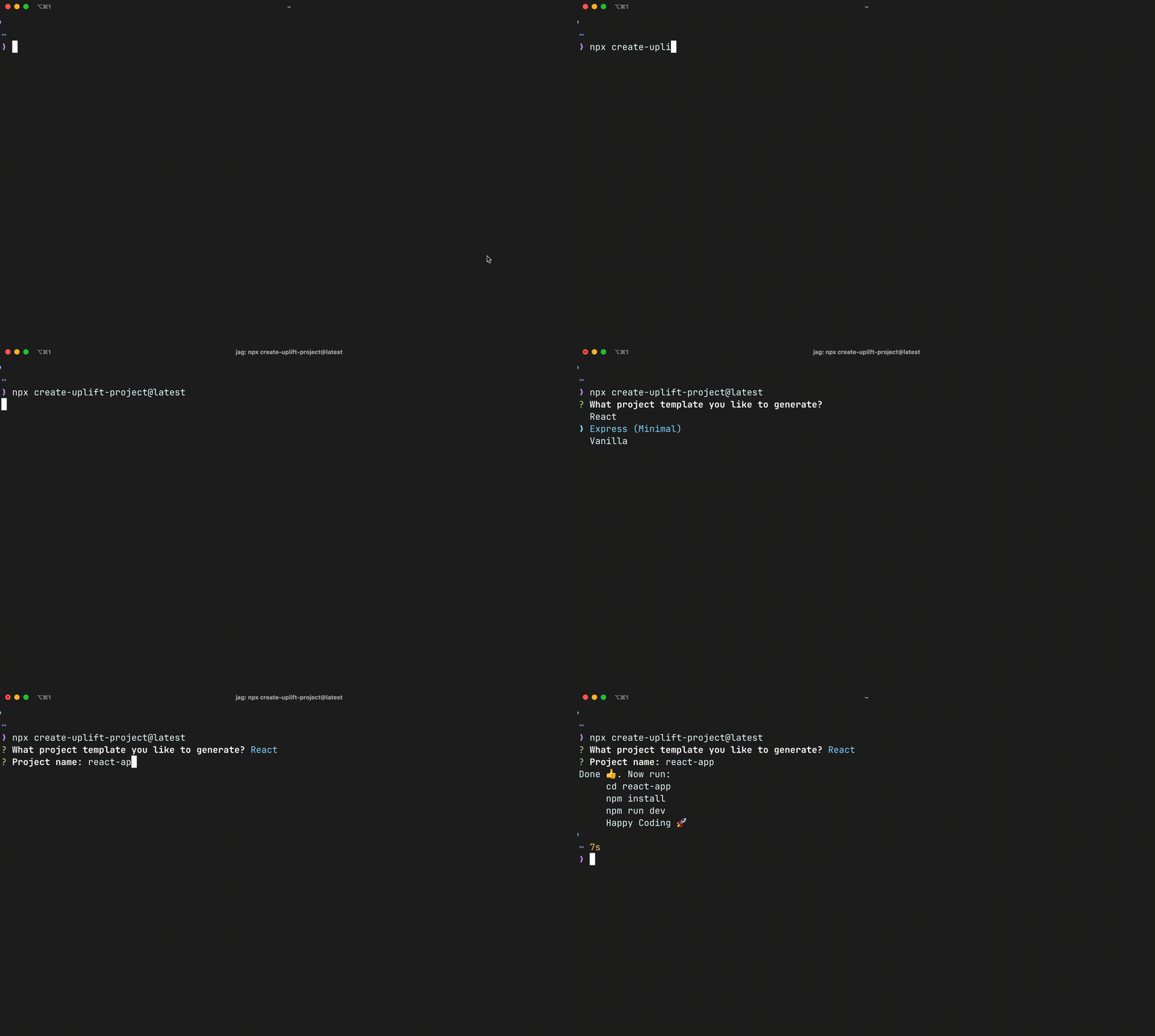
Using NPX
```bash
npx create-uplift-project@latest [-t template] [folder-name]
```
Then follow the prompts
- Replace `template` with the [template](#template) you want to generate
- Replace `folder-name` with the desired name for your project folder
## Options
It provides some additional options to customize your project creation projects.
### Template
```sh
--template, -t
```
Specify a project template to use
#### Supported Templates
- `react`
- `express`
- `vanilla`
#### Example
```sh
npx create-uplift-project@latest --template react [folder]
```
or using the shorthand
```sh
npx create-uplift-project@latest -t react [folder]
```
###### Created and Developed under [Uplift Code Camp](https://www.upliftcodecamp.com/)