# Create React Web Component [](https://twitter.com/intent/tweet?text=Build%20Web%20Components%20using%20React&url=https://github.com/Silind/tslint-config-silind&hashtags=react,webcomponent,frontend)

[](https://github.com/Silind-Software/create-react-web-component/blob/master/LICENSE)



This project has been deprecated, and will no longer be maintained!
The project is now carried on at Direflow
#### Set up a React App wrapped in a Web Component
> This setup is is based on [*react-scripts*](https://www.npmjs.com/package/react-scripts) from [*create-react-app*](https://create-react-app.dev/docs/getting-started)
> A thorough description of the principles used in this setup, can be read [in this article](https://itnext.io/react-and-web-components-3e0fca98a593)
## Getting Started
### Install
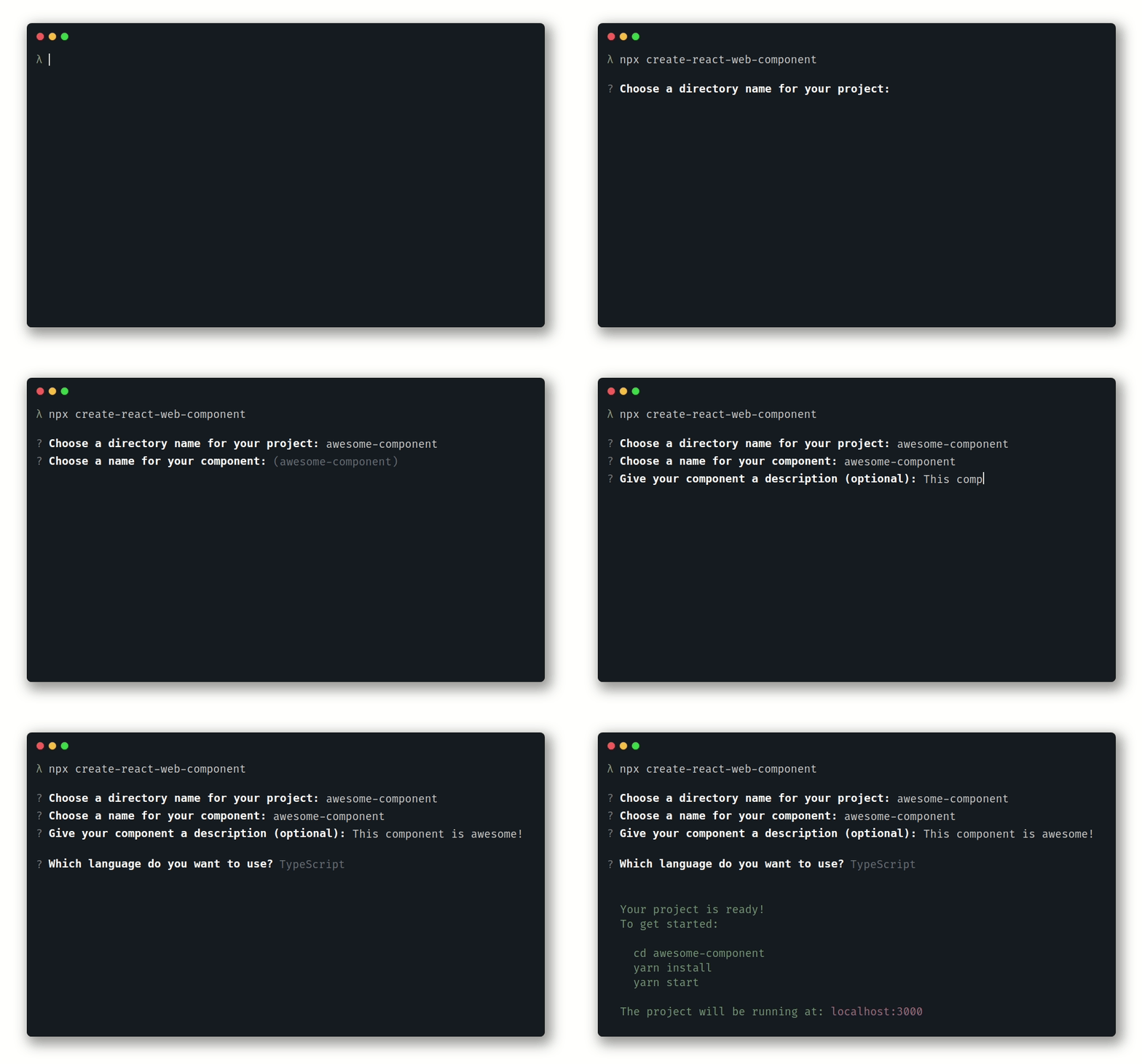
Get started by running the command
```console
npx create-react-web-component
```
Or install the package globally
- yarn
```console
yarn global add create-react-web-component
```
- npm
```console
npm i -g create-react-web-component
```
This will bootstrap a new project for you.
Now use the following commands:
```console
cd
yarn install
yarn start
```
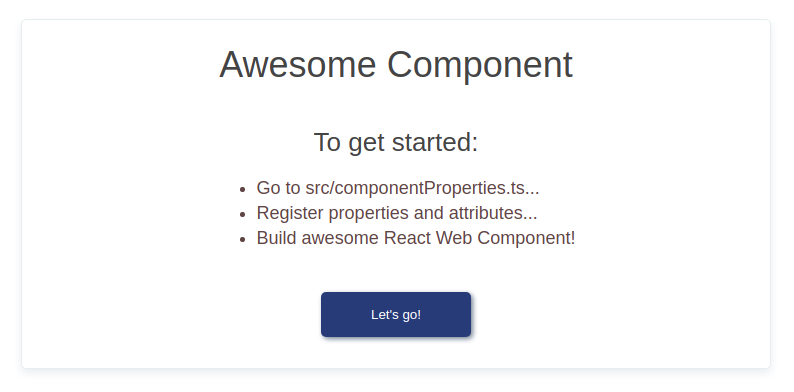
Your project will start running on `localhost:3000` and your browser opens a new window
## Contributing
#### Issues
In the case of a bug report, bugfix or a suggestions, please feel very free to open an issue.
#### Pull request
Pull requests are always welcome, and I'll do my best to do reviews as fast as I can.
## License
This project is licensed under the [MIT License](https://github.com/Silind-Software/create-react-web-component/blob/master/LICENSE)
## Get Help
Read more about using Web Components with React on the [official React Docs](https://reactjs.org/docs/web-components.html)
- Contact me on [Twitter](https://twitter.com/silindsoftware)
- If appropriate, [open an issue](https://github.com/Silind-Software/create-react-web-component/issues/new) on GitHub