# uni-vue3-ts-template
uni-app Vue3 + TypeScript + Vite + Pinia + Unocss 模板项目
fork from [ATQQ/uni-vue3-ts-template](https://github.com/ATQQ/uni-vue3-ts-template)
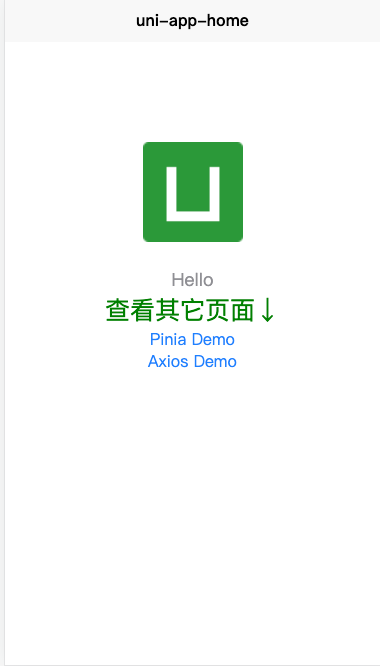
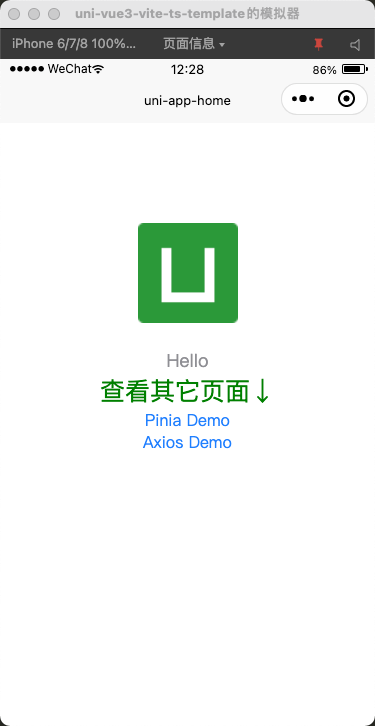
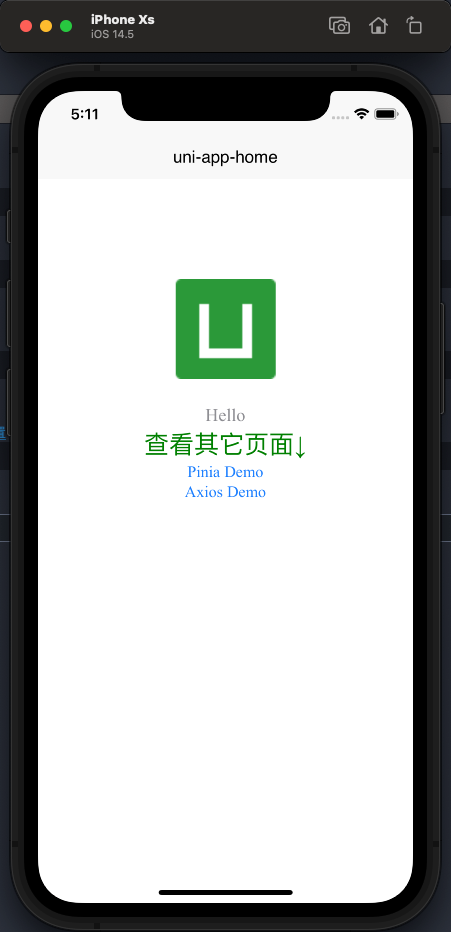
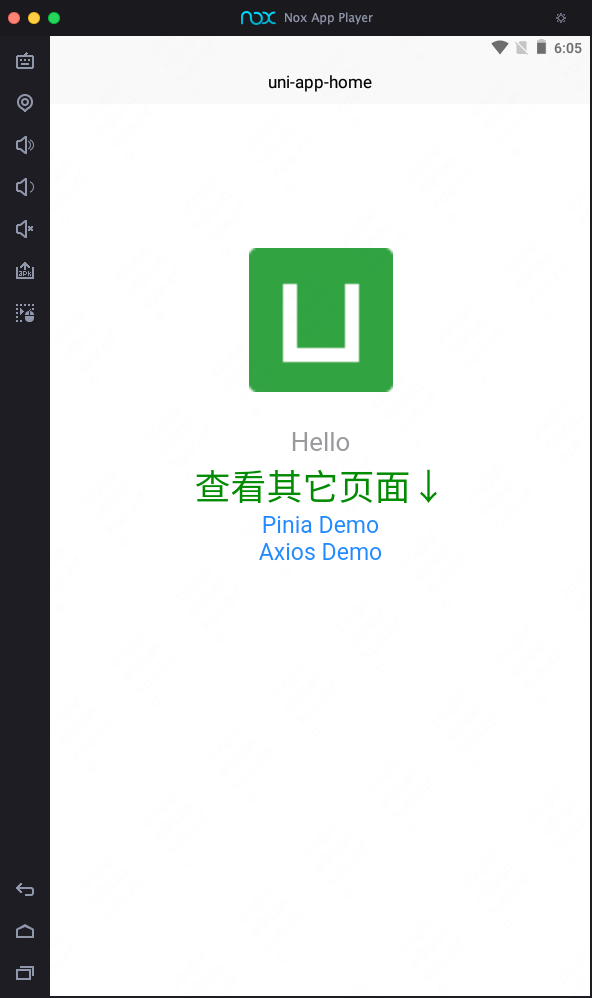
支持小程序,H5,App
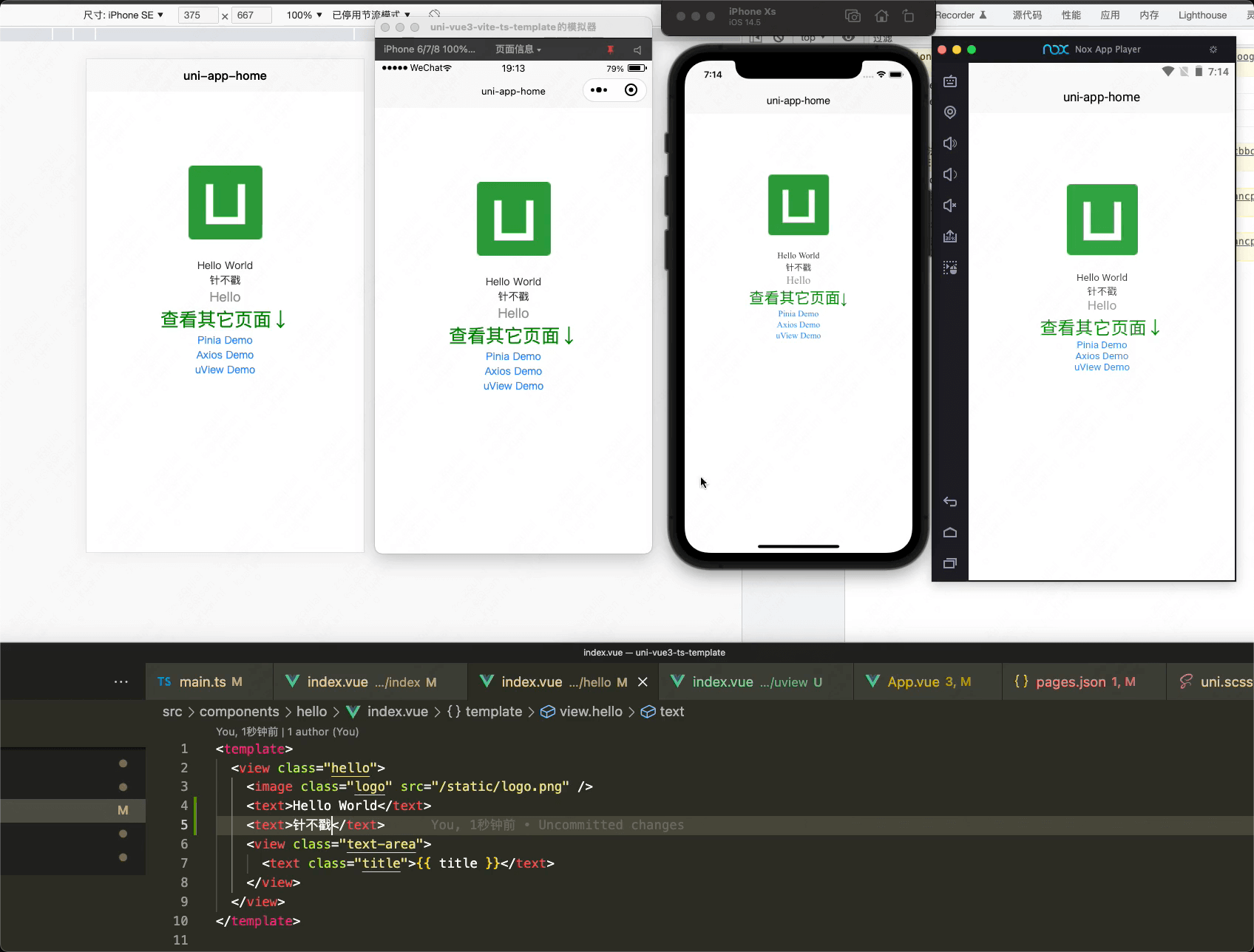
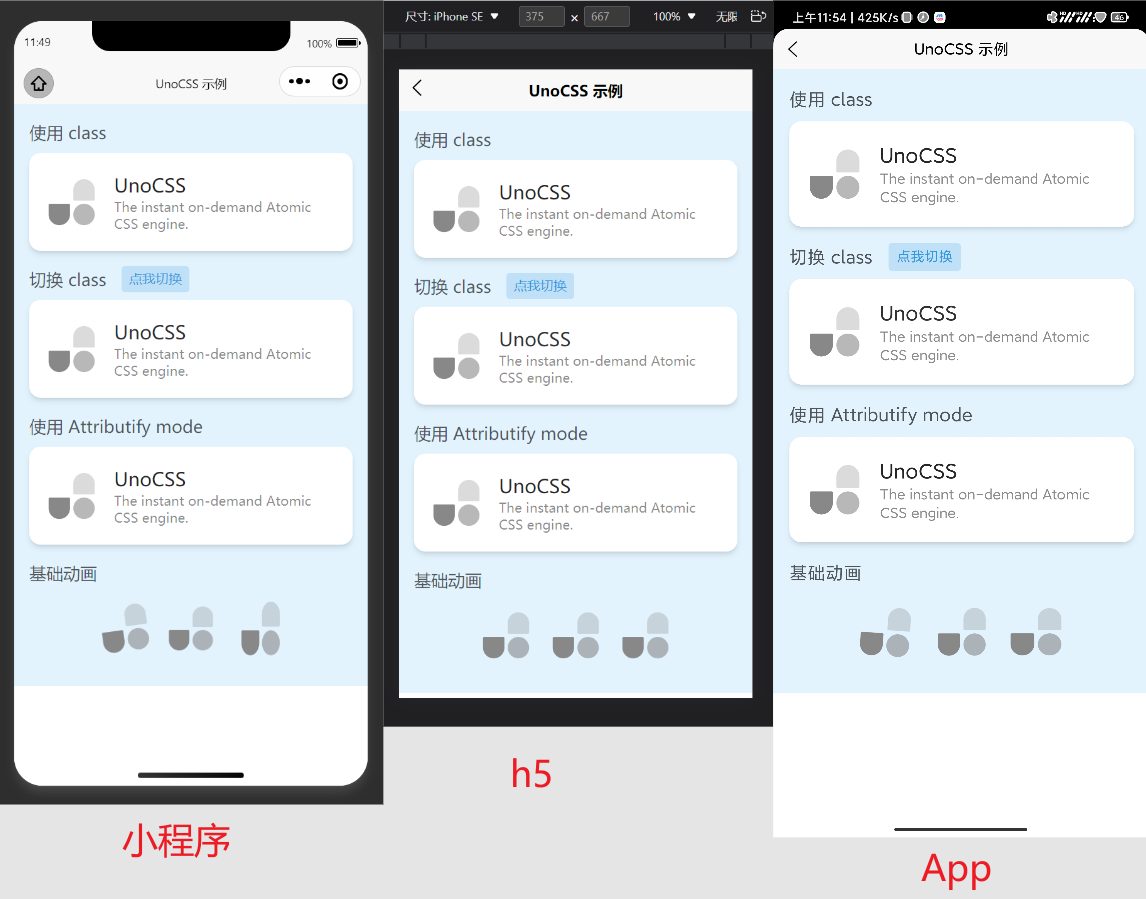
| H5 | 微信小程序 | App(iOS) | App(Android) |
| :-------------------------------------------------------------------------: | :-------------------------------------------------------------------------: | :-------------------------------------------------------------------------: | :-----------------------------------------------------------------------------------------: |
|  |  |  |  |
其它模板
- Vue3的uni-app 纯js模板:[uni-app-template](https://github.com/ATQQ/uni-app-template)
- Vue3的Web应用模板:[vite-vue3-template](https://github.com/ATQQ/vite-vue3-template)
## Env Suggest
**Node >= 16**
**pnpm >= 7**
**Registry taobao - https://registry.npmmirror.com/**
## Use This Template
```sh
pnpm create matrix-starter
```
选择vue3 - uniapp模板
## Feature
### Prod
- [x] [Vue3](https://vuejs.org/)
- [x] [Pinia](https://pinia.vuejs.org/) - 全局状态管理
- [x] [uni-network](https://github.com/uni-helper/uni-network) 为 uni-app 打造的基于 Promise 的 HTTP 客户端
- [x] [uni-use](https://vkuviewdoc.fsq.pub/) - uni-app (vue3) 组合式工具集
- [x] [uview-plus](https://uview-plus.jiangruyi.com/) - uview-plus vue3组件库
### Dev
- [x] [Vite](https://github.com/vitejs/vite)
- [x] [TypeScript](https://github.com/microsoft/TypeScript/#readme)
- [x] [Sass](https://github.com/sass/sass)
- [x] [Less](https://github.com/less/less.js)
- [x] [Eslint](https://eslint.org/)
- [x] [Prettier](https://prettier.io/)
- [x] [unocss](https://github.com/unocss/unocss) - 即时按需原子 css 引擎
- [x] [simple-git-hooks](https://github.com/toplenboren/simple-git-hooks#readme) - GitHooks
- [x] [unplugin-auto-import](https://github.com/unplugin/unplugin-auto-import) - 直接使用 Composition API 无需引入
- [x] [@uni-helper/vite-plugin-uni-manifest](https://github.com/uni-helper/vite-plugin-uni-manifest) - 创建 manifest.config.(ts|mts|cts|js|cjs|mjs|json), 然后用 TypeScript 编写你的 manifest.json
- [x] [@uni-helper/vite-plugin-uni-components](https://github.com/uni-helper/vite-plugin-uni-components) - 直接使用组件无须import,支持typescript类型提示
- [x] [@uni-helper/vite-plugin-uni-layouts](https://github.com/uni-helper/vite-plugin-uni-layouts) - Vite 下 uni-app 的可定制布局框架
## 使用
### 安装依赖
**建议使用pnpm,依赖安装速度更快**
```sh
npm i -g pnpm
```
```sh
pnpm install
```
**MAC M1(ARM芯片),其它操作系统无需关注**,正常运行需要手动安装 `esbuild-darwin-64`即可
```sh
pnpm add esbuild-darwin-64@0.15.13 -D
```
## 本地启动
### 微信小程序
```sh
# 构建出产物
pnpm dev:mp-weixin
```
> **Q1:** 如果运行白屏,有报错信息 “app.js错误ReferenceError: regeneratorRuntime is not defined”
>
> 参考[解决方案](https://blog.csdn.net/FUFCY/article/details/125160828) 给微信小程序IDE开启**增强编译选项**
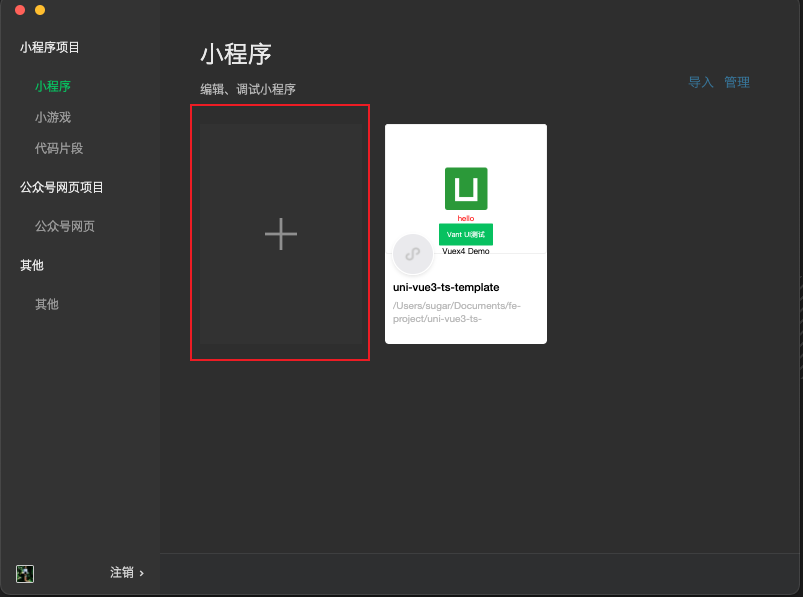
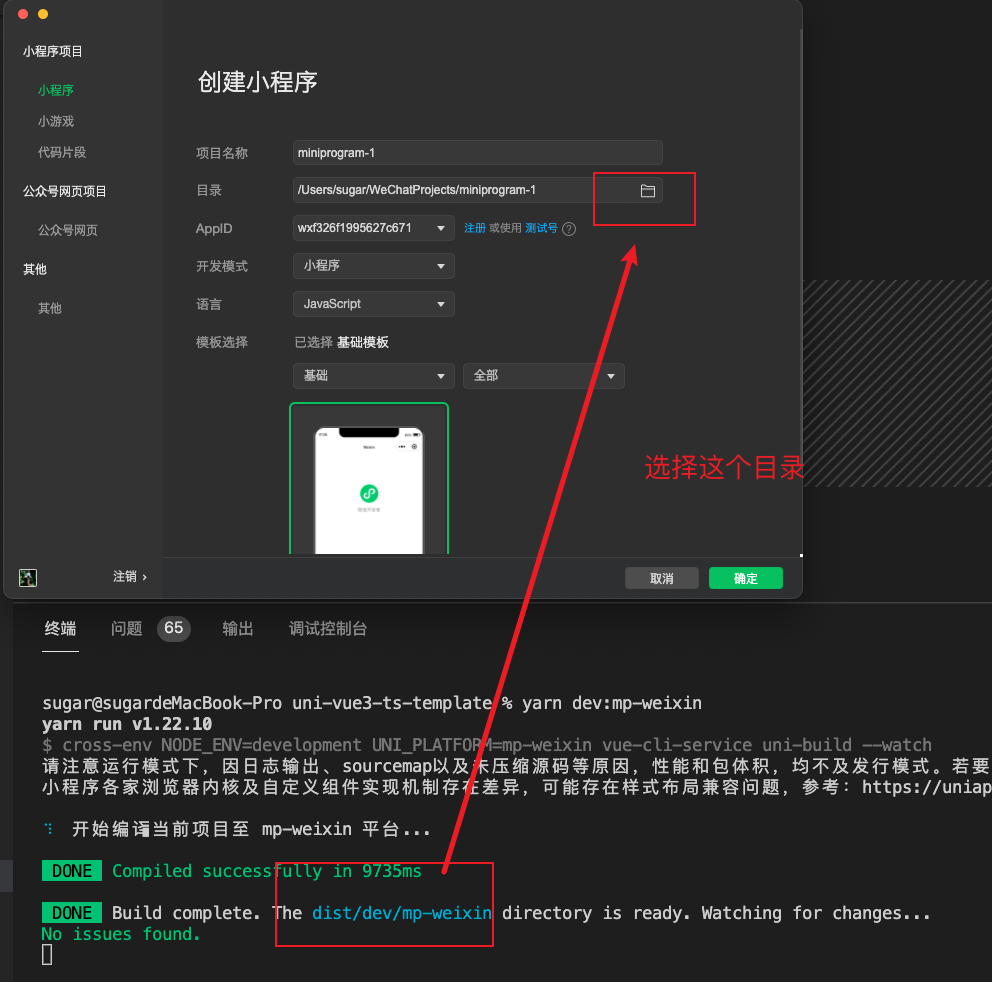
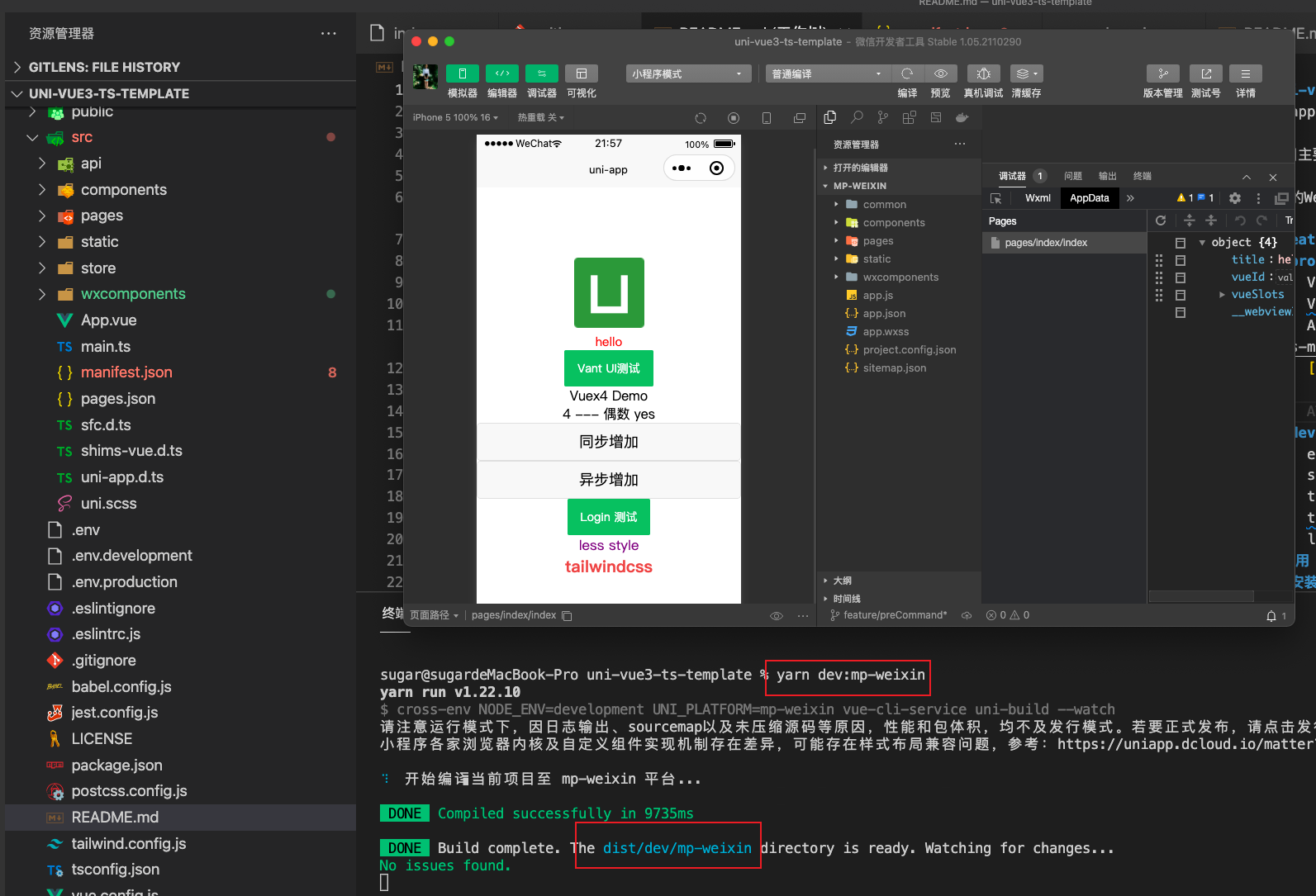
然后将编译结果`dist/dev/mp-weixin`导入微信开发者工具即可运行
|
其它模板
- Vue3的uni-app 纯js模板:[uni-app-template](https://github.com/ATQQ/uni-app-template)
- Vue3的Web应用模板:[vite-vue3-template](https://github.com/ATQQ/vite-vue3-template)
## Env Suggest
**Node >= 16**
**pnpm >= 7**
**Registry taobao - https://registry.npmmirror.com/**
## Use This Template
```sh
pnpm create matrix-starter
```
选择vue3 - uniapp模板
## Feature
### Prod
- [x] [Vue3](https://vuejs.org/)
- [x] [Pinia](https://pinia.vuejs.org/) - 全局状态管理
- [x] [uni-network](https://github.com/uni-helper/uni-network) 为 uni-app 打造的基于 Promise 的 HTTP 客户端
- [x] [uni-use](https://vkuviewdoc.fsq.pub/) - uni-app (vue3) 组合式工具集
- [x] [uview-plus](https://uview-plus.jiangruyi.com/) - uview-plus vue3组件库
### Dev
- [x] [Vite](https://github.com/vitejs/vite)
- [x] [TypeScript](https://github.com/microsoft/TypeScript/#readme)
- [x] [Sass](https://github.com/sass/sass)
- [x] [Less](https://github.com/less/less.js)
- [x] [Eslint](https://eslint.org/)
- [x] [Prettier](https://prettier.io/)
- [x] [unocss](https://github.com/unocss/unocss) - 即时按需原子 css 引擎
- [x] [simple-git-hooks](https://github.com/toplenboren/simple-git-hooks#readme) - GitHooks
- [x] [unplugin-auto-import](https://github.com/unplugin/unplugin-auto-import) - 直接使用 Composition API 无需引入
- [x] [@uni-helper/vite-plugin-uni-manifest](https://github.com/uni-helper/vite-plugin-uni-manifest) - 创建 manifest.config.(ts|mts|cts|js|cjs|mjs|json), 然后用 TypeScript 编写你的 manifest.json
- [x] [@uni-helper/vite-plugin-uni-components](https://github.com/uni-helper/vite-plugin-uni-components) - 直接使用组件无须import,支持typescript类型提示
- [x] [@uni-helper/vite-plugin-uni-layouts](https://github.com/uni-helper/vite-plugin-uni-layouts) - Vite 下 uni-app 的可定制布局框架
## 使用
### 安装依赖
**建议使用pnpm,依赖安装速度更快**
```sh
npm i -g pnpm
```
```sh
pnpm install
```
**MAC M1(ARM芯片),其它操作系统无需关注**,正常运行需要手动安装 `esbuild-darwin-64`即可
```sh
pnpm add esbuild-darwin-64@0.15.13 -D
```
## 本地启动
### 微信小程序
```sh
# 构建出产物
pnpm dev:mp-weixin
```
> **Q1:** 如果运行白屏,有报错信息 “app.js错误ReferenceError: regeneratorRuntime is not defined”
>
> 参考[解决方案](https://blog.csdn.net/FUFCY/article/details/125160828) 给微信小程序IDE开启**增强编译选项**
然后将编译结果`dist/dev/mp-weixin`导入微信开发者工具即可运行
点击查看 导入详细步骤
### H5
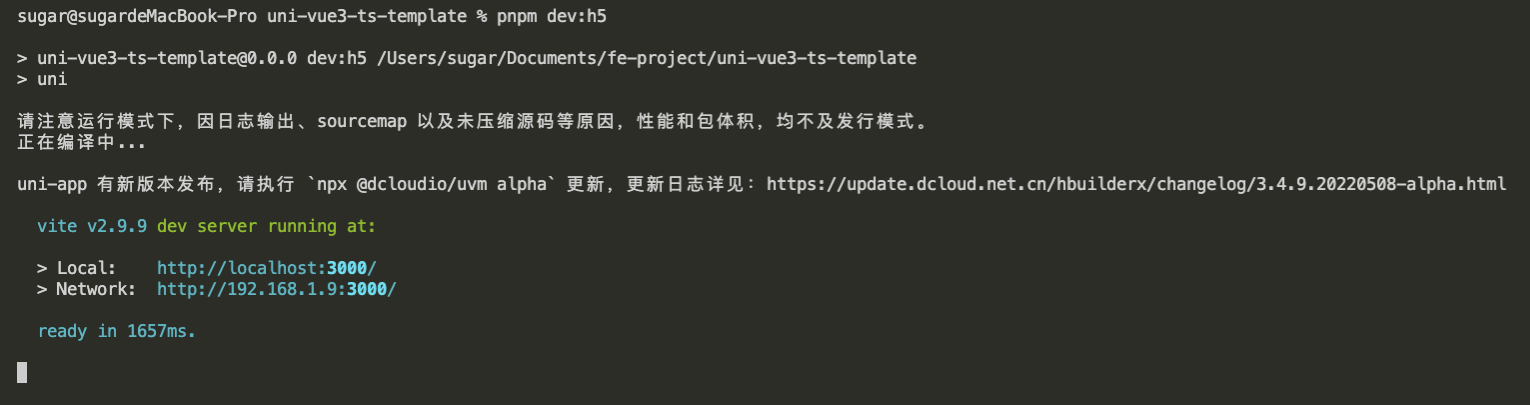
```sh
# CSR
pnpm dev:h5
# SSR
pnpm dev:h5:ssr
```
根据提示,打开对应地址即可访问
### App
> **Q1:** 如启动到App侧有报错?
> 请更新至最新的HBuilderX-Alpha客户端
#### 安装一些必要工具
需要使用 `uni-app` 官方提供的 [HBuilderX](https://www.dcloud.io/hbuilderx.html) 启动项目
**Android模拟器在MacOSX、Windows上都可以安装;iOS模拟器只能在MacOSX上安装。**
先安装相关模拟器,[详细参考文档](https://hx.dcloud.net.cn/Tutorial/App/installSimulator)
- 安卓:[夜神模拟器](https://www.yeshen.com/blog/)
- iOS:Mac上安装Xcode
准备就绪后,使用 HBuilderX 打开项目
#### iOS模拟器运行
通过顶部菜单栏,找到运行入口
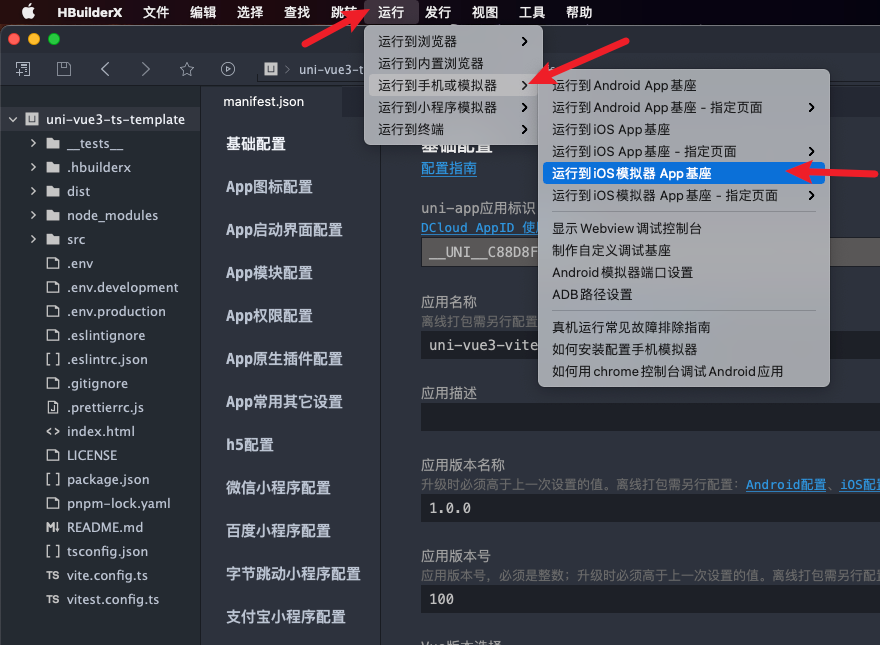
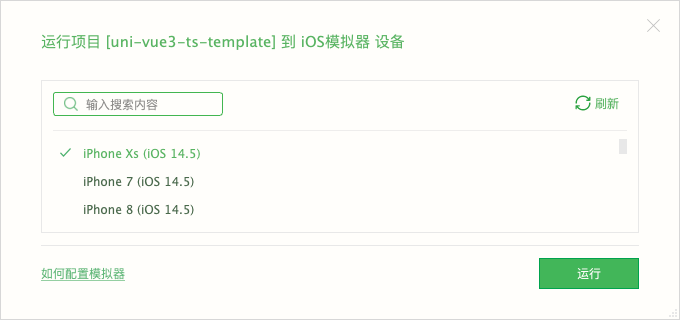
选择一个目标设备,点击启动即可
#### Android模拟器运行
这里以[夜神模拟器](https://www.yeshen.com/blog/)为例
点击查看 详细步骤
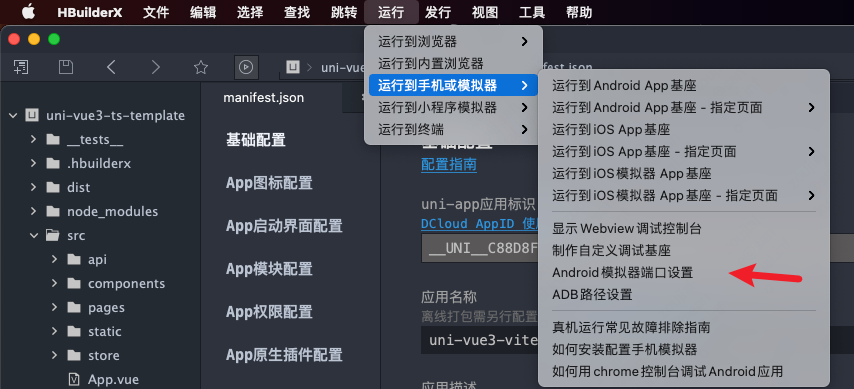
先通过 HBuilderX 修改模拟器端口为 `62001`
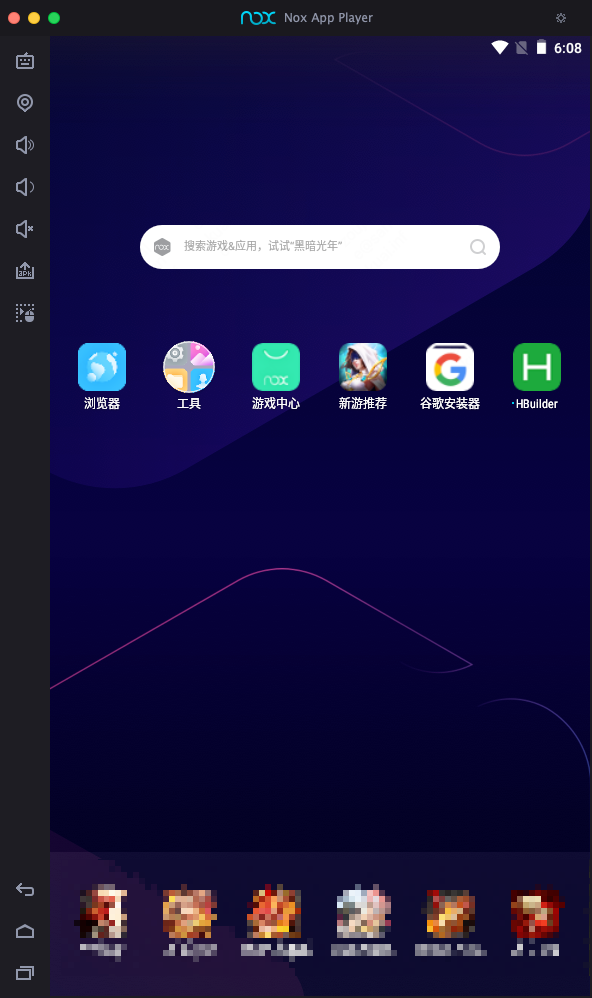
打开夜神模拟器
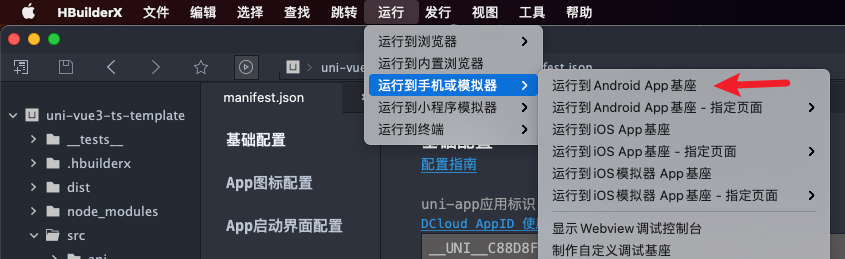
选择运行到 Android 基座
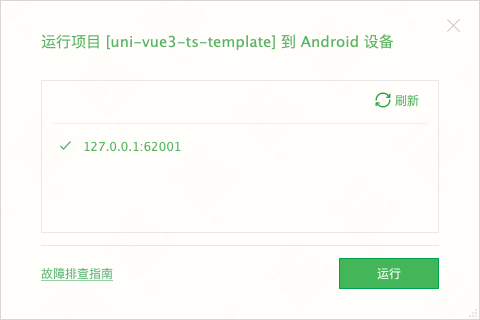
选择已经打开的模拟器,点击运行即可

## 打包构建
### 微信小程序
```
pnpm build:mp-weixin
```
### H5
```sh
# CSR
pnpm build:h5
# SSR
pnpm build:h5:ssr
```
### App
基于 `HBuilderX` 参考[官方文档](https://hx.dcloud.net.cn/Tutorial/App/SafePack)进行进一步的操作
其它更多运行脚本 查看 [package.json](./package.json)中的scripts
## css预处理
### 已配置`scss`和`less`全局变量
```typescript
// vite.config.ts
export default defineConfig({
// ......
css: {
preprocessorOptions: {
scss: {
additionalData: '@import "@/static/styles/variables.scss";'
},
less: {
additionalData: '@import "@/static/styles/variables.less";'
}
}
}
})
```
`additionalData`的值是文件的路径,可以按照自己业务需求去修改,**如果项目样式变量分的比较细,可以使用一个样式文件引入多个变量样式文件,然后在这里引入入口文件**
## 别名配置
如果我们想要在`import`的时候 src 的路径简写成`@`,下面的就是配置 vite 的别名,[属性类型请查看vite文档](https://vitejs.cn/config/#resolve-alias)
- `@` 代替 `./src`
- `@components`代替`./src/components`
```typescript
// vite.config.ts
export default defineConfig({
// ......
resolve: {
alias: {
'@': path.resolve(__dirname, './src'),
'@components': path.resolve(__dirname, './src/components')
}
}
})
```
例子:
```diff
// pages/index/index.vue
- import Hello from '../../components/hello/index.vue'
+ import Hello from '@/components/hello/index.vue'
// 或者
+ import Hello from '@components/hello/index.vue'
```
### ts
如果是使用ts开发,这样还不够,ts不会识别路径的别名,显示找不到模块的报错,这个时候需要修改 `tsconfig.json` 文件,纠正下路径才可以。
```diff
// tsconfig.json
{
// ......
"compilerOptions": {
// ......
+ "baseUrl": "./",
+ "paths": {
+ "@/*": ["src/*"],
+ "@components/*": ["src/components/*"]
}
},
}
```
添加 `baseUrl` 和 `paths` 参数,就可以完美解决编辑器的报错提示了!
## 原子化css
- [unocss](https://github.com/unocss/unocss) - 即时按需原子 css 引擎
- [unocss-preset-weapp](https://github.com/MellowCo/unocss-preset-weapp) - 兼容小程序 unocss 预设
> 支持小程序,h5,app
