# Create IPFS App
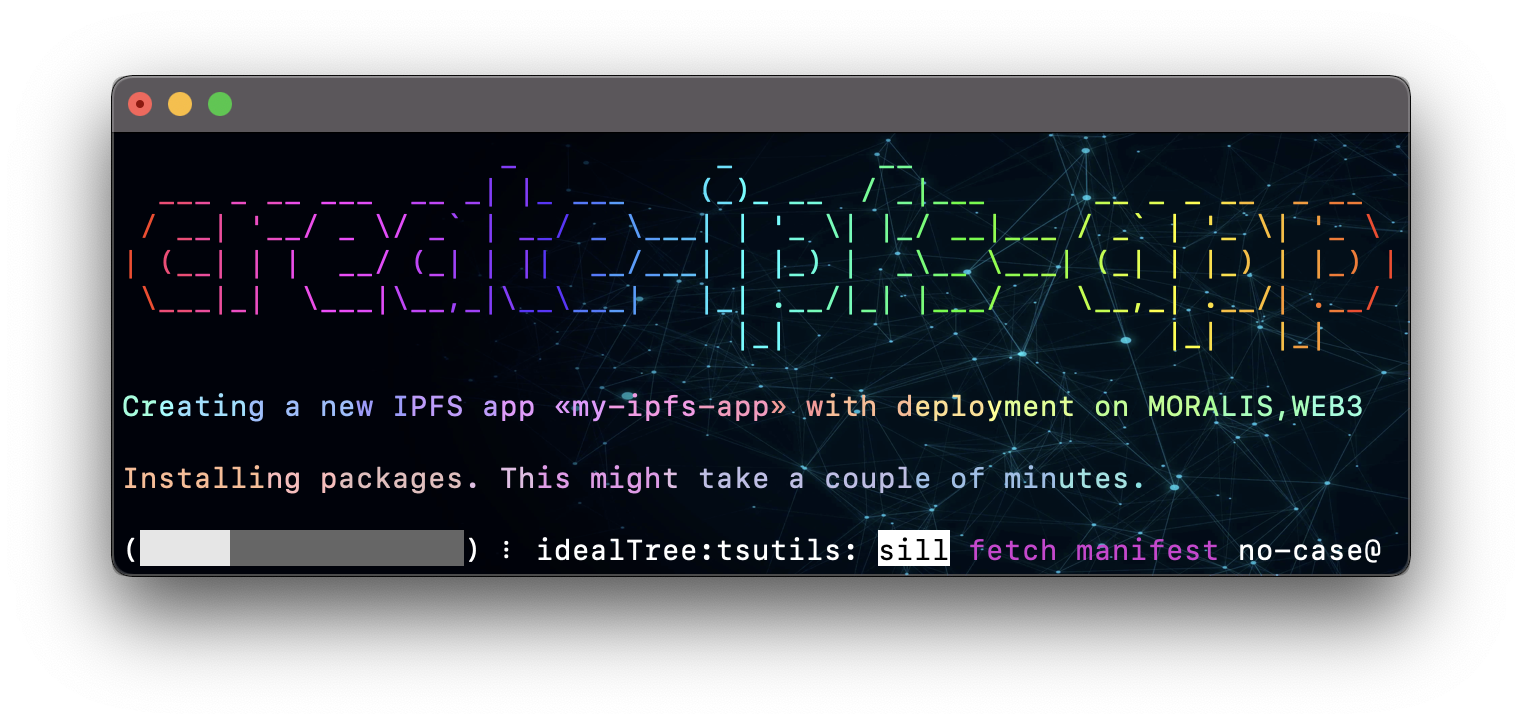
 Create IPFS apps with no build configuration (like create-react-app).



 Create IPFS App works on macOS, Windows, and Linux.
If something doesn’t work, please [file an issue](https://github.com/alexbakers/create-ipfs-app/issues/new).
If you have questions or need help, please ask in [GitHub Discussions](https://github.com/alexbakers/create-ipfs-app/discussions).
If you want to watch the tutorial, go to [this video](https://vimeo.com/745362905).
## Quick Overview
To create a new IPFS app, you may choose one of the following methods:
### NPX
```sh
npx create-ipfs-app my-ipfs-app --web3 WEB3_STORAGE_API_TOKEN
```
### YARN
```sh
yarn create ipfs-app my-ipfs-app --moralis MORALIS_WEB3_API_KEY
```
### NPM
```sh
npm install -g create-ipfs-app
create-ipfs-app my-ipfs-app --pinata PINATA_API_KEY:PINATA_API_SECRET
```
## Params
- `--web3 WEB3_STORAGE_API_TOKEN`
- `--moralis MORALIS_WEB3_API_KEY`
- `--pinata PINATA_API_KEY:PINATA_API_SECRET`
- `--filebase FILEBASE_API_KEY:FILEBASE_API_SECRET:FILEBASE_BUCKET_NAME`
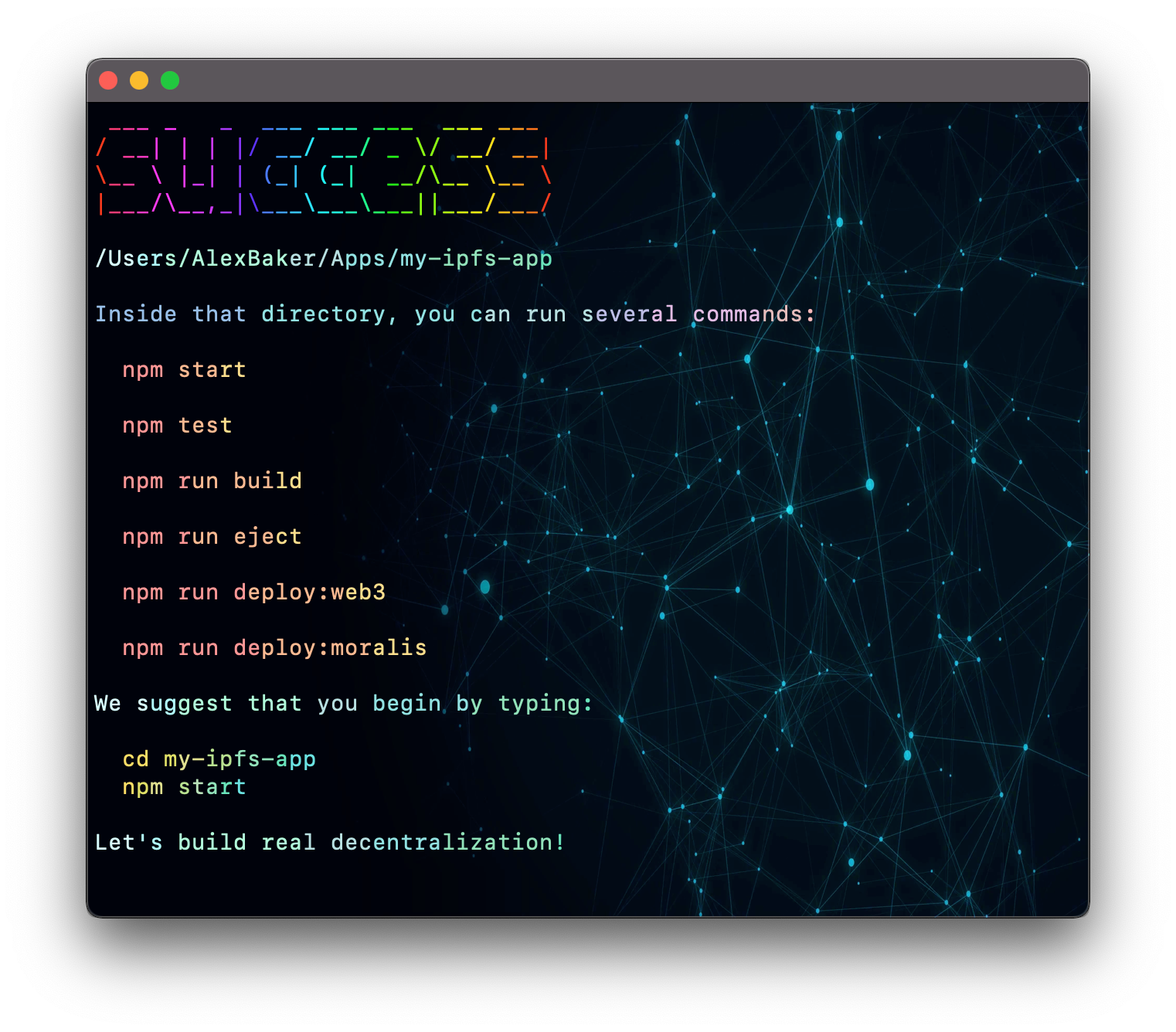 Once the installation is done, you can open your project folder:
```sh
cd my-ipfs-app
```
Inside the newly created project, you can run some built-in commands:
### `npm start` or `yarn start`
Runs the app in development mode.
Once the installation is done, you can open your project folder:
```sh
cd my-ipfs-app
```
Inside the newly created project, you can run some built-in commands:
### `npm start` or `yarn start`
Runs the app in development mode.
Open [http://localhost:3000](http://localhost:3000) to view it in the browser.
### `npm test` or `yarn test`
Runs the test watcher in an interactive mode.
By default, runs tests related to files changed since the last commit.
### `npm run build` or `yarn build`
Builds the app for production to the `build` folder.
Your app is ready to be deployed.
### `npm run deploy:service` or `yarn deploy:service`
 - `deploy:web3` - deploy to web3.storage
- `deploy:moralis` - deploy to moralis.io
- `deploy:pinata` - deploy to pinata.cloud
- `deploy:filebase` - deploy to filebase.com [tutorial]
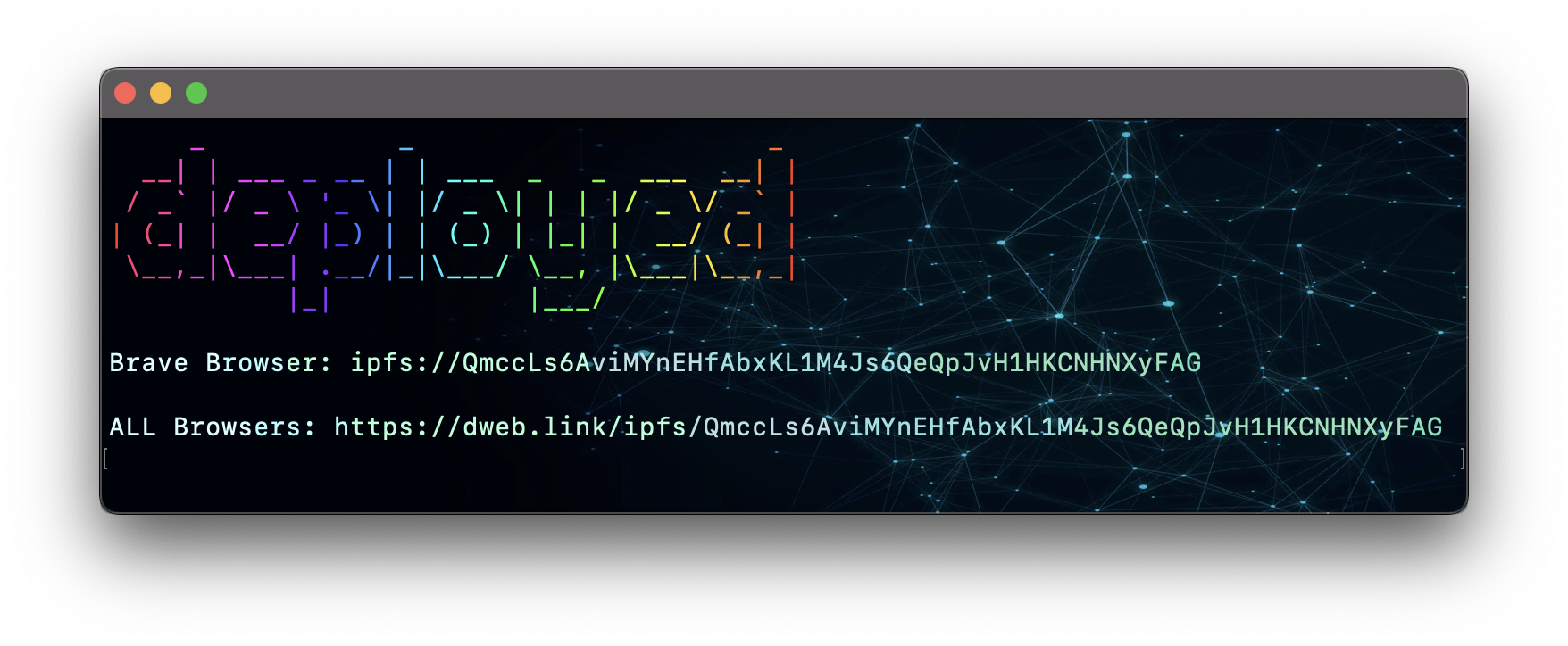
In a few seconds, your application will be deployed on the decentralized network.
- `deploy:web3` - deploy to web3.storage
- `deploy:moralis` - deploy to moralis.io
- `deploy:pinata` - deploy to pinata.cloud
- `deploy:filebase` - deploy to filebase.com [tutorial]
In a few seconds, your application will be deployed on the decentralized network.
- Open `ipfs://Q.../index.html` to view it in the Brave browser.
- Open `https://dweb.link/ipfs/Q.../index.html` to view it in the ALL browsers.
If you see a white screen instead of a website:
- Add to package.json `"homepage": "."`;
- Build the project;
- Deploy it again.
## How to add a deployment script to an existing project?
- Install global package `ipfs-scripts`;
- Create `.env` file at the root of project:
- `MORALIS="MORALIS.IO WEB3_API_KEY"`
- `PINATA="PINATA.CLOUD API_KEY:API_SECRET"`
- `WEB3="WEB3.STORAGE API_TOKEN"`
- `FILEBASE="FILEBASE.COM API_KEY:API_SECRET:BUCKET_NAME"`
- Add **scripts** to package.json:
- `"deploy:moralis": "ipfs-scripts moralis"`
- `"deploy:pinata": "ipfs-scripts pinata"`
- `"deploy:web3": "ipfs-scripts web3"`
- `"deploy:filebase": "ipfs-scripts filebase"`
# TODO
- [x] web3.storage
- [x] moralis.io
- [x] pinata.cloud
- [x] filebase.com
- [ ] framework agnostic (vue, svelte, ...)
- [ ] auto-update CloudFlare DNS