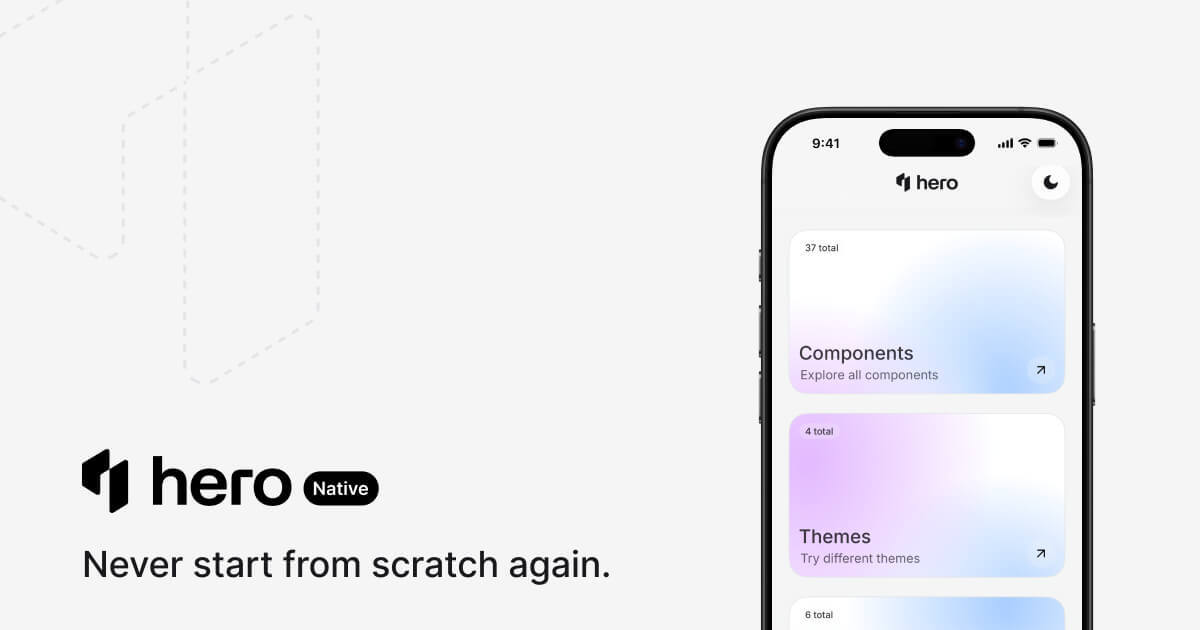
# create-heroui-native-app
A CLI for scaffolding a new React Native (Expo) project preconfigured with [HeroUI Native](https://heroui.com/docs/native/getting-started/quick-start), [Uniwind](https://docs.uniwind.dev) (Tailwind CSS for React Native), and Expo Router.
```bash
npx create-heroui-native-app@latest my-app
```
## Templates
The CLI ships with two templates. Pass a shorthand flag to skip the interactive picker.
| Flag | Template | Description |
| ------------- | ----------- | ---------------------------------------------------------------- |
| `--expo` | `expo` | Single-screen Expo Router app with a HeroUI `Button` demo. |
| `--expo-tabs` | `expo-tabs` | Expo Router tabs layout with two tabs (`Button` + `Card` demos). |
You can also use `--template `:
```bash
npx create-heroui-native-app@latest my-app --template expo-tabs
```
## Usage
```text
create-heroui-native-app [project-name] [options]
```
| Option | Default | Description |
| ----------------- | ------------- | ----------------------------------------------------------- |
| `[project-name]` | _(prompted)_ | Directory name to create. Must be a valid npm package name. |
| `--expo` | | Use the single-screen Expo template. |
| `--expo-tabs` | | Use the Expo + tabs template. |
| `--template ` | | Use the template with the given id (`expo` or `expo-tabs`). |
| `--use-npm` | auto-detected | Use npm to install dependencies. |
| `--use-yarn` | auto-detected | Use yarn to install dependencies. |
| `--use-pnpm` | auto-detected | Use pnpm to install dependencies. |
| `--use-bun` | auto-detected | Use bun to install dependencies. |
| `--skip-install` | `false` | Don't run the package manager install step. |
| `--skip-git` | `false` | Don't initialize a git repository. |
| `-h`, `--help` | | Print usage and exit. |
When no `--template` flag is provided, the CLI shows an interactive picker.
### Examples
```bash
# Fully interactive — prompts for both project name and template
npx create-heroui-native-app@latest
# Project name supplied, template picker still shown
npx create-heroui-native-app@latest my-app
# Fully non-interactive
npx create-heroui-native-app@latest my-app --expo
# Tabs template, install with pnpm
npx create-heroui-native-app@latest my-app --expo-tabs --use-pnpm
# Scaffold only, no install, no git
npx create-heroui-native-app@latest my-app --expo --skip-install --skip-git
```
## Requirements
- **Node.js 22.13+, 24.3+, or 26+** (required by Expo SDK 58 / React Native 0.88; odd-numbered releases are unsupported)
- **iOS 16.4+** when building native iOS (Expo SDK 58 deployment target)
- macOS, Linux, or Windows
## What you get
Every template ships preconfigured with:
- **Expo SDK 58** + **Expo Router** (typed routes enabled)
- **React 19.3** + **React Native 0.88** + Hermes v1
- **HeroUI Native** (`heroui-native`) wrapped in `HeroUINativeProvider` and `GestureHandlerRootView` in `app/_layout.tsx`
- **Uniwind** + **Tailwind CSS** wired through `metro.config.js` and `global.css`
- All HeroUI Native mandatory peer dependencies pinned to compatible versions: `react-native-reanimated`, `react-native-gesture-handler`, `react-native-worklets`, `react-native-safe-area-context`, `react-native-svg`, `tailwind-variants`, `tailwind-merge`
- `react-native-screens` (so HeroUI components like Dialog, Menu, Popover, Select, BottomSheet, and Toast work out of the box)
- `@expo/metro-runtime` (peer required by Expo Router)
- A `babel.config.js` that uses just `babel-preset-expo` (worklets are handled by the preset)
- TypeScript with `strict: true` and `@/*` path alias
After scaffolding, get started with:
```bash
cd my-app
npm run ios # or: npm run android, npm run start
```
## Contributing
Source lives at [github.com/heroui-inc/create-heroui-native-app](https://github.com/heroui-inc/create-heroui-native-app). See the repo's `docs/` folder for templates, CLI internals, and the release flow.
## License
Apache-2.0