




 ## Getting Started
1. Clone this repo to your system to get the project files
```sh
git clone https://github.com/neomjs/covid-helix.git
```
2. Open the checked out top level folder inside your terminal
```sh
cd covid-helix
```
3. Install the required node modules & run all relevant build scripts at once
```sh
npm run build-all
```
4. Make sure to use a local WebServer!
* Use a local webserver of your choice
* OR `npm run server-start`
## Docs App
Since this app shell was created using:
> npx neo-app
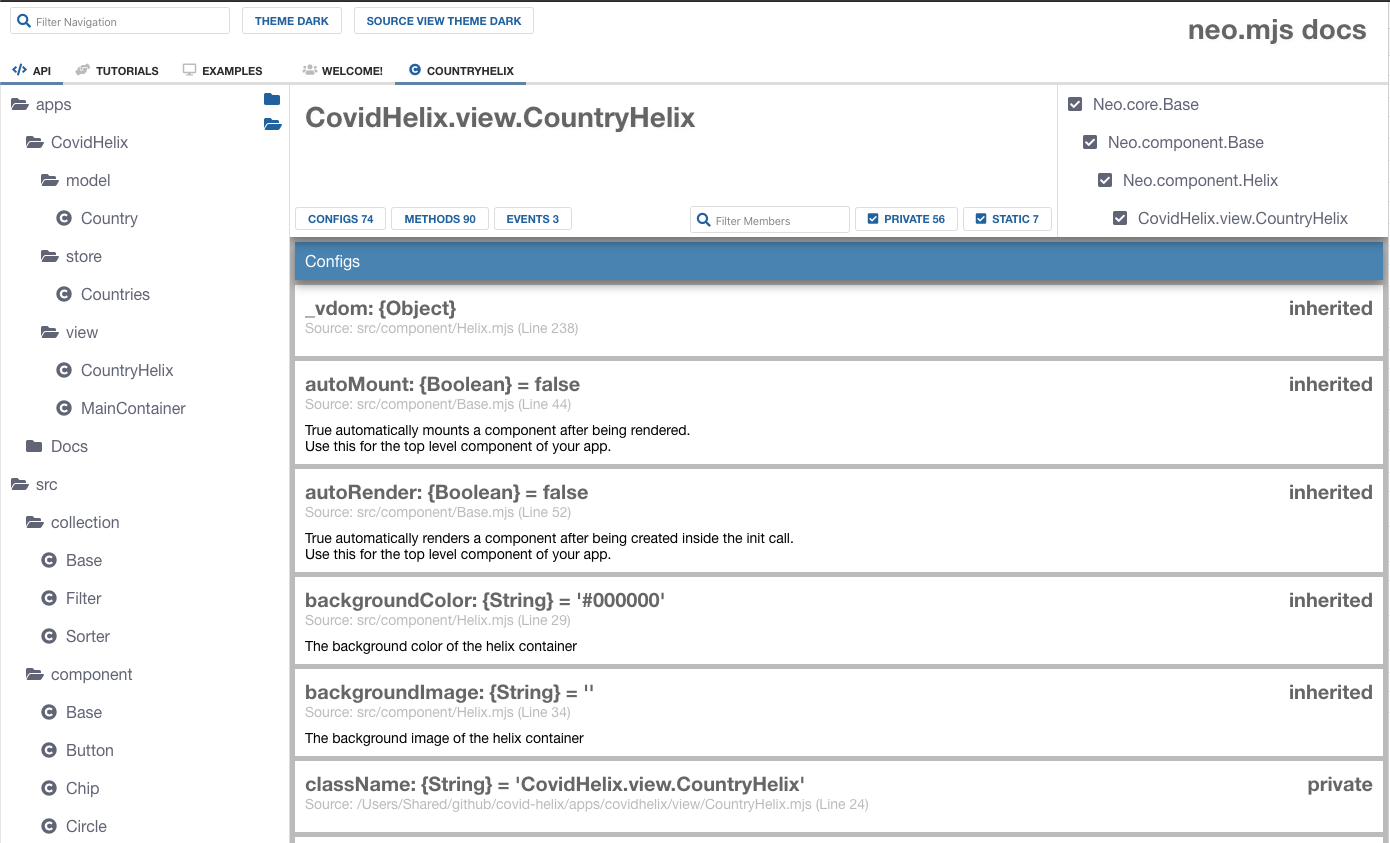
we do get documentation views for our app source code out of the box:
> localhost/covid-helix/docs/index.html
## Getting Started
1. Clone this repo to your system to get the project files
```sh
git clone https://github.com/neomjs/covid-helix.git
```
2. Open the checked out top level folder inside your terminal
```sh
cd covid-helix
```
3. Install the required node modules & run all relevant build scripts at once
```sh
npm run build-all
```
4. Make sure to use a local WebServer!
* Use a local webserver of your choice
* OR `npm run server-start`
## Docs App
Since this app shell was created using:
> npx neo-app
we do get documentation views for our app source code out of the box:
> localhost/covid-helix/docs/index.html
 ## Multithreading
In case you want to take a closer look at the workers setup, take a look into the Chrome dev tools Sources:
## Multithreading
In case you want to take a closer look at the workers setup, take a look into the Chrome dev tools Sources:
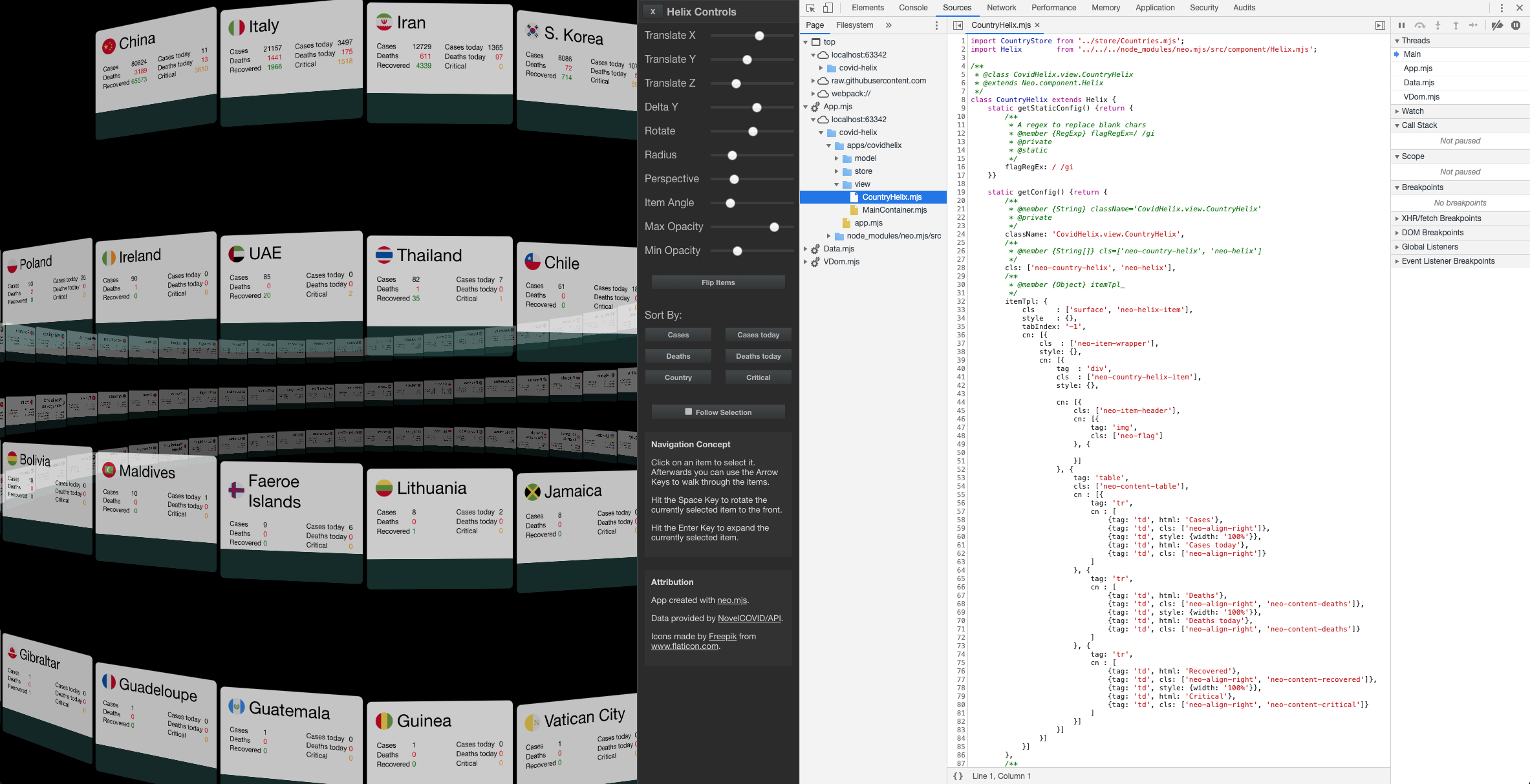 Your app code will get loaded into the App thread.
## Navigation Concept
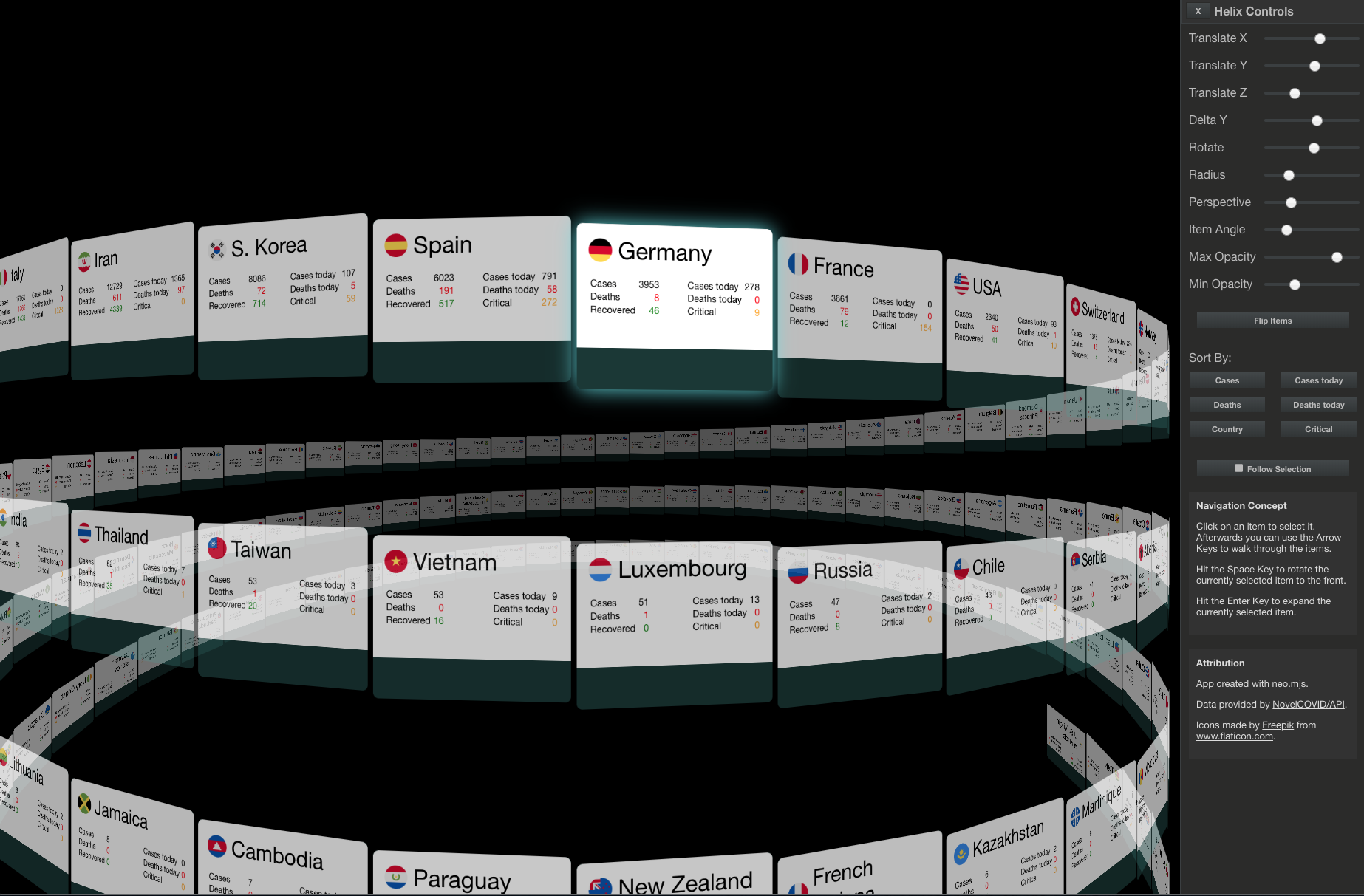
1. Click on an item to select it. Afterwards you can use the Arrow Keys to walk through the items.
2. Hit the Space Key to rotate the currently selected item to the front.
3. Hit the Enter Key to expand the currently selected item.
4. Use the mouse wheel vertically to zoom.
5. Use the mouse wheel horizontally to rotate (e.g. trackpad / magic mouse).
6. Care for adding mobile support? Please add your feedback here.
## Attribution
1. This App is created using the neo.mjs UI framework.
2. Data provided by NovelCOVID/API.
3. Icons made by Freepik from www.flaticon.com.
### Join our Slack Channel for questions & feedback:
Slack Channel Invite Link
Your app code will get loaded into the App thread.
## Navigation Concept
1. Click on an item to select it. Afterwards you can use the Arrow Keys to walk through the items.
2. Hit the Space Key to rotate the currently selected item to the front.
3. Hit the Enter Key to expand the currently selected item.
4. Use the mouse wheel vertically to zoom.
5. Use the mouse wheel horizontally to rotate (e.g. trackpad / magic mouse).
6. Care for adding mobile support? Please add your feedback here.
## Attribution
1. This App is created using the neo.mjs UI framework.
2. Data provided by NovelCOVID/API.
3. Icons made by Freepik from www.flaticon.com.
### Join our Slack Channel for questions & feedback:
Slack Channel Invite Link