




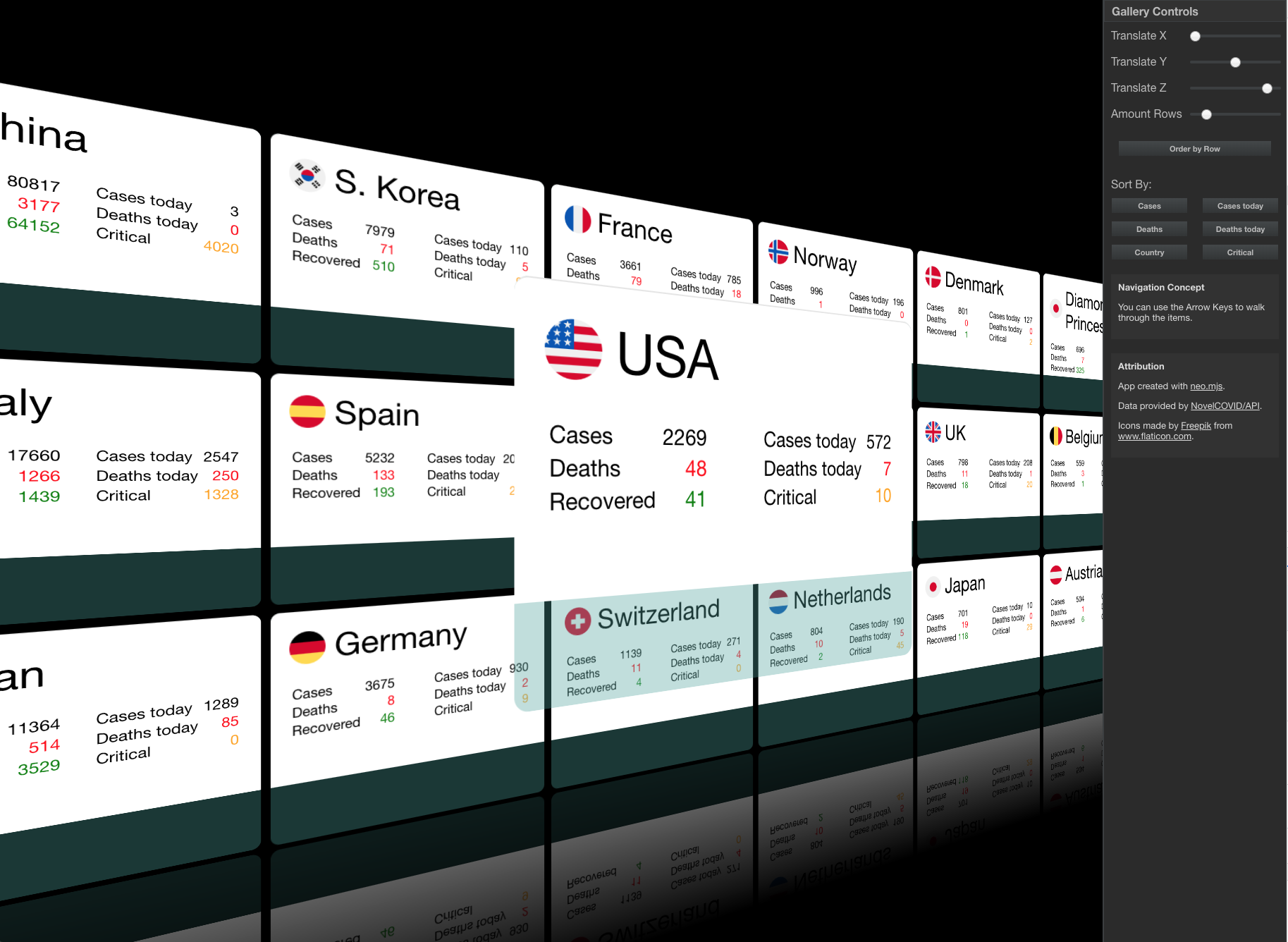
 ## Getting Started
1. Clone this repo to your system to get the project files
```sh
git clone https://github.com/neomjs/covid19.git
```
2. Open the checked out top level folder inside your terminal
```sh
cd covid19
```
3. Install the required node modules & run all relevant build scripts at once
```sh
npm run build-all
```
4. Make sure to use a local WebServer!
* Use a local webserver of your choice
* OR `npm run server-start`
## Docs App
Since this app shell was created using:
> npx neo-app
we do get documentation views for our app source code out of the box:
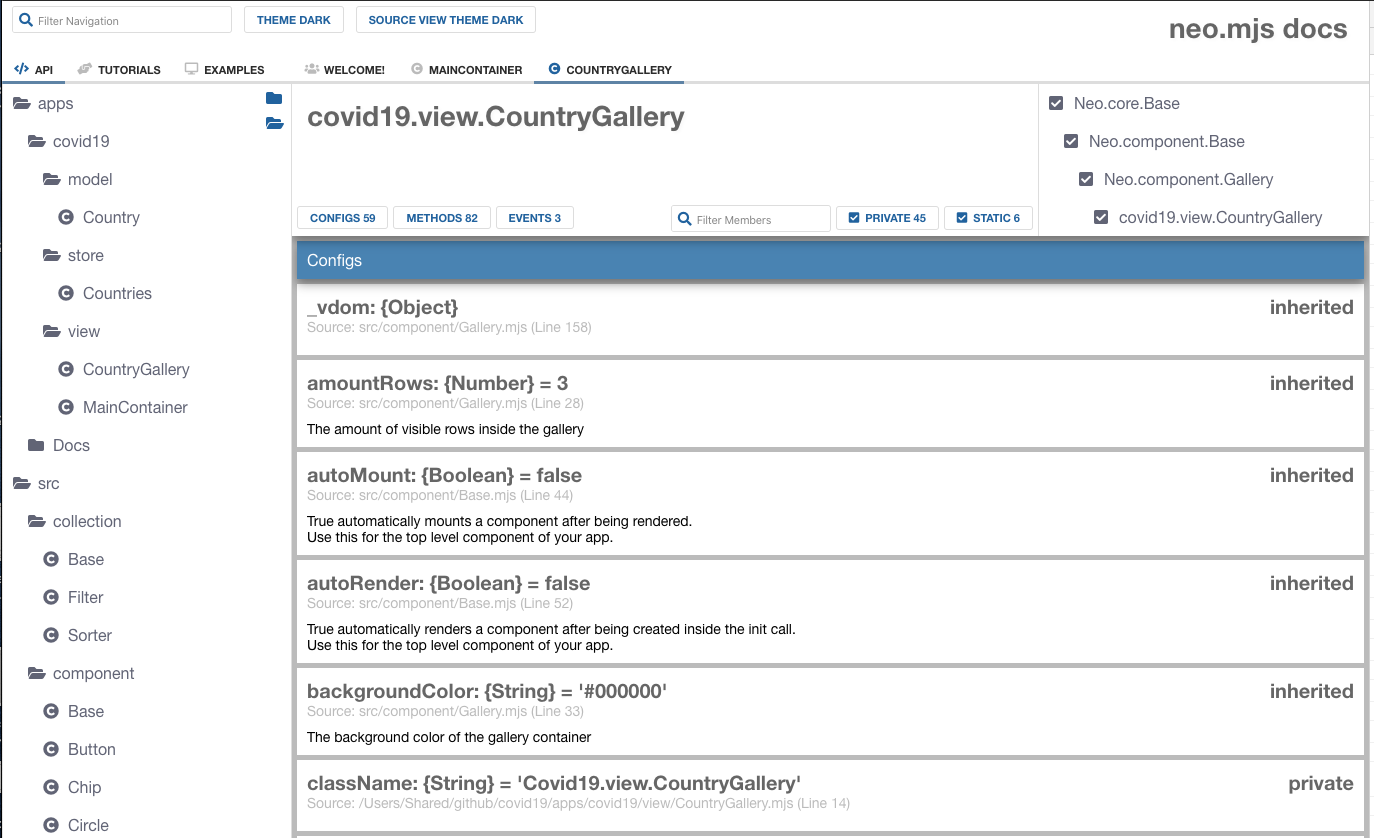
> localhost/covid19/docs/index.html
## Getting Started
1. Clone this repo to your system to get the project files
```sh
git clone https://github.com/neomjs/covid19.git
```
2. Open the checked out top level folder inside your terminal
```sh
cd covid19
```
3. Install the required node modules & run all relevant build scripts at once
```sh
npm run build-all
```
4. Make sure to use a local WebServer!
* Use a local webserver of your choice
* OR `npm run server-start`
## Docs App
Since this app shell was created using:
> npx neo-app
we do get documentation views for our app source code out of the box:
> localhost/covid19/docs/index.html
 ## Multithreading
In case you want to take a closer look at the workers setup, take a look into the Chrome dev tools Sources:
## Multithreading
In case you want to take a closer look at the workers setup, take a look into the Chrome dev tools Sources:
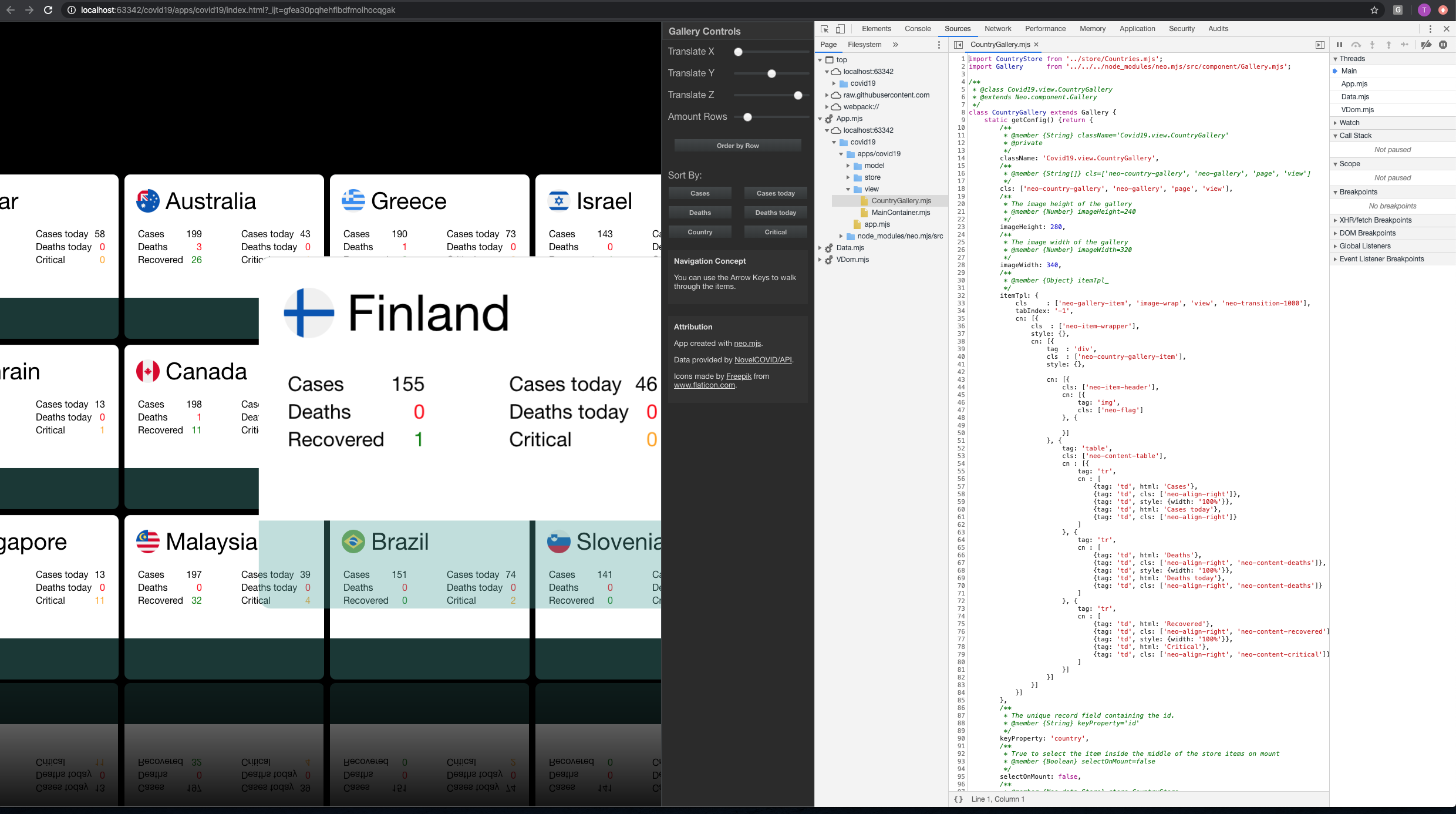 Your app code will get loaded into the App thread.
## Attribution
1. This App is created using the neo.mjs UI framework.
2. Data provided by NovelCOVID/API.
3. Icons made by Freepik from www.flaticon.com.
### Join our Slack Channel for questions & feedback:
Slack Channel Invite Link
Your app code will get loaded into the App thread.
## Attribution
1. This App is created using the neo.mjs UI framework.
2. Data provided by NovelCOVID/API.
3. Icons made by Freepik from www.flaticon.com.
### Join our Slack Channel for questions & feedback:
Slack Channel Invite Link