# Console [![License][LicenseIMGURL]][LicenseURL] [![NPM version][NPMIMGURL]][NPMURL]
[NPMIMGURL]: https://img.shields.io/npm/v/console-io.svg?style=flat
[LicenseIMGURL]: https://img.shields.io/badge/license-MIT-317BF9.svg?style=flat
[NPM_INFO_IMG]: https://nodei.co/npm/console-io.png
[NPMURL]: https://npmjs.org/package/console-io "npm"
[LicenseURL]: https://tldrlegal.com/license/mit-license "MIT License"
Web console used in [Cloud Commander](http://cloudcmd.io).
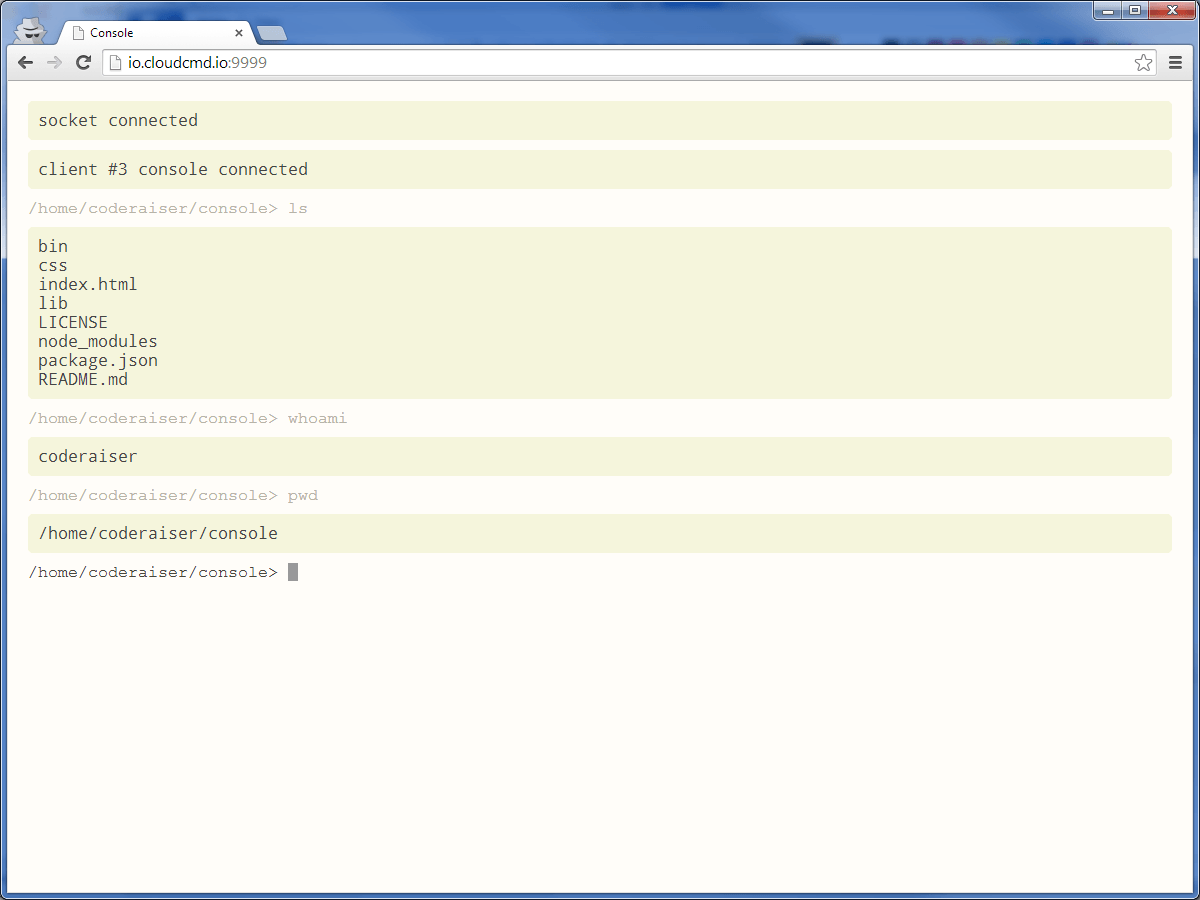
## Install
`npm i console-io -g`
## Use as standalone
Start `console`, go to url `http://localhost:1337`
## Hot keys
|Key |Operation
|:----------------------|:--------------------------------------------
| `Ctrl + Z` | cancel input
| `Ctrl + L` | clear screen
| `Ctrl + C` | kill running task
For more details see [Jq-console keyboard shortcuts](https://github.com/replit/jq-console#default-key-config).
## API
### Client API
#### Console(element [, options])
- element - html element, or selector
- options - (optional) {cwd}
When prefix set in server and client, you should use same prefix in html.
For example, if you use prefix "any_prefix" you should connect
console script in this way:
``
#### addShortCuts(shortCuts)
- shortCuts - object contain big letter and function.
Example: show alert on `Ctrl + A`:
```js
async () => {
const konsole = await Console();
konsole.addShortCuts({
A() {
alert('hello');
},
});
};
```
#### getPromptText()
Get text of prompt.
#### setPromptText(text)
- text - string of new text
Set new text of prompt.
#### focus()
Set focus on Console.
### Server API
#### Console(options)
Could be used as middleware, or for init `Console`.
```js
Console.listen(socket, {
server, // when no socket
online: true, // default
prefix: '/console', // default
prefixSocket: '/console', // default
auth: (accept, reject) => (username, password) => {
accept();
},
});
```
#### Console.middle(options)
Middleware function if there is a need of init `socket` in another place.
```js
Console({
prefix: '/console', // default
online: true, // default
});
```
## Use as middleware
To use `Console` in your programs you should make local install:
`npm i console-io express`
And use it in your program
```js
// server.js
import http from 'node:http';
import {konsole} from 'console-io';
import express from 'express';
const app = express();
const server = http.createServer(app);
const port = 1337;
const ip = '0.0.0.0';
const online = true;
app
.use(konsole({
server,
online, // load jquery and socket.io from cdn
}))
.use(express.static(__dirname));
konsole.listen({
server,
});
server.listen(port, ip);
```
```html
```
## License
MIT