[](https://www.npmjs.com/package/component-material)
[](https://www.npmjs.com/package/component-material)
[](https://discord.gg/ZZjjNvJ)
# Component Material
Material is a React utility that helps you compose and modify materials in [react-three-fiber](https://github.com/pmndrs/react-three-fiber) and threejs.
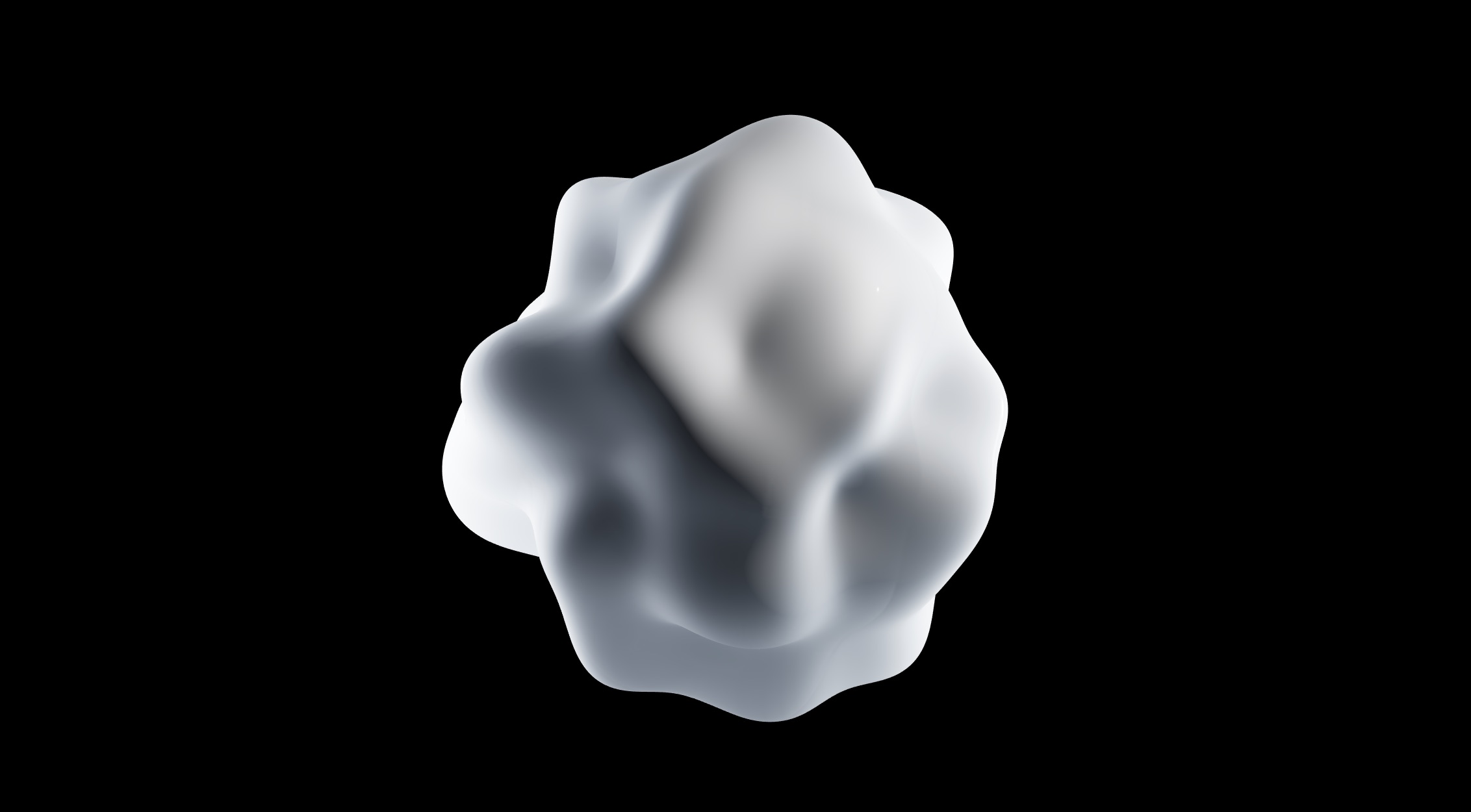
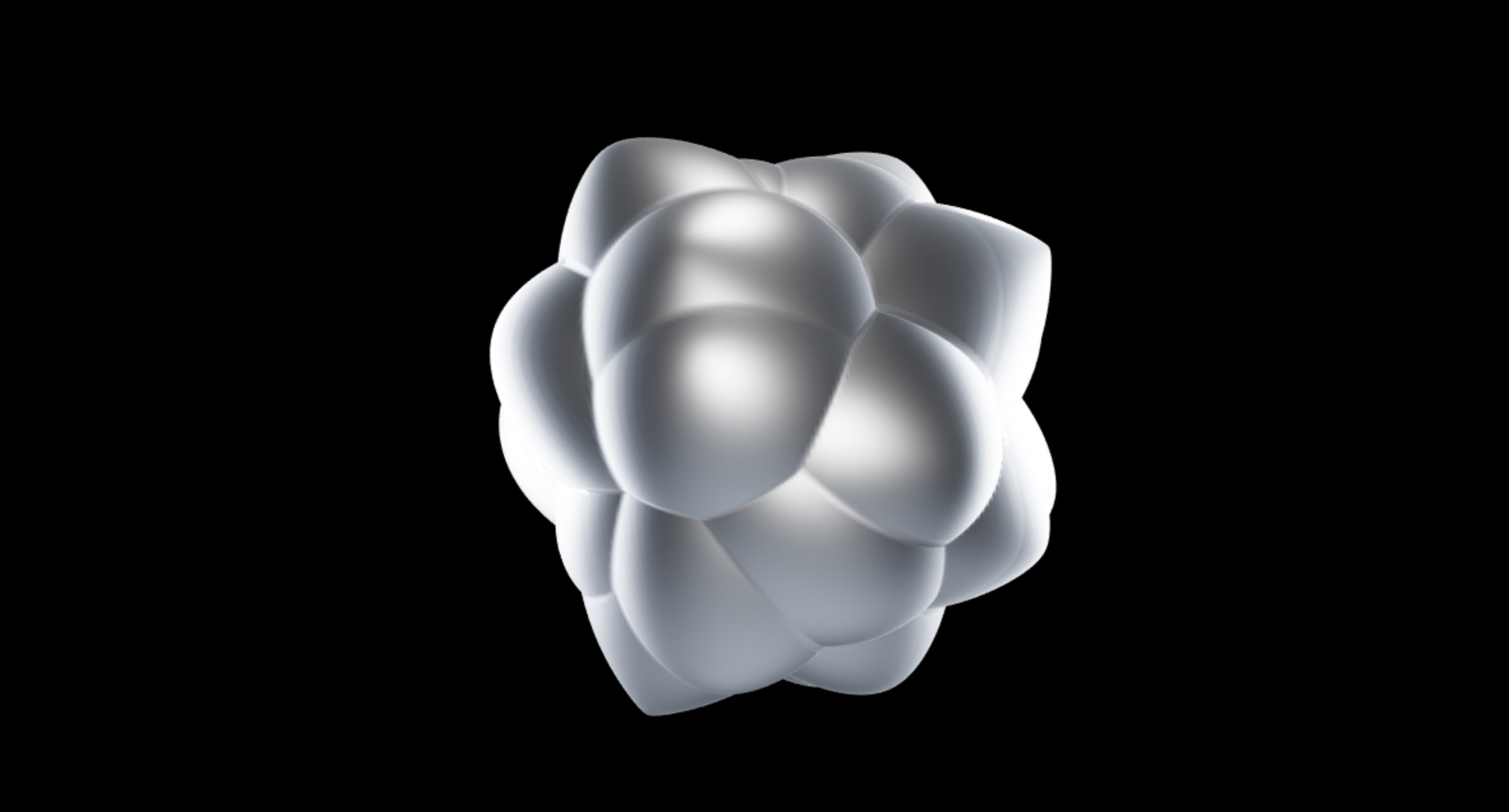
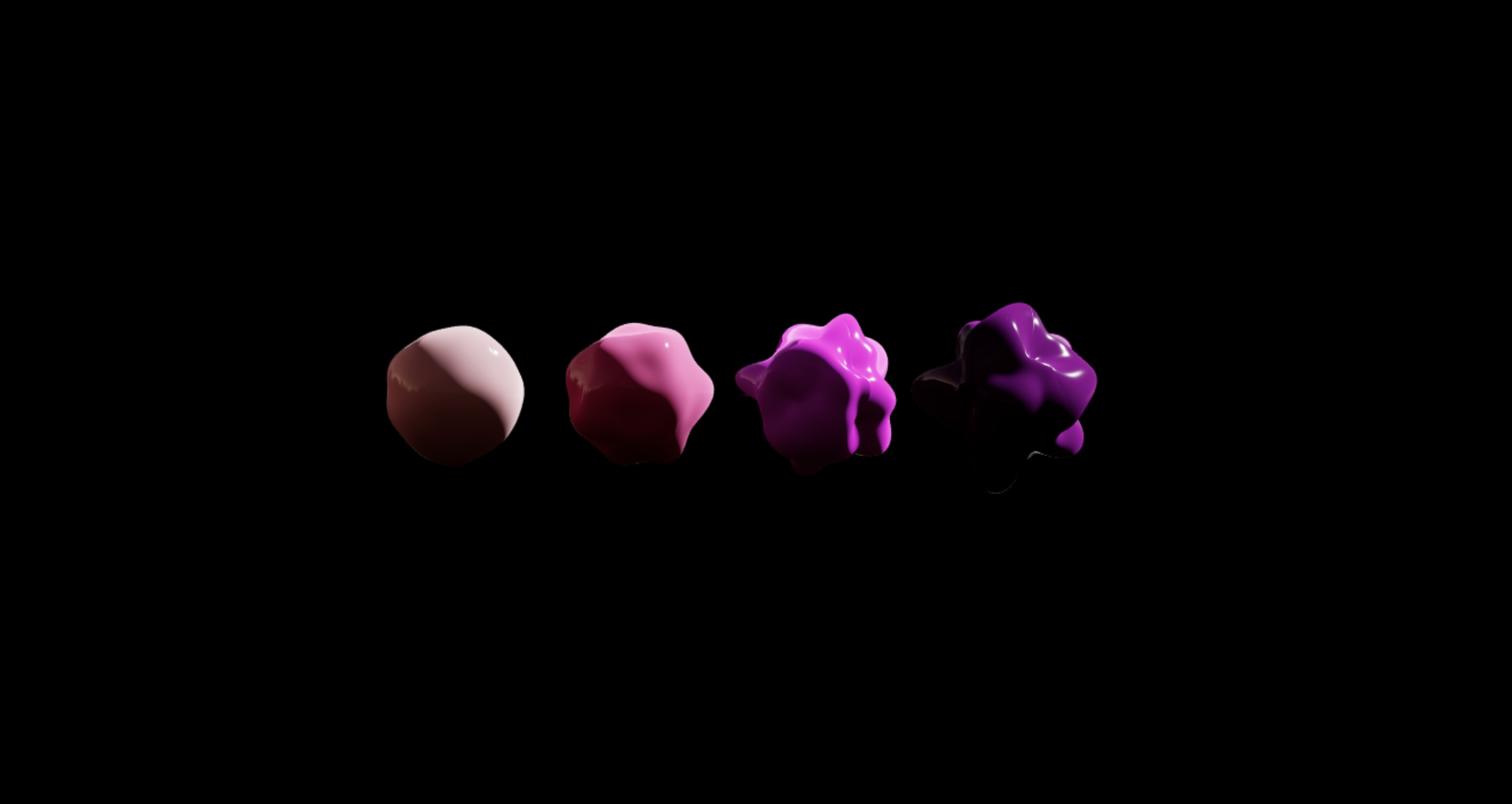
### Examples
## Quick start
```bash
yarn add component-material
```
```jsx
import Material from 'component-material'
function CustomMaterial(props) {
return (
)
}
function Sphere() {
return (
```
## Features
- Create custom shaders on top of existing threejs Shaders and shader-chunks
- Compose your shader code with modular injects
- Auto-completion, intellisense and typechecking
- Syntax-highlighting with either [tagged glsl-literals](https://marketplace.visualstudio.com/items?itemName=boyswan.glsl-literal) or [comment-tagged templates](https://marketplace.visualstudio.com/items?itemName=bierner.comment-tagged-templates)
- Glslify and imports via [babel-plugin-glsl](https://github.com/onnovisser/babel-plugin-glsl)
## ``
#### `from`
By default Material extends three's MeshPhysicalMaterial. If you want to extend a different material just use the `from` prop passing the desired material constructor.
```jsx
```
#### `uniforms`
Uniforms used inside shaders can be defined via the `uniforms` prop as follows
```jsx
```
This will also create setters and getters for the uniforms automatically, allowing you to mutate them using props and effectively making the material reactive:
```jsx
function CustomMaterial({ color }) {
return (
```
- The correspondences between glsl and javascript types can be seen [here](https://threejs.org/docs/#api/en/core/Uniform)
- Uniforms cannot be defined twice in the same shader. So be careful not to define the same uniforms inside the `head` tag.
#### `varyings`
Varying variables can be defined directly inside the shader `head` tag or they can be declared as prop:
```jsx
```
This is equivalent to adding this code to both your vertex and fragment shaders heads:
```glsl
float myVarying1;
vec2 myVarying2;
```
- Varyings don't have an initial value, only a type definition
- As uniforms, varyings cannot be defined twice in the same shader, this will give a glsl error. So be careful not to define the same varyings inside the `head` tag.
## Fragment- and vertex-shader composition
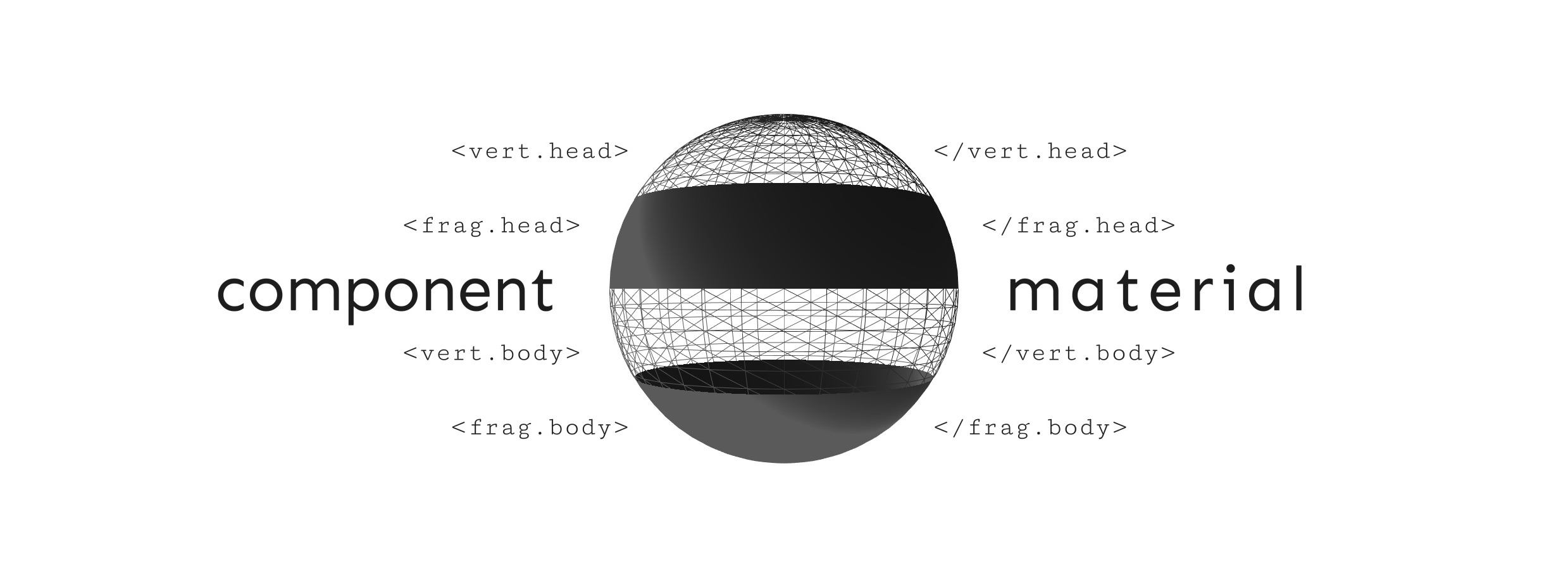
The `Frag` and `Vert` tags have the function of injecting the shader text, passed as children, into the preconfigured shader of the threejs material. Let's see what it means with an example:
```jsx
```
In the code above the `Frag.Head` component adds an easing function `quadraticInOut` to the fragment shader of the material, prepending it before the `main` function of the shader.
The `Frag.Body` component instead adds a line of code that modify the `gl_FragColor` alpha value, appending it after the last operation of the main function.
In particular, if we take as an example the fragment shader of the `MeshPhysicalMaterial`, `Frag.Head` prepends the code before [this shader line](https://github.com/mrdoob/three.js/blob/dev/src/renderers/shaders/ShaderLib/meshphysical_frag.glsl.js#L2), `Frag.Body` instead posts the code after [this shader line](https://github.com/mrdoob/three.js/blob/dev/src/renderers/shaders/ShaderLib/meshphysical_frag.glsl.js#L124) (the `dithering_fragment` chunk).
The same goes for the `Vert` component, which however acts on the vertex shader. In particular, `Vert.Head` prepends the code to [this shader line](https://github.com/mrdoob/three.js/blob/dev/src/renderers/shaders/ShaderLib/meshphysical_vert.glsl.js#L2), while `Vert.Body` appends the code to [this shader line](https://github.com/mrdoob/three.js/blob/dev/src/renderers/shaders/ShaderLib/meshphysical_vert.glsl.js#L60) (the `project_vertex` chunk).
It is possible to inject the code after a particular chunk just by doing
```jsx
```
where `my_chunk` must be replaced with the name of the chunk concerned.
If we wanted to insert some code just after the `emissivemap_fragment` chunk ([here the reference for the MeshPhysicalMaterial](https://github.com/mrdoob/three.js/blob/dev/src/renderers/shaders/ShaderLib/meshphysical_frag.glsl.js#L99)) then just use the following code
```jsx
```
#### `replaceChunk`
The `replaceChunk` prop is a boolean that allows you to completely replace the chosen chunk, so instead of append the custom shader code after the chunk it will be replaced directly.
```jsx
```
## Common chunks
The `Common` tag is useful in case vertex shader and fragment shader share some functions.
❌ If both the fragment shader and the vertex shader share the easing function `quadraticInOut`, instead of writing
```jsx
```
✅ we will write
```jsx
```