# code-icons
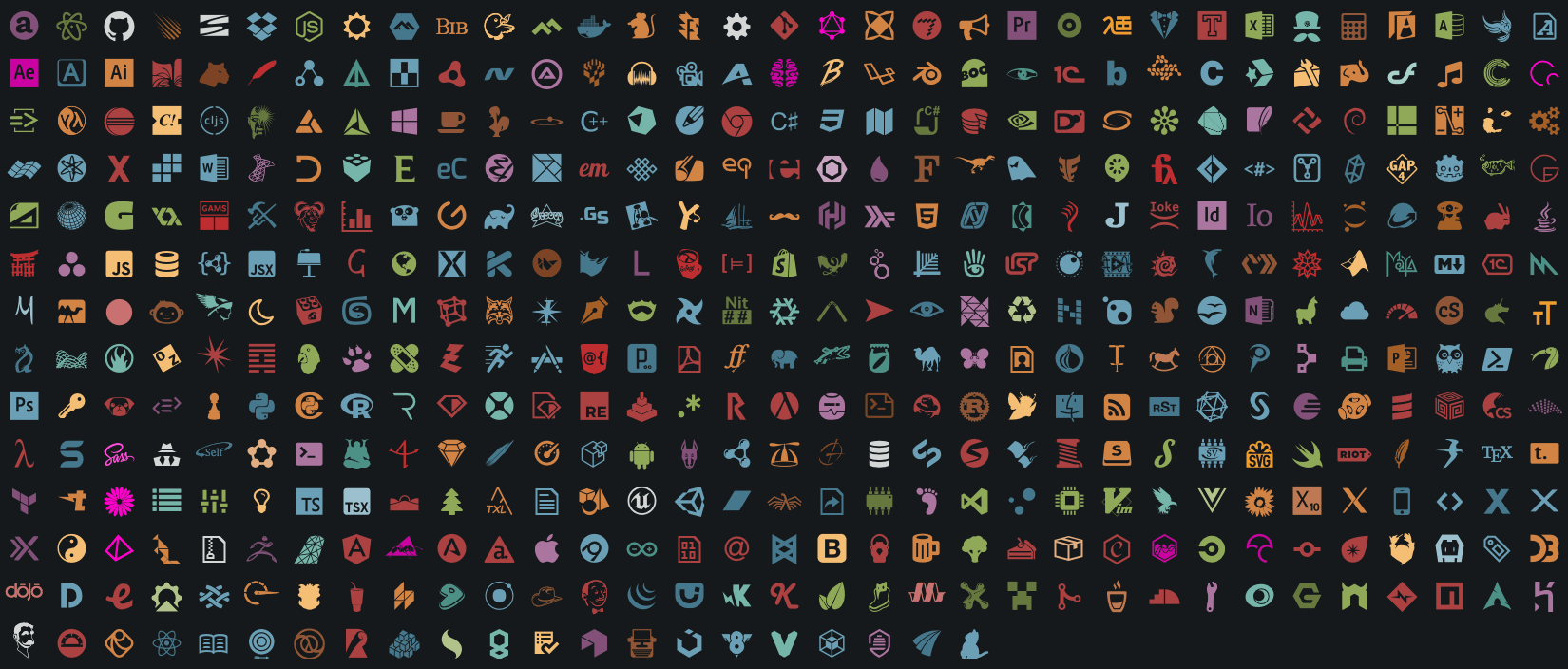
> File specific icons for the browser from Atom File-icons, https://github.com/file-icons/atom
[](https://websemantics.github.io/file-icons-js)
 ## Install
```bash
npm i code-icons
```
## Include CSS styles
```js
import 'code-icons/styles.css'
```
## Get `className`
```js
import icons from 'code-icons'
const className = icons.getClass('src/app.js')
const className = icons.getClassWithColor('README.md')
document.body.innerHTML += ``
```
## Resources
- [Atom File Icons](https://github.com/file-icons/atom), file specific icons for improved visual grepping.
- [Markdown Browser Plus](https://github.com/websemantics/markdown-browser-plus), Github flavoured, local file browser for markdown docs.
## Install
```bash
npm i code-icons
```
## Include CSS styles
```js
import 'code-icons/styles.css'
```
## Get `className`
```js
import icons from 'code-icons'
const className = icons.getClass('src/app.js')
const className = icons.getClassWithColor('README.md')
document.body.innerHTML += ``
```
## Resources
- [Atom File Icons](https://github.com/file-icons/atom), file specific icons for improved visual grepping.
- [Markdown Browser Plus](https://github.com/websemantics/markdown-browser-plus), Github flavoured, local file browser for markdown docs.