# c
## Project information
Write, view, edit and delete comments on files and directories, all from the command line.
Authored by [Djordje Lukic](lukic.djordje@gmail.com).
Original idea by [Jonovono](https://github.com/Jonovono/c).
---
## Installation
Install the module globally with `npm install c -g`.
---
## Commands
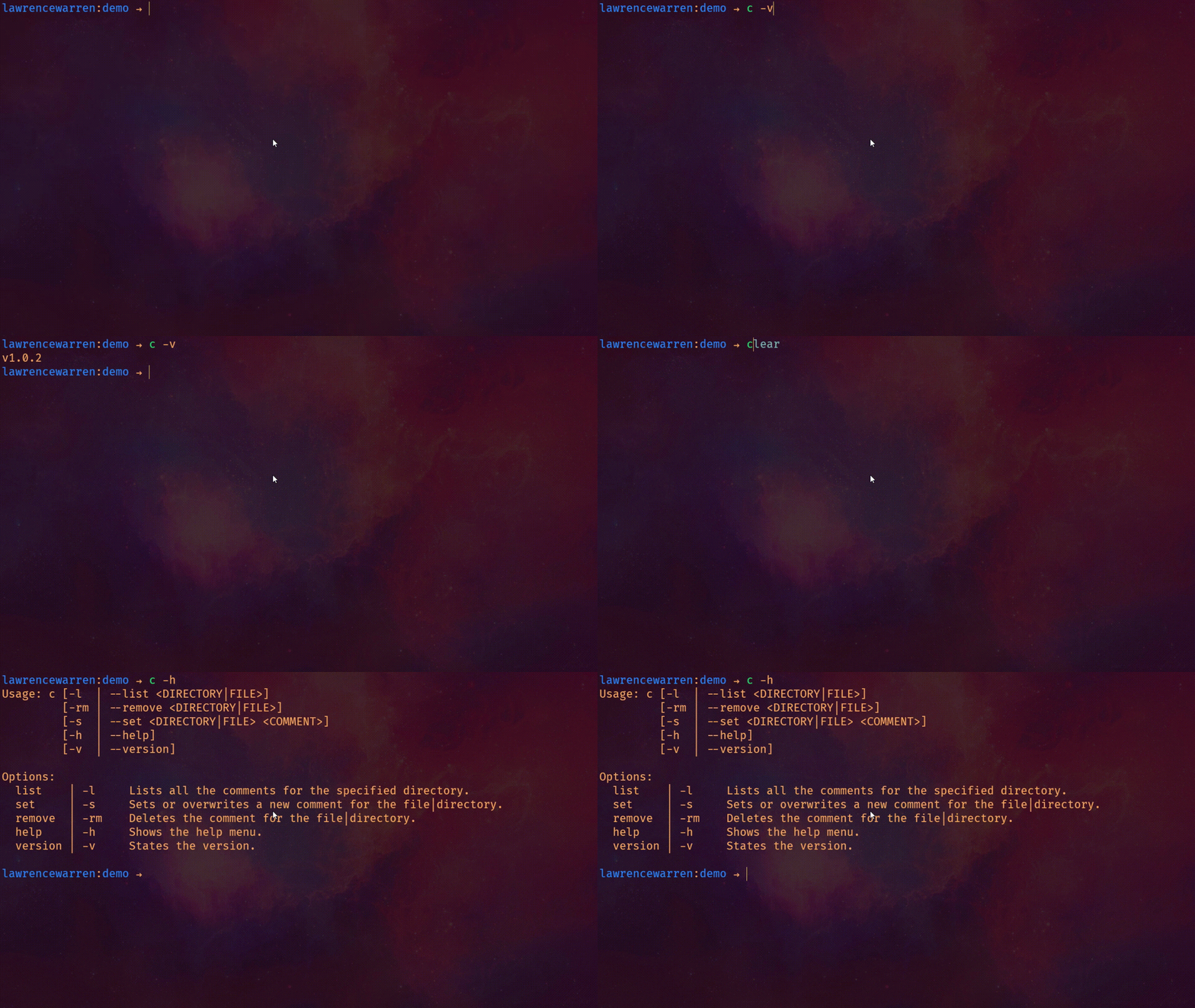
Usage: c [-l | list ]
[-rm | remove ]
[-s | set ]
[-h | help]
[-v | version]
Options:
list | -l Lists all the comments for the specified directory.
set | -s Sets or overwrites a new comment for the file|directory.
remove | -rm Deletes the comment for the file|directory.
help | -h Shows the help menu.
version | -v States the version.
---
## Usage
### `-s` or `set` **and** `-l` or `list`
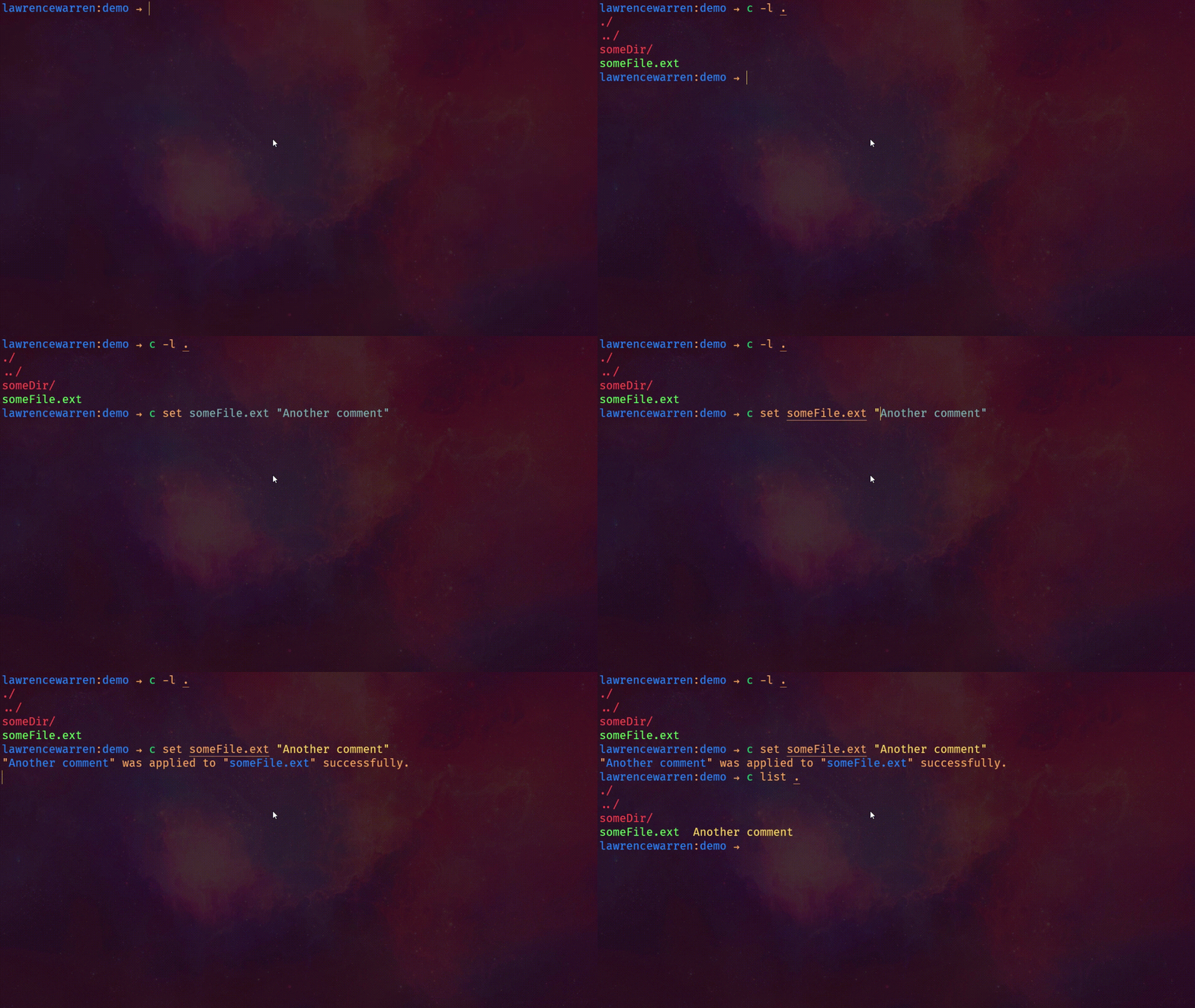
#### **Example:**
$ c set . "What a great utility!"
$ c list .
#### **Output:**
"What a great utility!" was applied to "." successfully.
./ What a great utility!
../
SomeDir/
SomeFile.ext
#### **Example:**
$ c -s someDir "Another comment"
$ c -l .
#### **Output:**
"Another comment" was applied to "someDir" successfully.
./ What a great utility!
../
SomeDir/ Another comment
SomeFile.ext
---
### `-rm` or `remove`
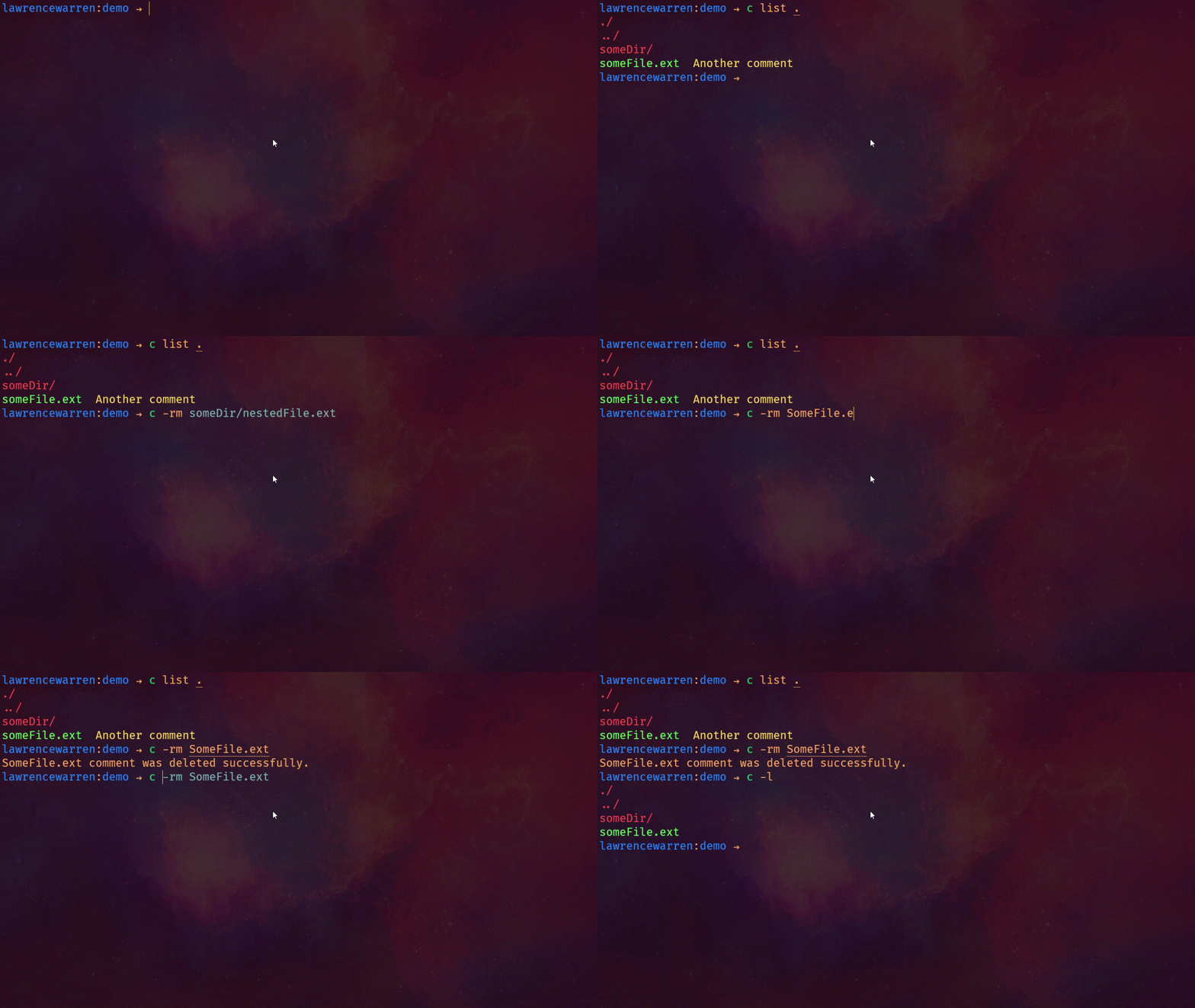
#### **Example:**
$ c remove someDir
$ c list .
#### **Output:**
someDir comment was deleted successfully.
./ What a great utility!
../
SomeDir/
SomeFile.ext
---
### `-v` or `version` **and** `-h` or `help`
---
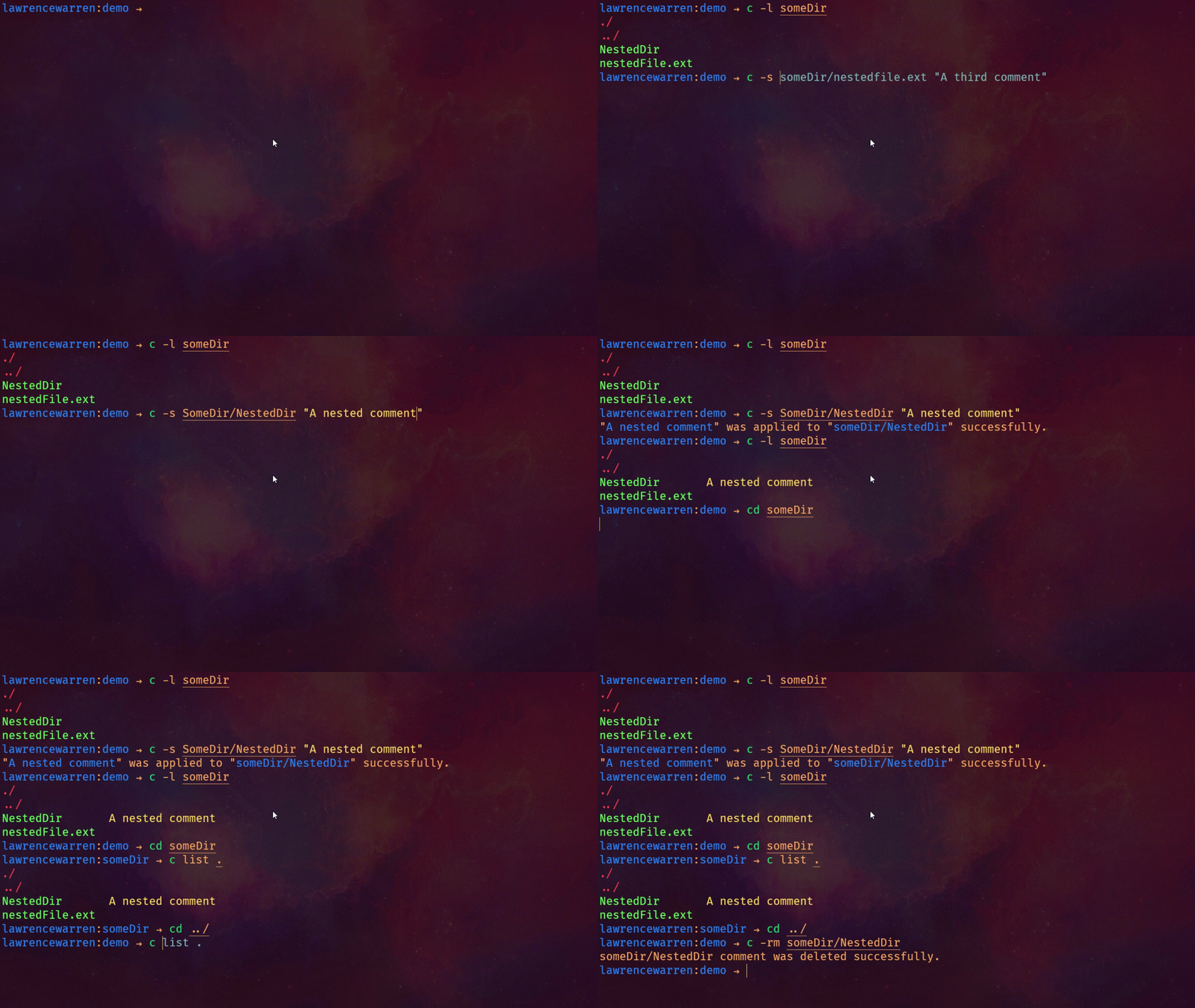
### Operating in child and parent directories
## Releasing
To release a new version of `c` simply do:
```
$ git tag -a vVERSION -m "Version VERSION"
# For example:
$ git tag -a v1.0.0 -m "Version 1.0.0"
```
This will create a new release on github and publish the package on npm
## License
MIT: http://rumpl.mit-license.org