# Braintree Web Drop-in React [](https://travis-ci.org/Cretezy/braintree-web-drop-in-react) [](https://www.npmjs.org/package/braintree-web-drop-in-react)
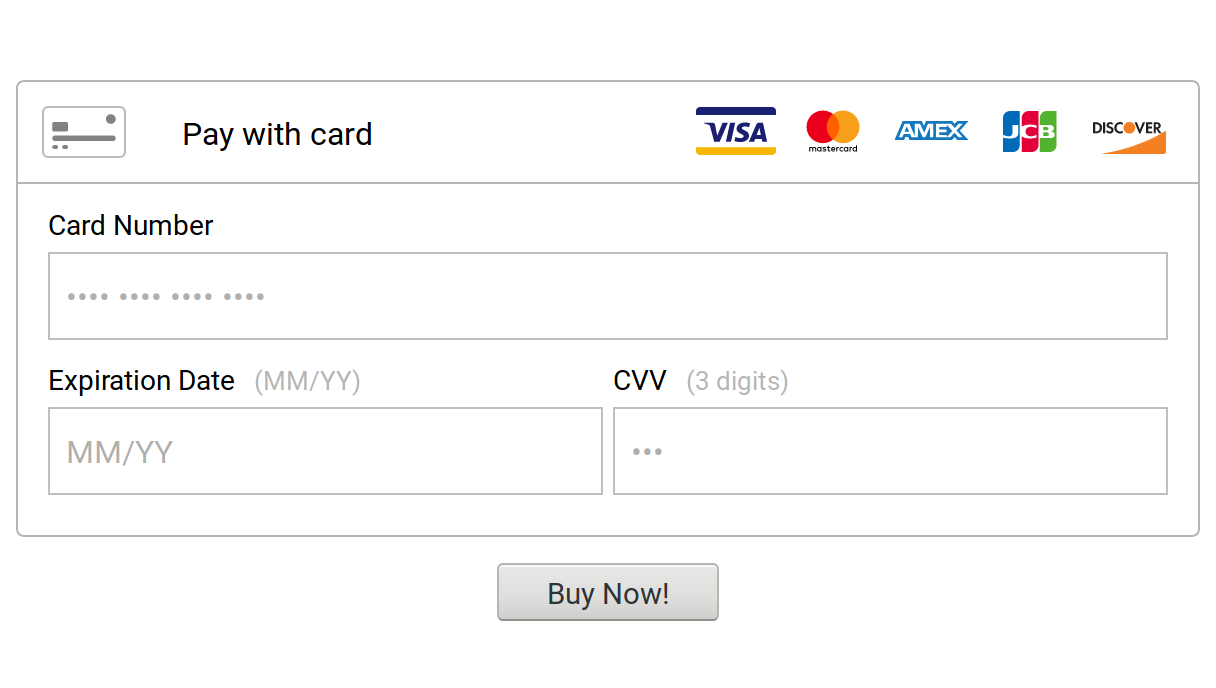
This is a React component that wraps braintree-web-drop-in (v3).
> Disclaimer: this is not an official Braintree module.
> For issues and information concerning `braintree-web-drop-in` or `braintree-web` in general, please see [`braintree/braintree-web-drop-in`](https://github.com/braintree/braintree-web-drop-in) and [`braintree/braintree-web`](https://github.com/braintree/braintree-web).
## Install
```bash
yarn add braintree-web-drop-in-react
# or
npm install braintree-web-drop-in-react
```
## Drop-In
### Complete example
```js
import React from "react";
import DropIn from "braintree-web-drop-in-react";
class Store extends React.Component {
instance;
state = {
clientToken: null,
};
async componentDidMount() {
// Get a client token for authorization from your server
const response = await fetch("server.test/client_token");
const clientToken = await response.json(); // If returned as JSON string
this.setState({
clientToken,
});
}
async buy() {
// Send the nonce to your server
const { nonce } = await this.instance.requestPaymentMethod();
await fetch(`server.test/purchase/${nonce}`);
}
render() {
if (!this.state.clientToken) {
return (
Loading...
);
} else {
return (
(this.instance = instance)}
/>
);
}
}
}
```
### Basic example
See [`example`](example/README.md).
## Props
### `options` (`object`, required)
Options to setup Braintree.
See [Drop-In options](https://braintree.github.io/braintree-web-drop-in/docs/current/module-braintree-web-drop-in.html#.create).
### `onInstance` (`function: instance`, optional)
Called with the Braintree Drop-In instance when done initializing.
You can call all regular [Drop-In methods](https://braintree.github.io/braintree-web-drop-in/docs/current/Dropin.html)
The `on` events are already listened to using `onNoPaymentMethodRequestable`,
`onPaymentMethodRequestable`, `onPaymentOptionSelected`. See below.
#### [`instance.requestPaymentMethod([callback])`: `[Promise]`](https://braintree.github.io/braintree-web-drop-in/docs/current/Dropin.html#requestPaymentMethod)
Requests a payment method object which includes the payment method nonce used by by the Braintree Server SDKs.
The structure of this payment method object varies by type: a [cardPaymentMethodPayload](https://braintree.github.io/braintree-web-drop-in/docs/current/Dropin.html#~cardPaymentMethodPayload)
is returned when the payment method is a card, a [paypalPaymentMethodPayload](https://braintree.github.io/braintree-web-drop-in/docs/current/Dropin.html#~paypalPaymentMethodPayload)
is returned when the payment method is a PayPal account.
If a payment method is not available, an error will appear in the UI. When a callback is used, an error will be passed to it. If no callback is used, the returned Promise will be rejected with an error.
Returns a Promise if no callback is provided.
#### [`instance.clearSelectedPaymentMethod()`](https://braintree.github.io/braintree-web-drop-in/docs/current/Dropin.html#clearSelectedPaymentMethod): `void`
Removes the currently selected payment method and returns the customer to the payment options view. Does not remove vaulted payment methods.
#### [`instance.isPaymentMethodRequestable()`](https://braintree.github.io/braintree-web-drop-in/docs/current/Dropin.html#isPaymentMethodRequestable): `boolean`
Returns a boolean indicating if a payment method is available through requestPaymentMethod.
Particularly useful for detecting if using a client token with a customer ID to show vaulted payment methods.
#### [`instance.updateConfiguration(property, key, value)`](https://braintree.github.io/braintree-web-drop-in/docs/current/Dropin.html#updateConfiguration): `void`
Modify your configuration initially set in `options`. Can be used for any paypal or paypalCredit property.
If updateConfiguration is called after a user completes the PayPal authorization flow, any PayPal accounts not stored in the Vault record will be removed.
### `onError` (`function: error`, optional)
Called when creating the instance throws an error.
> Note: This doesn't propage up to React's error bounderies. If this is the desired behavior, rethrow the error inside your `onError` handler
### `onNoPaymentMethodRequestable`, `onPaymentMethodRequestable`, `onPaymentOptionSelected` (`function: void/payload`, optional)
Ran for [events](https://braintree.github.io/braintree-web-drop-in/docs/current/Dropin.html#on).
- [`onNoPaymentMethodRequestable`](https://braintree.github.io/braintree-web-drop-in/docs/current/Dropin.html#event:paymentMethodRequestable)
- [`onPaymentMethodRequestable`](https://braintree.github.io/braintree-web-drop-in/docs/current/Dropin.html#event:noPaymentMethodRequestable)
- [`onPaymentOptionSelected`](https://braintree.github.io/braintree-web-drop-in/docs/current/Dropin.html#event:paymentOptionSelected)
### `preselectVaultedPaymentMethod` (`boolean`, default: `true`)
Whether to initialize with a vaulted payment method pre-selected.
Only applicable when using a client token with a customer with saved payment methods.
> Note: This prop is deprecated and will be removed in v2. Simply place this prop inside your `options` instead.
## Package size
Since this depends on `braintree-web-drop-in`, this can be a [quite large package](https://bundlephobia.com/result?p=braintree-web-drop-in-react) (324.5 kB minified). This package alone is only ~3 kB.
To avoid loading all this code when not used, it is **strongly recommended** to dynamically import it using `import()`. Using [`@loadable/component`](https://www.npmjs.com/package/@loadable/component) or [`react-loadable`](https://www.npmjs.com/package/react-loadable) can make this quite simple.
> This is an maintainted and updated rewrite of [jeffcarp/braintree-react](https://github.com/jeffcarp/braintree-react).