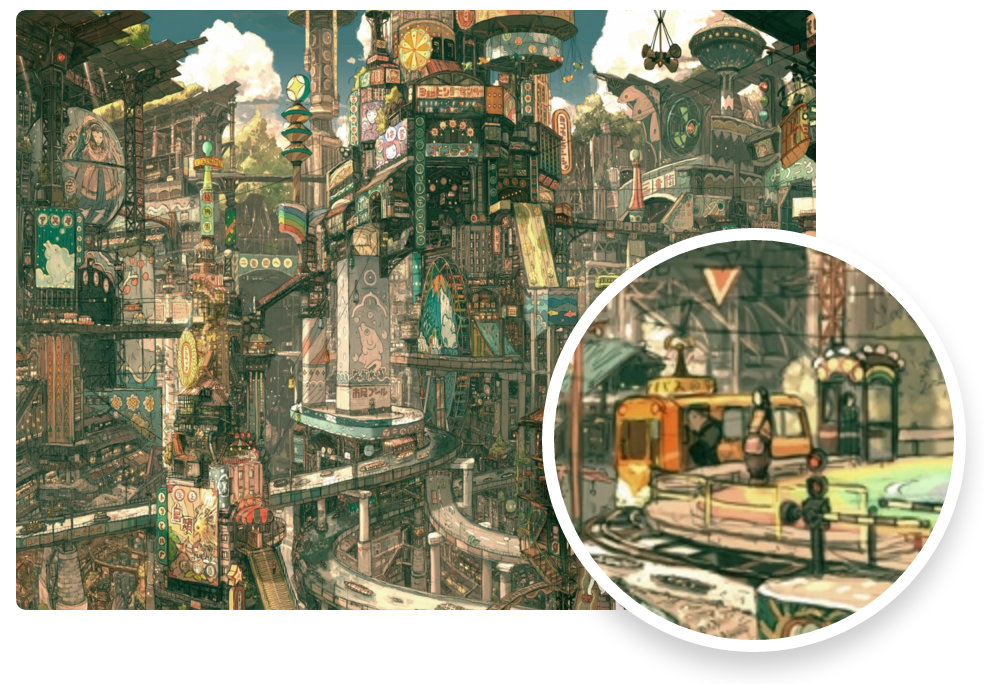
 Usage
-----
You can install blowup through npm:
```bash
$ npm install blowup
```
or through bower:
```bash
$ bower install blowup
```
Alternatively, download the package and reference the `blowup.js` file in your HTML file.
Ensure you have included the latest stable jQuery version before including `blowup.js`.
```html
```
Then, apply the blowup effect to your image.
```javascript
$(document).ready(function () {
$("img").blowup();
})
```
Configuration Parameters
------------------------
Listed are the customization options that `blowup.js` allows.
Usage
-----
You can install blowup through npm:
```bash
$ npm install blowup
```
or through bower:
```bash
$ bower install blowup
```
Alternatively, download the package and reference the `blowup.js` file in your HTML file.
Ensure you have included the latest stable jQuery version before including `blowup.js`.
```html
```
Then, apply the blowup effect to your image.
```javascript
$(document).ready(function () {
$("img").blowup();
})
```
Configuration Parameters
------------------------
Listed are the customization options that `blowup.js` allows.
| Parameter | Purpose | Default |
|---|---|---|
| round | If you want the magnification lens to be round. Setting this to false will give you a square lens. |
true |
| width | Lens Width in pixels. | 200 |
| height | Lens height in pixels. | 200 |
| background | Color for background (will be visible on image edges). | "#FFF" |
| shadow | CSS style for lens shadow. | "0 8px 17px 0 rgba(0, 0, 0, 0.2)" |
| border | CSS style for lens border. | "6px solid #FFF" |
| cursor | Set to false if you do not want the crosshair cursor visible. | true |
| zIndex | z-index value of the lens. | 999999 |
| scale | Scale factor for zoom. | 1 |
| customClasses | Additional CSS classes to add to the magnification (separated by spaces). | "" |