# bpk-component-text-input
> Backpack React Native text input component.
## Text inputs
| Day | Night |
| --- | --- |
| 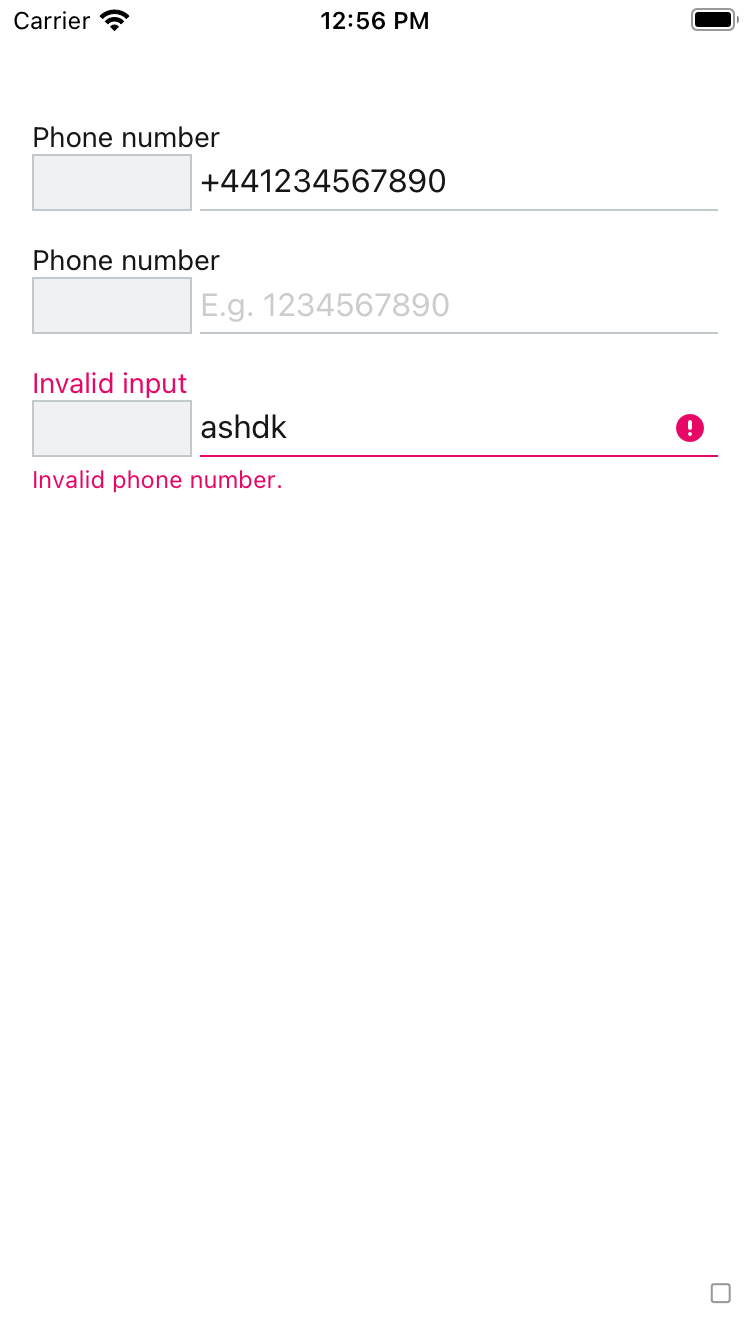 |
| 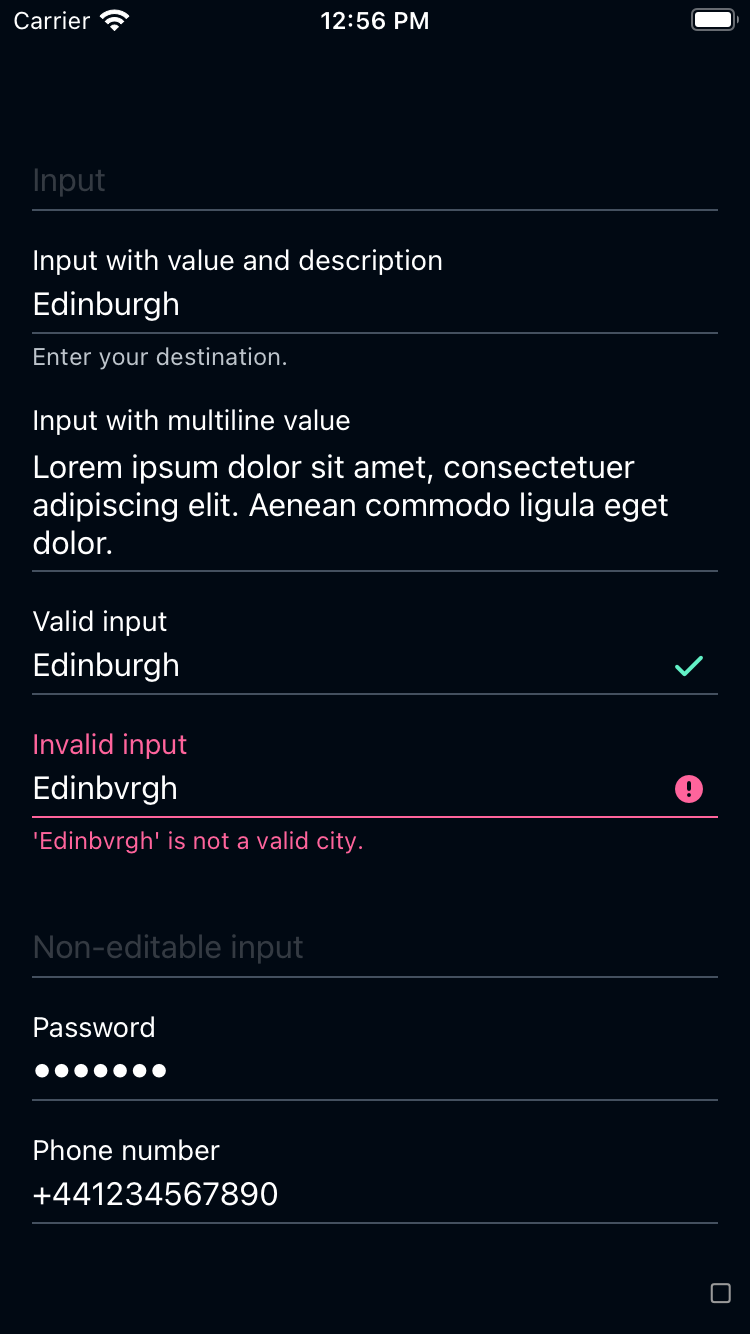 |
|
|
| 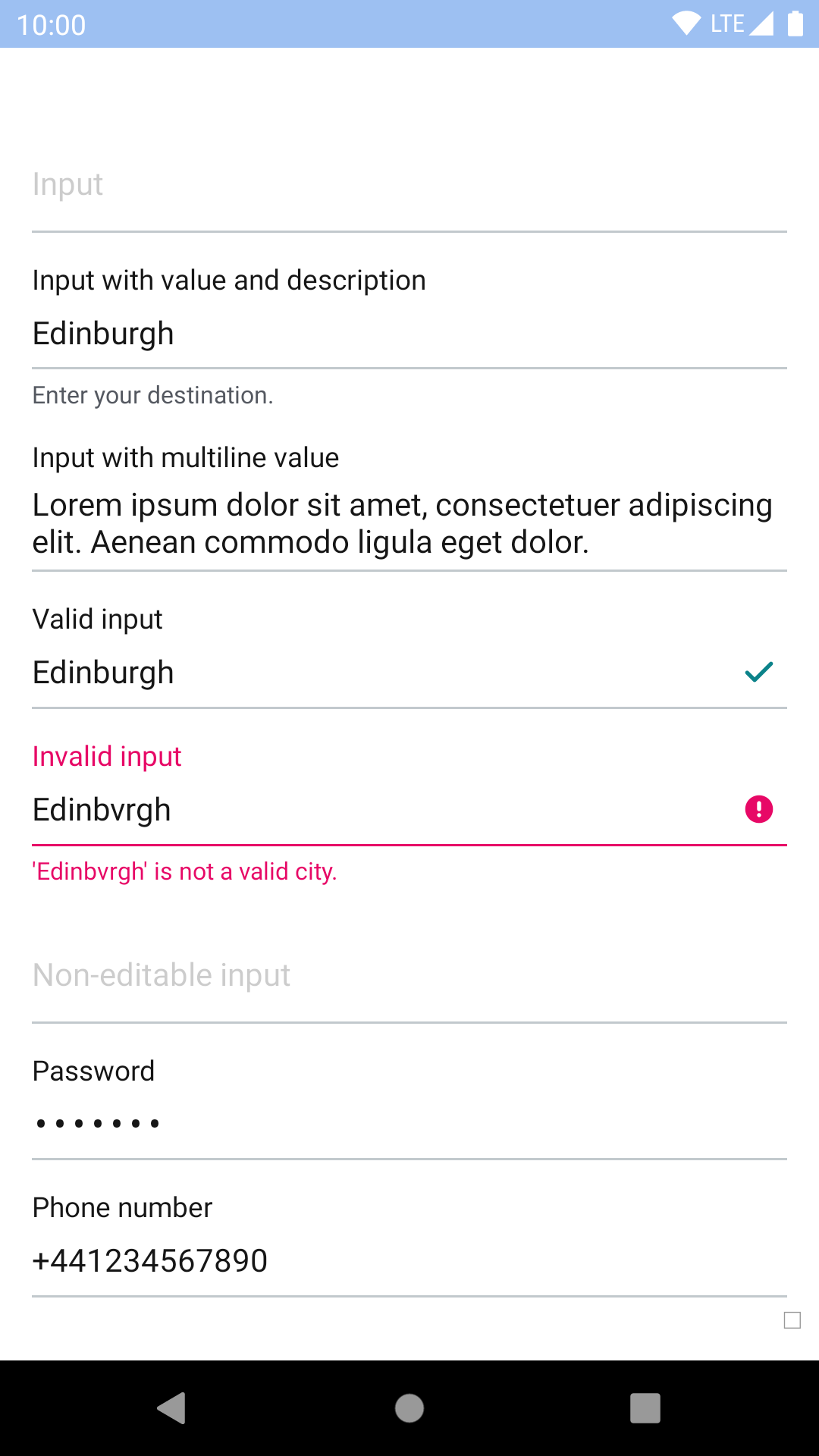 |
| 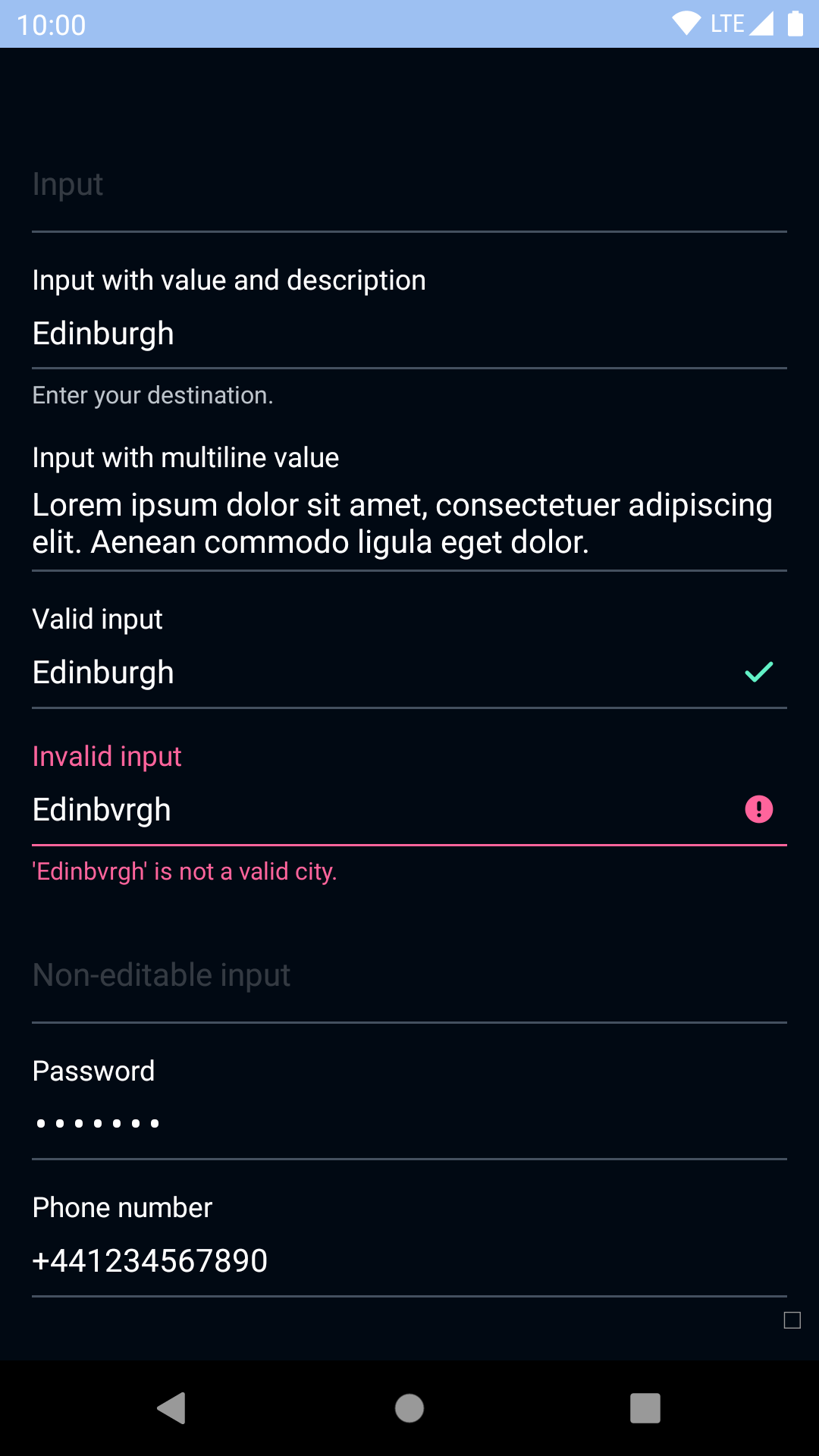 |
## Text inputs with accessory view
| Day | Night |
| --- | --- |
|
|
## Text inputs with accessory view
| Day | Night |
| --- | --- |
| 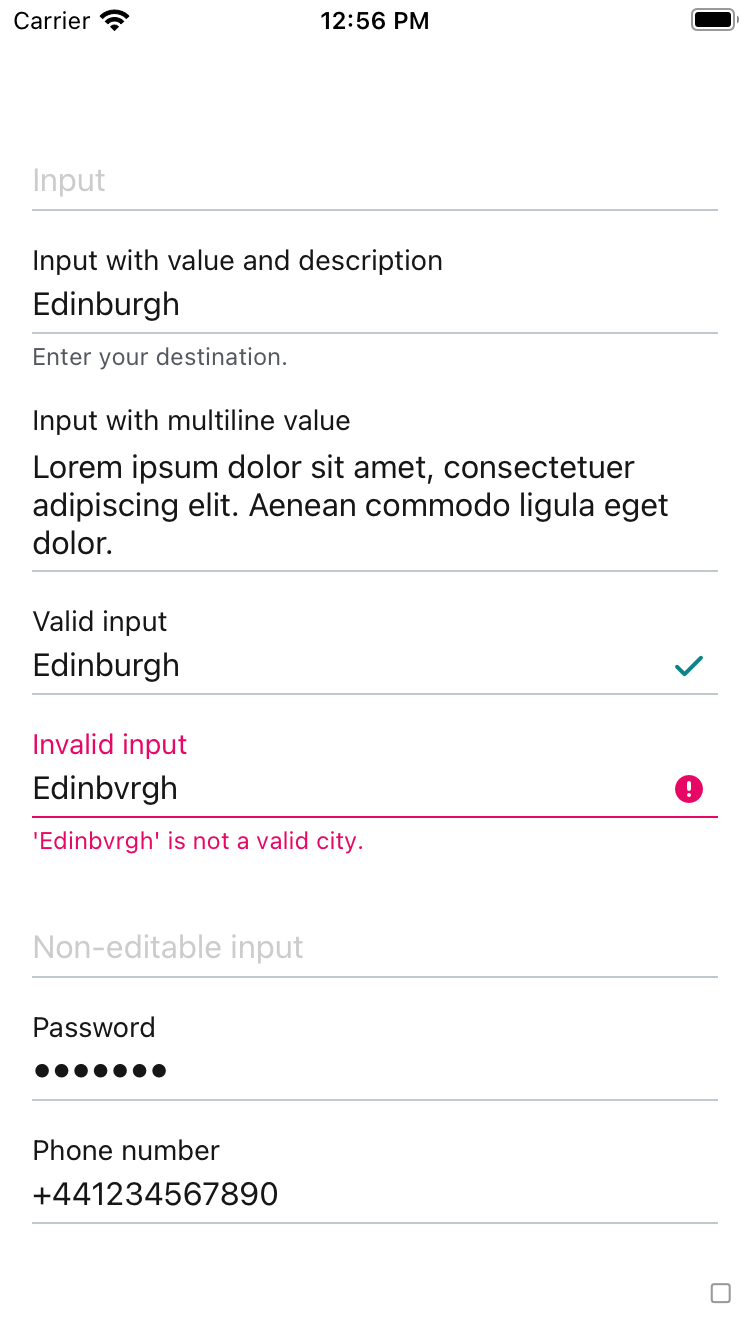 |
| 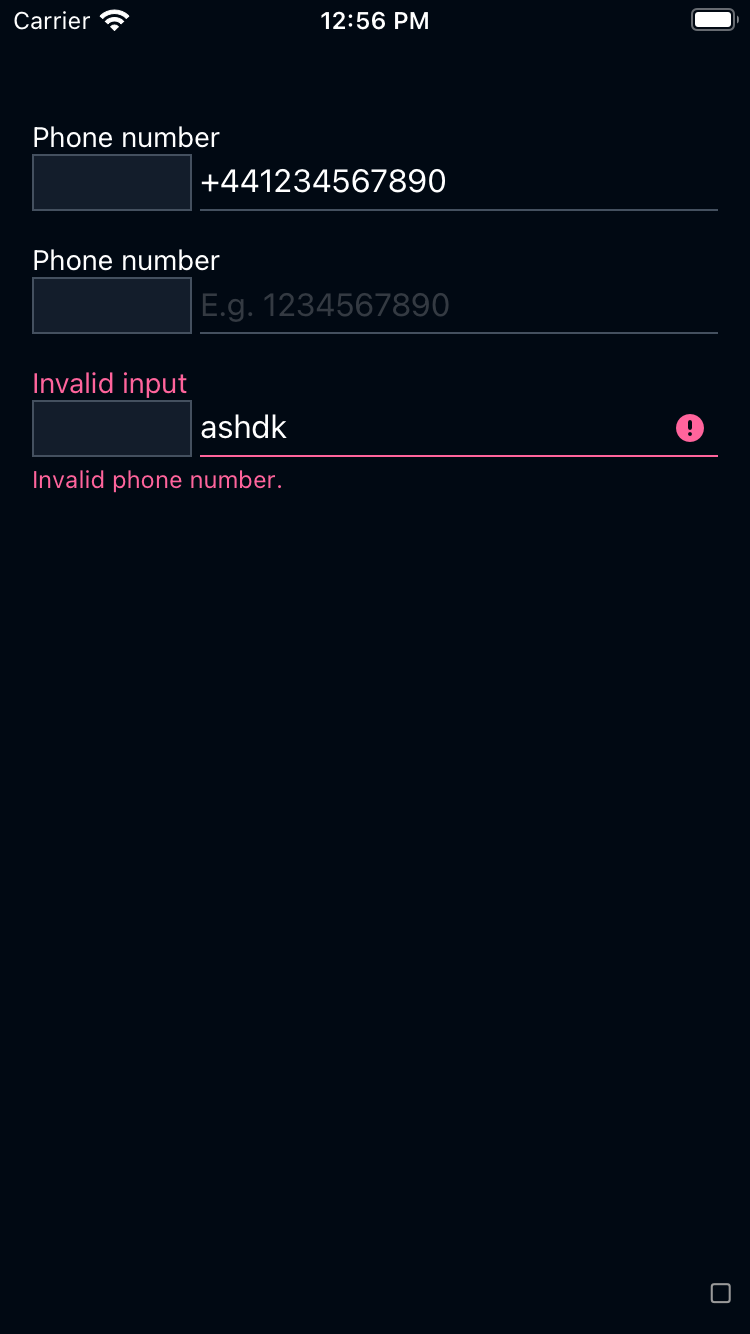 |
|
|
| 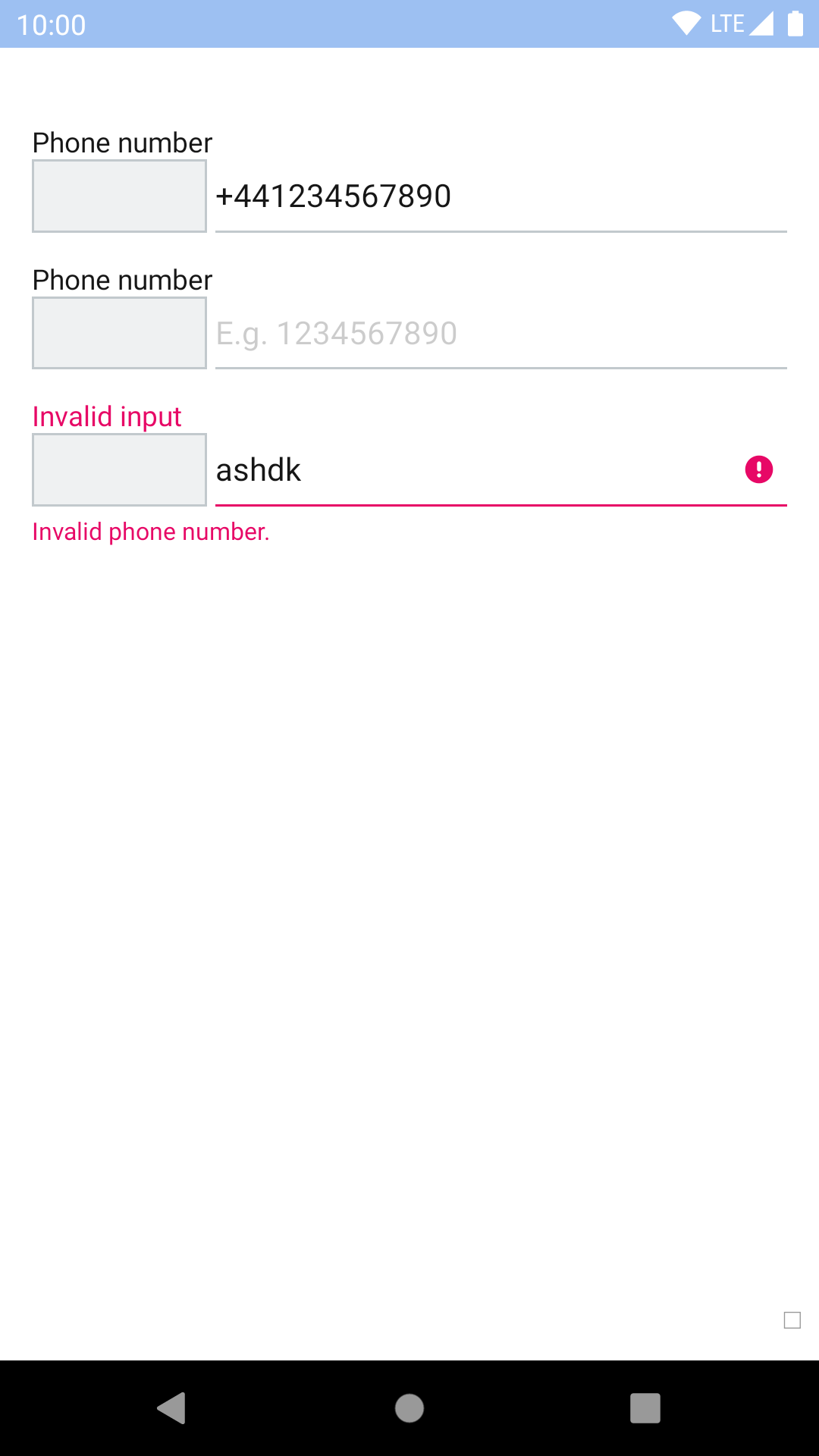 |
| 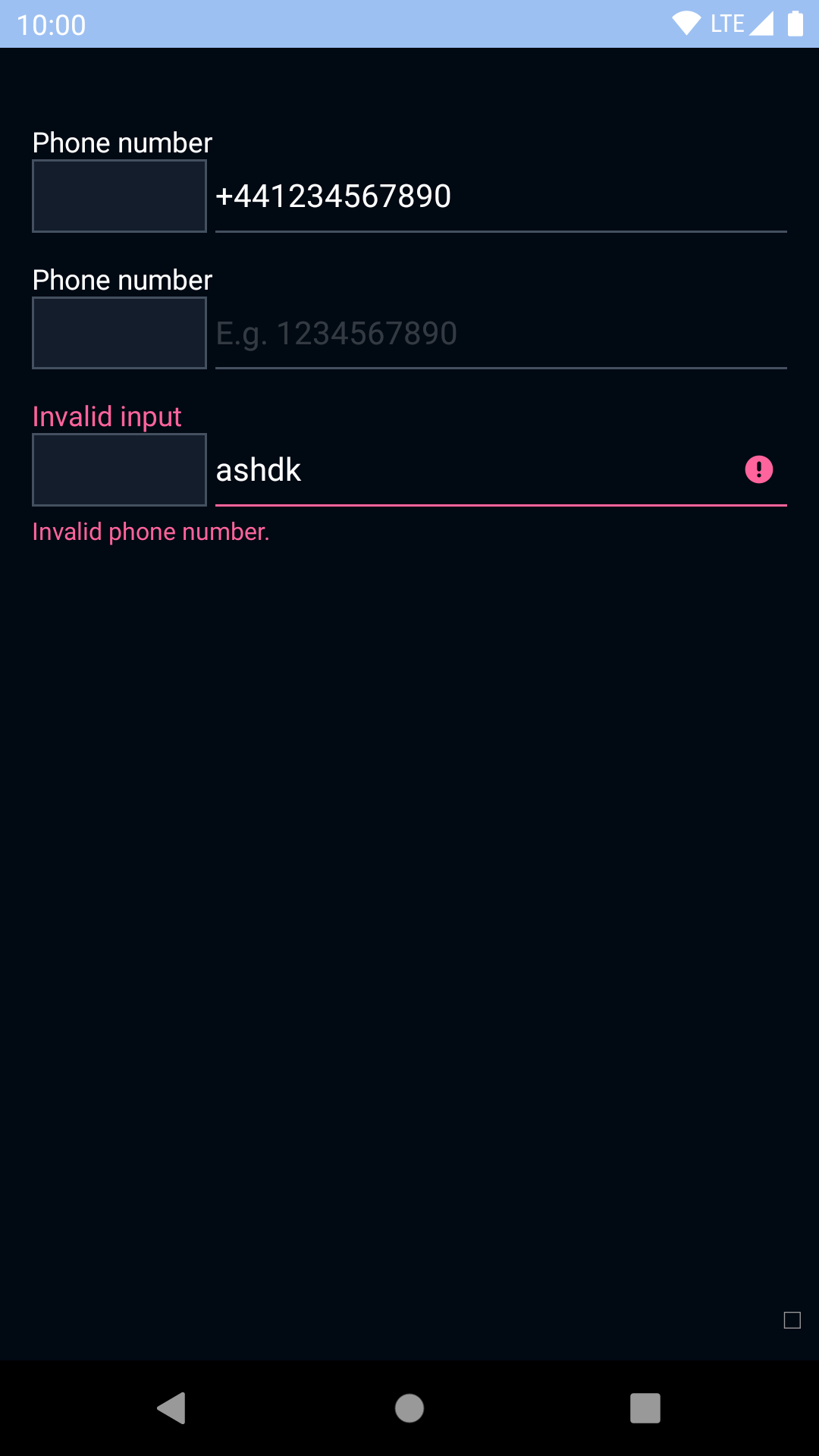 |
## Installation
Check the main [Readme](https://github.com/skyscanner/backpack-react-native#usage) for a complete installation guide.
## Usage
```js
import React, { Component } from 'react';
import { View, StyleSheet } from 'react-native';
import BpkTextInput from 'backpack-react-native/bpk-component-text-input';
import { spacingBase } from '@skyscanner/bpk-foundations-react-native/tokens/base.react.native';
const styles = StyleSheet.create({
container: {
flex: 1,
justifyContent: 'center',
padding: spacingBase,
},
input: {
marginBottom: spacingBase,
}
});
export default class App extends Component {
render() {
return (
);
}
}
```
## Props
| Property | PropType | Required | Default Value |
| --------------------------- | ----------------------------------------------------------- | -------- | ------------- |
| label | string | true | - |
| value | string | true | - |
| clearButtonMode (iOS only) | oneOf('never', 'while-editing', 'unless-editing', 'always') | false | while-editing |
| description | string | false | null |
| editable | bool | false | true |
| mask | string | false | null |
| inputRef | func | false | null |
| valid | oneOf(true, false, null) | false | null |
| validationMessage | string | false | null |
| style | style | false | null |
| accessoryView | node | false | null |
## Mask
More details about how to use and define a mask can be found here: https://github.com/benhurott/tinymask
## Theme Props
### Required
* `textInputFocusedColor`
### Optional
* `textFontFamily`
|
## Installation
Check the main [Readme](https://github.com/skyscanner/backpack-react-native#usage) for a complete installation guide.
## Usage
```js
import React, { Component } from 'react';
import { View, StyleSheet } from 'react-native';
import BpkTextInput from 'backpack-react-native/bpk-component-text-input';
import { spacingBase } from '@skyscanner/bpk-foundations-react-native/tokens/base.react.native';
const styles = StyleSheet.create({
container: {
flex: 1,
justifyContent: 'center',
padding: spacingBase,
},
input: {
marginBottom: spacingBase,
}
});
export default class App extends Component {
render() {
return (
);
}
}
```
## Props
| Property | PropType | Required | Default Value |
| --------------------------- | ----------------------------------------------------------- | -------- | ------------- |
| label | string | true | - |
| value | string | true | - |
| clearButtonMode (iOS only) | oneOf('never', 'while-editing', 'unless-editing', 'always') | false | while-editing |
| description | string | false | null |
| editable | bool | false | true |
| mask | string | false | null |
| inputRef | func | false | null |
| valid | oneOf(true, false, null) | false | null |
| validationMessage | string | false | null |
| style | style | false | null |
| accessoryView | node | false | null |
## Mask
More details about how to use and define a mask can be found here: https://github.com/benhurott/tinymask
## Theme Props
### Required
* `textInputFocusedColor`
### Optional
* `textFontFamily`